GrapheneOS vs stock Android — same phone, very different data model
Run them on the identical Pixel and the hardware is the same. What changes is who holds a privileged seat inside your device. Stock Android hands that seat to Google Play services by default; GrapheneOS takes it back and gives you the switch. Here is the honest, technical difference.
Judge the handover.
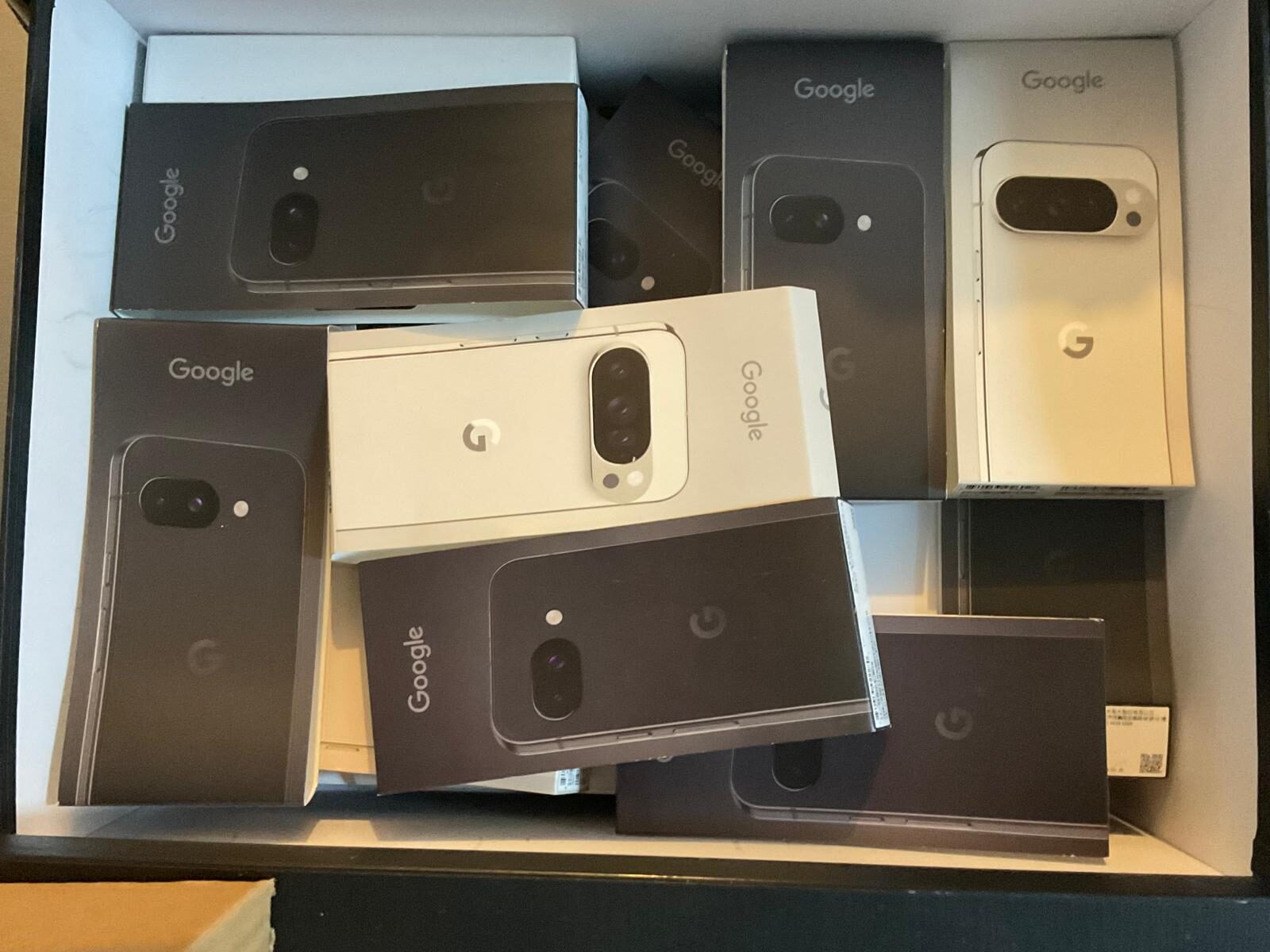
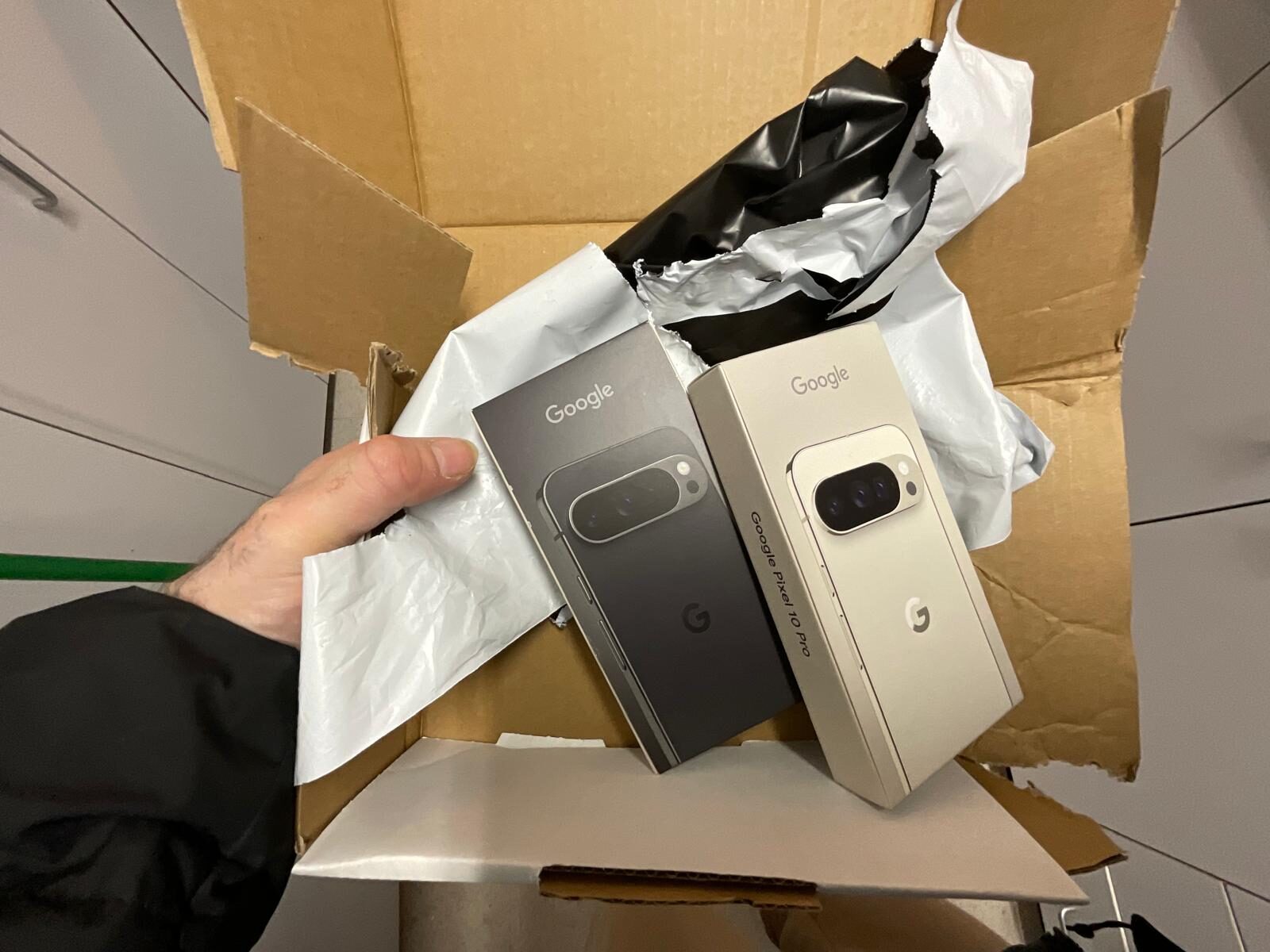
Most sellers can talk about GrapheneOS. The visible difference is the prepared hardware, the provisioning work, the checks and the packaging before it reaches the buyer.
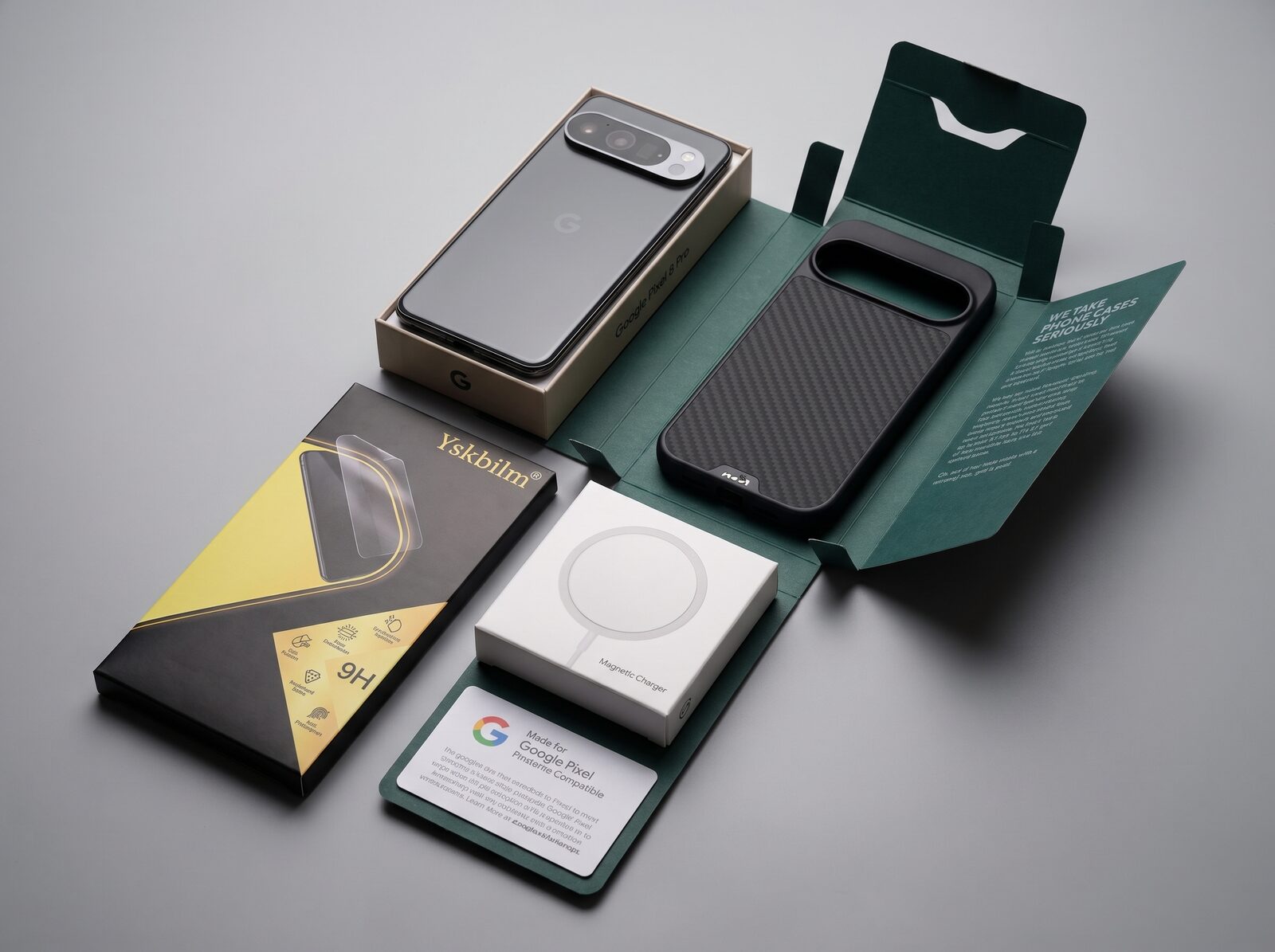
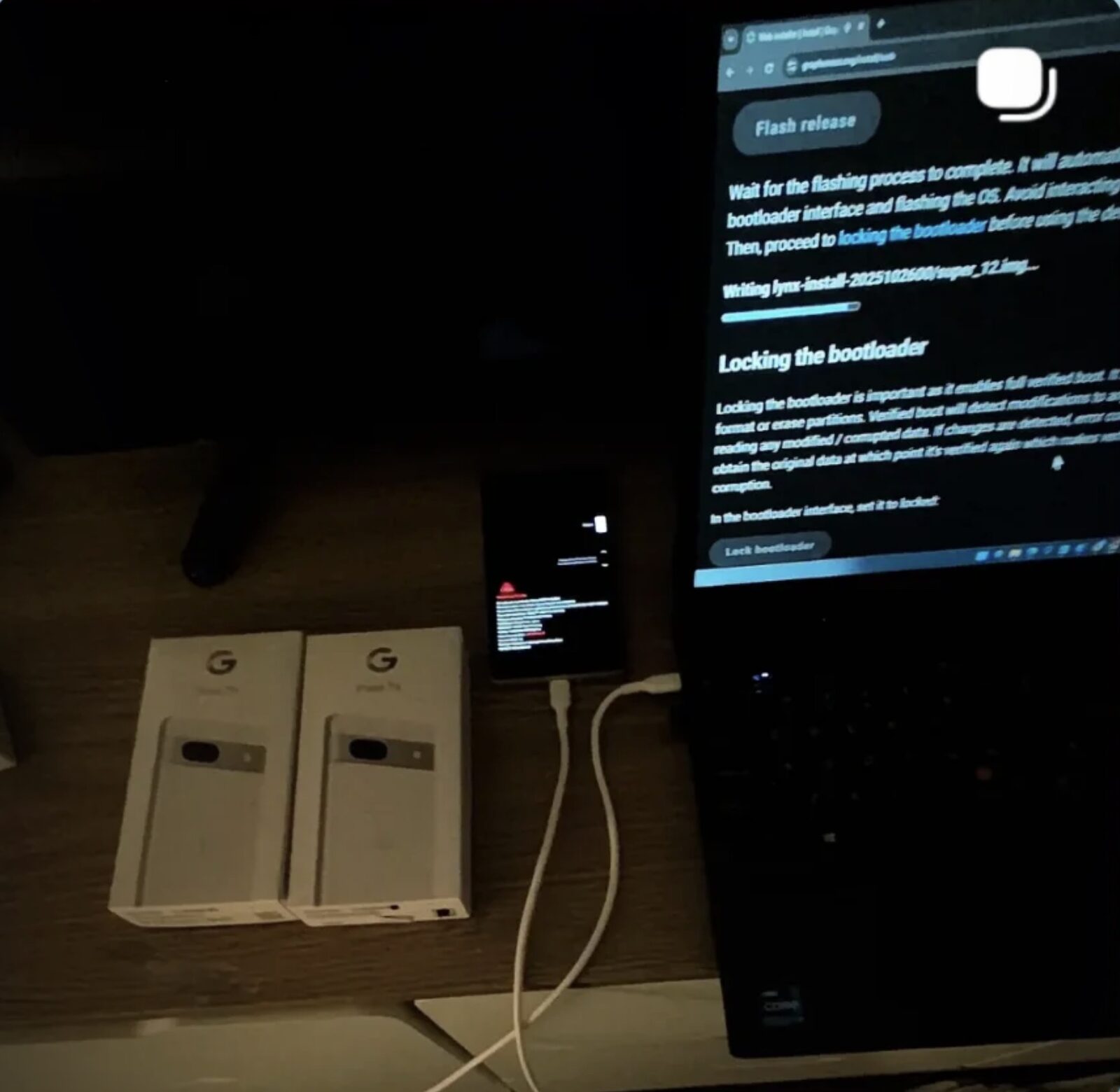
Stock Pixel Android is a genuinely well-secured operating system — but Google Play services run with system-level privileges you cannot revoke, and telemetry is on by default. GrapheneOS runs the same apps through a sandboxed Google Play with no special privileges, adds per-app network and sensor permissions, and lets you verify the system with your own key. Same hardware, control returned to you.
Last updated 14 September 2026.
GrapheneOS vs stock Android at a glance
| GrapheneOS | Stock Pixel Android | |
|---|---|---|
| Google Play services | Optional · sandboxed · no system privileges | System component · privileged · always present |
| Default telemetry to Google | None | On by default |
| Per-app network permission | Yes — revoke internet per app | No |
| Per-app sensor permission | Yes — mic, camera, sensors per app | Partial |
| Hardened memory allocator & kernel | Yes | Standard |
| Verified boot with your control | Relocked with GrapheneOS key | Locked to Google's image |
| Duress PIN & auto-reboot | Yes (Phantom Protocol) | No |
| Multiple isolated user profiles | Yes — strong isolation | Basic |
| Runs your normal apps | Yes (sandboxed Play) | Yes |
| Open source & independently verifiable | Yes | Closed Google build |
What stock Android already does well
This is not a page that pretends a stock Pixel is insecure. It is not. Google's Pixels ship with verified boot, a hardware root of trust in the Titan security chip, filesystem-based encryption, regular monthly security patches, and a long update commitment. Against an ordinary thief or a malicious app, a stock Pixel defends itself well.
The question this page answers is narrower and more important for a privacy buyer: once the outside attacker is handled, who inside the device still has privileged access to your data — and can you turn it off?
The core difference: privileged vs sandboxed Google Play
On stock Android, Google Play services are a system component. They run with elevated privileges, are deeply integrated, and cannot be fully removed or contained without breaking the phone. That component has broad reach across the device and is on the data path by default.
On GrapheneOS, you can install the exact same Google Play — but it runs as an ordinary, sandboxed app with no special privileges, subject to the same permission controls as everything else. Your banking and everyday apps still work; the difference is that Play no longer holds a system-level seat. This one architectural change is the heart of the comparison.
Where stock Android stops matching a privacy need
- You cannot evict Google Play from the system. On stock, the privileged component stays. On GrapheneOS, it is optional and sandboxed.
- Telemetry is opt-out, not opt-in. A stock device phones home by default across several services; GrapheneOS ships with no Google connectivity unless you choose to add it.
- No network kill switch per app. Stock Android cannot stop an individual app from reaching the internet. GrapheneOS can — a genuinely useful control for locking down an app that has no business talking to a server.
- No duress layer. Stock has no duress PIN and no auto-reboot back to the strongest encrypted state. GrapheneOS adds both through Phantom Protocol.
- You trust a closed image. Stock Android is a closed Google build; GrapheneOS is open source and can be independently verified.
What you do not give up
The common fear is that leaving stock Android means losing your apps. In practice you keep them. Sandboxed Google Play means the Play Store, most banking apps, maps, rideshare and messaging install and run normally — see GrapheneOS banking apps in Australia and our best GrapheneOS apps guide. What you leave behind is the privileged, always-on Google layer — not the software you actually use. Coming from an iPhone instead? The move is just as clean: see iPhone to GrapheneOS.
The simplest way to make the switch
You can flash GrapheneOS yourself — it is a well-documented, officially supported process. But most people want the result, not the project. We prepare a Pixel end to end: GrapheneOS installed and hardened, bootloader relocked, Phantom Protocol armed, Mullvad VPN, Threema and a global eSIM provisioned, and the whole device verified before dispatch. Weigh both paths on our prepared vs DIY flashing page, then compare the configured GrapheneOS phone range, the current de-Googled phone range and compatibility trade-offs, or let the Device Finder pick for you.
GrapheneOS vs stock Android — FAQ
Is stock Android insecure?
No. A stock Pixel is a well-secured phone with verified boot, a hardware root of trust, encryption and regular patches. The difference GrapheneOS makes is about privacy and control — chiefly that Google Play runs sandboxed rather than as a privileged system component, and that telemetry is off by default.
Will my apps still work on GrapheneOS?
In almost all cases, yes. GrapheneOS supports sandboxed Google Play, so the Play Store and the great majority of apps — including most banking apps, maps and messaging — install and run normally. The difference is that Google Play no longer holds system-level privileges.
What is the single biggest difference between GrapheneOS and stock Android?
Google Play services. On stock Android they are a privileged system component you cannot remove or contain. On GrapheneOS they are optional and sandboxed, running as an ordinary app with no special privileges and subject to the same permission controls as everything else.
Does GrapheneOS send data to Google by default?
No. GrapheneOS ships with no Google connectivity or telemetry unless you choose to install sandboxed Google Play. A stock Android device, by contrast, communicates with several Google services by default.
Can I get per-app internet control on stock Android?
Not natively. Stock Android has no built-in way to revoke internet access from an individual app. GrapheneOS adds a per-app network permission, so you can stop a specific app from reaching the internet entirely.
Do I have to flash it myself?
No. Flashing GrapheneOS yourself is officially supported and well documented, but we also supply Pixels with GrapheneOS installed, hardened and verified before dispatch — armed with Phantom Protocol and provisioned with a VPN, Threema and a global eSIM.
Same phone. Your data, back under your control.
A hardened GrapheneOS Pixel — Play sandboxed, telemetry off, per-app control on — configured and verified before it ships. 12-month warranty. Crypto accepted.
Browse Prepared Devices → Learn about GrapheneOS