WhatsApp vs Private Messaging on GrapheneOS
WhatsApp uses end-to-end encryption for message content — but Meta owns it and collects extensive metadata. Here's what that means in practice, and what GrapheneOS users use instead.
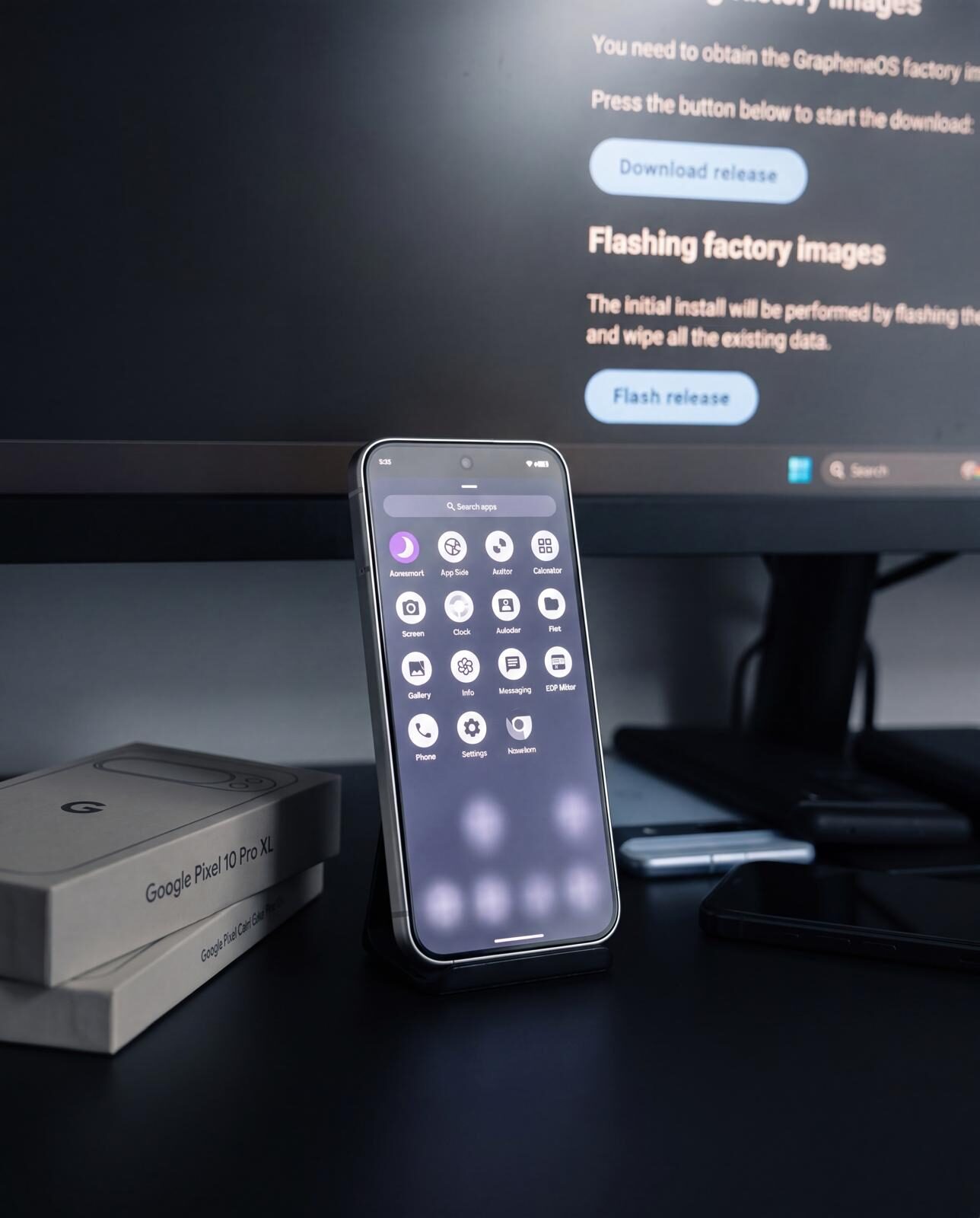
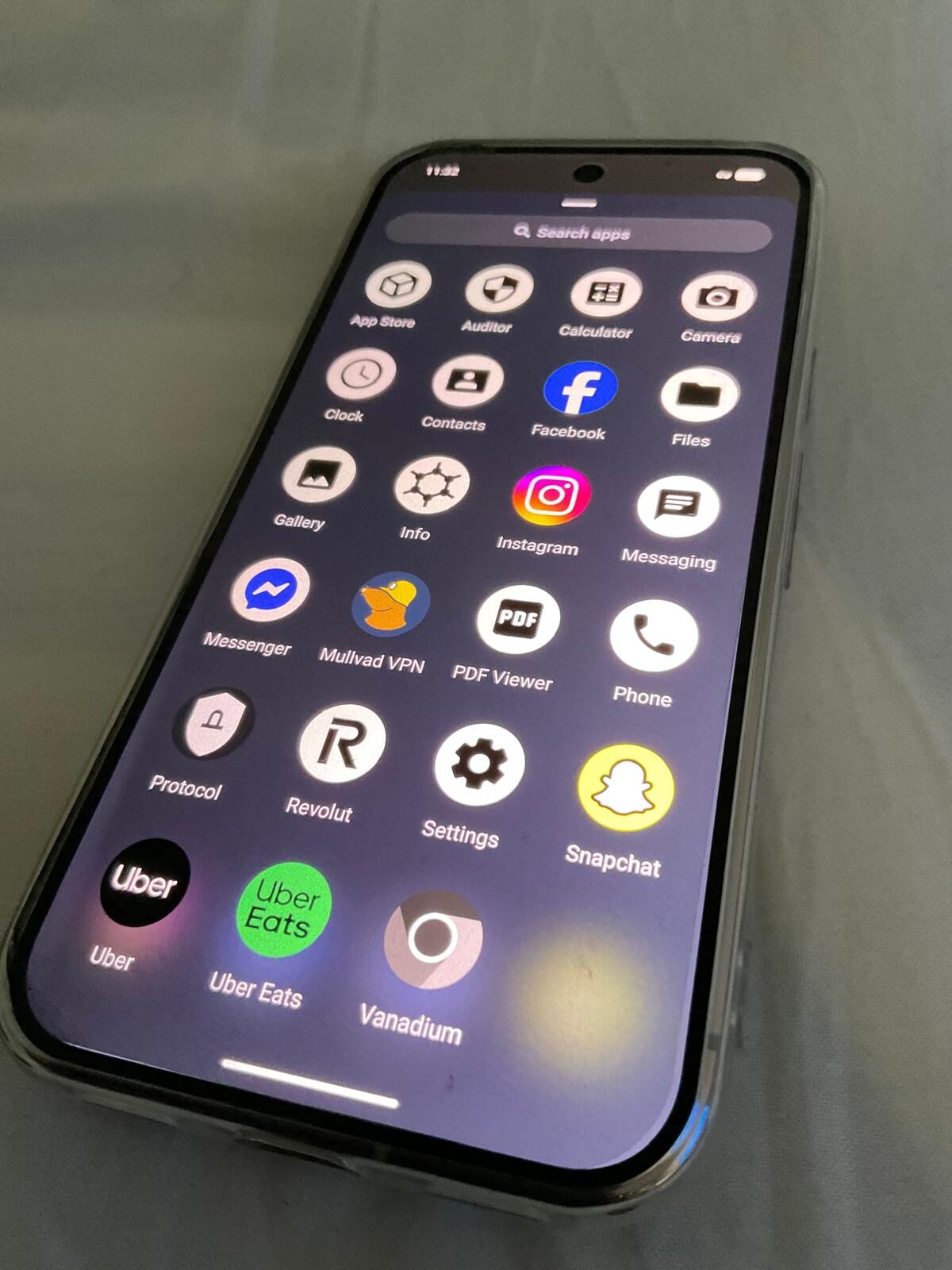
The private stack, on screen.
Encrypted messaging only works when the apps, profiles, contacts and network path are configured together. The point is a working communication setup, not a list of app names.
What WhatsApp does and doesn't protect
WhatsApp messages are end-to-end encrypted using the Signal Protocol — the gold standard for message encryption. This means WhatsApp's servers cannot read your messages. However, Meta collects significant metadata: who you contact, how often, at what times, on what device, and from what IP address.
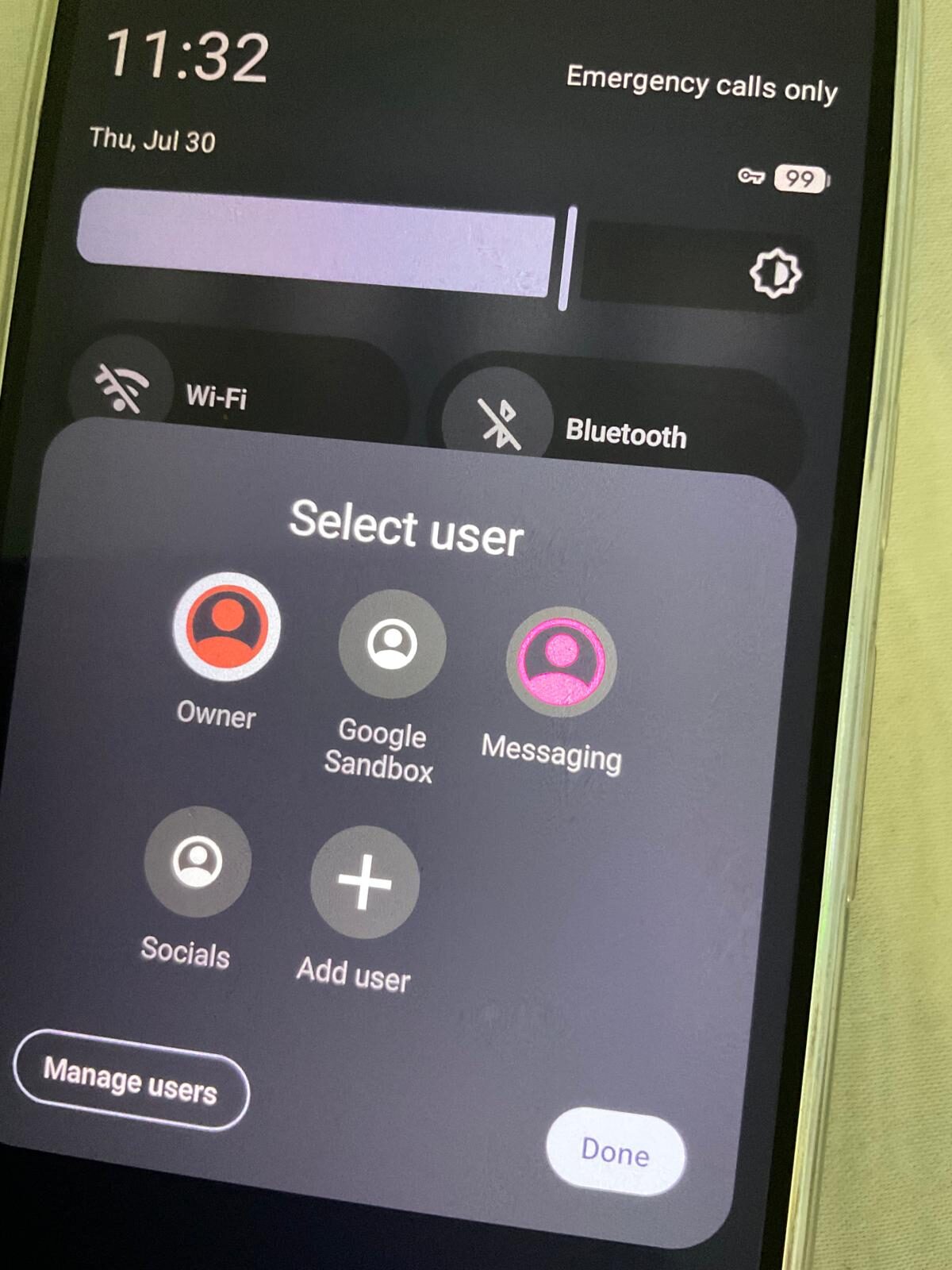
On stock Android, WhatsApp also has broad access to contacts, storage, and device identifiers. On GrapheneOS with Sandboxed Google Play in an isolated profile, you can restrict some of that local access — but the metadata WhatsApp reports to Meta's servers is not affected by GrapheneOS.
WhatsApp on GrapheneOS — technical reality
WhatsApp requires Google Play Services. On GrapheneOS you can run it inside a Sandboxed Google Play work profile, which isolates it from the rest of your device. This is meaningfully better than stock Android — WhatsApp cannot access your main profile's contacts or files. But it still needs Play Services running in that profile.
Most GrapheneOS users who need to remain reachable on WhatsApp use this sandboxed approach as a compromise — WhatsApp for unavoidable contacts, Signal and Threema for private communication.
The alternatives on GrapheneOS
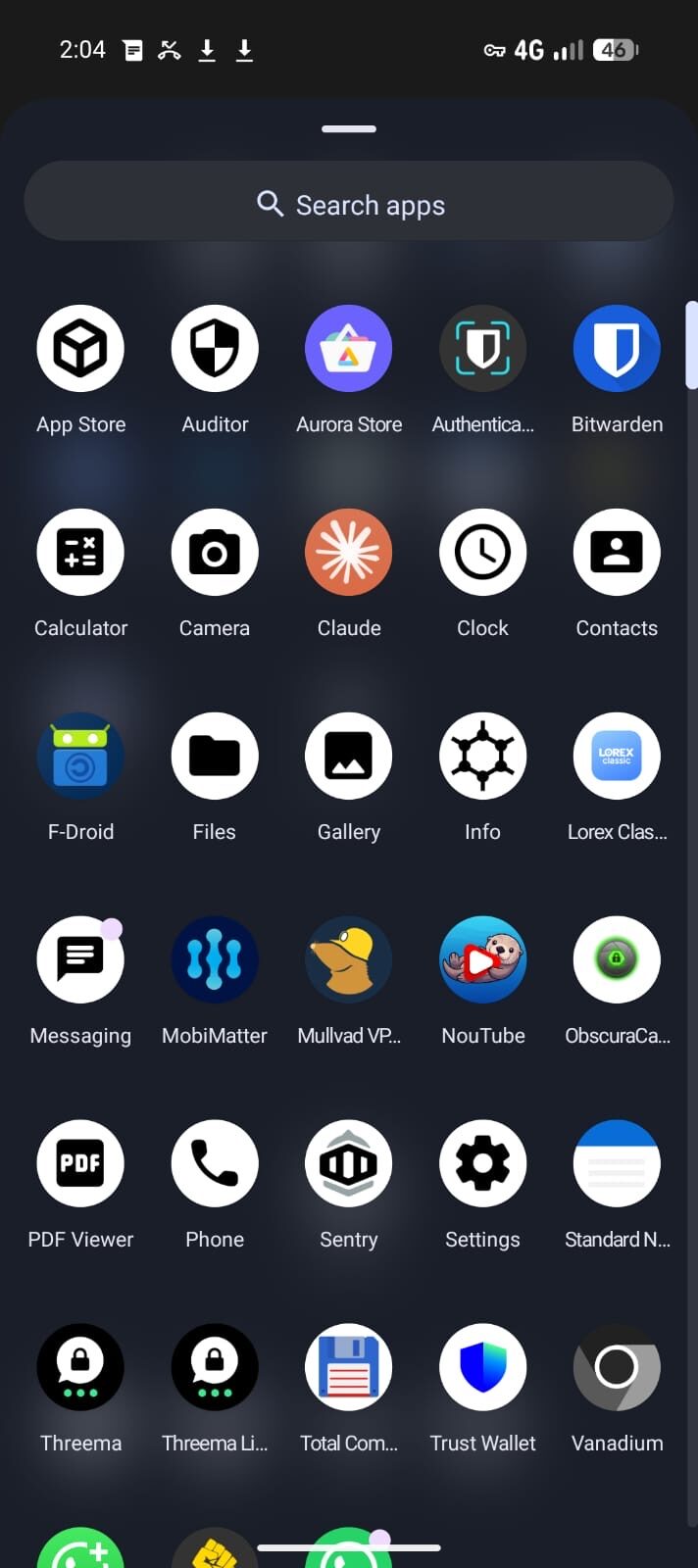
Signal — End-to-end encrypted, open source, non-profit operated. Requires a phone number. Runs natively on GrapheneOS without Google Play. Minimal metadata collection (last connection date only). Strong choice for replacing WhatsApp with existing contacts.
Threema — No phone number required. Random ID generated on-device. Swiss servers. Runs natively on GrapheneOS via F-Droid. Strong choice for a completely anonymous contact identity alongside Signal.
See the full Signal vs Threema comparison for a detailed breakdown of when to use each.
Privacy Devices phones and messaging apps
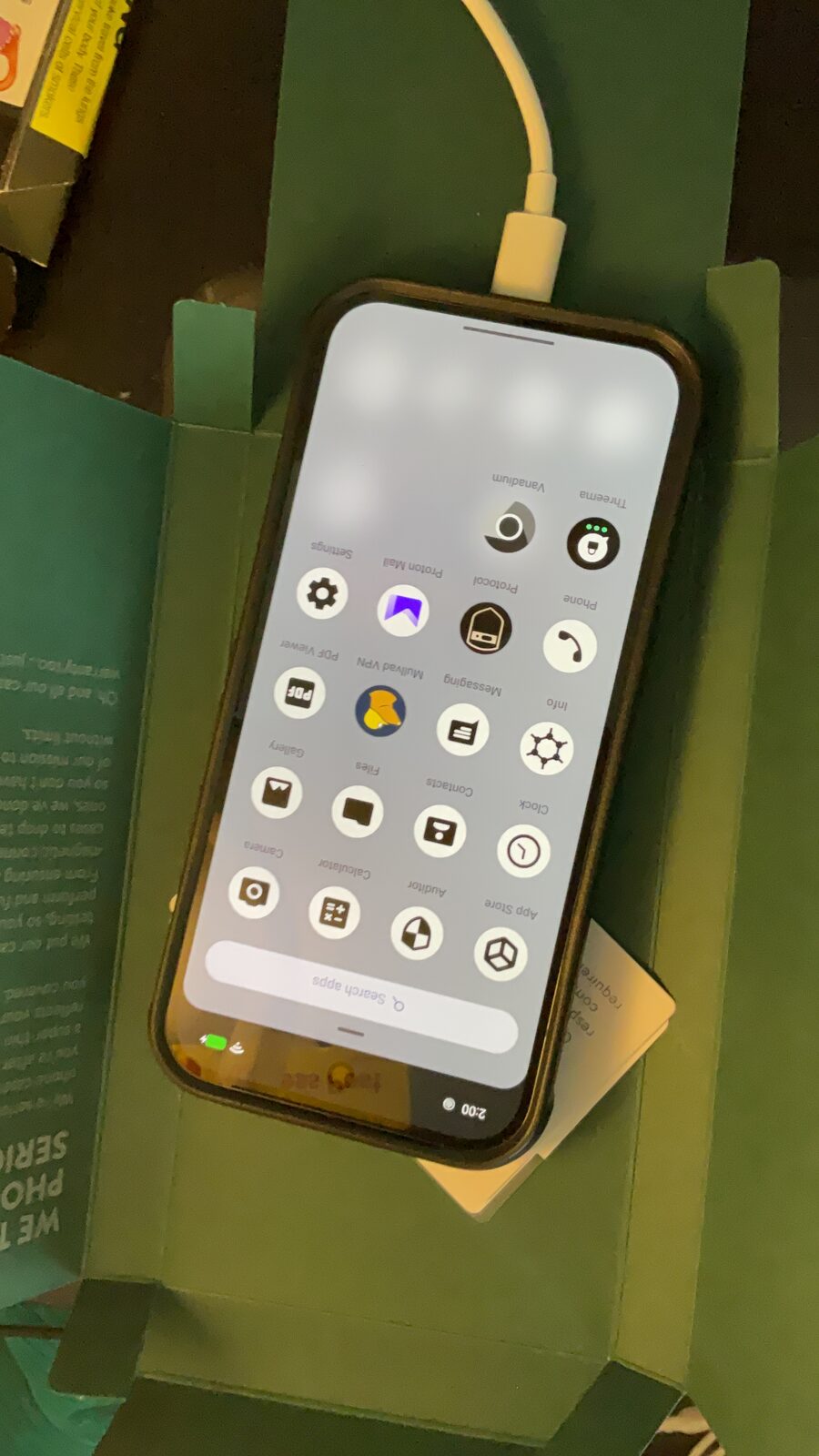
All Privacy Devices phones ship with GrapheneOS pre-installed. Signal installs via direct APK in minutes. Threema Libre is available from F-Droid. No Google account required for either. WhatsApp can be run in a sandboxed profile if needed for specific contacts.
FAQ — WhatsApp Privacy on GrapheneOS
Is WhatsApp private on GrapheneOS?
WhatsApp messages are end-to-end encrypted using the Signal Protocol. However, WhatsApp is owned by Meta and collects significant metadata: who you talk to, when, how often, and device information. The content is private; the surrounding data is not.
Can I use WhatsApp on GrapheneOS without Sandboxed Google Play?
WhatsApp requires Google Play Services to function. On GrapheneOS you can run it inside a Sandboxed Google Play profile (isolated from the rest of the OS), which limits what it can access — but it still requires Play Services to be installed in that profile.
What is the best WhatsApp alternative for GrapheneOS?
Signal for end-to-end encrypted messaging with your existing contacts. Threema for a completely phone-number-free identity. Both run natively on GrapheneOS without Google Play.
Does WhatsApp collect metadata on GrapheneOS?
Yes. Regardless of the OS, WhatsApp collects metadata including your contact graph, message frequency, and device identifiers. This metadata is shared with Meta. GrapheneOS restricts what WhatsApp can access on-device, but does not block the metadata WhatsApp itself collects.
Why do people on GrapheneOS use Signal instead of WhatsApp?
Signal is open-source, operated by a non-profit, collects minimal metadata (last connection date only), and does not share data with any ad platform. WhatsApp is owned by Meta and integrates with Meta's data infrastructure. For users who care about metadata, Signal is the stronger choice.
Move from WhatsApp to something better
All Privacy Devices phones come with GrapheneOS pre-installed. Signal and Threema are ready to use without Google Play or an account — configured for privacy from day one.
Shop Privacy Phones →