Signal on GrapheneOS
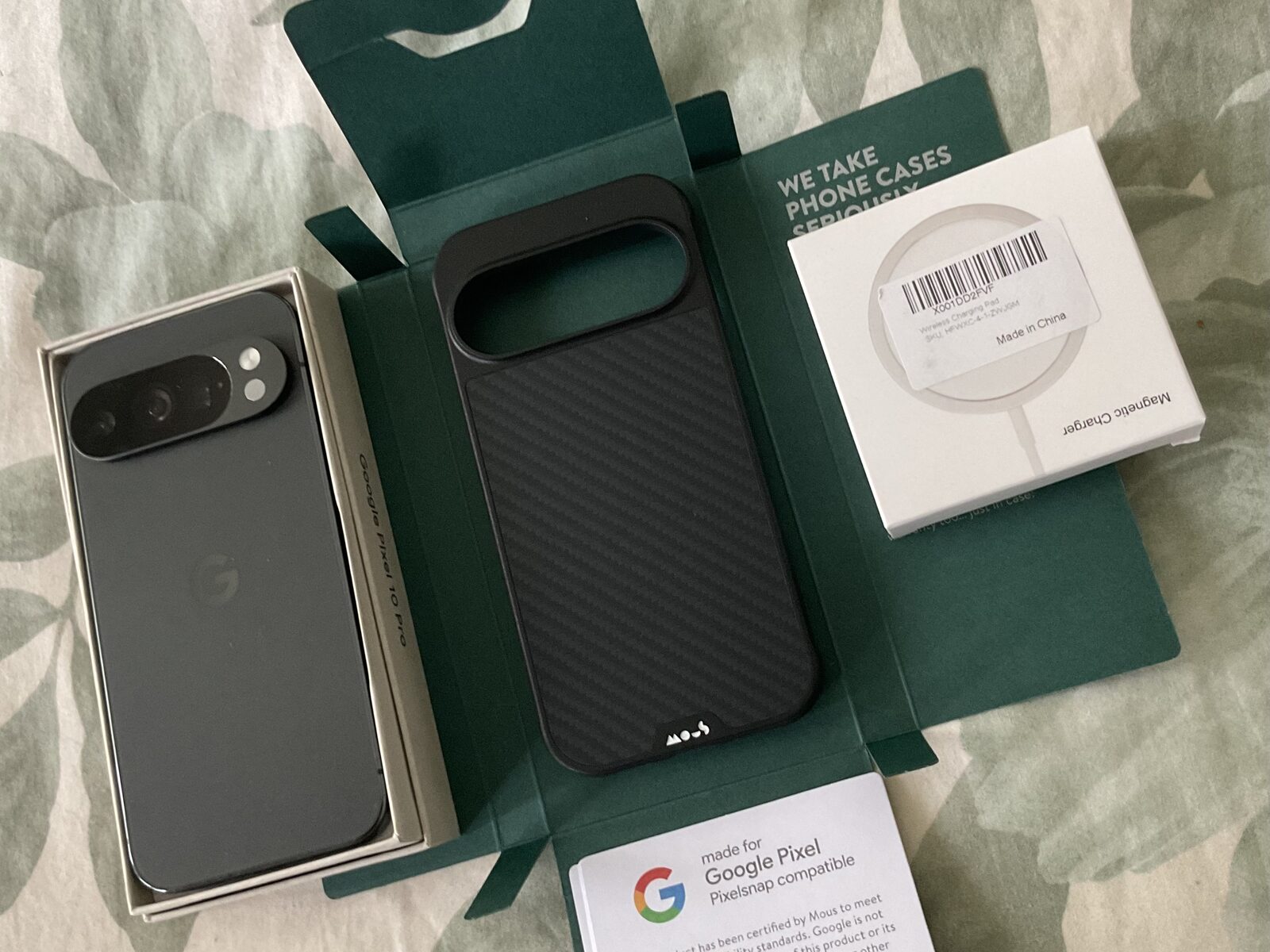
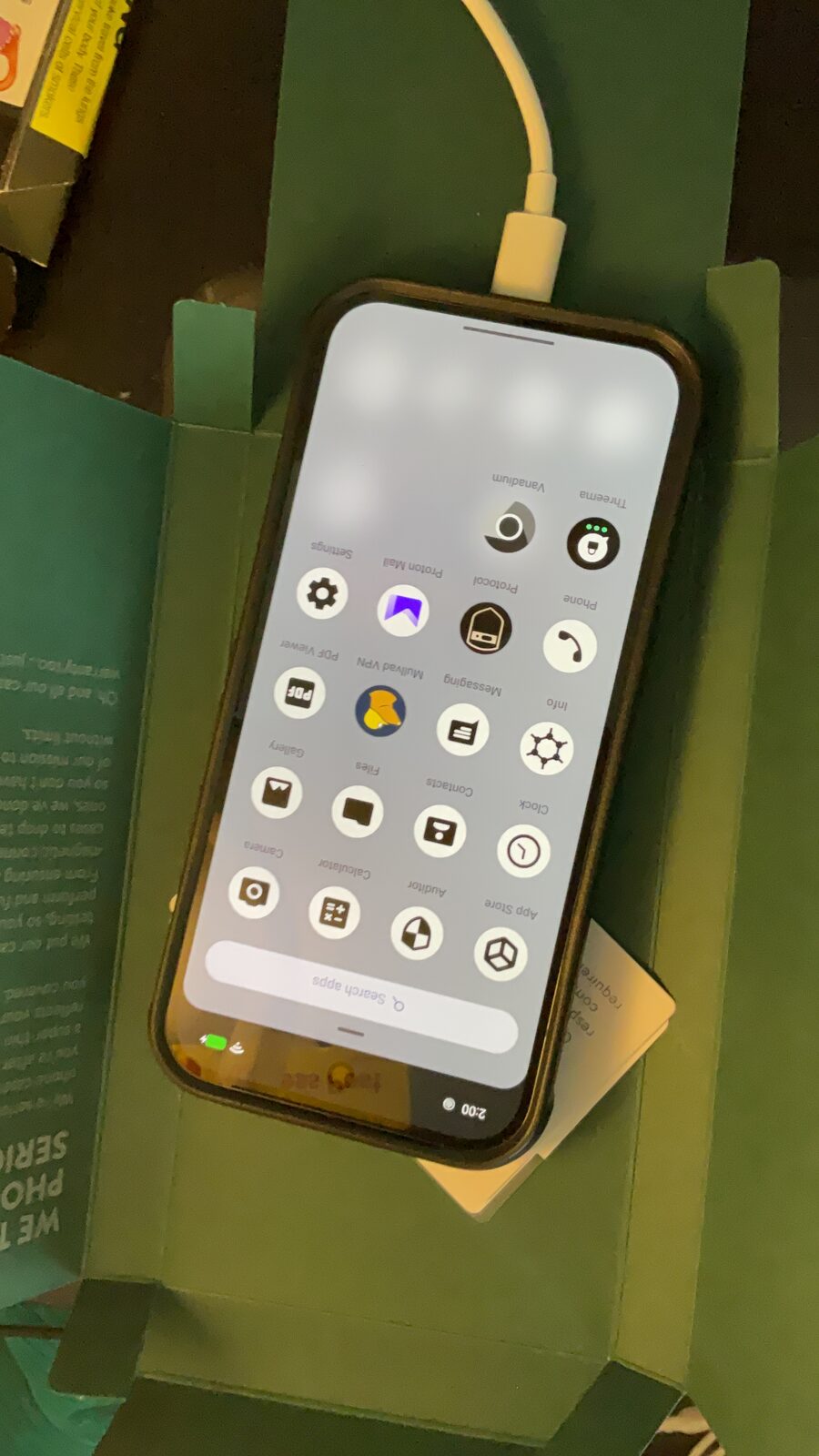
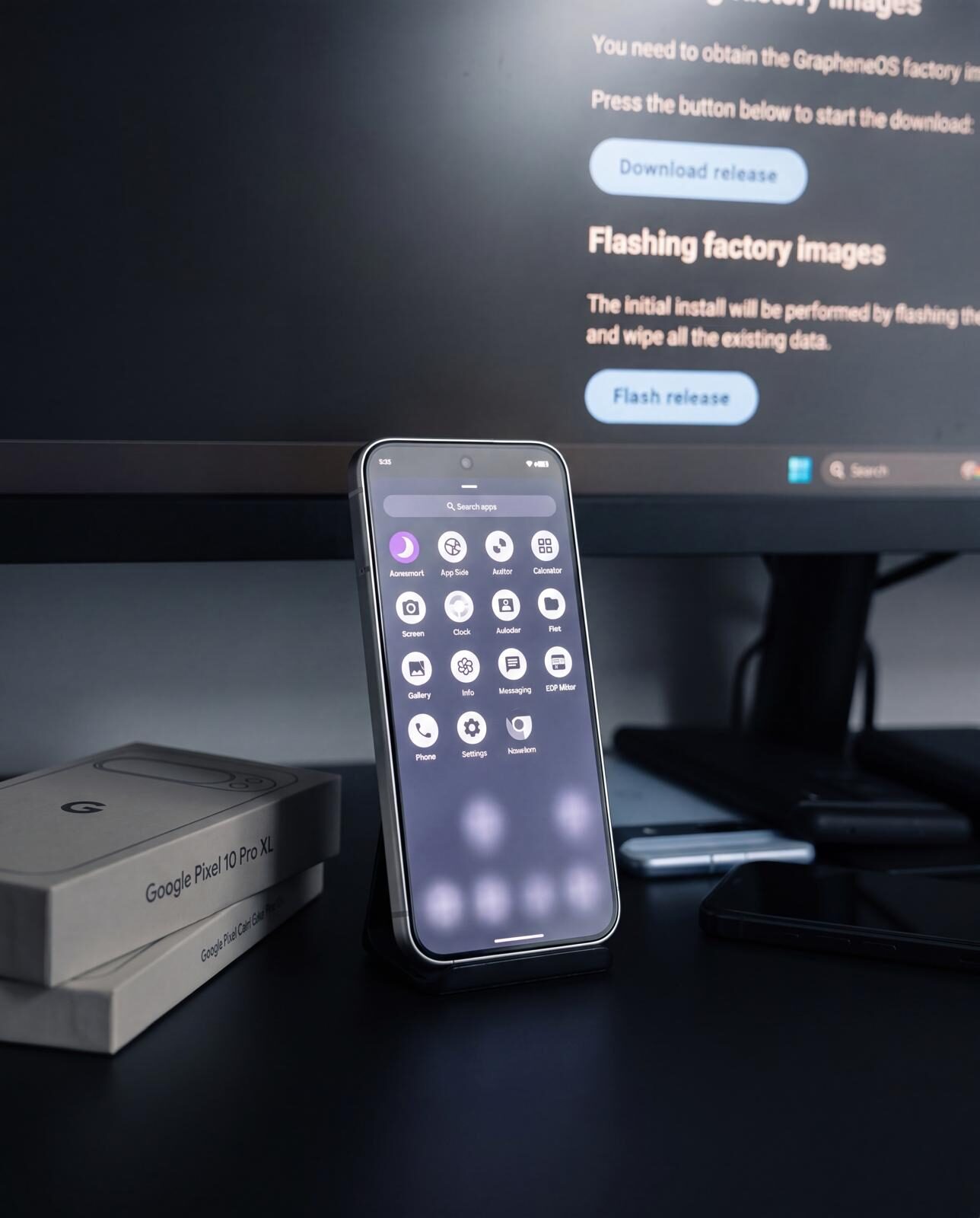
Signal is the most widely deployed end-to-end encrypted messenger. On GrapheneOS it runs without Google Play, without Firebase, and without any dependency on Google services. Our configured GrapheneOS phones in Australia ship with the operating system already installed.
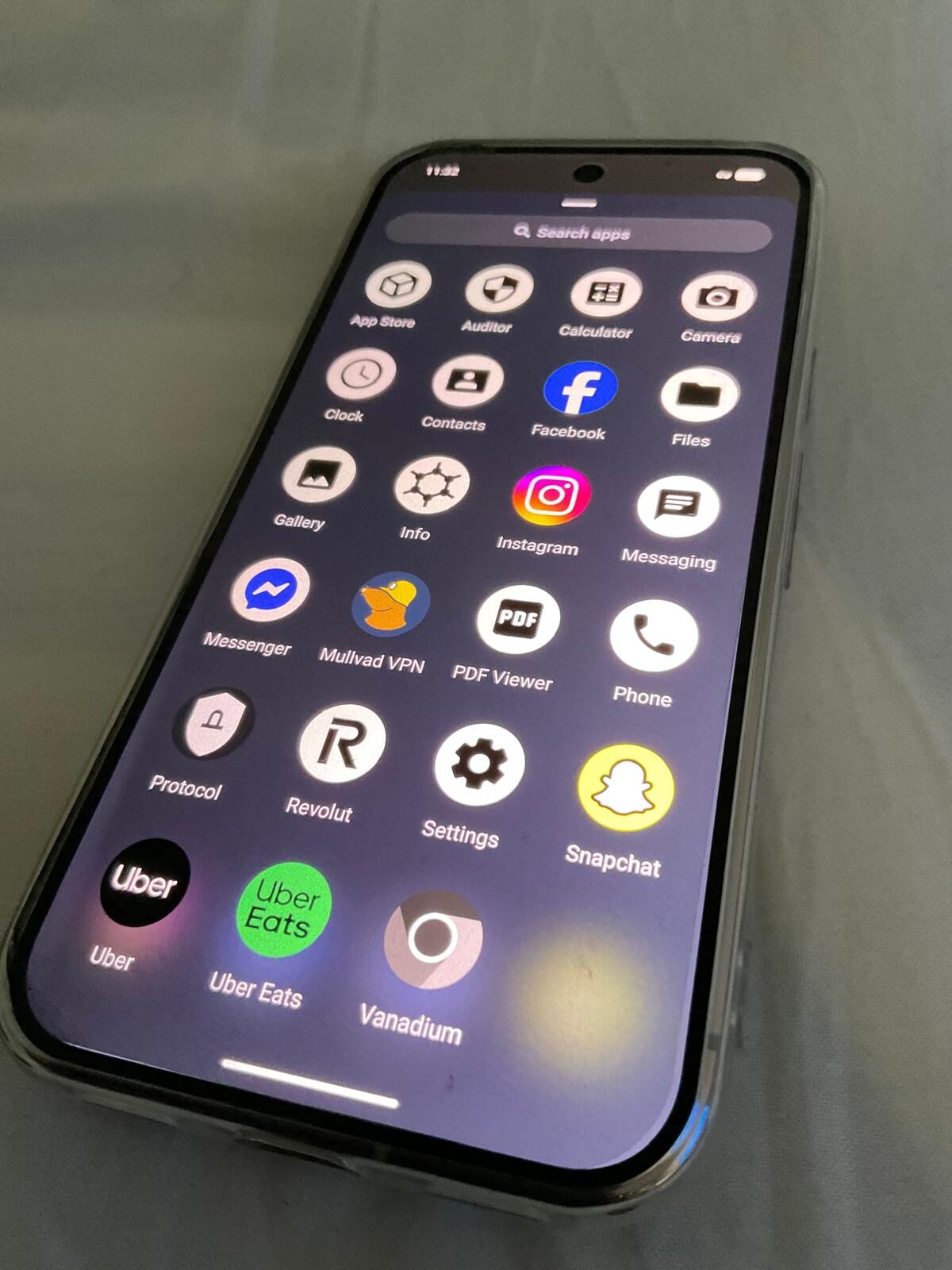
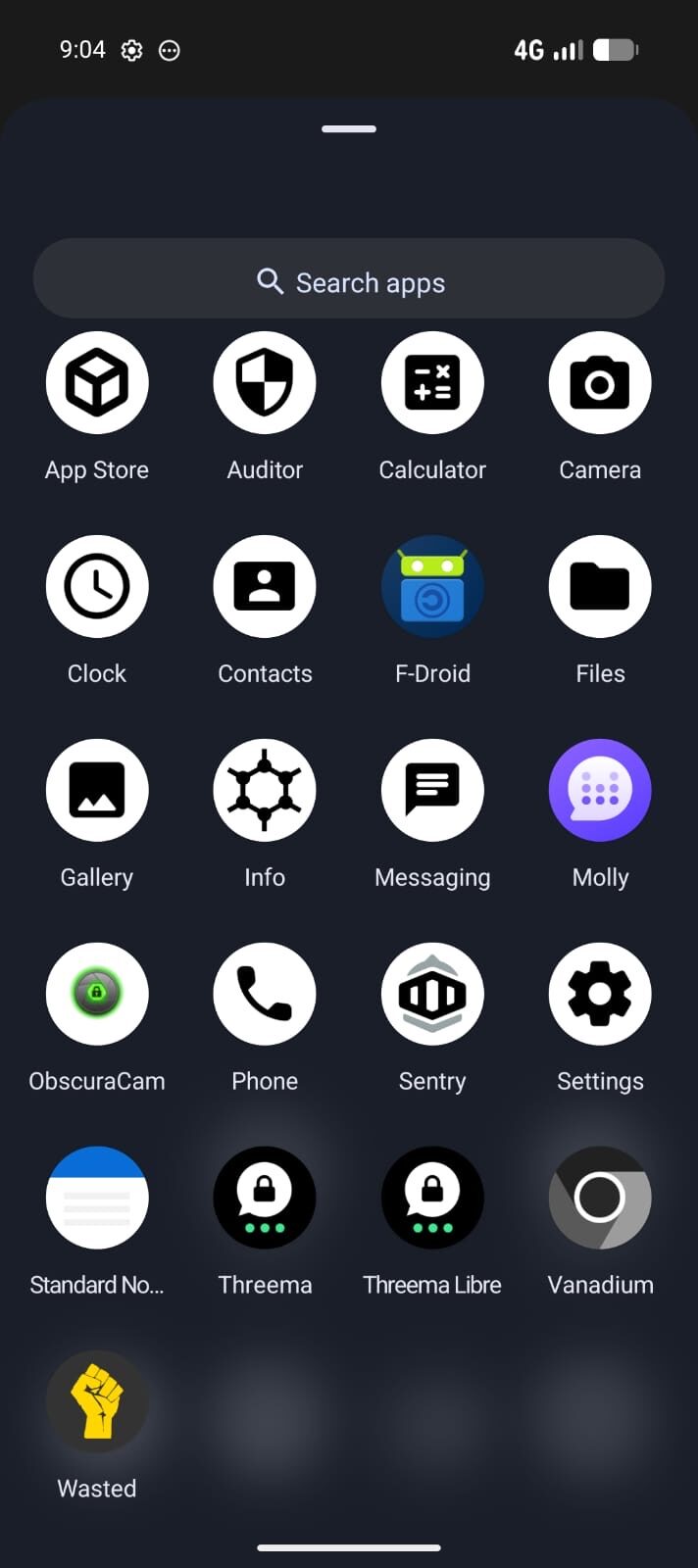
The private stack, on screen.
Encrypted messaging only works when the apps, profiles, contacts and network path are configured together. The point is a working communication setup, not a list of app names.
Signal on GrapheneOS — what you need to know
Signal is the most widely-vetted encrypted messaging protocol in use today. The Signal Protocol is open source, independently audited, and used by WhatsApp, Google Messages (RCS), and others. On GrapheneOS, Signal runs natively without Sandboxed Google Play — you do not need to enable Google Play Services at all to use it.
The one limitation: Signal requires a phone number to register. If number-linked identity is a concern, pair it with Threema, which requires no phone number at all.
Installing Signal on GrapheneOS
1. Download from signal.org — Go to signal.org/android/apk in your GrapheneOS browser. Download the APK and verify the SHA256 checksum listed on the page.
2. Install the APK — Enable "Install from unknown sources" for your browser in GrapheneOS Settings → Apps → Your browser → Install unknown apps. Install the APK.
3. Register with a number — If you prefer not to link your primary number, use a prepaid SIM or a virtual number service. Signal allows you to set a username after registration so contacts can message you without knowing your number.
4. Keep it updated — Signal auto-checks for APK updates on launch. No Play Store or F-Droid needed — Signal manages its own update cycle.
Signal vs Threema on GrapheneOS
Signal requires a phone number; Threema requires nothing. Signal has a far larger user base and is more likely to match your existing contacts. Threema provides a fully anonymous identity from day one. For most people the answer is: use both for different contacts. See the full Signal vs Threema comparison.
Notifications and troubleshooting
Because GrapheneOS has no Google Play Services running by default, Signal cannot use Firebase Cloud Messaging (FCM) the way it does on stock Android. Instead it keeps its own background connection open to receive new messages — this works reliably, but it depends on the OS not aggressively pausing that connection to save battery.
Delayed or missed notifications. The most common cause is GrapheneOS's default battery optimisation pausing Signal's background connection. Go to Settings → Apps → Signal → Battery and set it to "Unrestricted". This one setting fixes almost all notification-timing complaints, and the battery cost is negligible for an app you check daily.
Sandboxed Google Play is optional, not required. You do not need to install Sandboxed Play Services for Signal to work — calls, media, and messages all function without it. If you install it anyway for other apps, it does not change how Signal delivers notifications.
Moving to a new device. Install Signal, verify your number, and your account and message history transfer via Signal's own device-linking flow — no Google account or Play Store involvement at any point.
For general setup and compatibility questions, see our full FAQ.
Privacy Devices phones and Signal
Signal protects message content, but it is only one layer of a configured device. Our encrypted phone guide explains storage encryption, messaging, network protection and operational setup together. All Privacy Devices phones ship with GrapheneOS pre-installed, and our new user guide covers the first-week setup.
FAQ — Signal on GrapheneOS
Does Signal work on GrapheneOS without Google Play?
Yes. Signal for Android runs without Sandboxed Google Play on GrapheneOS. Install the APK directly from signal.org. Push notifications work via a background connection rather than Firebase.
Does Signal require a phone number?
Yes. Signal requires a phone number to register. You can use a virtual Australian number (such as a prepaid SIM) to reduce linkage to your primary identity. After registration, you can set a username so contacts can reach you without seeing your number.
Is Signal end-to-end encrypted?
Yes. Signal Protocol is the gold standard for end-to-end encryption, also used by WhatsApp and others. All messages, calls, and files are encrypted on-device. Signal's servers never have access to message content.
Signal or Threema on GrapheneOS?
Use both. Threema for a completely unlinked identity (no phone number). Signal for contacts who already use it. See the full Signal vs Threema comparison for a detailed breakdown of when to use each.
How do I install Signal on GrapheneOS?
Go to signal.org/android/apk, download the APK, verify the checksum, and install. Enable "Install from unknown sources" for your browser in GrapheneOS settings. Signal checks for updates automatically.
Does Signal store my messages on its servers?
No. Messages are end-to-end encrypted and only stored on your device (and the recipient's device). Signal's servers route encrypted messages but cannot read them. Messages are deleted from Signal servers upon delivery.
Why are my Signal notifications delayed on GrapheneOS?
Signal has no Firebase/FCM connection on GrapheneOS, so it relies on a background network connection to stay awake for new messages. If GrapheneOS's battery optimisation is left on default for Signal, that connection can be paused, delaying notifications. Fix it in Settings → Apps → Signal → Battery → set to "Unrestricted". This has no meaningful effect on battery life for a messaging app people check daily.
Get a phone ready for Signal and Threema
Privacy Devices phones ship with GrapheneOS pre-installed. Signal installs via APK in minutes. No Google, no Play Store — just private, encrypted messaging from day one.
Shop Privacy Phones →