Signal vs Threema on GrapheneOS — which to use, when, and why both.
Honest Signal vs Threema GrapheneOS comparison — the two best secure messaging options on a degoogled Pixel. Written for Australian buyers, with Threema setup notes and the trade-offs we have actually hit in customer migrations. The Signal vs Threema GrapheneOS decision matters more than most people think.
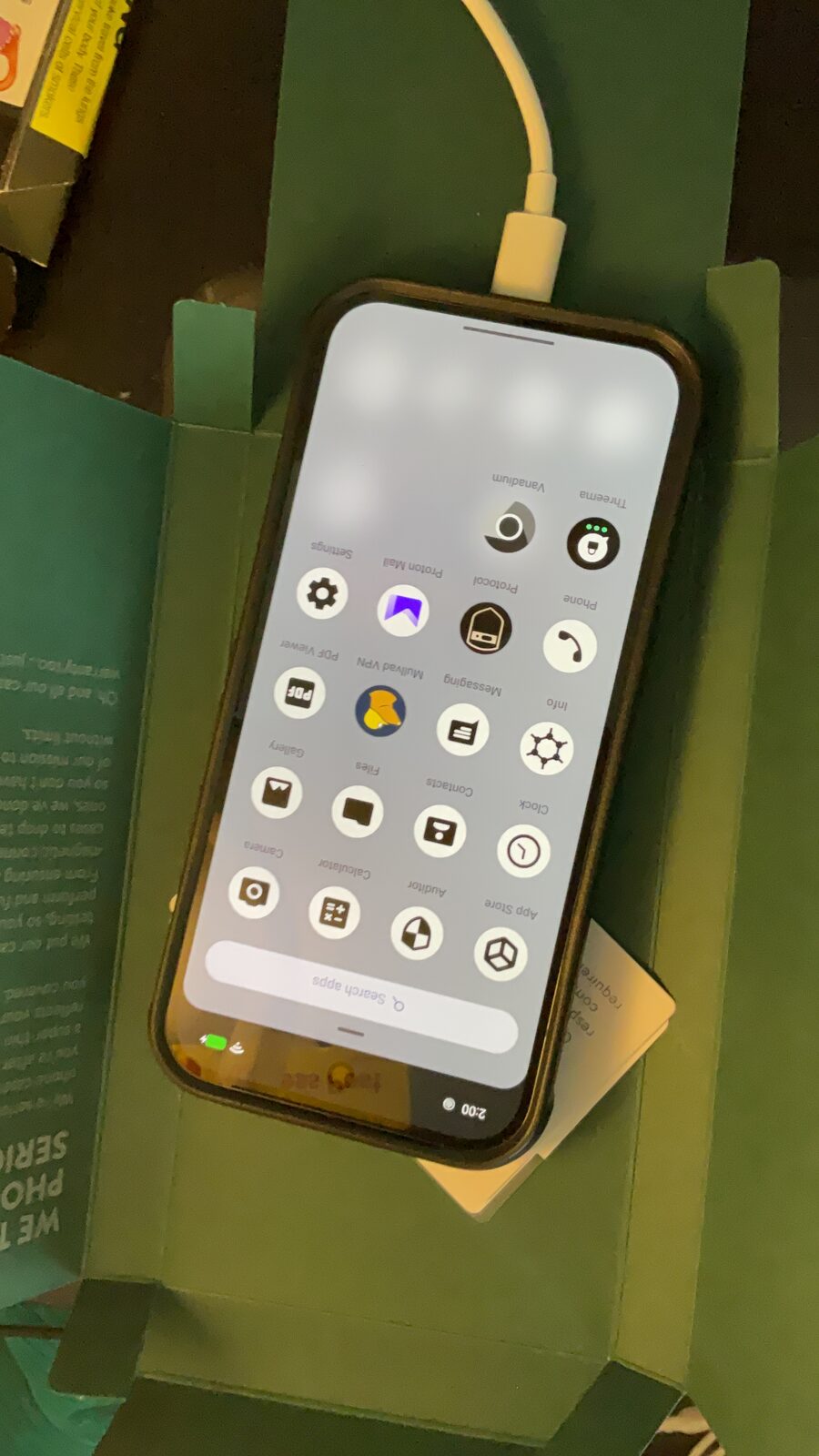
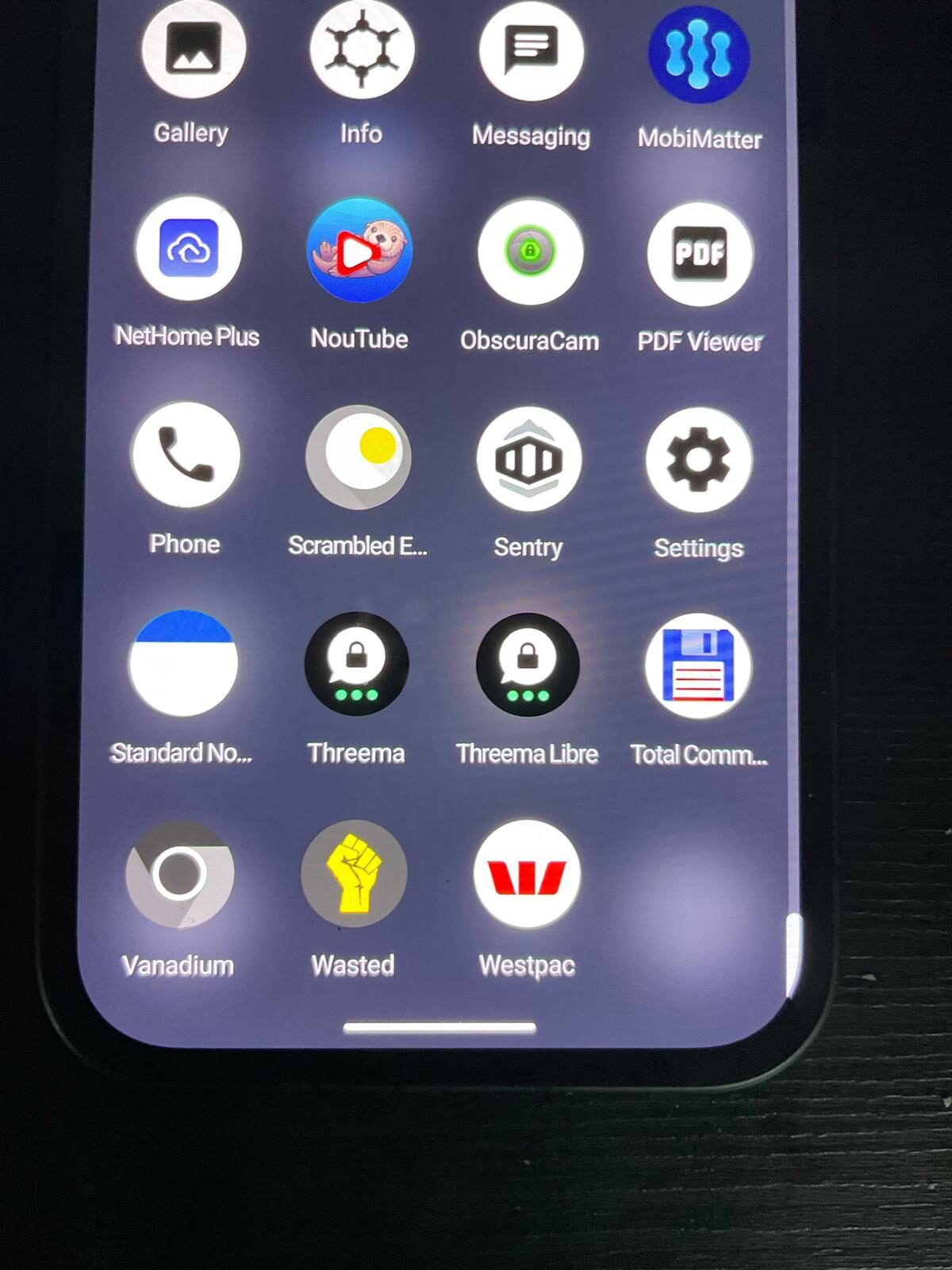
The private stack, on screen.
Encrypted messaging only works when the apps, profiles, contacts and network path are configured together. The point is a working communication setup, not a list of app names.
Signal vs Threema on GrapheneOS — the short answer
For a Signal vs Threema GrapheneOS pick, use both. Threema as your primary identity, Signal as your fallback for people who already use it. They solve different problems — treating Signal vs Threema GrapheneOS as redundant is a mistake.
- Threema — your private identity. No phone number, no email, no account. Hash-based ID. Pay once with crypto and your entire messaging identity is anonymous from registration.
- Signal — your reach layer. Most privacy-curious contacts already have it. Best E2E encryption pedigree. Still requires a phone number to register, even if usernames-only after.
Side-by-side
| Property | Signal | Threema |
|---|---|---|
| End-to-end encrypted | Yes | Yes |
| Phone number required to register | Yes | No |
| Email required | No | No |
| Open-source client | Yes | Yes (Libre build via F-Droid) |
| Open-source server | Yes | No |
| Server jurisdiction | USA | Switzerland |
| Anonymous payment / signup | Partial (need a number) | Yes (crypto-paid ID) |
| Disappearing messages | Yes | Yes |
| Voice / video calls | Yes | Yes |
| Group chats | Yes | Yes |
| Desktop client | Yes | Yes (Threema Web) |
| Runs without Google Play on GrapheneOS | Yes | Yes (native) |
| Cost | Free | One-off ~$5 AUD |
When Threema wins
- You do not want a phone number tied to your messaging identity.
- You want to pay anonymously with cryptocurrency from day one.
- You want the server jurisdiction to be Switzerland, not the United States.
- You want messaging in a separate identity envelope to your phone-number identity.
This is why we issue every Privacy Devices customer a paid Threema ID by default. Your Threema ID is yours forever, transferable across devices via export.
When Signal wins
- You need to reach people who already use Signal — activist circles, journalists, lawyers, security teams.
- You want an open-source server you can audit.
- You prefer the most-deployed and most-reviewed E2E protocol available (Signal Protocol).
- You need Sealed Sender features that hide message metadata from the relay.
Threema setup on GrapheneOS (Australia)
1. Buy a Threema license
From our shop with crypto, or directly from threema.ch. Either way you receive a Threema ID code.
2. Install Threema Libre on GrapheneOS
Open Apps → Other → F-Droid (we pre-install F-Droid). Add the Threema repository (threema-libre.f-droid.org). Install Threema Libre. This is the Google-Play-free build — no FCM, no Play services dependency.
3. Activate your ID
Enter the activation code. Generate a new Threema ID. Set a strong password. Back up the ID via Threema Safe (encrypted, on Threema servers) or to local file.
4. Verify keys
For sensitive contacts, verify their Threema ID fingerprint in person or over a known-good channel. Verified contacts appear with three green dots.
Signal setup on GrapheneOS
1. Use a number you actually own
Signal still requires a phone number for registration. Use a real number you control. Burner-style numbers may be flagged.
2. Install Signal
Either via Sandboxed Google Play in a secondary profile, or download the APK directly from signal.org. Both work on GrapheneOS.
3. Set a username
Settings → Profile → Username. Once set, contacts can reach you by username and do not see your number.
4. Lock the registration
Enable Registration Lock with a strong PIN. This prevents an attacker who SIM-swaps your number from re-registering Signal as you.
What about WhatsApp?
WhatsApp is end-to-end encrypted for message content using the Signal Protocol — so message content is encrypted. But WhatsApp is owned by Meta and collects substantial metadata: who you message, when, how often, from which device, and from which location. This metadata is not encrypted and is used for advertising and shared across Meta's platforms. WhatsApp also requires a real phone number and a Meta account.
On GrapheneOS, WhatsApp can be used in a Sandboxed Google Play secondary profile if contacts require it. We do not recommend it as a primary secure messaging tool. Use Signal or Threema for private conversations, and keep WhatsApp — if at all — in a separate profile for contacts who will not switch. The Best GrapheneOS Apps guide covers profile management for apps like WhatsApp in more detail.
Frequently asked questions
Should I use Signal or Threema on GrapheneOS?
Use both. Threema as your primary identity (no phone number, paid one-off ID), Signal for contacts who already use it. They solve different problems and are not redundant.
Is Threema actually private if I have to pay for it?
Yes — and the payment is the privacy mechanism. There is no phone number, no email, and no account anywhere. Your Threema ID is a hash. Pay with crypto and the entire transaction is anonymous.
Does Signal require a phone number?
Yes. Signal still requires a phone number to register, although you can use a usernames-only profile after registration so contacts can reach you without your number. The registration phone number can be a virtual number or an Australian number you control.
Are both end-to-end encrypted?
Yes. Both use audited end-to-end encryption. Signal Protocol is the more widely deployed and reused (WhatsApp, others use it). Threema uses NaCl-based encryption with separate identity and message keys.
Where is the metadata stored?
Threema stores nothing on its servers after delivery. Servers are in Switzerland. Signal stores minimal metadata (account creation, last connection date) — no message content, no contact graph beyond hashed contact discovery. Servers in the United States.
Do I need Sandboxed Google Play to use them on GrapheneOS?
No. Threema runs natively on GrapheneOS — install via F-Droid (Threema Libre build) or sideload the official APK. Signal also runs without Google Play, though some advanced push features benefit from Sandboxed Google Play in a separate profile.
Do you pre-install both on Privacy Devices phones?
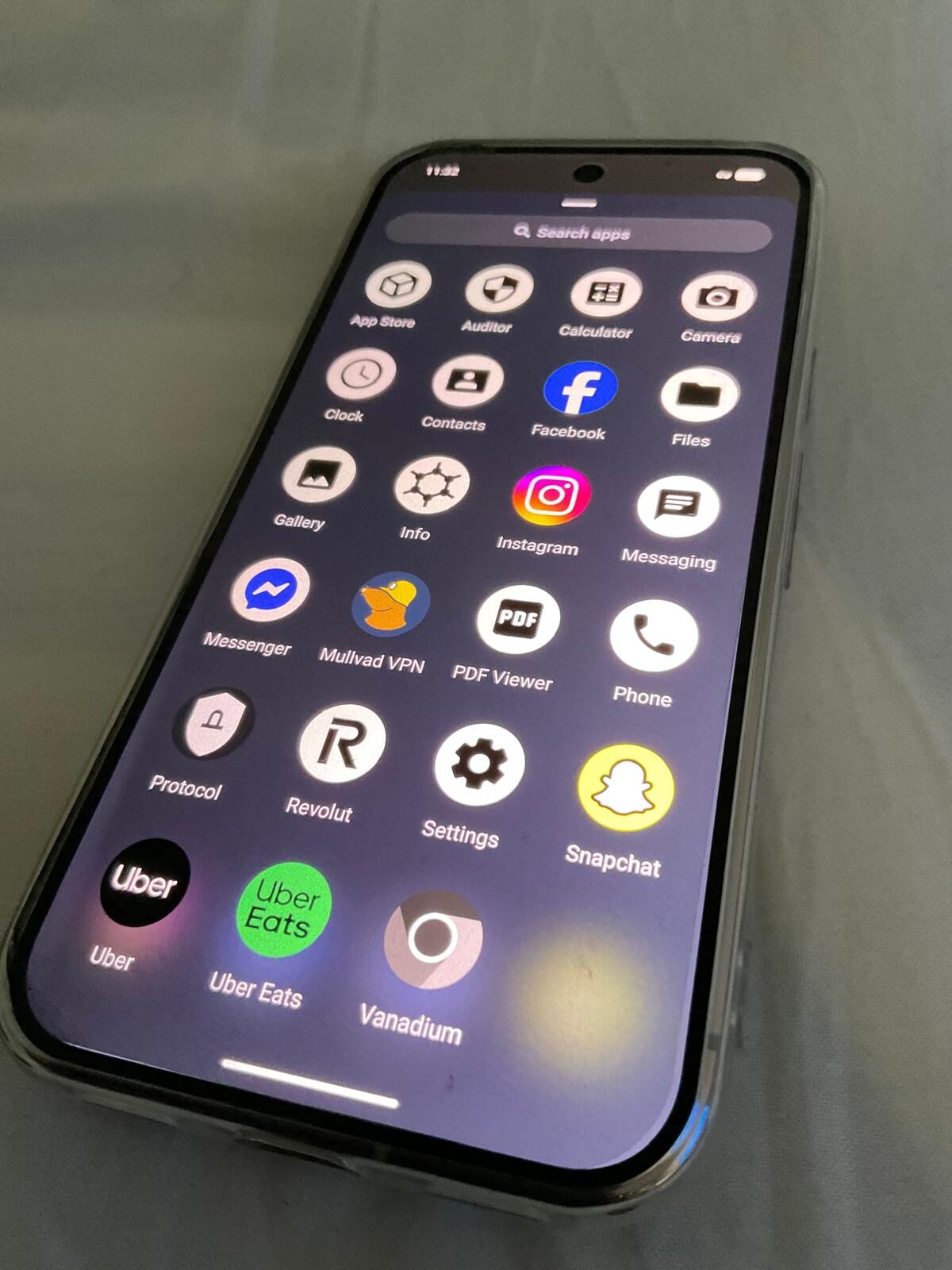
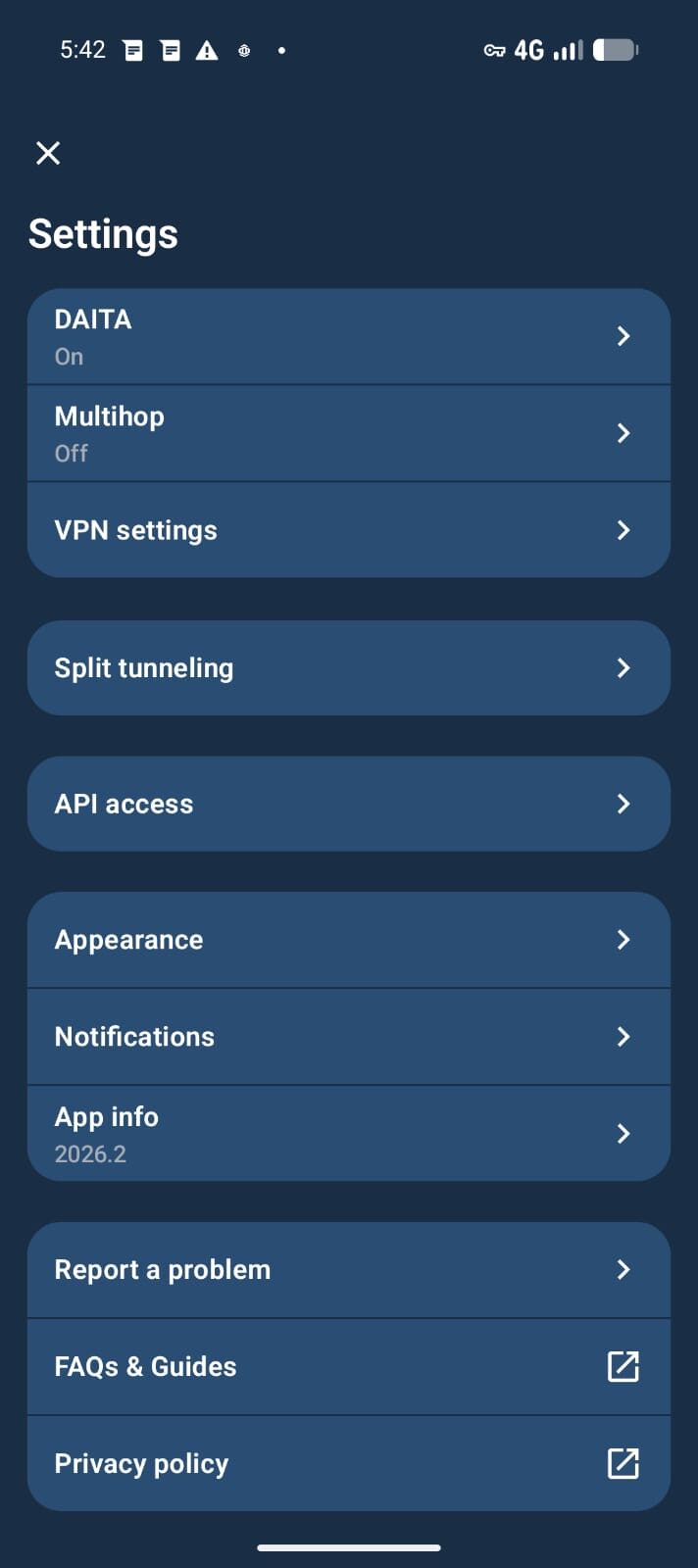
Yes. Every Privacy Devices Pixel ships with Threema activated against your paid ID and Signal installed and ready for first registration. Mullvad VPN is also pre-keyed.
Skip the setup — get it pre-configured.
Every Privacy Devices Pixel ships with Threema activated, Signal ready, and Mullvad VPN keyed. Or buy a Threema licence standalone from the software shop.
Browse Devices Shop Software & Licences