What is GrapheneOS, and where do you buy one in Australia?
A plain-English overview of the world's most credible mobile privacy operating system, and how to get one properly configured — without the bootloader-unlock weekend.
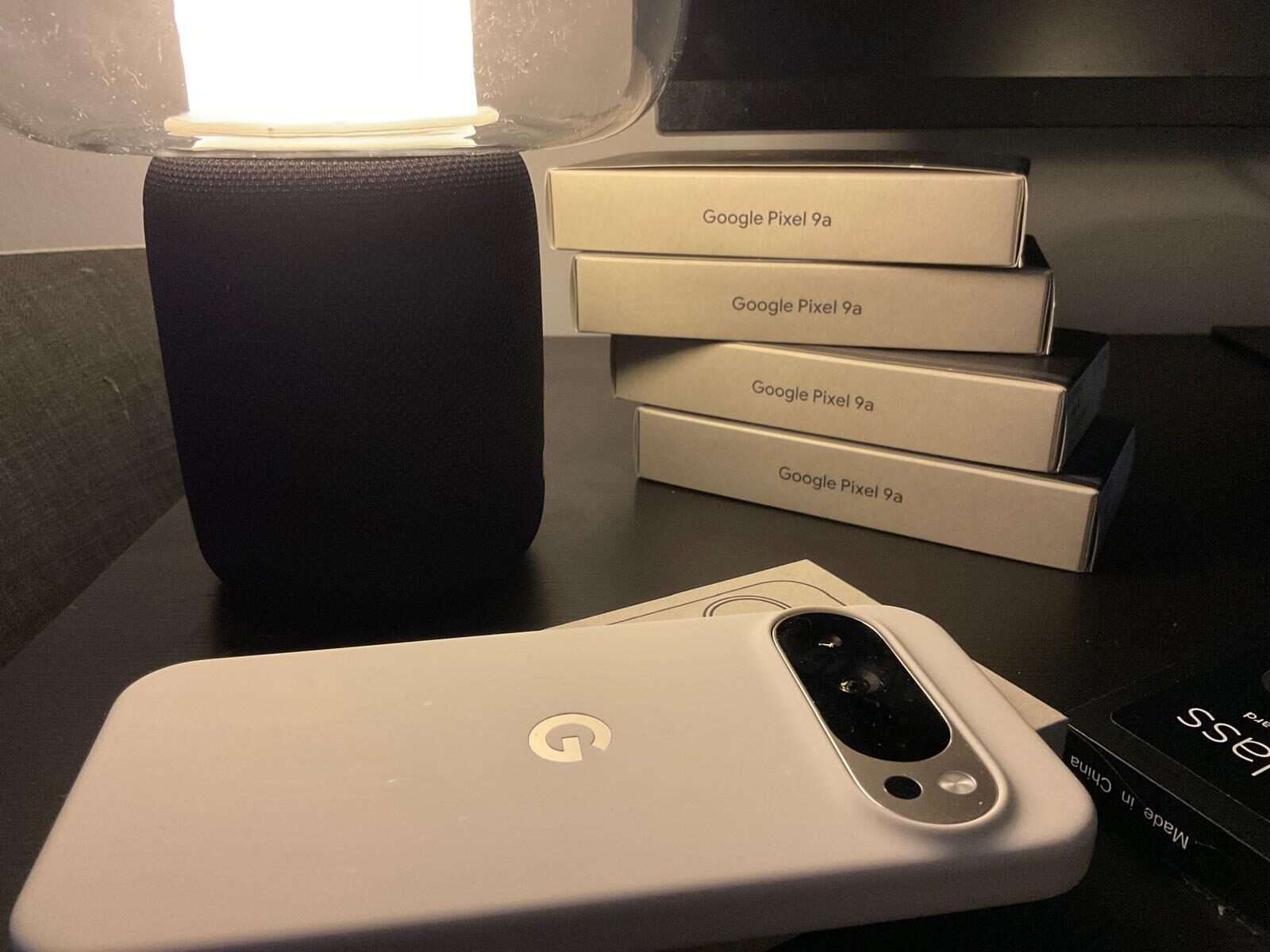
Prepared Pixel, visible proof.
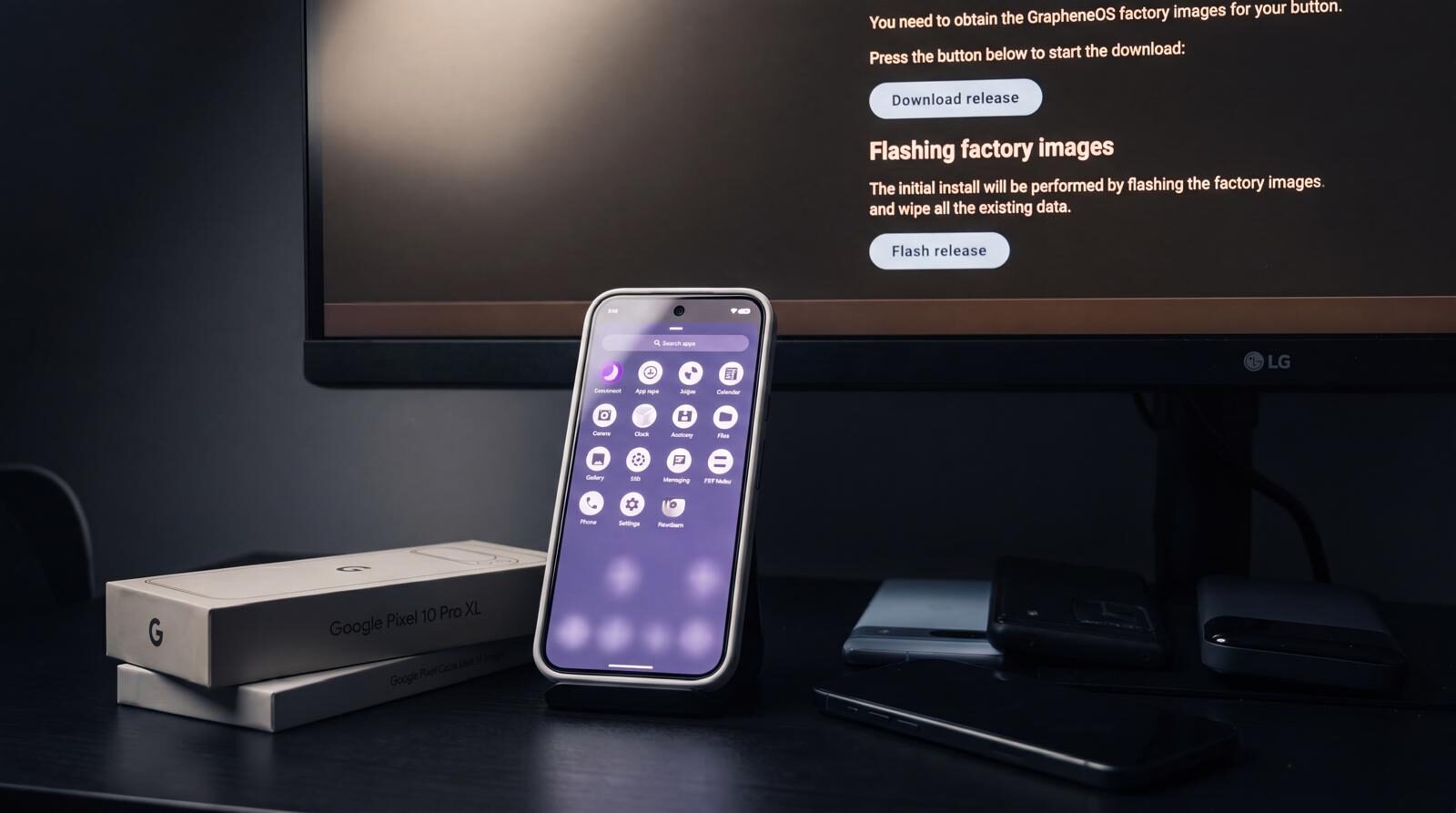
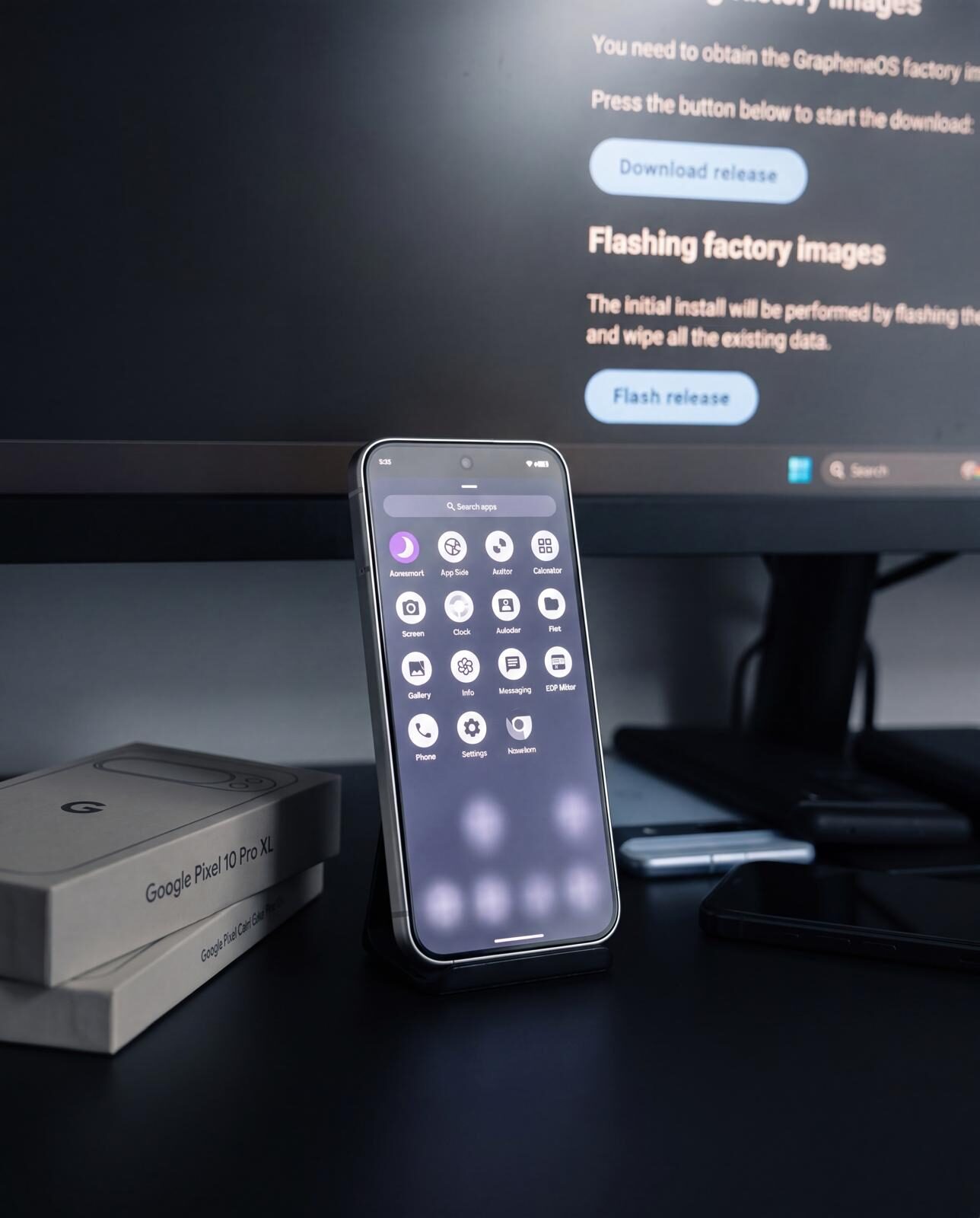
A buyer guide should show the phone, the boot state and the setup work behind the recommendation — not just another block of specifications.
What is GrapheneOS, in plain English
GrapheneOS is a free, open-source mobile operating system that replaces stock Android on Google Pixel phones. It is written and maintained by a small team of security engineers and is widely regarded as the strongest production-ready privacy and security platform on any phone you can buy at retail.
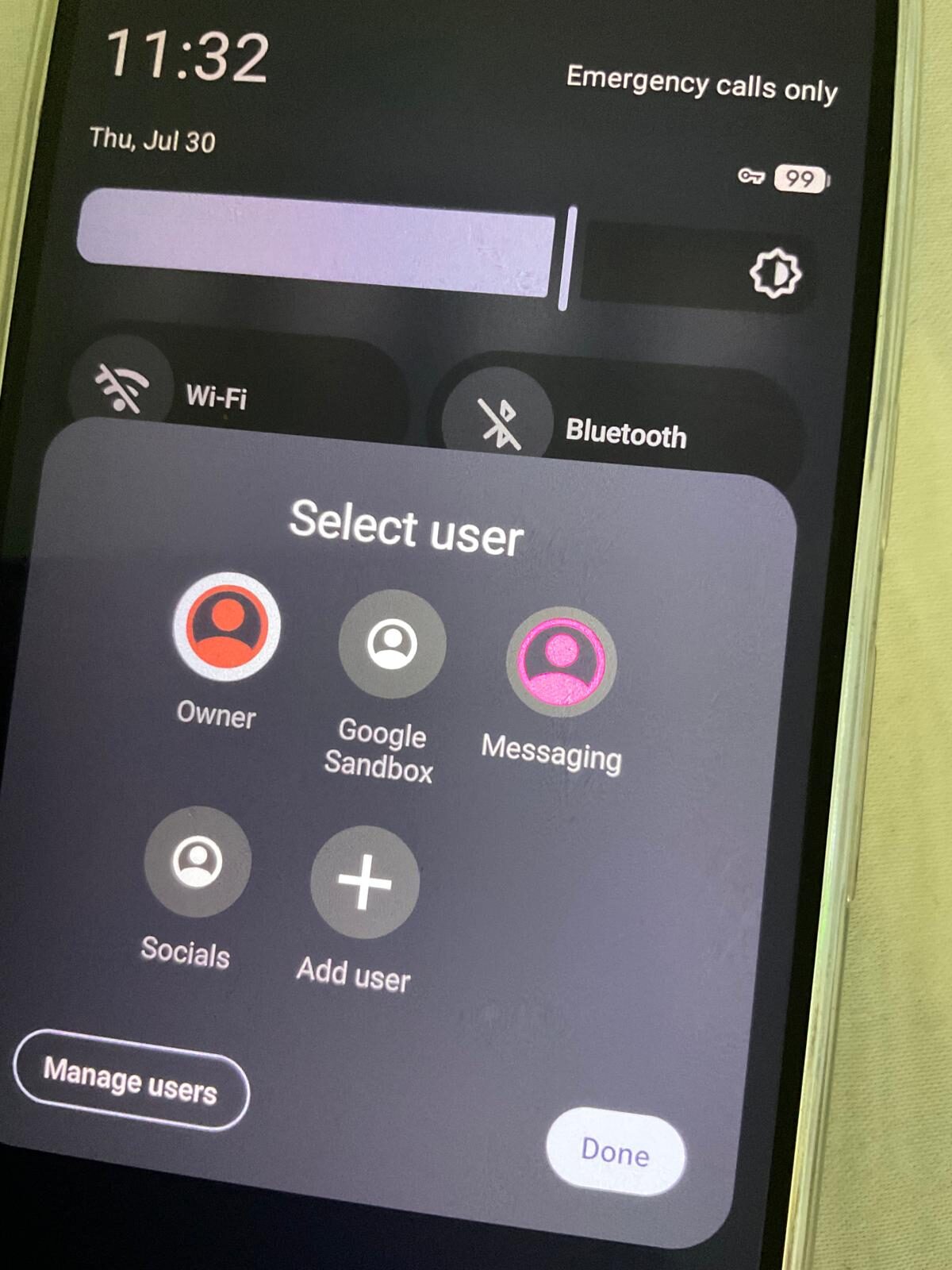
It does three things stock Android does not. First, it removes every Google service from the operating-system layer — there is no Google Play Services running in the background, no Google Account tied to the device, no Google telemetry. Second, it hardens the kernel, the C library, and the application sandbox against memory-corruption exploits, with mitigations that go beyond what AOSP and most commercial OEMs ship. Third, it gives the user full control: granular per-app permissions including network, sensors, and storage, multiple isolated user profiles, and a sandboxed Google Play option for the few apps you can't replace.
It is not a "tweaked Android". It is a complete, audit-friendly rebuild — the same way a hardened Linux distribution is to vanilla Linux. Still deciding? Read is GrapheneOS worth it?
Why GrapheneOS specifically? (and not just LineageOS or a custom ROM)
There are several "de-Googled" Android forks. They are not equivalent. Two technical points decide the comparison.
Verified boot, relocked
Verified boot is the chain-of-trust process where each boot stage cryptographically signs the next. On a stock Pixel, the bootloader is locked against Google's signing keys. To install a custom ROM you have to unlock the bootloader, which permanently disables verified-boot integrity guarantees on most platforms. GrapheneOS is the only Android distribution whose project keys are widely trusted enough for users to relock the bootloader against, restoring full verified boot. LineageOS, CalyxOS, /e/OS, and DivestOS all run with bootloader unlocked. That is a categorical difference for any threat model that includes physical-access or evil-maid attacks.
Hardened userspace
GrapheneOS ships hardened versions of the C library (hardened-malloc), Bionic, the Linux kernel, and the V8 JavaScript engine. On Pixel 8 and later, it activates Memory Tagging Extensions (MTE) which catch a large class of use-after-free and buffer-overflow exploits at the hardware level. Stock Android does not enable MTE by default. CalyxOS does not. The cumulative effect is that publicly-known mobile zero-days that work against stock Pixels routinely fail against GrapheneOS.
For a comparison of all the alternatives in plain language, see our What is GrapheneOS background article.
What you can and can't do on GrapheneOS
Things that work normally
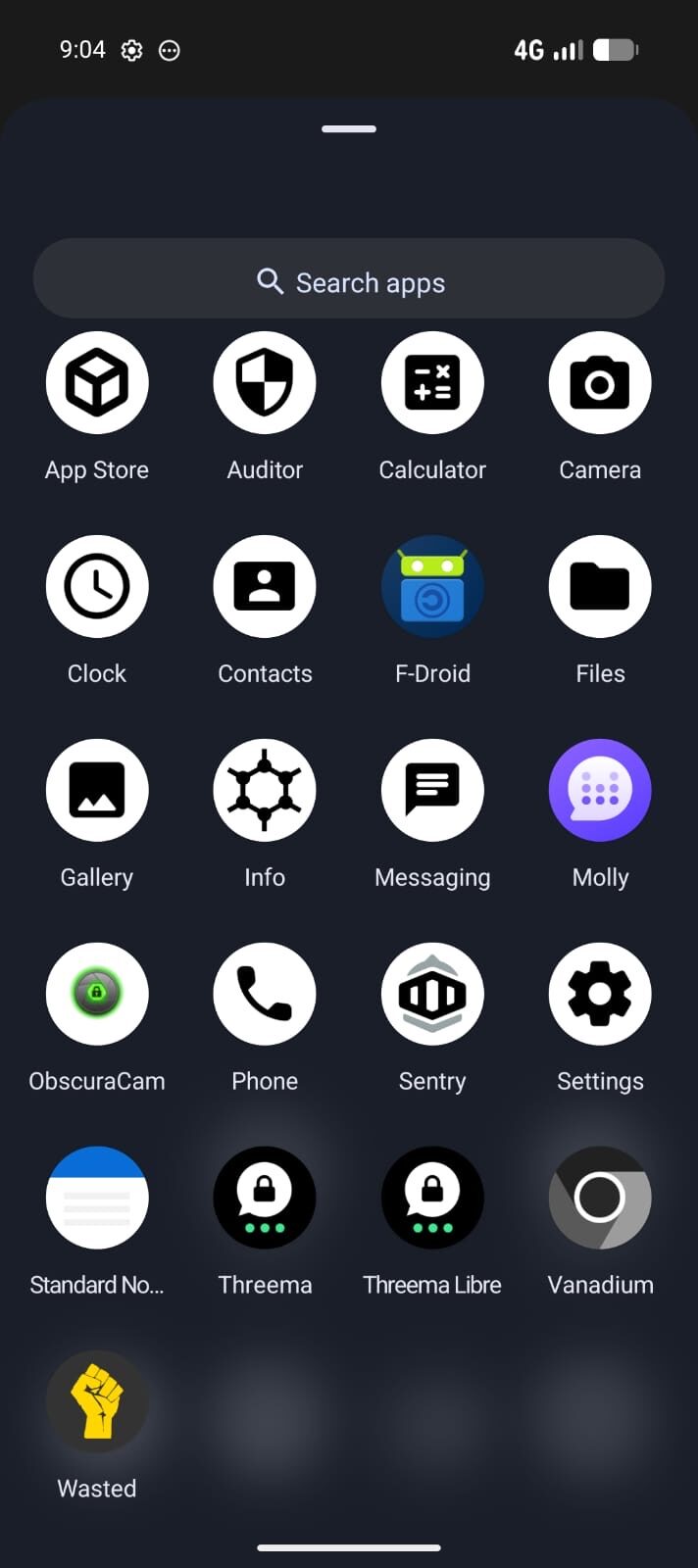
Calls, SMS, web browsing, Mullvad VPN, Threema, Signal, banking apps (most), camera, navigation (GrapheneOS ships with Organic Maps offline), file sync (Nextcloud), email, calendar, contacts, podcasts, music streaming.
Things that need workarounds
Google Pay (use a separate profile with sandboxed Play). Some video-streaming apps that demand DRM (most still work). Apple FaceTime / iMessage (you'll need a switching strategy if migrating from iPhone — see our migration guide).
Things that don't work at all
A handful of banking apps and government apps detect non-stock OS and refuse outright. Some game-anti-cheat systems likewise. We maintain a current AU compatibility list — message us before purchase if a specific app is critical.
Things that work better than stock
Battery life often improves once Google services are gone. App-startup latency reduces. Network egress visibility improves. Sandbox isolation and per-app network toggles eliminate background data leaks that you can't even see on stock Android.
Buying a GrapheneOS phone in Australia
You have three options.
1. Self-install
Buy a stock Pixel from JB Hi-Fi or Officeworks, follow the GrapheneOS web installer, then spend several hours relocking verified boot, configuring Mullvad, installing Threema, sourcing an eSIM, and turning off the dozens of background services that leak metadata. This is the cheapest path. It is also the path most likely to result in a partially-configured phone that still calls home.
2. Buy from an Australian specialist
Privacy Devices supplies current supported Pixel models with GrapheneOS pre-installed, verified boot relocked, Threema licensed, Mullvad VPN configured, a global eSIM provisioned, and our owner-controlled Phantom Protocol layer enabled. Each phone is configured and tested within 1–2 business days before tracked dispatch. Compare the current GrapheneOS phone range.
The VPN, eSIM, and messaging licences are also available as standalone purchases — for a device you already own or want to update.
New to the platform? Start with our GrapheneOS beginner guide, see the Pixel 9a GrapheneOS option for Australia, or read how it compares in GrapheneOS vs /e/OS.
3. Buy from an overseas vendor
Some US and EU vendors ship GrapheneOS phones internationally. Be cautious about chain-of-custody — a hardened phone shipped through six countries and an Australian Border Force inspection has had multiple opportunities to be tampered with. Australian sourcing eliminates the supply-chain attack surface.
Ready to make the switch?
Browse the available Pixel models, all pre-configured with GrapheneOS, encrypted comms, and Phantom Protocol. Configuration and testing take 1–2 business days before tracked dispatch.
See Available Phones → Talk to UsFrequently asked
What is GrapheneOS?
GrapheneOS is a privacy and security-focused mobile operating system based on the Android Open Source Project. It runs only on Google Pixel phones (Pixel 6 through Pixel 10). It removes all Google services by default, hardens the kernel and userspace against exploitation, and gives the user full control over what data leaves the device.
Is GrapheneOS legal in Australia?
Yes. GrapheneOS is open-source software licensed under MIT and Apache 2.0. Installing and using it in Australia is fully legal. Privacy Devices supplies hardened devices with verified boot relocked, shipping from our Australian workshop with an Australian ABN.
Which phones support GrapheneOS?
GrapheneOS officially supports Google Pixel 6 through Pixel 10 — including Pro, Pro XL, and Fold variants. It does not support Samsung, Xiaomi, OnePlus, Apple, or any other manufacturer. The Pixel hardware is required because it is the only widely-available phone whose secure boot can be relocked against a third-party operating system.
Can I install GrapheneOS myself or should I buy pre-installed?
You can install it yourself — the GrapheneOS web installer is straightforward if you are comfortable with command-line tools and bootloader unlock procedures. Most users still prefer pre-installed because the relock-verified-boot, encrypted-comms-app, VPN, and global-eSIM configuration takes 2–4 hours and is easy to misconfigure. Privacy Devices ships every device fully provisioned.
How does GrapheneOS compare to LineageOS, CalyxOS, or DivestOS?
GrapheneOS is the only one with verified boot relocked support, hardened malloc, MTE on Pixel 8+, and exploit-mitigation patches that exceed stock Android. LineageOS does not relock boot. CalyxOS uses microG (a Google services emulator). DivestOS is a fork of LineageOS for older devices. For threat models above casual privacy, GrapheneOS is the only credible choice.
Do banking apps work on GrapheneOS?
Most do. GrapheneOS supports sandboxed Google Play, which lets banking, payment, and authentication apps function in a controlled profile separate from your main user. Some apps detect a non-stock OS and refuse to run — Australian banks vary. CommBank, ANZ, Westpac, NAB, ING, and Macquarie generally work. We test every common AU banking app and document results.
Does GrapheneOS protect against state-level adversaries?
GrapheneOS substantially raises the cost of remote exploitation and forensic recovery, and is the recommended mobile platform for journalists, activists, and high-risk professionals. It does not make a device invisible or untraceable on cellular networks — that is a network-layer concern, not an OS concern. For comprehensive threat coverage we pair the OS with Mullvad VPN, eSIM segregation, and Phantom Protocol controls.