

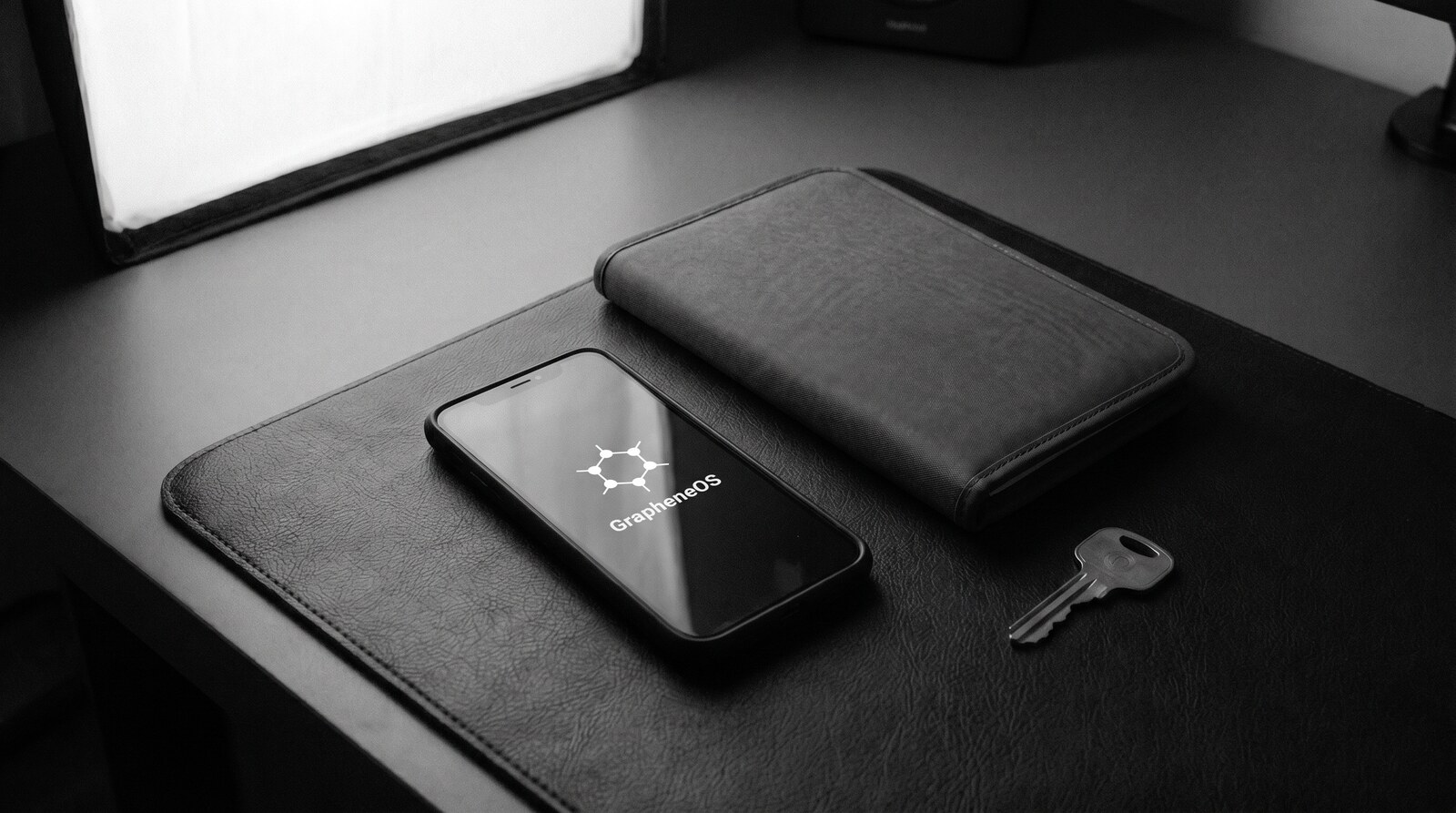
In short: GrapheneOS is a free, open-source, privacy-and-security-hardened operating system for Google Pixel phones. It strips out Google’s default tracking, hardens the Android security model at the memory and kernel level, and lets you run Google Play Services sandboxed and optional rather than baked into the system — while still supporting everyday apps like banking and messaging.
GrapheneOS is a security-focused, privacy-first mobile operating system built on Android. It is designed for people who want stronger protection against tracking, exploitation, and data leakage without sacrificing everyday smartphone usability.
Unlike most Android systems, GrapheneOS does not prioritise convenience or data collection. Its entire design philosophy is built around security hardening, exploit resistance, and user control.
GrapheneOS is open-source, actively maintained, and primarily supported on Google Pixel devices due to their hardware security architecture — verified boot and a dedicated security chip that most competing hardware lacks.
New to all this? Start with our GrapheneOS beginner guide for a plain-language walkthrough before the technical detail below.
How GrapheneOS Is Different From Regular Android
Most Android phones ship with deep integration into Google services. These services often run with elevated privileges and maintain persistent connections to Google’s servers.
GrapheneOS takes a different approach:
• Google services are removed by default
• No forced Google account
• No background analytics or telemetry
• No privileged system apps tracking behaviour
Importantly, GrapheneOS still allows you to install Google Play as a sandboxed app if you choose — meaning it runs like any other app, without special access.
Core Security Features of GrapheneOS
GrapheneOS focuses on system-level security, not cosmetic privacy features.
Hardened Operating System
GrapheneOS strengthens Android’s existing security model by:
• Increasing memory safety protections
• Hardening the kernel and system components
• Reducing exploit chains used by malware
Hardware-Backed Security
On supported devices, GrapheneOS fully leverages:
• Secure boot and verified firmware
• Hardware-backed encryption
• Dedicated security chips for key storage
Advanced App Sandboxing
Every app runs in a tightly restricted sandbox:
• Apps cannot access other apps’ data
• Background behaviour is heavily limited
• Permissions are granular and revocable
User Profiles (True Compartmentalisation)
GrapheneOS allows multiple fully isolated user profiles:
• Separate apps
• Separate storage
• Separate encryption keys
This allows users to keep work, personal, travel, or sensitive activities completely isolated on one device.
Can You Still Use Normal Apps on GrapheneOS?
Yes — and this is one of the most misunderstood aspects.
GrapheneOS supports:
• Banking apps
• Messaging apps (WhatsApp, Signal, etc.)
• Ride-share apps
• Social media apps
Google Play Services can be installed in a sandboxed mode, meaning apps that rely on Google APIs can function without giving Google system-level access.
This balance allows GrapheneOS to remain usable, not just secure.
Who Is GrapheneOS For?
GrapheneOS is not aimed at casual users who prioritise convenience over control. It is designed for people who understand digital risk.
Common users include:
• Journalists and activists
• Executives and business owners
• Travellers crossing borders
• Developers and security professionals
• Privacy-conscious individuals
If your threat model includes tracking, profiling, data harvesting, or targeted exploitation, GrapheneOS is one of the strongest mobile platforms available.is GrapheneOS worth it for a threat-model breakdown, or see why we standardised on GrapheneOS across every device we sell.
Supported Devices
GrapheneOS is officially supported on select Google Pixel devices. This is intentional.
Pixel hardware offers:
• Strong verified boot
• Long-term firmware updates
• Dedicated security hardware
Using other devices would weaken the security model GrapheneOS is built on.
Is GrapheneOS Legal and Safe to Use?
Yes. GrapheneOS is legal to install and use in most jurisdictions. It is an operating system, not a hacking tool.
It does not bypass laws, intercept communications, or enable illegal activity. It simply gives users control over their own device.
Final Thoughts
GrapheneOS represents what Android looks like when security is treated as a foundation — not a feature.
For users who want:
• Fewer silent connections
• Stronger device-level protection
• Real control over apps and data
GrapheneOS is one of the most serious mobile operating systems available today.

GrapheneOS vs Stock Android and CalyxOS
Stock Android, even on Pixel hardware, keeps Google Mobile Services woven into the kernel of the user experience. Your location is reported in the background, your advertising ID is rotated but always present, and Play Protect can scan installed packages at any time. GrapheneOS removes that entire layer by default. You decide, per profile, whether Google’s sandboxed Play Services is even installed.
CalyxOS takes a middle path: it ships with microG, a reimplementation of Play Services that proxies push notifications and some location APIs without sending Google your data. That is easier for new users, but microG has a much smaller security team than Google or GrapheneOS, and the AOSP base CalyxOS builds on is less aggressively hardened. GrapheneOS treats memory corruption, network namespaces, and exploit mitigations as first-class problems — CalyxOS and stock Android do not. See our full GrapheneOS vs CalyxOS comparison for a side-by-side breakdown.
Hardware-backed encryption and verified boot
GrapheneOS relies on the Titan M2 security chip present in every modern Pixel. Your lock-screen PIN or passphrase is bound to the chip, and after a small number of incorrect attempts the chip itself enforces an escalating delay — even a nation-state adversary cannot simply clone the flash and brute-force offline. Verified boot checks every partition on each power-on, and the yellow “custom OS” warning is cryptographically signed so you can confirm the device has not been tampered with in transit.
This hardware-backed chain is why we only sell Pixel devices. Running a de-Googled Android on older or non-Pixel hardware loses verified boot, loses the Titan M2, and loses monthly firmware patches — three of the four pillars of the threat model. The operating system matters, but the hardware underneath matters just as much.
Using banking, messaging, and VPN apps on GrapheneOS
One of the most common objections is “my bank won’t work.” In practice, almost all major Australian and international banking apps run without incident: ANZ, CommBank, Westpac, ING, Revolut, Wise, and most crypto wallets pass their Play Integrity checks because GrapheneOS’s sandboxed Play Services gives them a legitimate attestation response.
Messaging is where GrapheneOS shines. Signal, Threema, SimpleX, Molly, and Briar all run natively. For users who need deniable or metadata-minimised messengers, pairing GrapheneOS with a Threema licence gives you a messenger that never asks for a phone number or Google account — the two pieces of metadata most commonly exploited in SIM-swap attacks.
VPN support is first-class. Mullvad, NordVPN, Surfshark, and ProtonVPN all work with the system-wide VPN API, and GrapheneOS adds a per-profile VPN lockdown: you can force every connection inside a given user profile through a tunnel, with a built-in kill-switch that is enforced at the kernel level rather than the app level.
Installation Options
There are two practical routes to running GrapheneOS. The first is self-install: download the official web installer from grapheneos.org on a computer, connect a supported Pixel over USB, and flash it yourself. This is free and fully documented by the project, but it assumes comfort with a command line, unlocking a bootloader, and troubleshooting driver issues if something doesn’t go cleanly.
The second route is buying a device that arrives already flashed, relocked, and configured. That’s the option most non-technical buyers choose, and it’s what our device range covers — GrapheneOS installed and hardened, plus profiles, VPN, and messaging set up before it ships. If you’re new to any of this, our GrapheneOS new-user guide walks through what changes day-to-day once you switch.
Limitations to Know Before Switching
GrapheneOS is not the right fit for everyone, and it’s worth being upfront about the trade-offs:
- Hardware is Pixel-only. Current and recent Google Pixel models are supported; older or non-Pixel Android phones cannot run it with the same security guarantees.
- Self-install has a learning curve. Flashing it yourself requires basic comfort with a computer, USB debugging, and bootloader unlocking.
- A small number of apps push back. Some apps with aggressive anti-tampering checks may need the sandboxed Google Play profile enabled before they’ll run, and a handful still refuse to run on any non-stock build.
- No official manufacturer support. Google’s hardware warranty is unaffected by unlocking the bootloader, but Google does not provide software support for GrapheneOS itself — that falls to the GrapheneOS project’s own community channels, or to whoever configured your device.
Frequently asked questions
Is GrapheneOS free?
Yes. GrapheneOS itself is open-source and free to download from grapheneos.org. What costs money is a device with verified boot relocked and a supported Pixel generation — and the time to install, configure profiles, and migrate your apps safely. Our device-setup services handle that end-to-end.
How often does it update?
GrapheneOS ships monthly AOSP security patches, and tracks Pixel firmware updates within days of release. Updates are delivered over-the-air, verified by the Titan M2, and can be scheduled per profile.
Will I still receive push notifications?
Yes, if you install sandboxed Play Services. Push arrives via the same Firebase Cloud Messaging channel stock Android uses, but the app handling them has no elevated privileges — it runs as a regular app in its own profile if you like.
What happens if I cross a border?
Power the phone off before the checkpoint. GrapheneOS’s first boot after shutdown uses the strongest encryption state (Before First Unlock). Combined with a duress PIN, a separate travel profile, and a USB-C data-blocker, border inspections cannot trivially extract your working data.
Do I need to be a developer to use GrapheneOS?
No. Installing it yourself does involve a computer and the official web installer, which is more technical than downloading an app. Most people who want the security benefits without the setup buy a professionally configured device instead — see our GrapheneOS new-user guide or the devices we ship pre-configured.