First Boot Setup
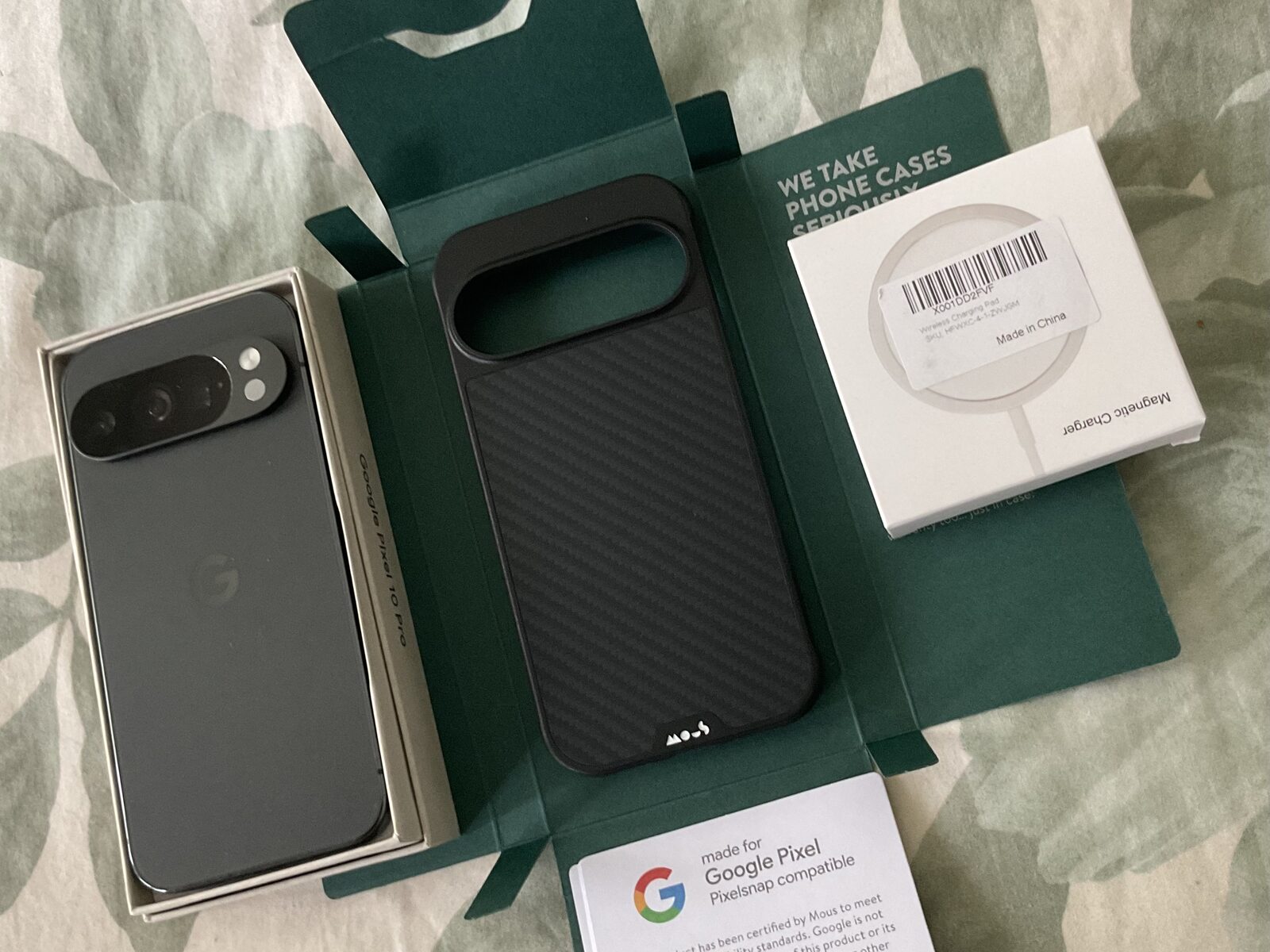
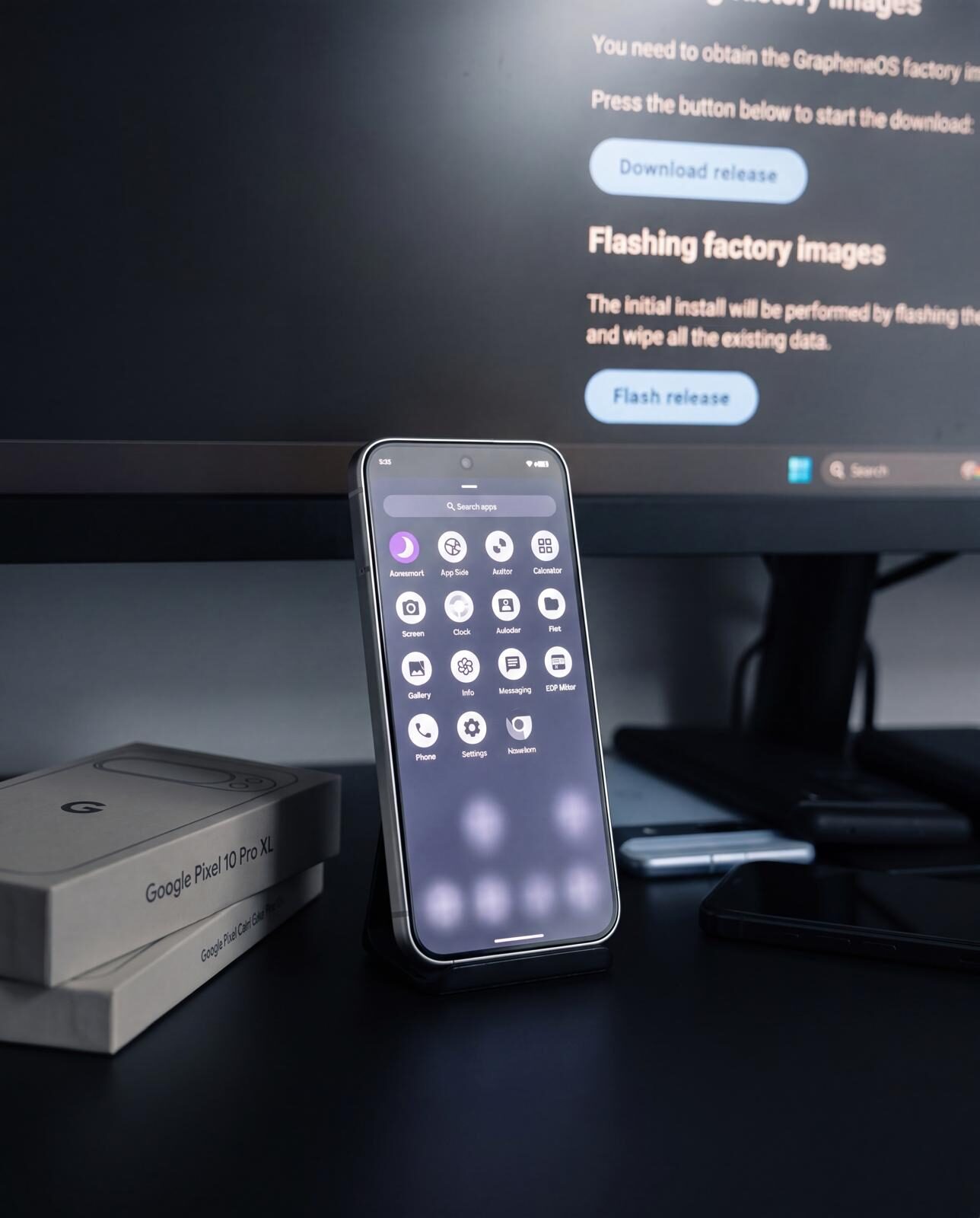
Your device has arrived. It is hardened, encrypted, and running GrapheneOS — but it is not yet configured. The first boot is where you set the foundation. A deliberate, minimal setup now prevents messy security compromises later. Rush this step and you spend weeks undoing bad decisions. Take thirty minutes, follow the sequence, and your device starts clean.
Why It Matters
Most security failures on mobile devices trace back to the first hour. Users restore old backups full of bloatware and stale permissions. They connect to unknown networks. They install every app they can think of before reviewing a single setting. The result is a device that looks new but carries every bad habit from the old one.
GrapheneOS gives you a genuine fresh start — separate from stock Android in ways that matter. But the operating system cannot protect you from your own impatience. A good first boot is minimal, deliberate, and boring. That is exactly what you want.
Step 1: The Boot Warning Screen
When you power on a Pixel running GrapheneOS, you will see a warning screen stating the device is running a different operating system. This is normal. Every Pixel that runs a non-stock OS displays this message. It does not mean your device is compromised, tampered with, or broken. The screen appears because the bootloader verifies the OS image and finds GrapheneOS instead of Google's factory image. Press the power button to continue booting.
If your device was provisioned by Privacy Devices, the bootloader has been re-locked after installation. This means the verified boot chain is intact — GrapheneOS is the verified, expected operating system on your device.
Step 2: Set a Strong Unlock Method
Your first real decision. Choose a PIN, password, or pattern to protect the device. For most users, a random 6-digit PIN is the right balance.
On Pixel hardware, a 6-digit PIN is more meaningful than it sounds. The Titan M2 secure element enforces exponential throttling on failed attempts. After several wrong guesses, delays escalate rapidly — making brute-force attacks against even a 6-digit PIN computationally impractical. A random PIN means no birthdays, no repeated digits, no sequences. Write it down and store it securely offline until you have committed it to memory.
Avoid biometrics as your sole unlock method. Fingerprint unlock is a convenience layer, not a security boundary. Set the PIN first, then optionally add fingerprint access afterward.
Step 3: Connect Carefully
You need internet access to check for updates and install apps. Be selective about how you connect.
Use a trusted Wi-Fi network you control, or your own mobile data connection. Do not connect to public Wi-Fi, hotel networks, or shared hotspots during initial setup. If you must use mobile data, insert your SIM or configure your eSIM before proceeding (see the SIM and eSIM Setup guide for details).
GrapheneOS randomises your MAC address per network by default, which is good practice — but connecting to a hostile network during setup still exposes you to unnecessary risk before your device is fully configured.
Step 4: Check for Updates Immediately
Before installing anything else, go to Settings > System > System update. Let the device check for and install any available updates. GrapheneOS releases security patches frequently. Your device may have been provisioned days or weeks ago, and patches issued since then need to be applied.
The update system uses A/B partitions — it downloads and installs in the background, then applies on the next reboot. Let the update complete and reboot when prompted.
Step 5: Do Not Restore Old Backups
This is critical. Do not blindly restore a Google backup, a cloud sync, or a full device transfer from your previous phone. Restoring everything defeats the purpose of starting clean. Old backups carry stale app permissions, tracking-heavy applications, accounts you no longer use, and configurations that conflict with a privacy-focused setup.
Start from zero. Install only what you need. If there is specific data you must transfer — contacts, photos, documents — move it manually via encrypted transfer or a USB cable after your device is fully configured.
Step 6: Install Only Core Apps First
Resist the urge to install everything at once. Begin with the essentials:
- Secure messenger — Signal or a comparable end-to-end encrypted messaging app.
- Browser — Vanadium is pre-installed and hardened. If you need a secondary browser, install one with strong privacy defaults.
- Password manager — Bitwarden, KeePassDX, or your preferred option. This should be among the first apps on your device.
- VPN — If you use a VPN service, install and configure it early so all subsequent network traffic is routed through it.
Install these from the App Store (GrapheneOS's F-Droid-compatible app source) or via direct APK from the developer's official site. Do not install sandboxed Google Play yet unless you have a specific, immediate need for it.
Step 7: Plan Your Profiles Early
GrapheneOS supports multiple user profiles — isolated workspaces with separate apps, data, and encryption keys. Planning your profile structure now saves significant reorganisation later. A practical starting point:
- Owner profile: Administration only. Minimal apps. Used for system settings and updates.
- Daily profile: Your normal personal use. Messenger, browser, password manager, everyday apps.
- Banking/Google profile: For compatibility apps that require sandboxed Google Play Services. Banking apps, rideshare, anything that demands Play Services.
- Travel profile: A stripped-down profile for crossing borders or travelling. Minimal data, minimal apps.
You do not need to create all of these now, but decide on the structure before you start installing apps in the wrong places. See the Profiles and Compartmentalisation guide for full instructions.
Step 8: Review Key Settings
Work through these settings before you start daily use:
- Permissions: Settings > Privacy > Permission manager. Review what each pre-installed app can access. Deny anything that is not clearly necessary.
- Notification previews: Settings > Notifications. Set lock screen notifications to "Hide sensitive content" or disable them entirely. Notification previews on a locked screen leak information.
- Private DNS: Settings > Network & internet > Private DNS. Set to a trusted provider such as Cloudflare (one.one.one.one) or Quad9 (dns.quad9.net).
- Biometrics: If you choose to enable fingerprint unlock, do so now — but understand it is a convenience feature, not a replacement for your PIN.
- Auto-reboot: Settings > Security > Auto reboot. Configure the device to automatically reboot after a period of inactivity. This re-encrypts the device and clears sensitive data from memory.
- Sandboxed Google Play: Only install this if you have a confirmed need. It can be added to a specific profile later without affecting your other profiles.
Step 9: Learn the GrapheneOS-Only Privacy Controls
Beyond the standard settings, GrapheneOS adds privacy controls you will not find on stock Android. Learn these on day one — they are the tools you will reach for daily:
- Sensors-off tile: A Quick Settings toggle that cuts power to the camera, microphone, and motion sensors for every app at once. Add it to your Quick Settings panel for one-tap sensor lockdown.
- Network permission: GrapheneOS lets you deny network access to any individual app — unique to this OS. Revoke it from apps that have no business connecting (calculators, local utilities, document readers) so they cannot phone home.
- Storage Scopes: Instead of granting broad storage access, share only specific files or folders with an app.
- Contact Scopes: Share a curated subset of contacts with an app rather than your entire address book.
On a Privacy Devices phone, the groundwork is already laid: Mullvad VPN is pre-configured, Private DNS is set to block trackers, and the global eSIM is pre-activated. The device runs dual SIM, so you can add a physical SIM alongside the eSIM whenever you need a local number — open the Mullvad app to switch on always-on protection, and insert a SIM when required. Apps that bring their own push system, such as Signal and Threema, deliver notifications normally without Google Play Services.
Best Practices
- Document your profile plan and PIN storage method before you finish setup. Memory is unreliable under stress.
- Keep the Owner profile minimal. It is an administration workspace, not your daily driver.
- Disable Bluetooth and NFC when not actively in use. Both are enabled by default on fresh installs.
- Set a SIM PIN if your carrier supports it. This prevents your SIM from being used in another device without the PIN.
Common Mistakes
- Restoring a full backup from a previous device and inheriting every old permission and tracking app.
- Choosing a weak or predictable PIN (000000, 123456, birthday digits).
- Installing sandboxed Google Play in the Owner profile instead of an isolated secondary profile.
- Connecting to public Wi-Fi during setup because a trusted network was not available.
- Installing dozens of apps before reviewing any system settings.
- Skipping the initial system update and running on outdated patches for weeks.
Reality Check
A hardened operating system is not a magic shield. GrapheneOS provides strong defaults and meaningful isolation, but it cannot override poor decisions made during setup. If you restore a tracking-heavy backup, connect to compromised networks, and install every app you have ever used, you have an expensive phone running good software badly.
The first boot is your single best opportunity to start with discipline. Everything that follows builds on the choices you make in this first half hour.
Conclusion
A good first boot is quiet. Update the OS, set a strong PIN, connect to a trusted network, install only what you need, plan your profiles, and review your settings. No rushing, no bulk restores, no unnecessary apps. Thirty minutes of deliberate setup creates a device that is clean, compartmentalised, and ready for daily use without the security debt that comes from cutting corners.
This page covers the first boot itself. For the rest of your first week — profiles, banking apps, and daily habits — see the full beginner guide.
Just received your device? Follow this guide and you are set.