Device Hardening Guide
Beyond installing GrapheneOS, proper device hardening involves reviewing every permission, network setting, and system behaviour. This guide covers the key hardening steps applied to every Privacy Devices phone.


What Is Device Hardening?
Device hardening is the process of reducing the attack surface of your phone. This means disabling unnecessary services, restricting app permissions, controlling network behaviour, and configuring the OS for maximum security rather than convenience.
GrapheneOS provides the foundation. Hardening is what turns it into a truly secure system.
Bootloader & Verified Boot
Every Privacy Devices phone ships with:
- Bootloader relocked — prevents unauthorised OS modifications
- Verified boot active — the OS verifies its own integrity on every boot
- No unlockable bootloader warning — the device behaves identically to a factory Pixel in terms of boot verification
Permission Controls
GrapheneOS extends Android's permission system with additional controls:
- Network permission — per-app control over internet access (unique to GrapheneOS)
- Sensors permission — control which apps can access accelerometer, gyroscope, etc.
- Storage scopes — apps see only the files you explicitly share, not your entire storage
- Contact scopes — share individual contacts rather than your entire address book
- Clipboard access — restricted to prevent apps from reading copied text
Network Hardening
- VPN always-on — Mullvad VPN configured with kill switch, so no traffic leaks if the VPN drops
- Private DNS — configured to a trusted DNS provider that blocks trackers
- MAC randomisation — enabled by default for all Wi-Fi connections
- Wi-Fi auto-off — disabled auto-connect to previously known networks
- Bluetooth off by default — only enabled when explicitly needed
System-Level Hardening
- Auto-reboot timer — device reboots after a configurable period of inactivity, forcing re-authentication and clearing memory
- USB-C restricted — USB data connections disabled when locked (prevents forensic extraction tools)
- Camera/mic indicators — system indicators show when camera or microphone is in use
- Scrambled PIN layout — PIN entry keypad is randomised to prevent shoulder surfing and smudge analysis
- Duress PIN — part of Phantom Protocol, triggers protective actions when entered
- Physical RF isolation — for situations where the device must be carried but not used, storing it in a Faraday bag blocks Wi-Fi, Bluetooth, cellular and RFID signals entirely, independent of any OS setting
App-Level Hardening
- Remove or disable all apps you do not actively use
- Review permissions after every app update
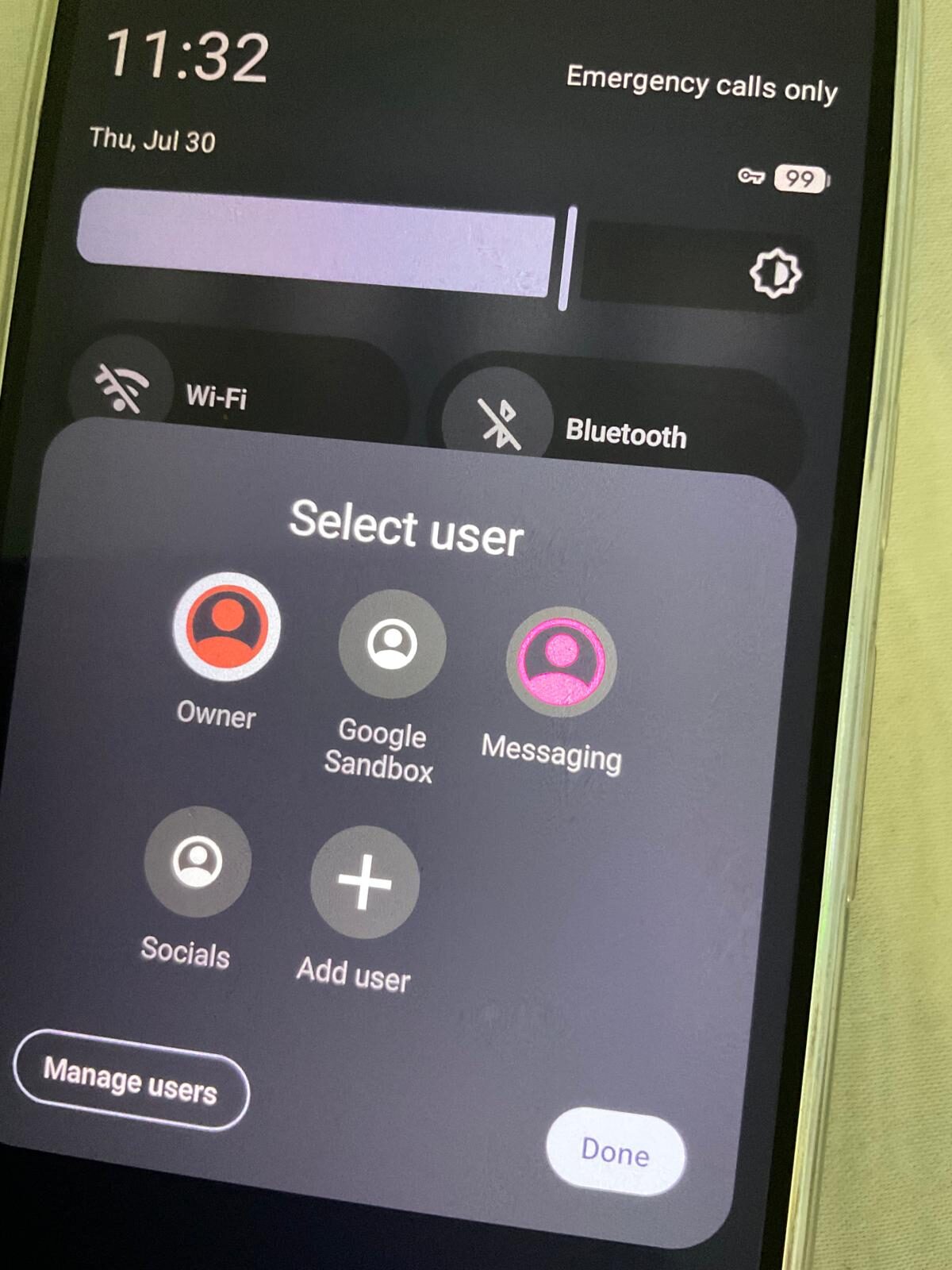
- Use separate profiles for apps with different trust levels
- Prefer apps that work without Google Play Services
- Use Vanadium (the GrapheneOS browser) as the default — it includes security patches ahead of Chrome
Ongoing Maintenance
Hardening is not a one-time action. Maintain your security posture by:
- Keeping GrapheneOS updated (automatic by default)
- Reviewing app permissions monthly
- Checking VPN status before sensitive activity
- Periodically clearing unused profiles and app data
Biometrics vs PIN — Which to Use
Fingerprint and face unlock are convenient, but a biometric can be applied to you — deliberately or under coercion — in a way a memorised PIN cannot. For everyday use, biometrics are a reasonable trade-off. In higher-risk situations (border crossings, protests, any point where someone else might control your hand), disable biometrics and rely on the PIN alone. Combined with auto-reboot, this ensures the device sits in its strongest "Before First Unlock" encrypted state whenever it matters most.
What Hardening Doesn't Cover
Honesty matters here: hardening reduces exposure, it does not eliminate it. It will not protect data you choose to unlock and hand over. It does not make you anonymous if you stay logged into accounts tied to your real identity. And no consumer device is proof against a well-resourced, targeted, state-level attacker with an unpatched exploit — hardening raises the cost and narrows the window for everyday threats and opportunistic access, which is what the overwhelming majority of real-world exposure looks like.
Want a professionally hardened device? Browse our pre-configured devices — every phone ships fully hardened.
Frequently asked questions
Does hardening slow the phone down?
No. Almost everything described here — permission scopes, network hardening, verified boot, auto-reboot — has no perceptible performance cost. The one trade-off is convenience: disabling biometrics in high-risk settings means typing a PIN more often.
Is a hardened phone unhackable?
No device is. Hardening reduces the attack surface and raises the cost of everyday and opportunistic access — lost/stolen devices, casual forensic tools, drive-by exploits. It does not defend against a well-resourced, targeted attacker with a zero-day.
Can I harden a phone myself, or does it need to be pre-configured?
GrapheneOS exposes all of these settings to any user after installation. We configure and verify them before dispatch so nothing is missed, but every setting described here is available in the OS itself.