The honest iPhone to GrapheneOS
migration guide for Australia.
An iPhone privacy alternative in Australia: how to switch, what you keep, what you lose, and what gets better. Written from real customer migrations — not from a feature spec sheet.
Judge the handover.
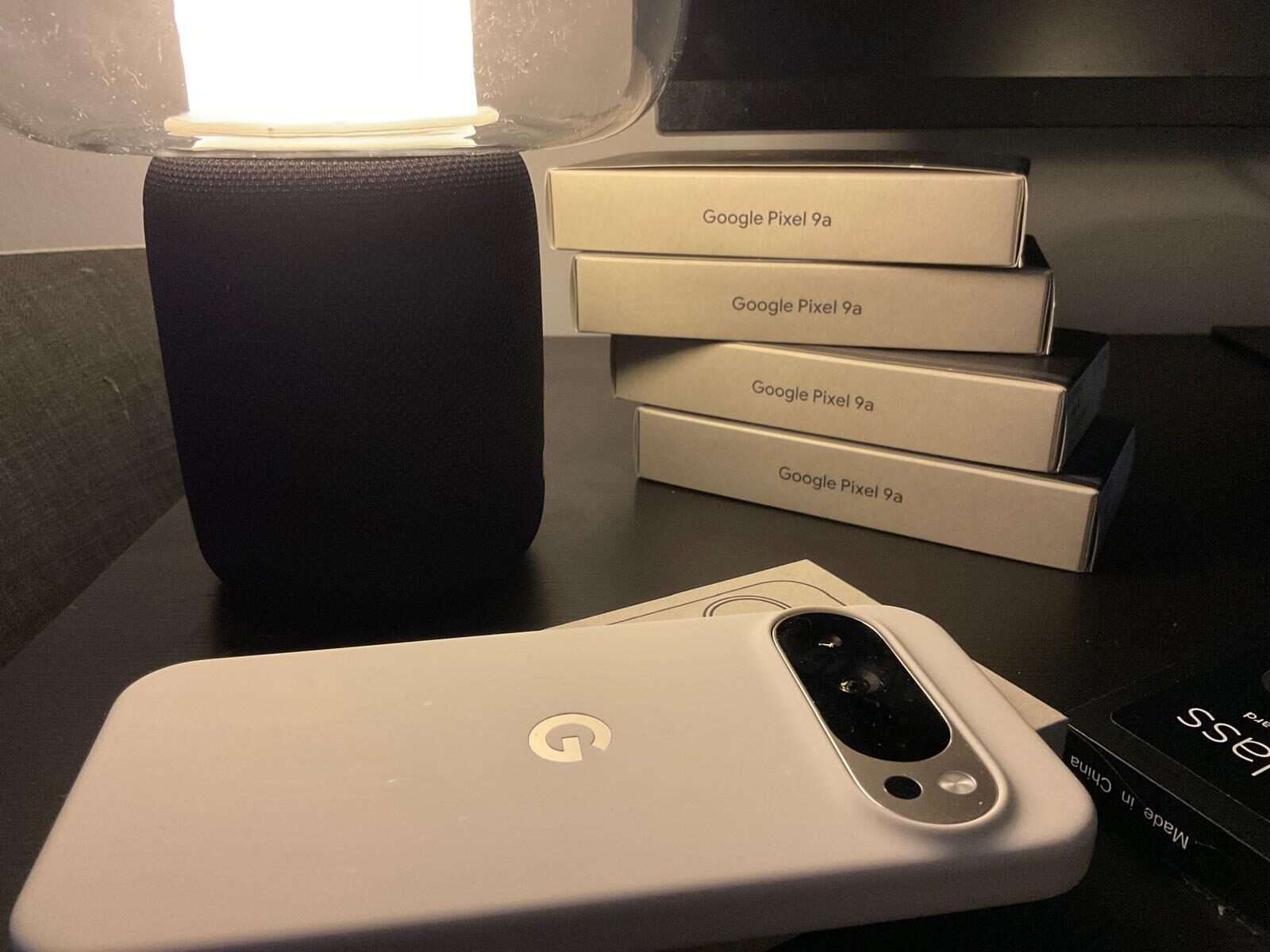
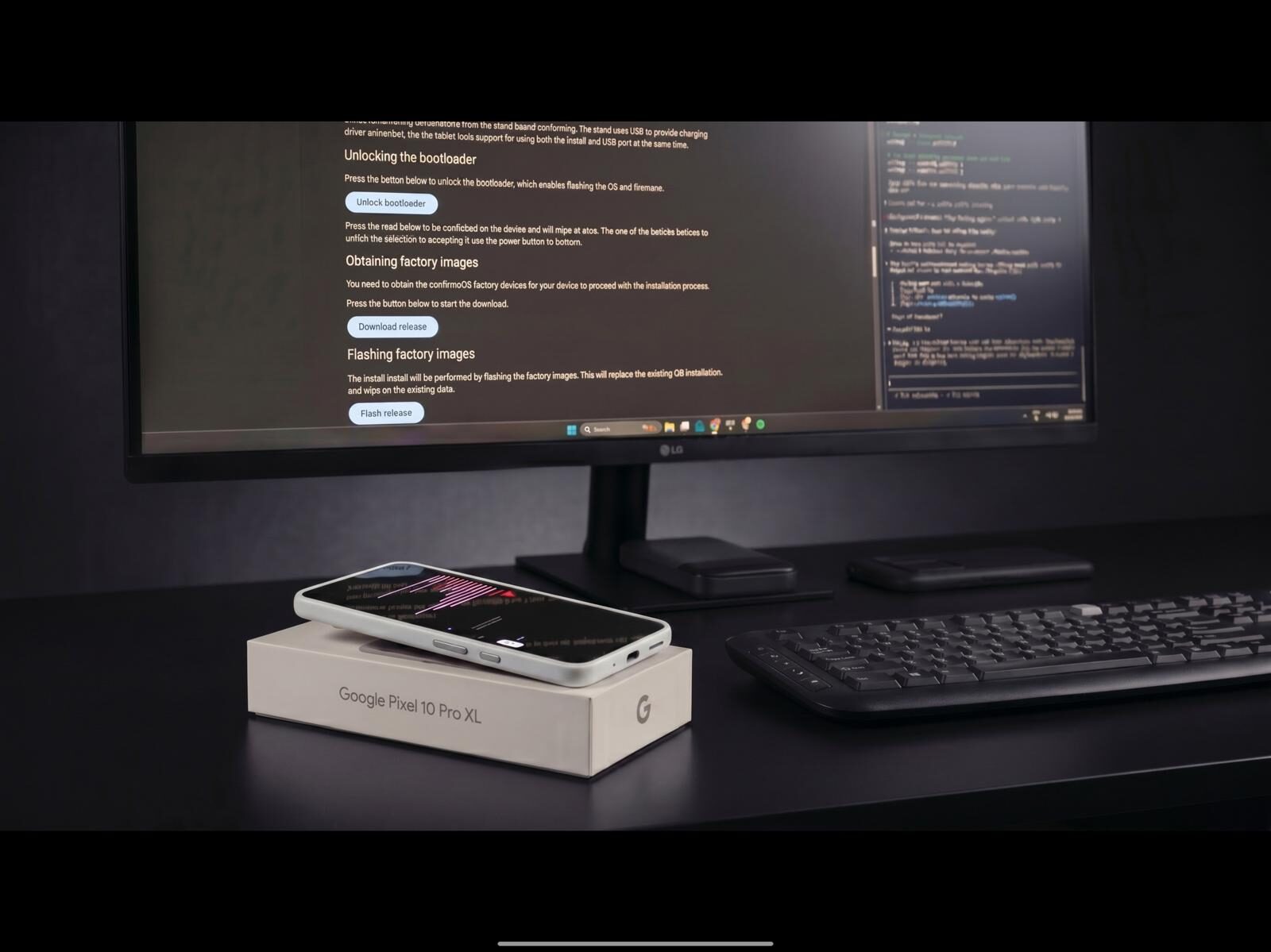
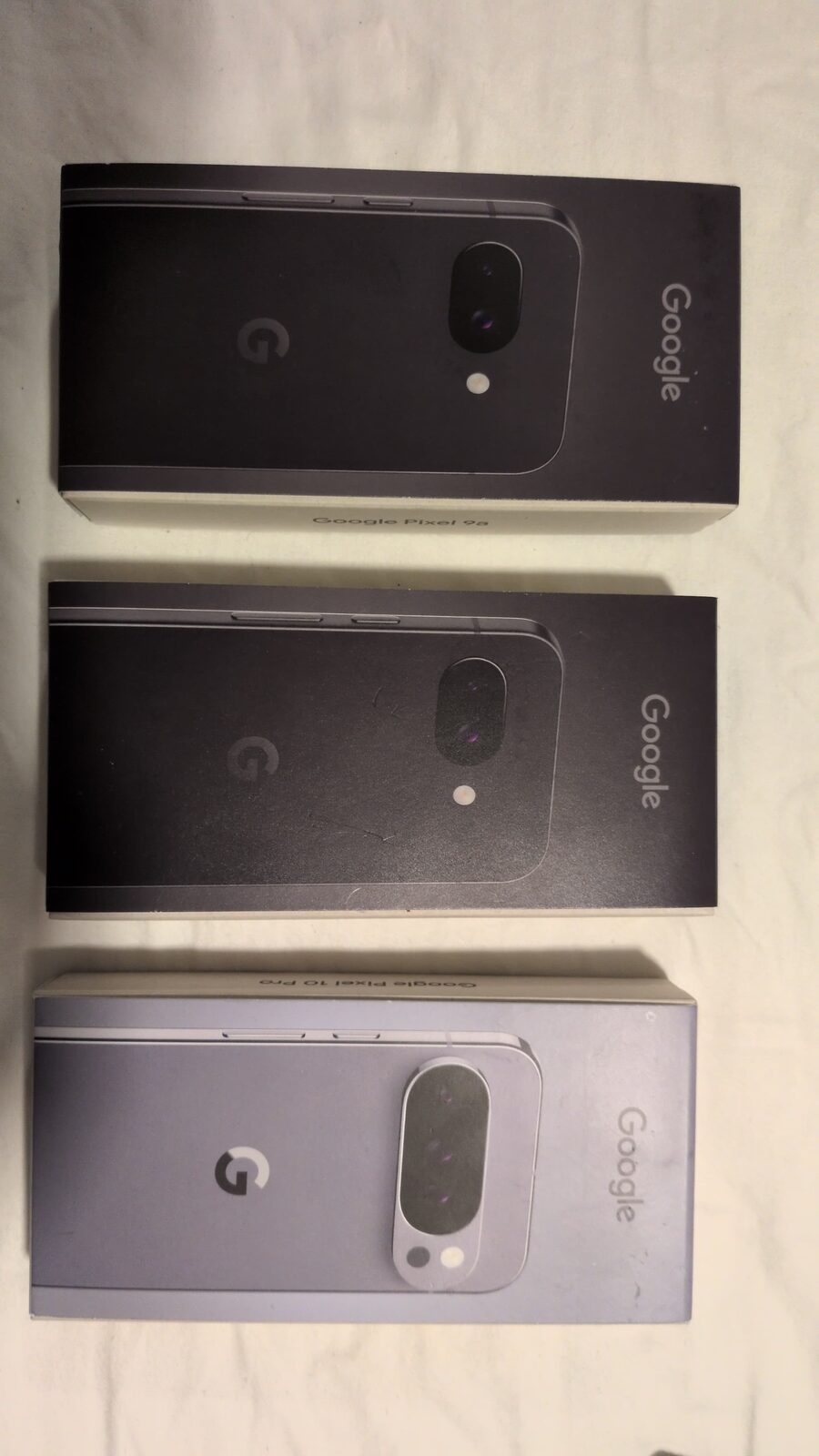
Most sellers can talk about GrapheneOS. The visible difference is the prepared hardware, the provisioning work, the checks and the packaging before it reaches the buyer.
Why people switch
iOS encrypts well. iCloud is end-to-end encrypted with Advanced Data Protection turned on. So why switch? The motivation is almost always one or more of these: Apple ID lock-in, advertising identifiers and on-device analytics, App Store gatekeeping that blocks privacy-first tools, the inability to disable telemetry at the OS level, and the impossibility of running a phone with no cloud account at all.
GrapheneOS removes all of that. No mandatory account. No advertising ID. No telemetry channel. Audited open-source code. Hardened against memory-safety attacks beyond stock Android. Configurable down to per-app sensor permissions.
What carries over, what does not
| Category | Status on GrapheneOS |
|---|---|
| Contacts, calendar, notes | Full migration via vCard / iCloud export. |
| Photos & videos | Full migration via iCloud download then import to local or self-hosted (Immich / PhotoPrism). |
| Messaging | Signal and WhatsApp transfer chat history. Threema starts fresh. iMessage does not migrate — Apple does not export it. |
| Any provider (Gmail, ProtonMail, Fastmail) works in K-9 Mail or the provider’s app. | |
| Banking apps (AU) | Most major Australian banks work via Sandboxed Google Play. |
| Apple Pay | Replaced by bank-app tap-to-pay or Google Wallet. CBA, NAB, ANZ all work. |
| AirPods / earbuds | Audio + calls work. Apple-only features (auto-switch, Find My) do not. |
| Apple Watch | Does not pair with Android. Replace with a non-Apple wearable or skip. |
| Apple Music | Apple Music for Android works. Or switch to a privacy-friendlier service. |
| iCloud Drive | Replaced by ProtonDrive, Tresorit, or self-hosted Nextcloud. |
| Find My iPhone | GrapheneOS has no equivalent — intentionally. We provide owner-controlled remote wipe via Phantom Protocol. |
The switch in 6 steps
1. Export from your iPhone
- Settings → [Your name] → iCloud → download photos to local first.
- Contacts → share via iCloud.com to vCard.
- Calendar export from iCloud.com.
- Notes — copy critical entries to a text or markdown file. Apple Notes does not export cleanly.
2. Receive your Privacy Devices Pixel
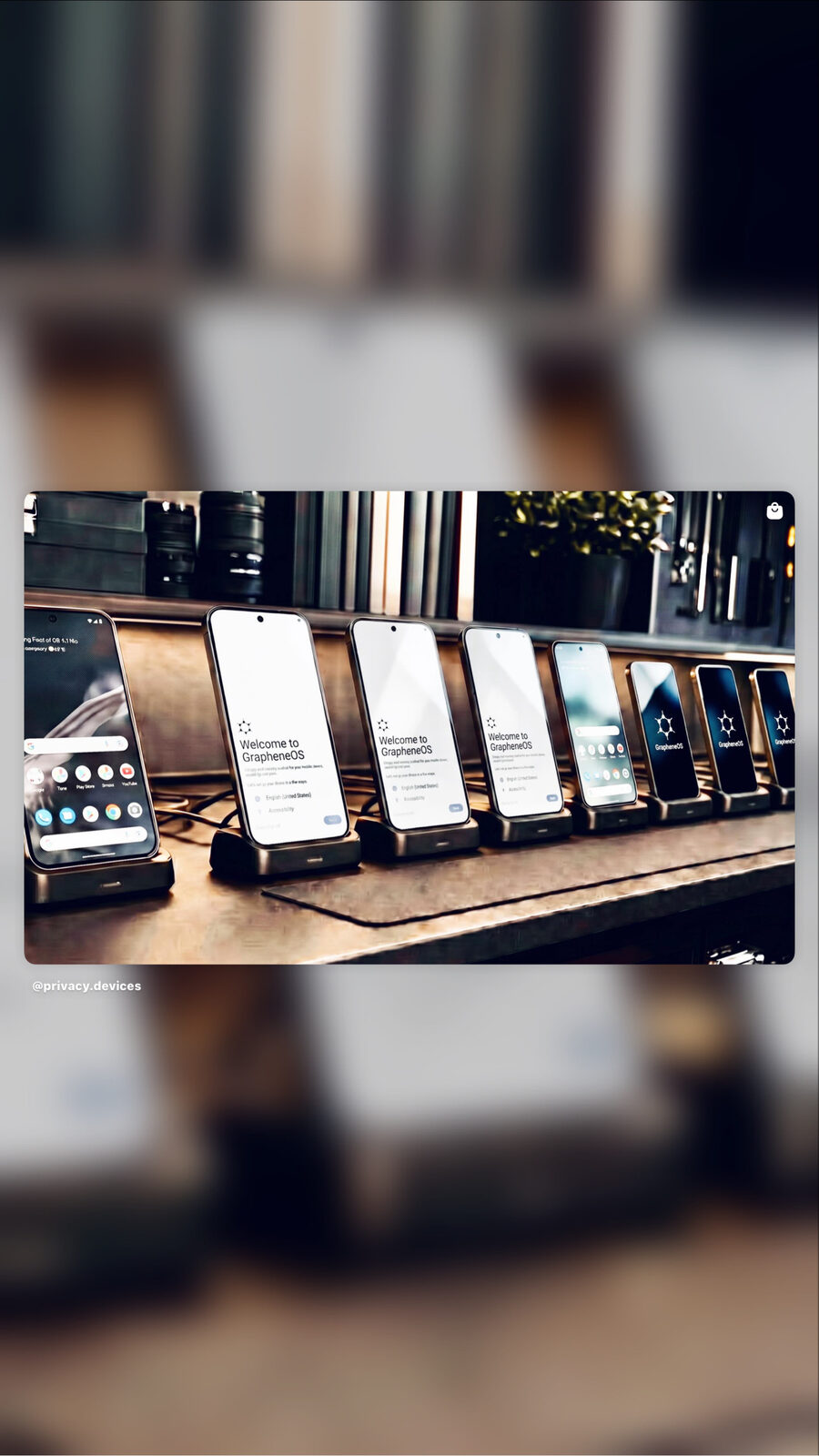
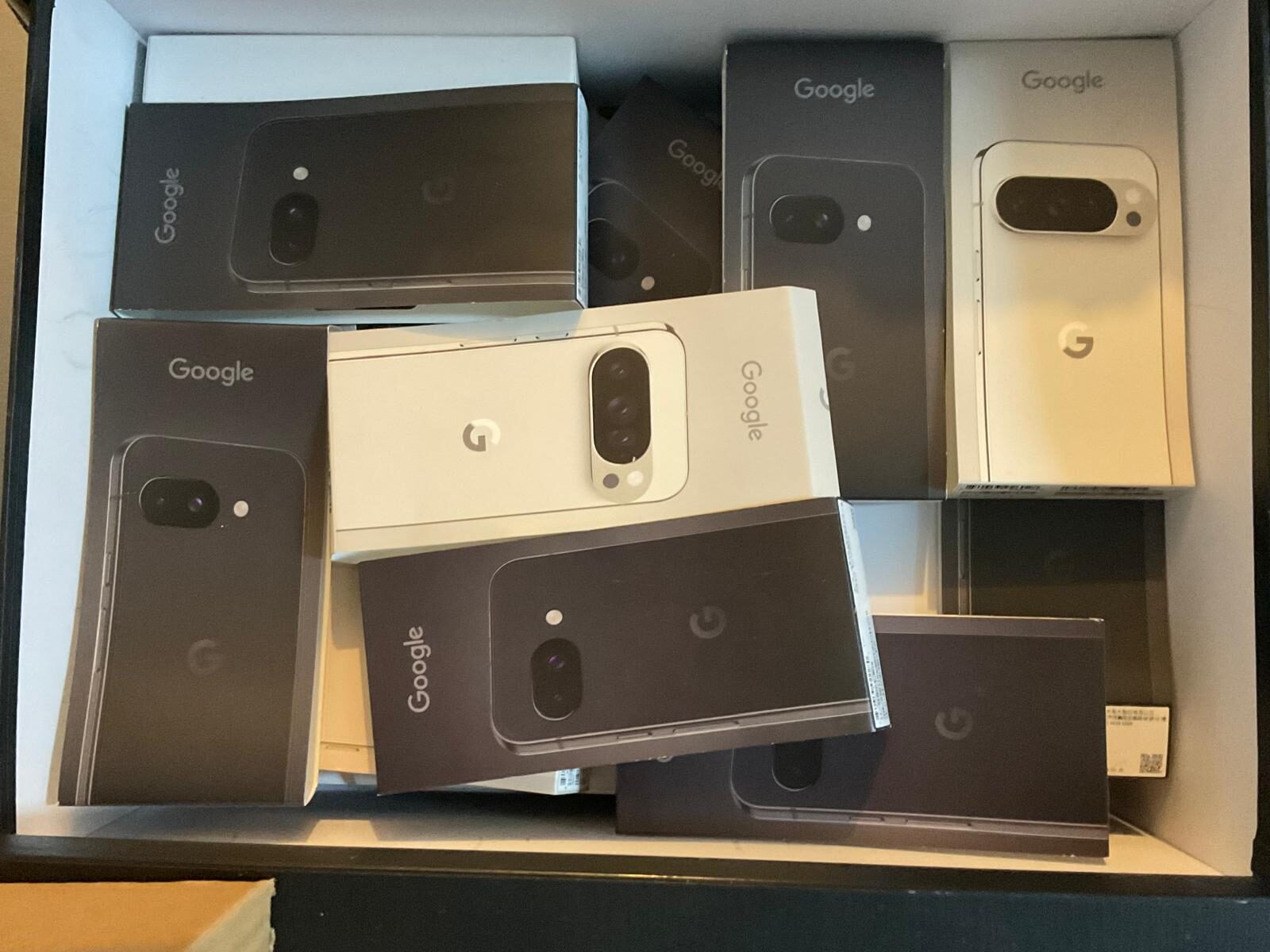
It arrives with GrapheneOS already installed and verified-boot relocked, Threema activated, Mullvad VPN keyed, and a global eSIM provisioned. Plug it in, sign in to your seed apps with the printed credentials.
3. Restore contacts
Use Contacts (GrapheneOS) → Import vCard. No Google account needed.
4. Restore photos
Plug in via USB, copy from desktop, or use a privacy-friendly cloud (ProtonDrive, Mullvad-paired). Avoid Google Photos.
5. Migrate messaging
Sign in to Signal — chat history transfers from your old device. Threema and WhatsApp also support transfer. iMessage does not, by design.
6. Set up banking in a secondary profile
Profile 2 with Sandboxed Google Play → Aurora Store → install your banking apps there. Keep your Owner profile clean. See the GrapheneOS new user guide.
What gets better
- Per-app permissions for network, sensors, camera, and microphone — system-level toggles iOS does not expose.
- Multiple cryptographically-isolated profiles. iOS offers no equivalent.
- No mandatory cloud account. The phone is fully usable with no Apple ID, no Google account, no telemetry channel.
- Phantom Protocol — duress PIN, remote wipe, decoy profile. Phantom Protocol overview.
- Owner-controlled verified boot. You hold the keys.
Frequently asked questions
Can I switch from iPhone to GrapheneOS without losing my data?
Yes. Contacts, photos, calendar, notes, and most messaging app history can be migrated. iMessage history cannot — Apple does not export it in a usable format. We provide a documented migration checklist and Threema-based assistance during your switch.
What about iMessage?
iMessage is iPhone-only and cannot be installed on GrapheneOS. We migrate users to Threema and Signal — both end-to-end encrypted, both audited, both work cross-platform. Contacts who stay on iPhone reach you over SMS or whichever encrypted app you both install.
Will my AirPods work?
Yes for audio. AirPods use standard Bluetooth audio profiles and pair like any other earbuds. Auto-switching between Apple devices, Find My, and Apple-only features will not work — but listening, calls, and noise cancellation do.
Does Apple Pay have an equivalent?
Yes. Most Australian bank apps (CBA, ANZ, Westpac, NAB, Macquarie) support tap-to-pay via Google Wallet on Android. GrapheneOS works with Google Wallet inside Sandboxed Google Play in a secondary profile. Some banks instead offer their own tap-to-pay (CommBank, NAB, ANZ) — these often work better on GrapheneOS.
Will my Australian bank work?
Yes — most. CBA, ANZ, Westpac, NAB, Macquarie, Bendigo, ING, Up, and Bank Australia have all been tested. We confirm compatibility before dispatch.
Do I lose iCloud Photos?
You retain access via iCloud.com if you keep your Apple ID active. We recommend exporting your full iCloud Photos library before switching, then importing to either an open-source self-hosted tool (Immich, PhotoPrism) or a privacy-friendly cloud (Mullvad-paired ProtonDrive).
Why is GrapheneOS more private than iOS?
iOS encrypts well but is closed-source, controlled by a single company, and integrates deeply with Apple ID telemetry, advertising identifiers, and cloud services. GrapheneOS is open-source, audited, removes Google entirely, and is hardened above stock Android — including memory protections and network-level controls iOS does not provide.
Ready to switch?
Configured and tested within 1–2 business days before tracked dispatch. 12-month hardware warranty. 14-day money-back guarantee. We’ll walk you through migration over Threema if you want a hand.
Browse Devices → Get Migration Help