Threema on GrapheneOS
No phone number. No email. A random ID that lives only on your device. Threema is the only mainstream encrypted messenger with zero identifying information on signup — and on GrapheneOS it runs fully sandboxed from Google.
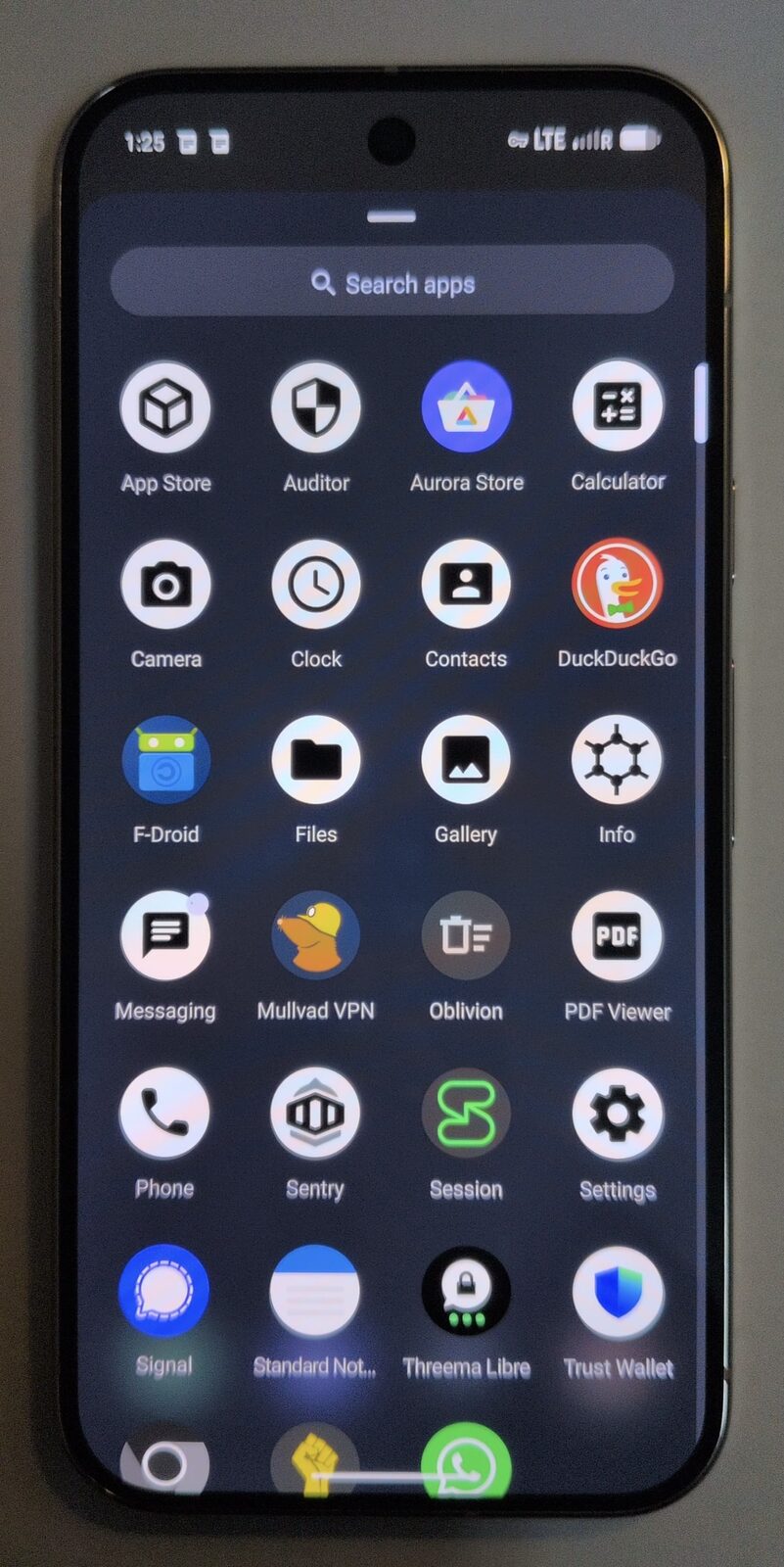
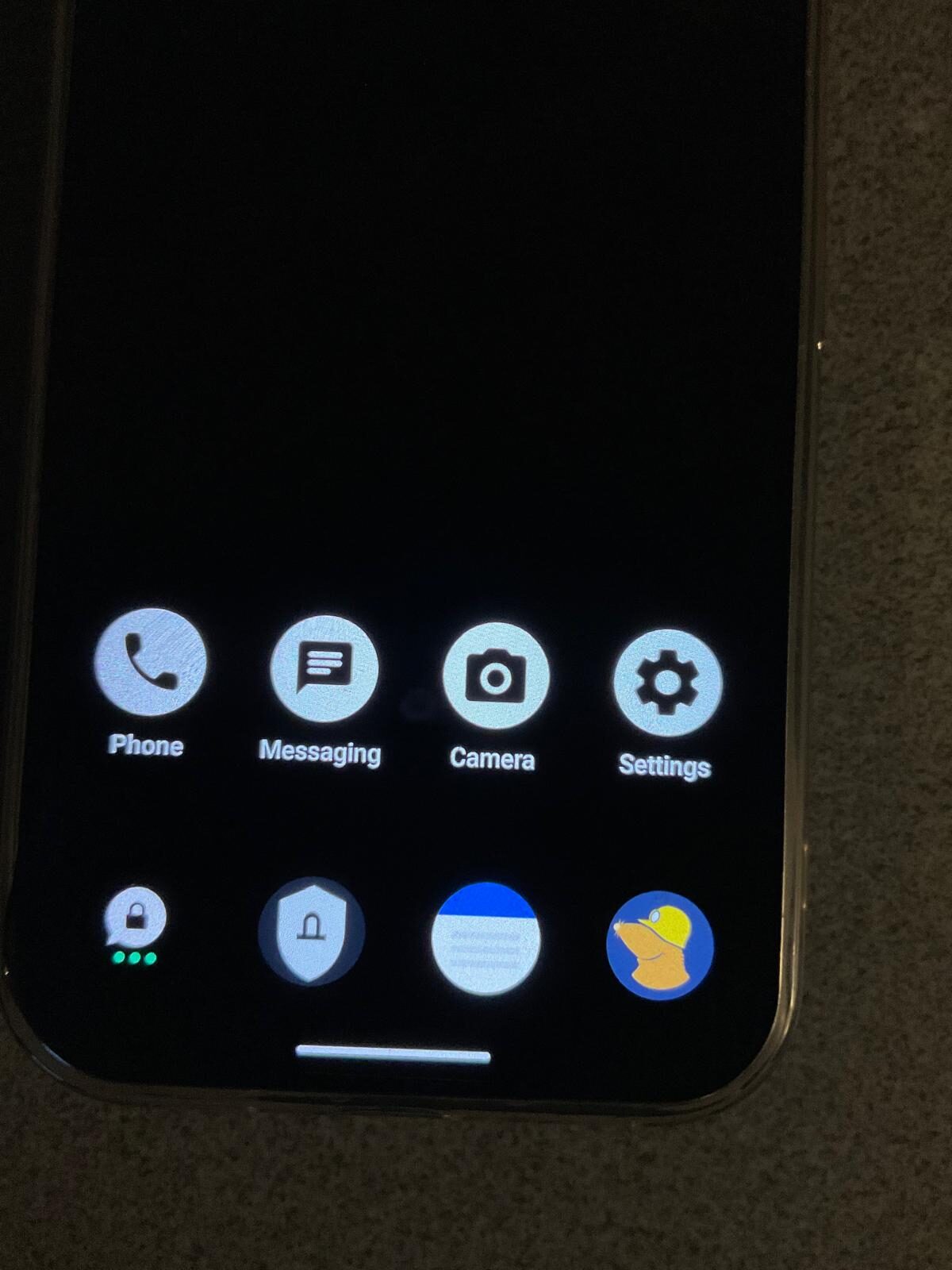
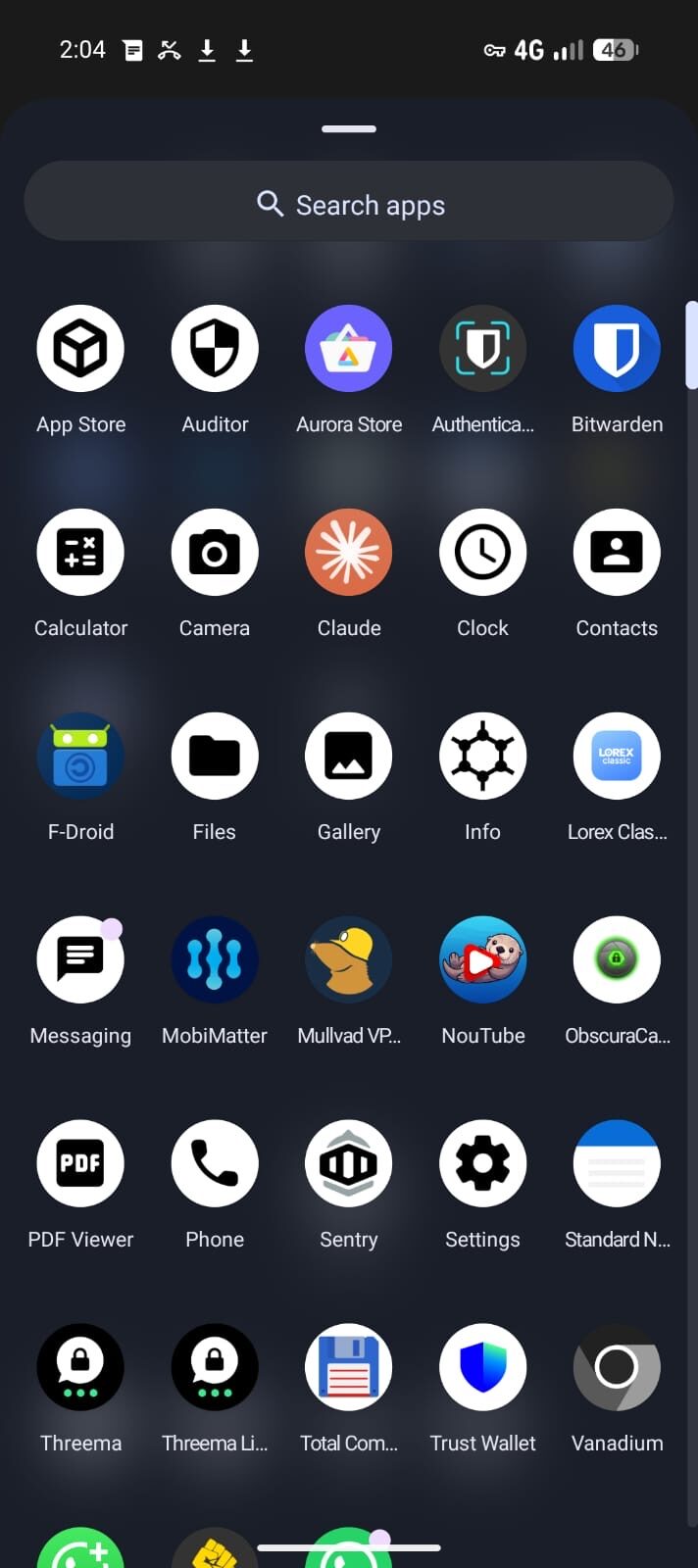
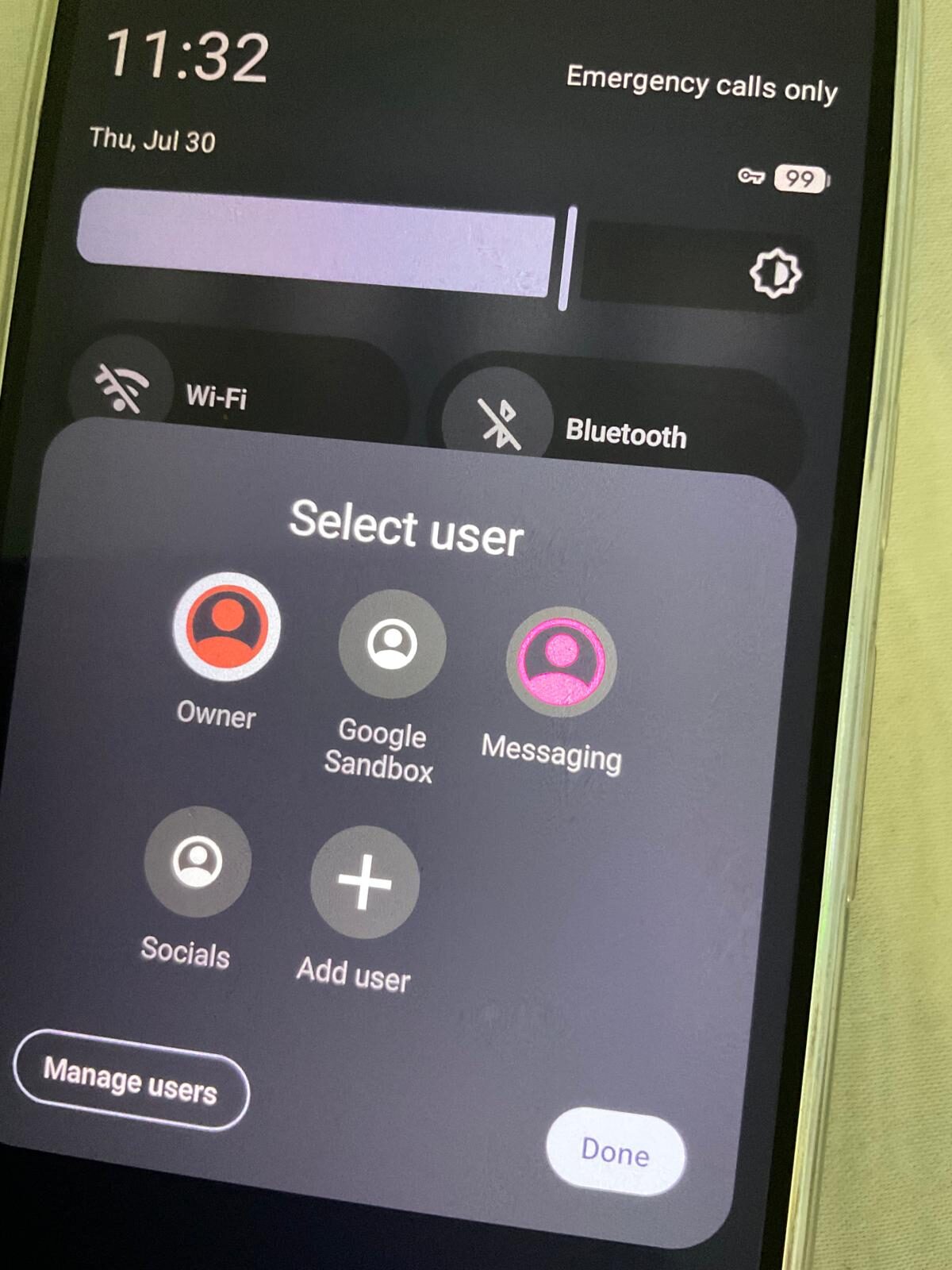
The private stack, on screen.
Encrypted messaging only works when the apps, profiles, contacts and network path are configured together. The point is a working communication setup, not a list of app names.
Why Threema is different from Signal and WhatsApp
Signal and WhatsApp both require a phone number to register — that number links your identity to your account. Threema generates a random 8-character ID on your device and never ties it to a phone number, email, or real name. Pay with crypto or cash and the entire account chain is anonymous. Deploying it across a team? See Threema for business.
On GrapheneOS, Threema installs cleanly without Sandboxed Google Play. Install the Threema Libre build via F-Droid, or sideload the APK directly from Threema's website. Notifications arrive via Threema's own push infrastructure — no Google dependency.
Setting up Threema on GrapheneOS
1. Install Threema Libre from F-Droid — Search "Threema Libre" in F-Droid, install. This build uses Threema's own websocket push instead of Firebase.
2. Generate your Threema ID — Open the app and tap "Generate". Your ID is created locally on-device. No account, no server registration, no email.
3. Pay anonymously — Threema costs a one-off ~$5 AUD. Pay via credit card in-app, or buy a license code at threema.ch and redeem it — no payment information linked to your ID.
4. Share your ID — Your Threema ID is a short code you share selectively. You can also generate a QR code for in-person ID exchange with no digital trail.
Threema vs Signal on GrapheneOS
Both are excellent. Use Threema as your primary identity — no phone number, permanent anonymous ID. Use Signal for contacts who already use it. They are not redundant; they solve different parts of the privacy problem. See the full Signal vs Threema comparison for a detailed breakdown.
Which Privacy Devices phones support Threema Libre?
All Privacy Devices phones ship with GrapheneOS pre-installed and verified. F-Droid is configured and ready. Threema Libre installs in under a minute with no Google account or Play Store required.
FAQ — Threema on GrapheneOS
Does Threema work on GrapheneOS without Google Play?
Yes. Install Threema Libre from F-Droid. It uses Threema's own websocket-based push and has no dependency on Google services — no Sandboxed Google Play required.
Is Threema anonymous if I use my real name in the profile?
The ID itself is anonymous — your display name in Threema is optional and only visible to contacts you approve. Threema has no knowledge of who you are at signup.
How is Threema different from Signal?
Signal requires a phone number to register. Threema requires nothing — it generates a random ID on your device. For contacts already on Signal, Signal works fine. For a completely unlinked identity, Threema is the better tool.
Is Threema end-to-end encrypted?
Yes. Threema uses the NaCl cryptography library with separate identity and message keys. Messages are encrypted on your device and can only be decrypted by the intended recipient.
What happens to my Threema ID if I change phones?
Your Threema ID is backed up locally with a recovery key. Export the backup before switching and restore it on your new GrapheneOS device — your ID, contacts, and keys are preserved.
Can I use Threema on a Privacy Devices phone?
Yes. All Privacy Devices phones ship with GrapheneOS pre-installed. F-Droid is available and Threema Libre installs in under a minute, with no Google account needed.
Get a phone that's ready for Threema
Our devices ship with GrapheneOS pre-installed and verified. F-Droid is configured. Threema Libre installs in seconds — no Google account needed.
Shop Privacy Phones → Buy a Threema License