Prepared GrapheneOS, or flash it yourself?
GrapheneOS is free, and installing it yourself is completely legitimate. The honest question is not "can you?" — it is whether the time, the relock step, and the configuration that follows are work you want to own. Here is the fair comparison.
Judge the handover.
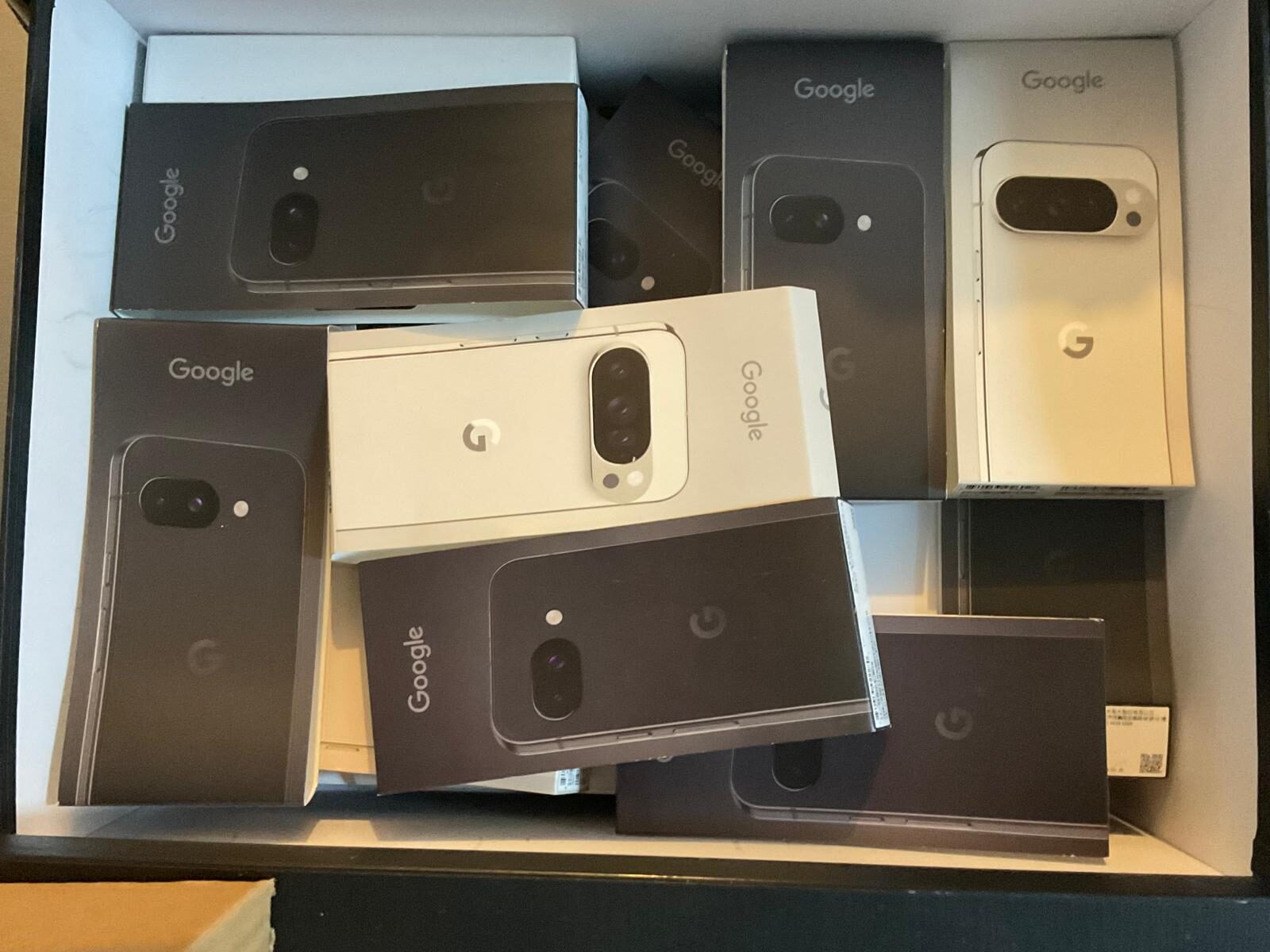
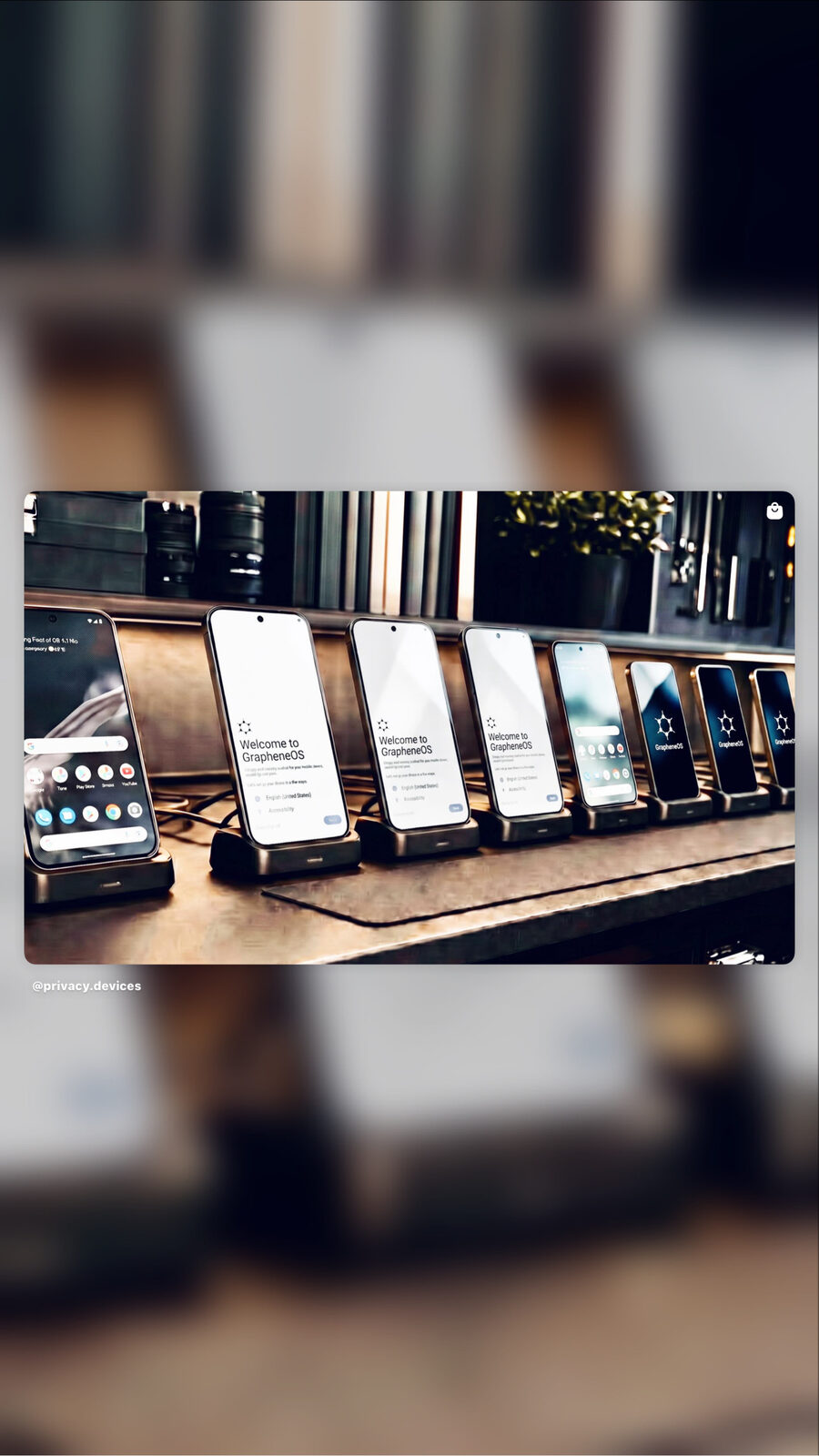
Most sellers can talk about GrapheneOS. The visible difference is the prepared hardware, the provisioning work, the checks and the packaging before it reaches the buyer.
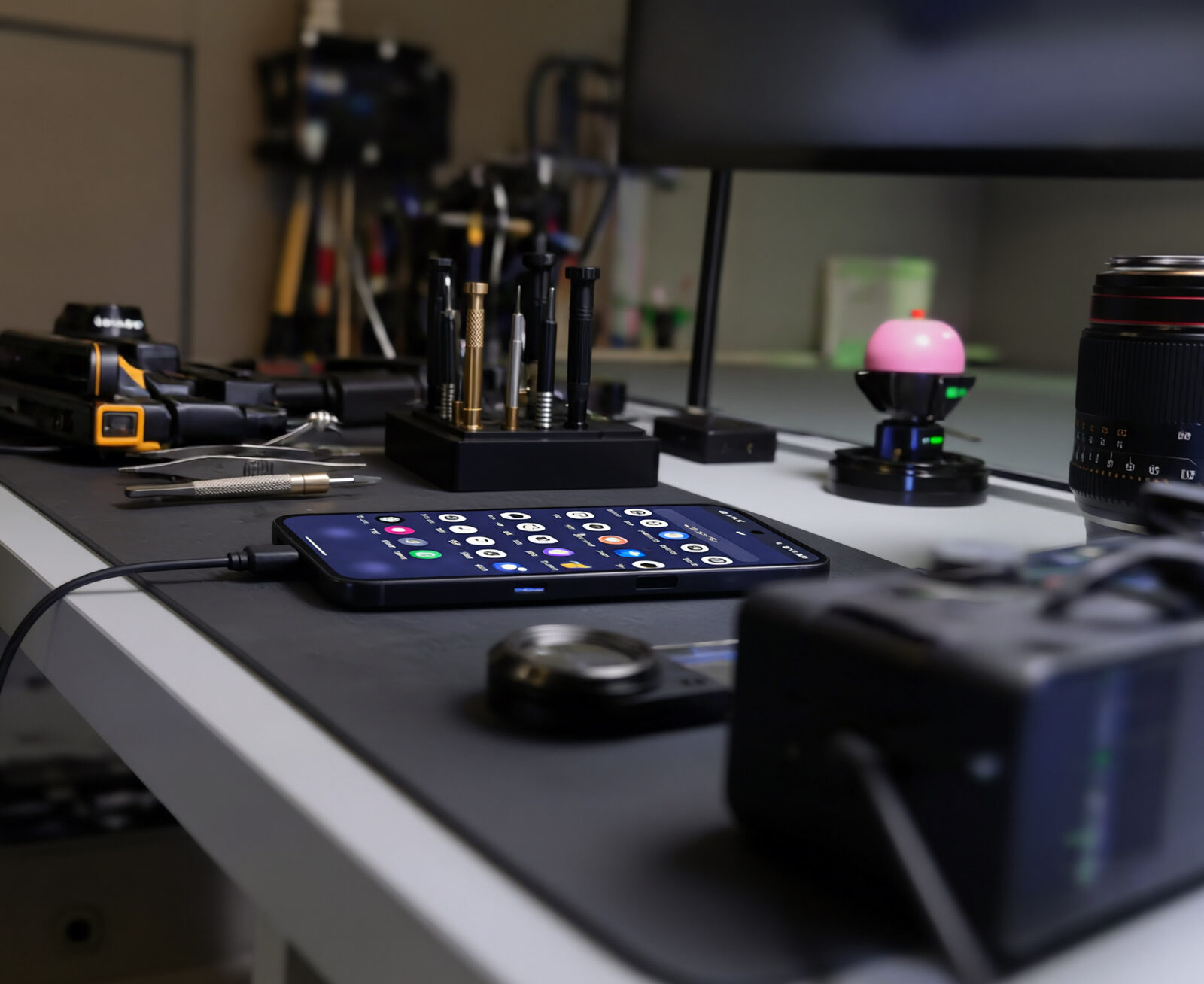
If you are comfortable with bootloader unlocking, the command line, and a few hours of careful configuration — flash it yourself; the software is free and the result is excellent. If your time is worth more than the saving, or a mistake on the relock step is unacceptable, buy a prepared device. The operating system is identical. What differs is who does the work, and who carries the risk of getting it wrong.
The OS is the same. The preparation is the variable.
This is the part most comparisons get wrong. A prepared GrapheneOS phone does not run a "better" GrapheneOS — it runs exactly the same open-source operating system you would install yourself, from the same official builds. We are not selling a different OS. We are selling the preparation: the install, the relock, the encrypted-comms licensing, the network configuration, the duress layer, and the verification that all of it is actually working. The device is the vessel; the preparation is the product.
For the fuller case on that distinction — and who a prepared device is actually for — see why prepared devices exist.
Side-by-side
| Consideration | DIY flashing | Prepared by Privacy Devices |
|---|---|---|
| Software cost | Free | Included in device price |
| Your time | 2–5 hours + troubleshooting | None |
| Bootloader unlock + flash | You do it | Done & verified |
| Verified boot relocked | Easy to skip or mishandle | Relocked & attested |
| Encrypted comms (Threema/Signal) | Self-licensed, self-configured | Licensed & configured |
| Mullvad VPN, always-on | Self-subscribed | Paid & enforced |
| Global eSIM | Sourced separately | Provisioned & tested |
| Duress / remote-wipe layer | Not available | Phantom Protocol armed |
| Banking-app setup | Trial and error | Pre-validated |
| If something breaks | Forums & self-support | Direct AU support line |
| Hardware warranty | Manufacturer only | 12-month + our support |
What DIY flashing actually involves
If you go the self-install route, here is the honest shape of it. None of it is beyond a technical person, but each step has a way to go wrong:
- Buy a supported Google Pixel and enable OEM unlocking.
- Unlock the bootloader (this wipes the device).
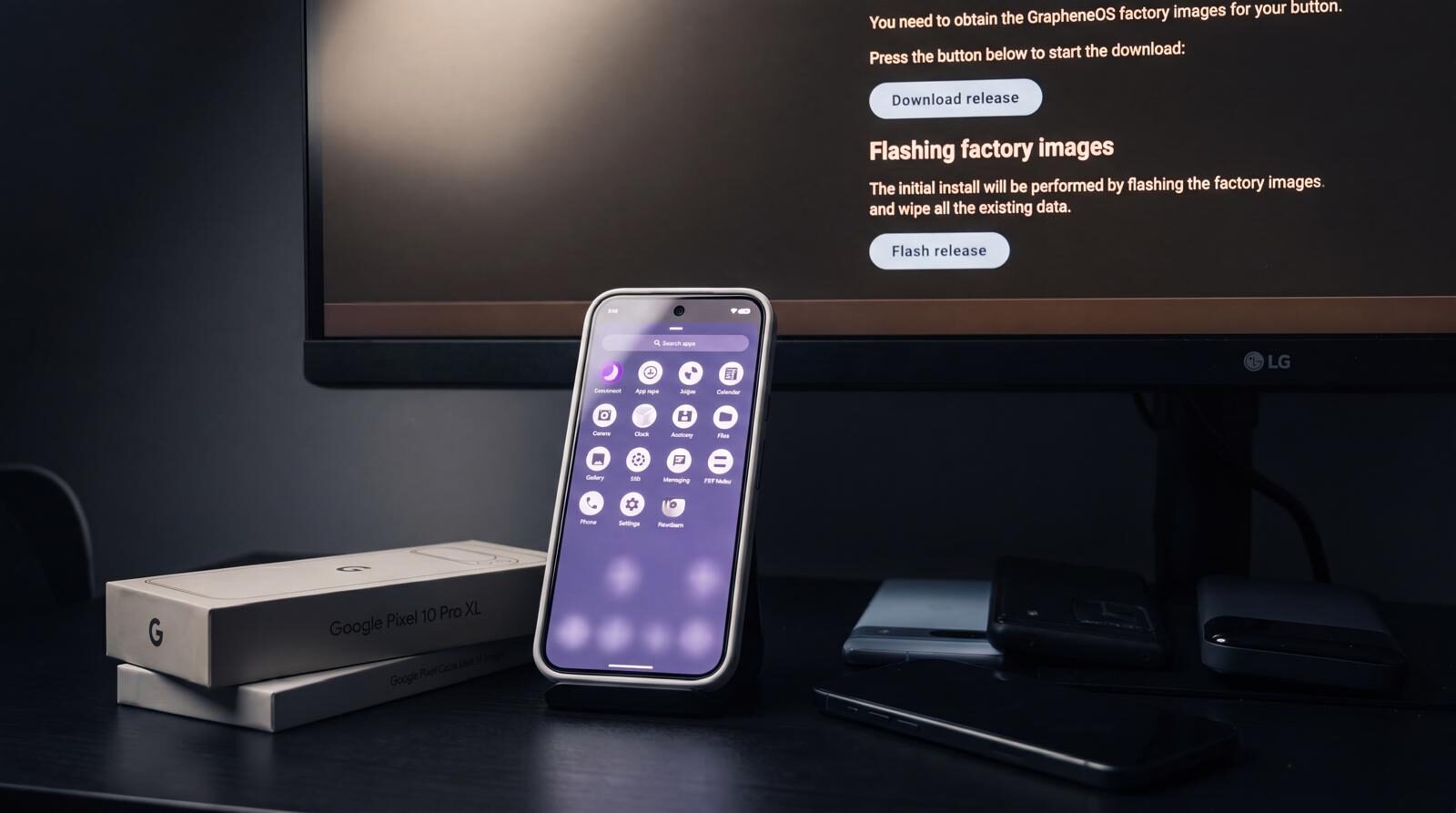
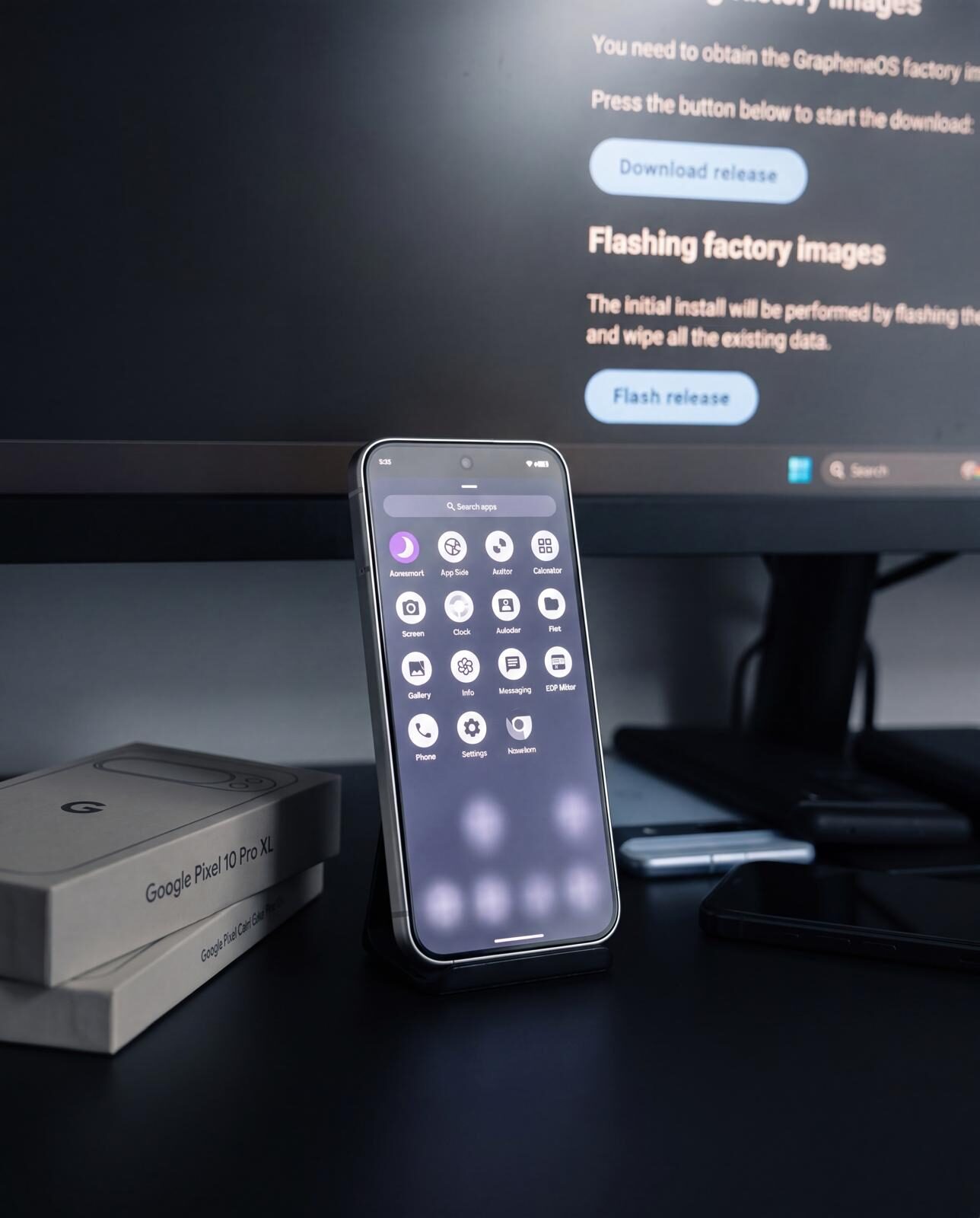
- Flash the official GrapheneOS build using the web installer or command line.
- Relock the bootloader against the GrapheneOS keys. This is the step that restores verified boot — and the step people most often skip, because the warnings are intimidating and an interrupted relock can soft-brick the device.
- Configure profiles, install a sandboxed Google Play only where needed, set up encrypted messaging, subscribe to and enforce a VPN, provision an eSIM, and tune the security settings (auto-reboot, sensor toggles, network permissions).
Our GrapheneOS new-user guide walks through the configuration in detail, and the OS comparison explains why relocking is the dividing line between GrapheneOS and other privacy ROMs.
Where DIY most often goes wrong
The relock is skipped
A device flashed but left with an unlocked bootloader is a physical-access risk — anyone with the phone can flash a tampered image. Verified boot only protects you once relocked.
Configuration is half-done
The OS is installed but the VPN is not enforced, auto-reboot is off, and the messaging stack is the same leaky apps as before. The hardening exists in theory, not in practice.
Banking apps are abandoned
A bank app fails once, the user gives up, and re-enables a Google-heavy setup — undoing the privacy gain. Most failures are a sandboxed-Play setup issue with a known fix.
None of these are reasons not to DIY. They are reasons to do it carefully — or to have it done for you and verified.
Who should do which
Flash it yourself if: you enjoy the process, you are comfortable on the command line and with bootloader procedures, your threat model is consumer-grade, and your time is freely available. The result is a genuinely excellent privacy phone for the cost of the hardware alone.
Buy prepared if: your time is valuable, a mistake on the relock or configuration is unacceptable, you want the encrypted-comms and VPN licences bundled and working, you need the Phantom Protocol operational layer, or you simply want a phone that works correctly out of the box with a person to call if it doesn't. This is the typical choice for executives, journalists, legal professionals, and anyone buying for family.
Either way you end up on the same operating system. For the broader case on what a hardened device is, see secure phone Australia and GrapheneOS phone Australia.
Prepared vs DIY — FAQ
Is the GrapheneOS on a prepared phone different from the one I install myself?
No. It is the same open-source operating system from the same official builds. A prepared device is not a different or modified GrapheneOS — you are paying for the installation, relock, licensing, configuration, and verification, not for a different OS.
Is it cheaper to flash GrapheneOS myself?
In pure software terms, yes — GrapheneOS is free, so DIY costs only the Pixel hardware. A prepared device costs more because it bundles the labour, the encrypted-comms and VPN licences, an eSIM, the duress layer, warranty, and ongoing support. Whether that is worth it depends on the value of your time and your tolerance for getting the relock and configuration right.
What is the riskiest part of flashing GrapheneOS myself?
Relocking the bootloader. It is the step that restores verified boot, but the warnings are intimidating and an interrupted relock can leave the device temporarily unbootable. It is also the step most often skipped, which leaves the phone exposed to physical-access tampering.
Will I lose features by flashing it myself instead of buying prepared?
You will not lose any GrapheneOS feature. What is not part of GrapheneOS — the Phantom Protocol duress and remote-wipe layer, pre-licensed Threema, a paid Mullvad subscription, a provisioned eSIM, and a support line — is what a prepared device adds on top.
Do you support people who flashed their own device?
Our direct support line is for devices we prepared. For self-installers, our published guides cover setup, hardening, banking apps, and migration, and the GrapheneOS community forums are an excellent resource.
Is installing GrapheneOS myself legal in Australia?
Yes. Installing an open-source operating system on a device you own is lawful in Australia. See our guide on whether encrypted phones are legal in Australia for the full context.
Same OS. None of the weekend.
Every Privacy Devices Pixel ships with GrapheneOS installed, verified boot relocked, comms licensed, and the duress layer armed. Configuration and testing take 1–2 business days before tracked dispatch.
Browse Prepared Devices → Ask Us a Question