Do banking apps work on GrapheneOS?
Short answer: yes. The overwhelming majority of Australian banking, payment and government apps run normally on GrapheneOS through a sandboxed Google Play profile — including the big four banks, the popular neobanks, PayID, and myGov. This is the single most common worry before switching, so here is the honest, current picture: what works, the handful of apps that can be fussy, and how the setup actually works.
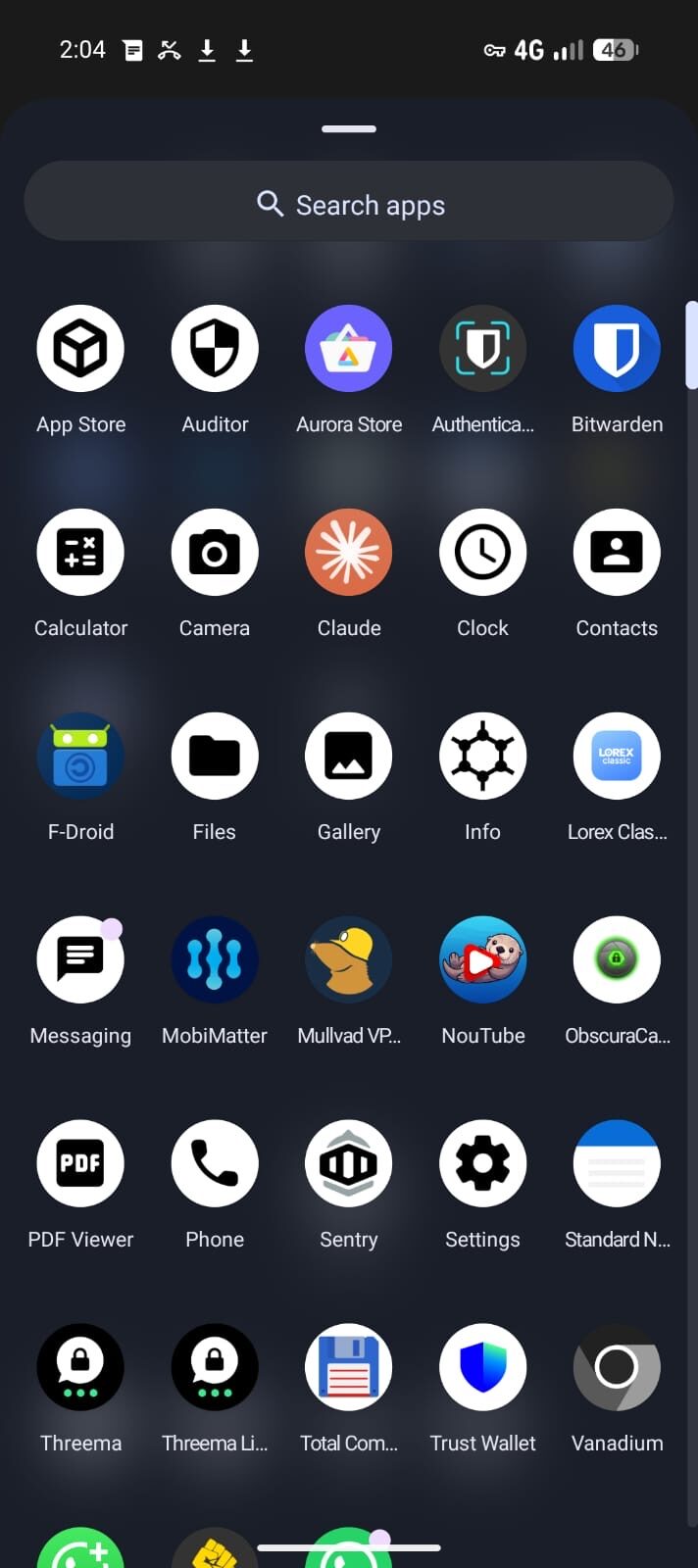
The private stack, on screen.
Encrypted messaging only works when the apps, profiles, contacts and network path are configured together. The point is a working communication setup, not a list of app names.
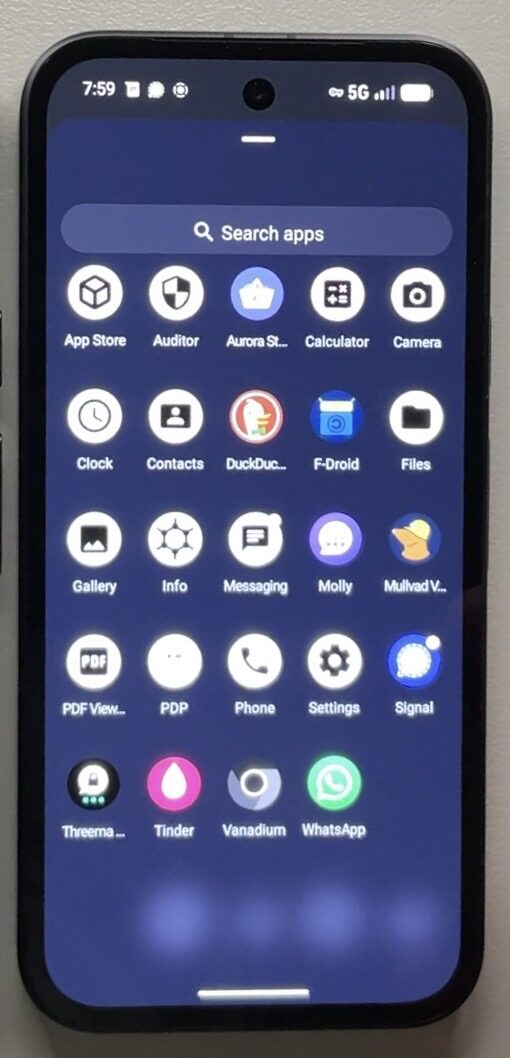
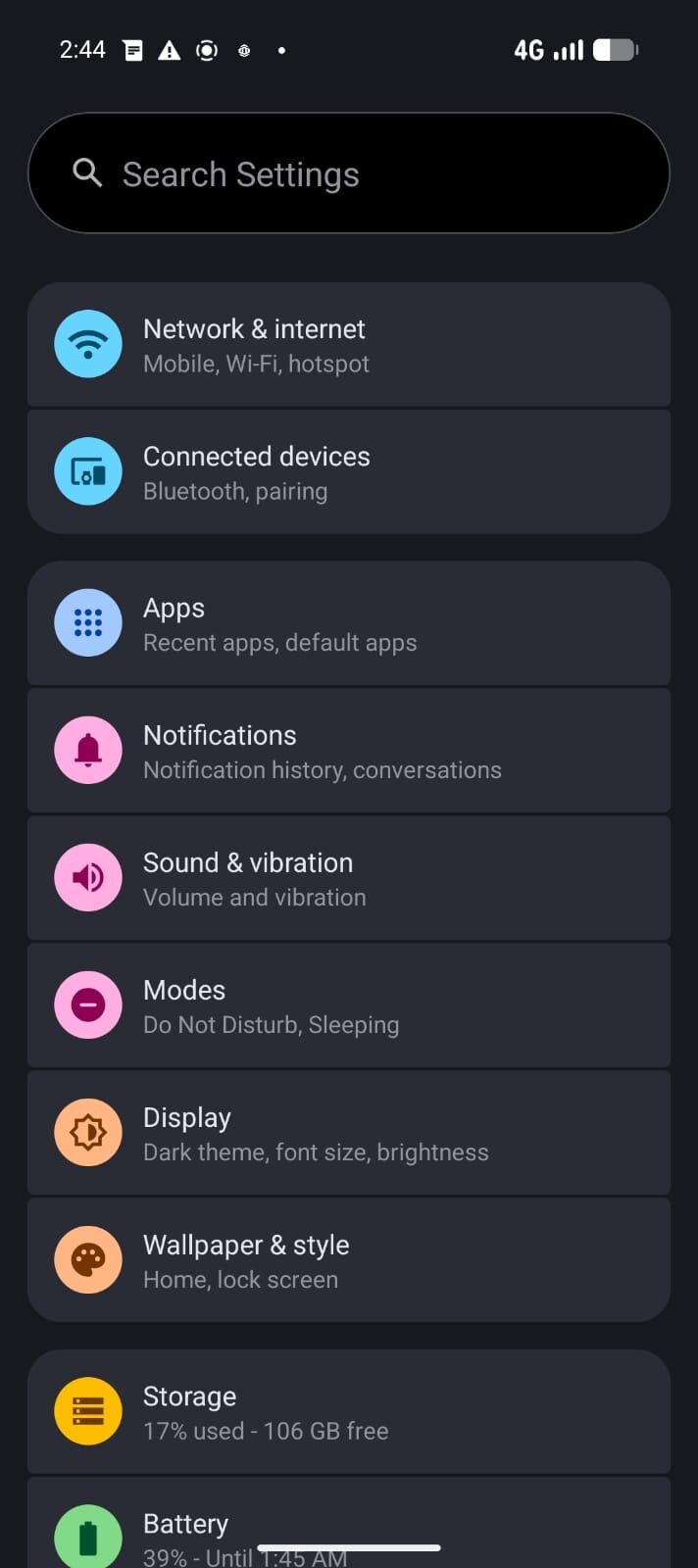
Australian banking apps work on GrapheneOS. GrapheneOS supports sandboxed Google Play — the real Google Play Store and Play Services, running with no special privileges — and that is enough for the vast majority of banking apps to install, pass their security checks, and run normally, including tap-to-pay via Google Wallet on supported devices. A small number of apps with the strictest hardware-attestation demands occasionally need a workaround, which we cover below.
How banking works on GrapheneOS
Many people assume a "de-Googled" phone cannot run Google-dependent apps. GrapheneOS solves this elegantly. Instead of baking Google services into the system with deep privileges (the way a normal Android phone does), GrapheneOS lets you install Google Play as a regular, sandboxed app. Your banking app sees the Play Services it expects, but Google does not get system-level control of your device.
For most banks, that is the whole story: install sandboxed Google Play, install your bank from the Play Store, log in, done. Push notifications, biometric login, PayID, Osko and tap-to-pay all function on supported configurations. The few apps that fail tend to be the ones insisting on hardware attestation that flags any non-stock operating system — and even most of those now work, because sandboxed Play passes standard integrity checks on a verified-boot GrapheneOS device.
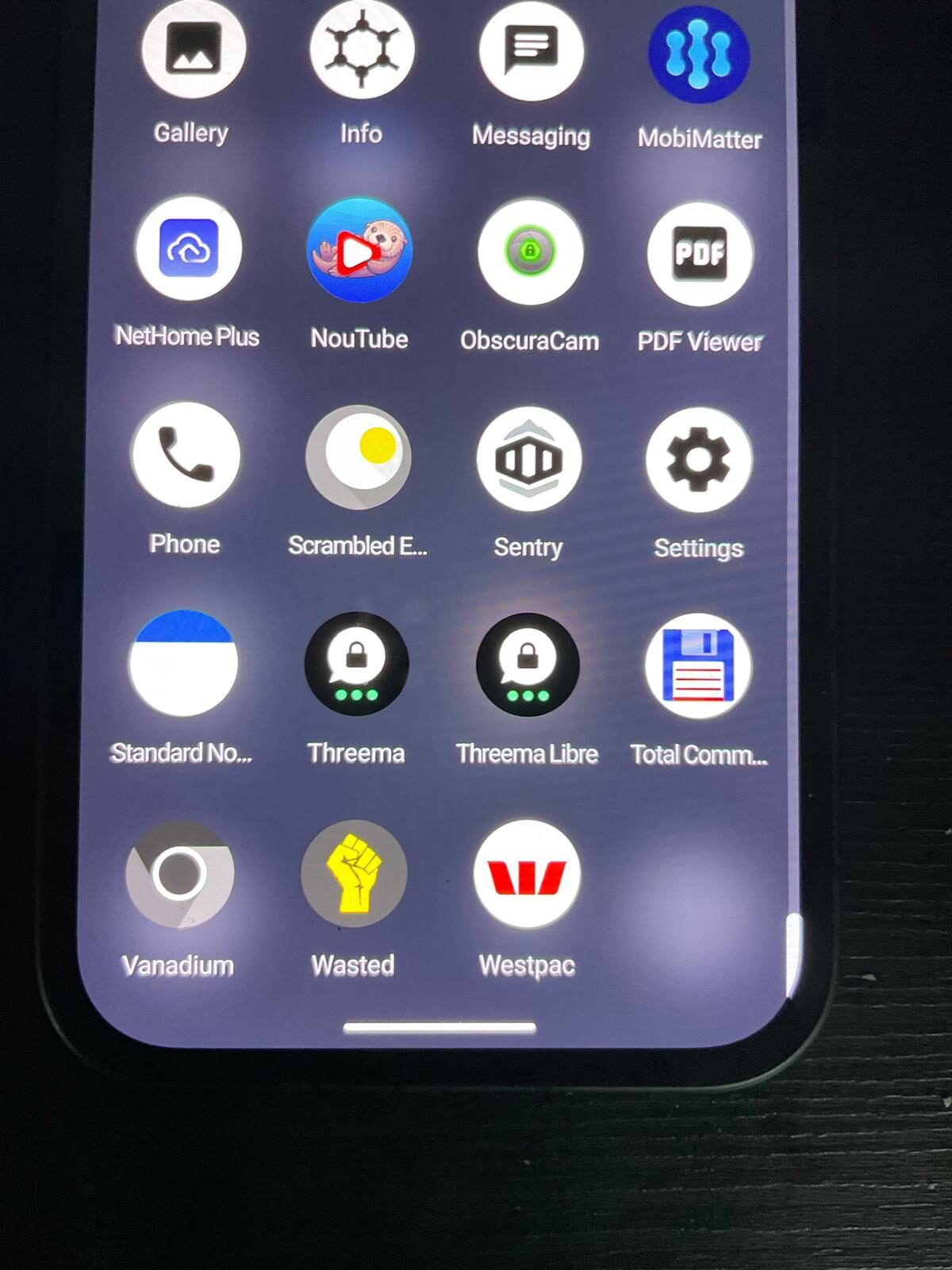
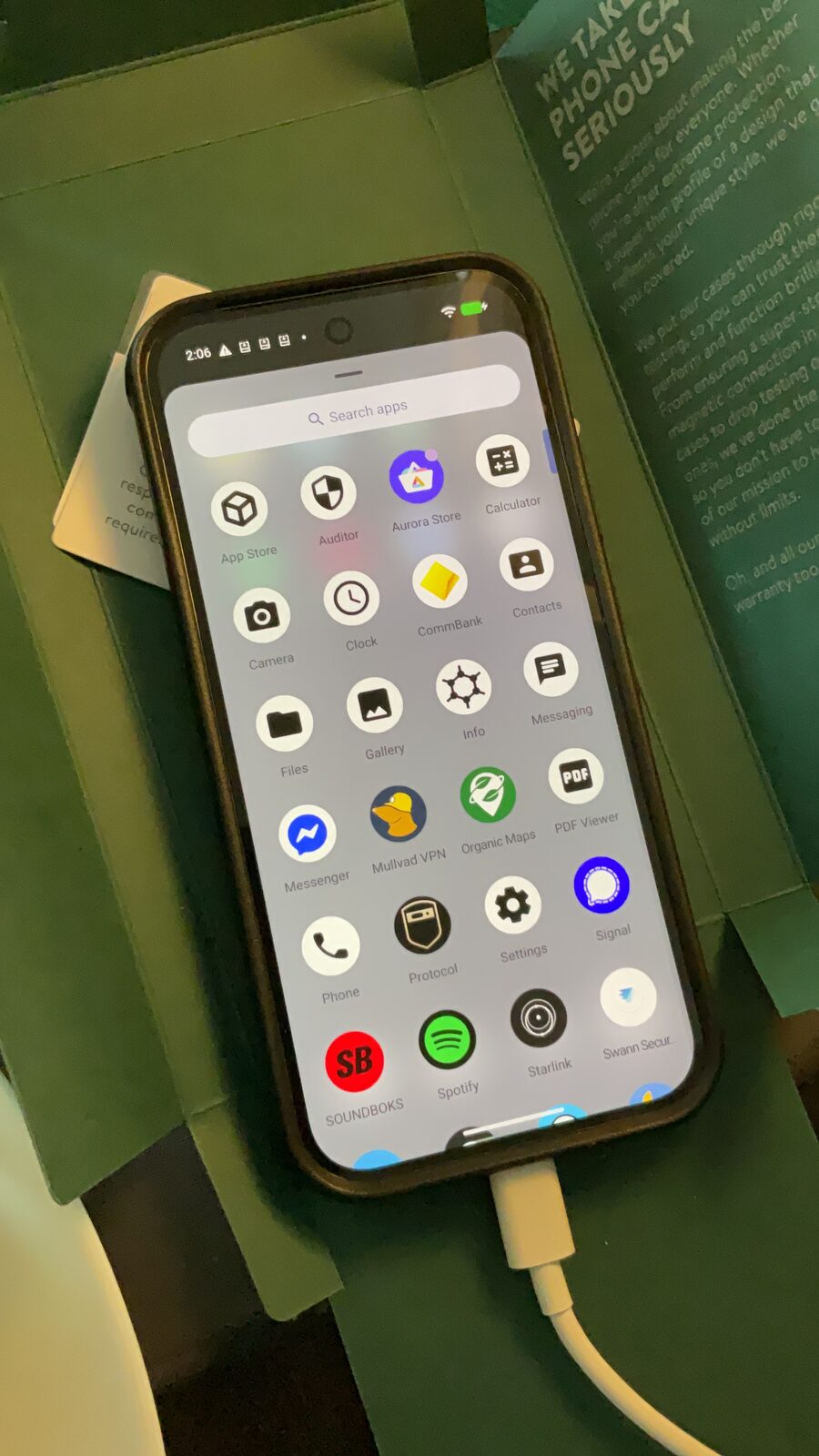
Australian banking app compatibility
The categories below reflect the general, current picture for Australian apps on GrapheneOS with sandboxed Google Play. Because banks update their apps and attestation rules over time, we verify a customer's specific must-have apps before dispatch — just ask.
Major banks & neobanks
The big four (CBA, Westpac, NAB, ANZ) and popular neobanks such as ING, Macquarie, Up, ME and Bendigo generally install and run normally via sandboxed Google Play.
Payments & transfers
PayID and Osko (instant transfers) work inside supported banking apps. Google Wallet tap-to-pay works on supported devices with sandboxed Play.
Government & ID
myGov, the ATO app and common digital ID and Medicare apps run via sandboxed Google Play.
Occasionally fussy
A small number of apps with aggressive root/attestation checks can complain. Workarounds exist, and we test your specific apps before your device ships.
App availability and behaviour change as banks update their software and attestation policies. This page is general guidance, current as of 2026, not a guarantee for any specific app — contact us with your exact app list and we will confirm.
If an app refuses to run
It is rare, but here is the practical playbook. First, make sure sandboxed Google Play and Play Services are installed and updated in the same profile as the banking app. Second, ensure the device shows as having verified boot enabled — every device we ship has verified boot relocked, which is exactly what integrity checks look for. Third, for the handful of stubborn apps, options include using the bank's web portal, keeping that single app in a dedicated profile, or contacting our support line so we can advise the current known-good approach.
The key point: you are not on your own. Setup help and ongoing support are part of what you buy. See support or talk to us directly.
Buy a phone that already runs your apps
Every device from Privacy Devices ships with sandboxed Google Play configured so your banking works on day one — no flashing, no command line, no guesswork. We start from a new GrapheneOS Pixel, set up Play, and verify your priority apps before dispatch. If a specific bank or payment app is mission-critical, tell us first and we will confirm compatibility in writing. Hardware is covered by our 12-month warranty.
GrapheneOS banking in Australia — FAQ
Do Australian banking apps work on GrapheneOS?
Yes. With sandboxed Google Play installed, the overwhelming majority of Australian banking apps — including the big four banks and popular neobanks — install and run normally on GrapheneOS. A small number of apps with strict attestation requirements can occasionally need a workaround.
Does CommBank / Westpac / NAB / ANZ work on GrapheneOS?
Generally yes. The big four Australian banking apps install and run via sandboxed Google Play on a verified-boot GrapheneOS device. Because banks change their apps over time, we verify your specific apps before your device ships.
Does tap-to-pay (Google Wallet) work on GrapheneOS?
On supported Pixel devices with sandboxed Google Play, Google Wallet tap-to-pay works. Some bank-specific contactless implementations vary, so confirm your bank if tap-to-pay is essential.
Does PayID and Osko work?
Yes. PayID and Osko instant transfers function inside supported Australian banking apps running on GrapheneOS.
How do banking apps work without Google on the phone?
GrapheneOS lets you install Google Play as a sandboxed app with no special system privileges. Banking apps see the Play Services they expect, while Google does not get system-level control of your device. This is what makes both privacy and banking compatibility possible at the same time.
What if my specific bank app does not work?
It is uncommon. Options include using the bank web portal, isolating the app in its own profile, or contacting our support for the current known-good workaround. We also test your priority apps before dispatch so surprises are rare.
Does myGov work on GrapheneOS?
Yes. myGov, the ATO app and common Australian government and identity apps run via sandboxed Google Play on GrapheneOS.
Your bank works. Your data stays yours.
Sandboxed Google Play configured before dispatch. Priority apps verified on request. 12-month warranty. Crypto accepted.
Browse Prepared Devices → Check Your AppNote. App compatibility information on this page is general guidance current as of 2026 and is not a guarantee for any specific app. Banks change their apps and security policies over time. Contact us with your exact list of must-have apps and we will confirm current compatibility before you order.