A secure phone for journalists — honest about what it does.
Source protection is a professional obligation, and the phone is often its weakest link. This is a practical guide to what a hardened device genuinely improves for working journalists in Australia — and what it does not promise. No magic shields, no false confidence.
Protection starts at handover.
For high-exposure work, the device has to arrive with profiles, communication tools and recovery controls already set up — not left as homework after purchase.
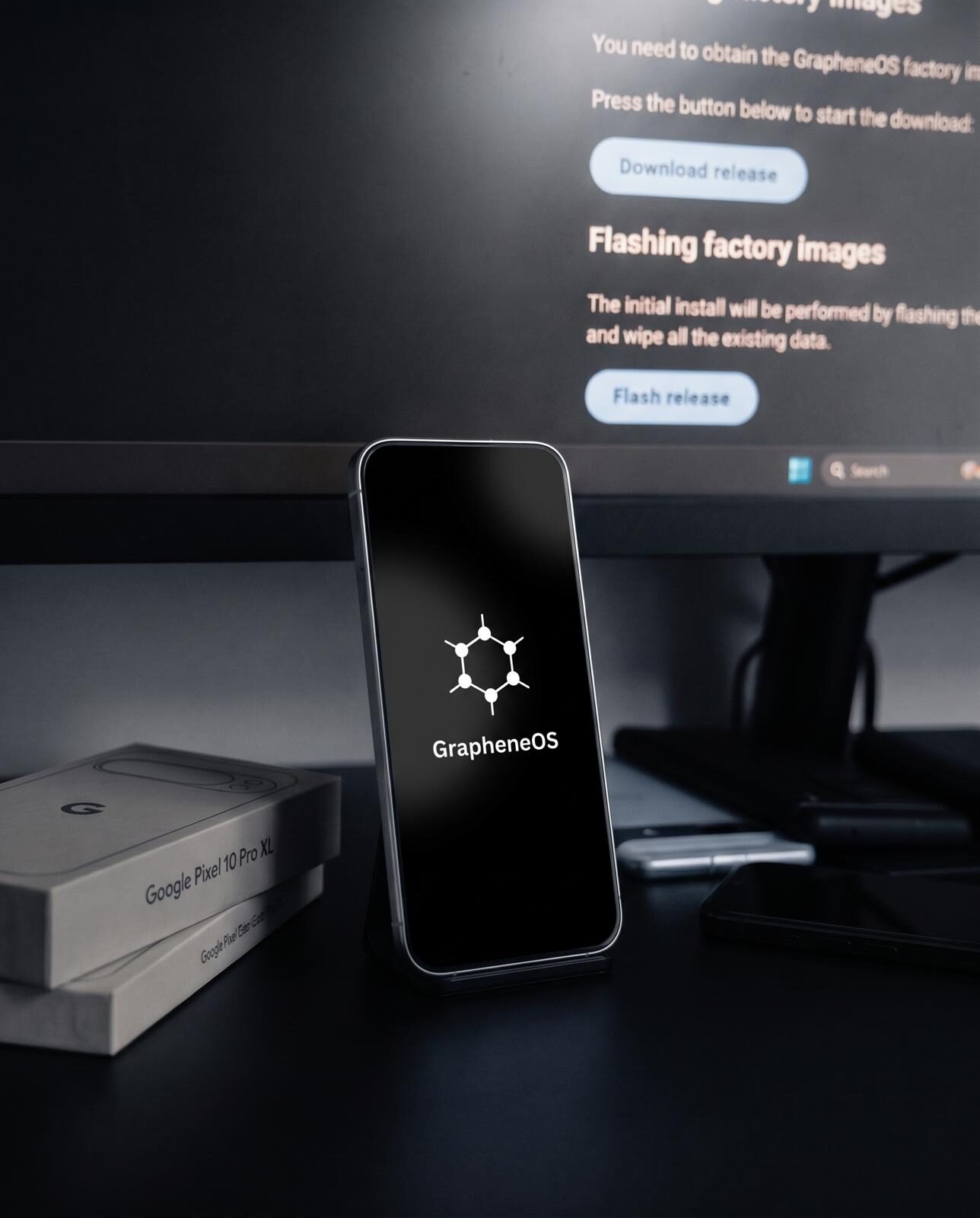
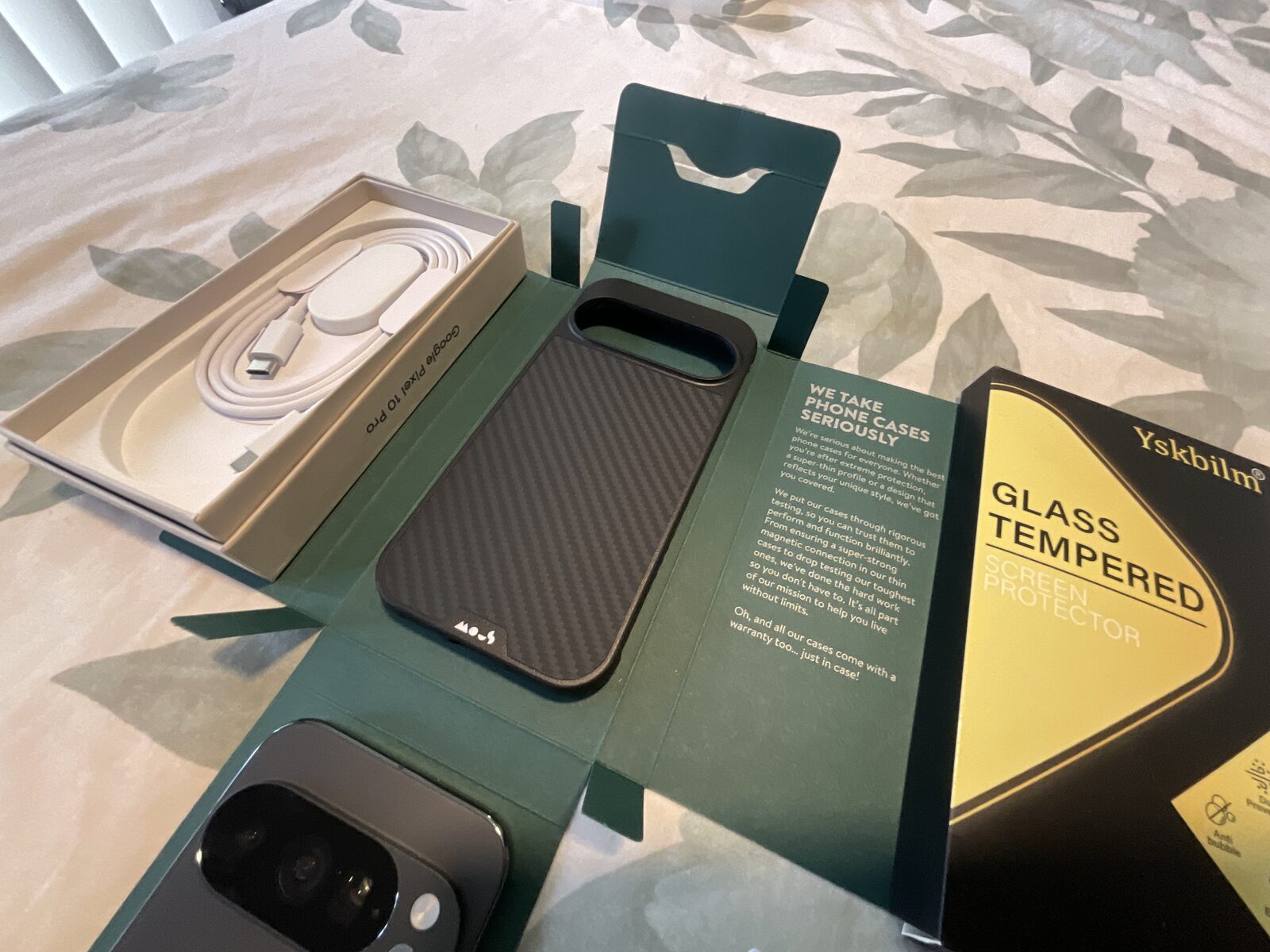
A secure phone raises the cost and effort of monitoring you, removes the routine data leaks of a stock device, and keeps control in your hands rather than a vendor's. It does not make you anonymous or untraceable — no device does. Used well, it is a serious improvement to source protection. Used as a magic shield, it gives false confidence. This guide is honest about both sides.
The journalist's threat model in Australia
Australian journalism operates under a specific set of legal and operational pressures. The National Security Legislation Amendment (Espionage and Foreign Interference) Act 2018 expanded the circumstances under which journalists and their sources can face legal exposure. The Telecommunications (Interception and Access) Act 1979 gives law enforcement agencies access to telecommunications metadata — who called whom, when, from where — without requiring a warrant for the metadata itself.
This metadata is often more revealing than the content of communications. Knowing that a journalist called a particular government department's HR line at 3pm on a Tuesday, then a known whistleblower's personal mobile at 3:15pm, and then their editor at 3:30pm tells investigators a great deal — even if they never read a single message. Source protection on a stock phone is substantially undermined by the metadata that the phone generates automatically, regardless of what apps you use for messaging.
The risks that matter specifically for journalists:
- Metadata exposure. Who contacted whom and when — carrier-level data available to law enforcement under existing legislation.
- Message and note content. If a device is physically accessed or a cloud account compromised, the content of working files, messages, and notes is exposed.
- Device examination during travel or after seizure. A device that leaves your hands — at a border, during arrest, or after a court order — exposes everything on it if it is not properly protected.
- Background telemetry. Stock phones send location data, app usage, contact information, and identifiers to Apple, Google, and advertising networks continuously. This builds a detailed picture of movements and relationships.
- Cloud account compromise. An iCloud or Google account compromise gives an attacker access to messages, photos, notes, and location history going back years.
- Network interception. On public Wi-Fi at a court, parliament, or press conference, unencrypted traffic is exposed to anyone monitoring the network.
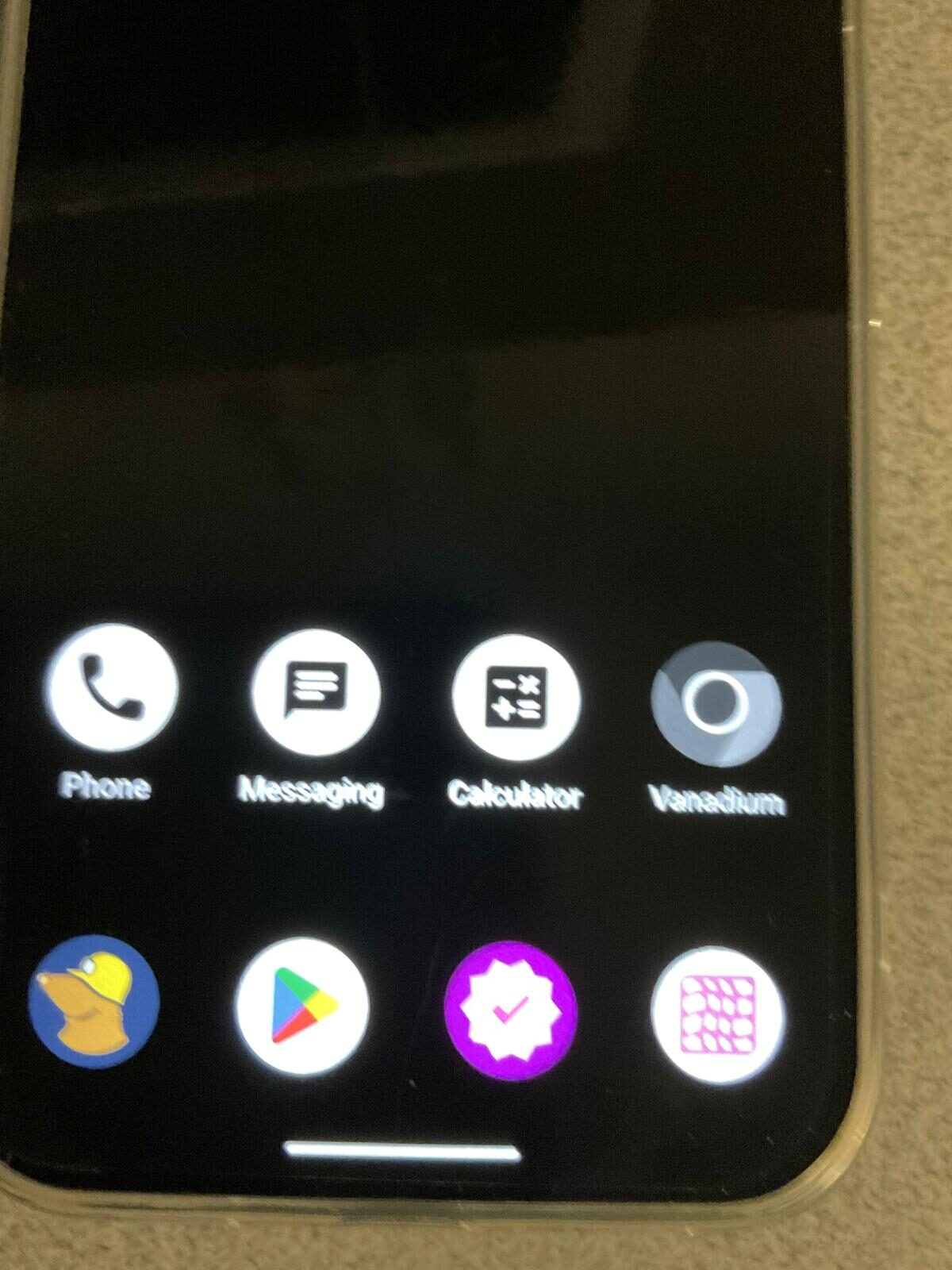
What a hardened device actually fixes
A GrapheneOS device prepared for journalistic use addresses most of these risks in a way that a stock phone cannot. Here is a direct account of what it fixes and how. Much of this overlaps with what we configure for any anti-surveillance phone in Australia — the journalism-specific detail is in the source-protection layer below.
Background telemetry — removed at the OS level
GrapheneOS removes Google Services from the base operating system. There is no account silently backing up your contacts, location history, and search queries to a server. The advertising identifier is absent. Sensor access (location, microphone, camera, accelerometer) is controlled per-app and can be toggled off entirely. The background data flows that make a stock phone a persistent telemetry device are gone.
Source contact — metadata-minimal messaging
Signal is the standard tool for journalist-source communication. It provides end-to-end encryption for calls and messages and collects almost no metadata — the only information Signal retains is account creation date and last connection date, which has been confirmed in US federal court proceedings. For initial contact with a source who should not know your phone number, Threema provides messaging with no phone number required on either side. We pre-configure both on prepared devices.
See our private messaging apps guide for a full comparison of Signal, Threema, WhatsApp, and iMessage for journalists.
Profile separation — isolate the sensitive work
GrapheneOS supports fully isolated user profiles at the OS level — separate storage, separate encryption, separate apps, separate network identity. A journalist can maintain a work profile with only the tools and contacts for sensitive work, a personal profile for everyday life, and a "clean" profile for devices that might be handed to a source or taken through a border inspection. A compromise of one profile cannot access data in another.
Network protection — VPN on every connection
Mullvad VPN with a kill-switch ensures that every packet of data leaving the device travels through an encrypted tunnel, regardless of which network you are connected to. This prevents local network monitoring at court buildings, parliamentary press galleries, hotel networks, and conference venues. The kill-switch means the device will not connect to any network at all without the VPN active — there is no window during which unprotected traffic can leak.
Physical device protection — encryption and duress
GrapheneOS enforces full-disk encryption with verified boot relocked to GrapheneOS's own keys. A powered-off device — or one that has auto-rebooted to its before-first-unlock state — requires the passcode to decrypt the data. Physical access to the device hardware alone is not sufficient to read the contents.
The Phantom Protocol adds a duress PIN that triggers silent deletion of sensitive profiles, an auto-reboot interval that automatically returns the device to before-first-unlock state after a set period of inactivity, and remote wipe capability via a trusted contact. These are lawful preparedness tools, not obstruction — see our guide on whether encrypted phones are legal in Australia.
Cloud independence — no vendor holds your keys
There is no required Google account on a GrapheneOS device. Backups, if used, are local or encrypted end-to-end. A government agency cannot serve a cloud provider with a request that returns your notes, messages, and contacts because those things are not in a cloud account under your name.
What it does not do — being honest
It is worth being direct here, because false confidence is its own risk:
- It does not hide which cell tower you connect to. The carrier always knows which tower your SIM is connected to. This is inherent to how mobile networks function. A private eSIM with a different identity helps separate your data traffic from your voice/SMS identity, but does not eliminate carrier-level location data for the SIM itself.
- It does not protect a conversation if the source is careless. If a source uses WhatsApp on a stock Android phone, the metadata of your Signal conversation is still protected on your end, but the source's metadata — the fact that they were in regular contact with a phone that then called your newsroom — is not.
- It does not make you legally untouchable. Journalists have some protections under Australian law, but they are qualified and contextual. A device with strong encryption does not create legal immunity. For your specific circumstances, consult a qualified lawyer.
- It does not protect you if you unlock the device voluntarily. Physical access to an unlocked, booted device means access to data. Lock habits and auto-reboot intervals reduce the exposure window, but good physical security habits remain essential.
- It does not anonymise you. A privacy-hardened phone makes you significantly harder to monitor at scale, but it does not make you untraceable. Operational security — how you behave, not just what device you carry — remains the most important factor.
Recommended setup for a journalist secure phone
| Layer | What to use | Why |
|---|---|---|
| Operating system | GrapheneOS on a Google Pixel | Removes telemetry, hardens memory and kernel, isolated profiles, no Google cloud dependency |
| Source messaging (with number) | Signal | E2E encryption, minimal metadata, open source, audited, number-based |
| Source messaging (anonymous) | Threema | No phone number required, Swiss jurisdiction, one-time purchase, no advertising |
| Network protection | Mullvad VPN + kill-switch | Encrypts all traffic, no-logs audited VPN, prevents local network monitoring |
| Data identity | Private eSIM + main SIM | Separates data traffic from voice/SMS identity; limits carrier metadata correlation |
| Physical protection | Full-disk encryption + auto-reboot | Before-first-unlock state after short idle; BFU strongly resists physical extraction |
| Duress layer | Phantom Protocol | Duress PIN, silent wipe, remote wipe, decoy profile — owner-controlled |
| Cloud backup | Local only or E2E encrypted | Eliminates cloud provider as a data access vector |
Source contact protocols — the practical steps
A secure device is part of a source contact protocol, not a substitute for one. The following steps are based on standard recommendations from press freedom organisations and applied to the Australian context:
Initial contact from an unknown source
Provide a Threema ID or Signal username (not your primary phone number) as a contact method for initial secure contact. This is published in your byline, your outlet's secure contact page, or provided in a physical setting. A source can contact you on Threema without knowing your phone number and without you knowing theirs — the metadata profile of the first contact is near-zero.
Ongoing source communications
Use Signal for ongoing communications with established sources. Set disappearing messages to a sensible interval — long enough to maintain the conversation thread you need, short enough to limit exposure if the device is accessed later. Confirm the Signal safety numbers (fingerprint verification) with a trusted source out-of-band — in person, via a known phone call, or via a secondary channel — to guard against interception attacks.
Sensitive document handling
Documents received from sources should be handled on the isolated work profile. Do not open them on the same profile that runs social media, email, or other apps — a malicious attachment that exploits a vulnerability in a document viewer should be contained to that profile's sandbox, not given access to your entire device.
After publication
Review what remains on the device after a sensitive story publishes. Consider whether source contact information, working documents, or message histories should be retained or deleted. On GrapheneOS, deleting a user profile is a complete cryptographic wipe of that profile's encrypted storage.
Journalism travel — specific considerations
Reporting trips — particularly to countries with authoritarian governments, active censorship, or foreign intelligence programs — carry risks that domestic work does not. The following principles apply to international travel for journalists:
Before departure
Move source contact details and sensitive working files off the device, or onto an encrypted profile that will not be unlocked at the border. Confirm that the device's auto-reboot interval is set short. Ensure VPN is working and kill-switch is on. Carry your own charger and a USB data blocker.
At the border
Power the device down before you reach the border crossing point so it is in before-first-unlock state. Understand your rights in the destination country — rights vary enormously. For Australian law, see our border crossing guide and phone search powers in Australia.
In a high-risk country
Consider whether a clean travel device — one that carries only what the trip needs, with no source contact history — is appropriate. A device that has never been near your source network is a device that cannot reveal it, regardless of what happens to that device.
On return
If the device was out of your control at any point during the trip — confiscated, inspected, or handled by technicians — treat it as potentially compromised. A fresh GrapheneOS installation restores a known-good state in under an hour. We can assist with this remotely.
Australian legal context for journalists
Australian journalists have qualified shield law protections under federal and state legislation, but these protections have limits and exceptions — particularly in national security contexts. The full legal picture is complex and continues to evolve. Key points for this guide:
- Using encrypted phones and messaging apps is legal in Australia. There is no law that prohibits a journalist from using Signal, Threema, or a hardened phone.
- A court can order a journalist to reveal a source in certain circumstances, but that order operates against the person, not only the device. A device that cannot produce the information because it was never stored there is a different matter from a device that contains the information but whose owner refuses to produce it.
- Police and border force can compel a person to provide their device passcode in some circumstances under Australian law. The device seizure preparation guide and phone search powers guide cover the detail — but neither is legal advice. For your specific situation, your outlet's legal team is the right starting point.
- Metadata — call records, message timestamps, and communications metadata — is accessible to law enforcement under the Telecommunications (Interception and Access) Act 1979 without a warrant for the metadata itself. This is the primary reason a secure messaging app on a standard phone, while better than nothing, is not a complete source protection measure.
Device recommendations for journalists
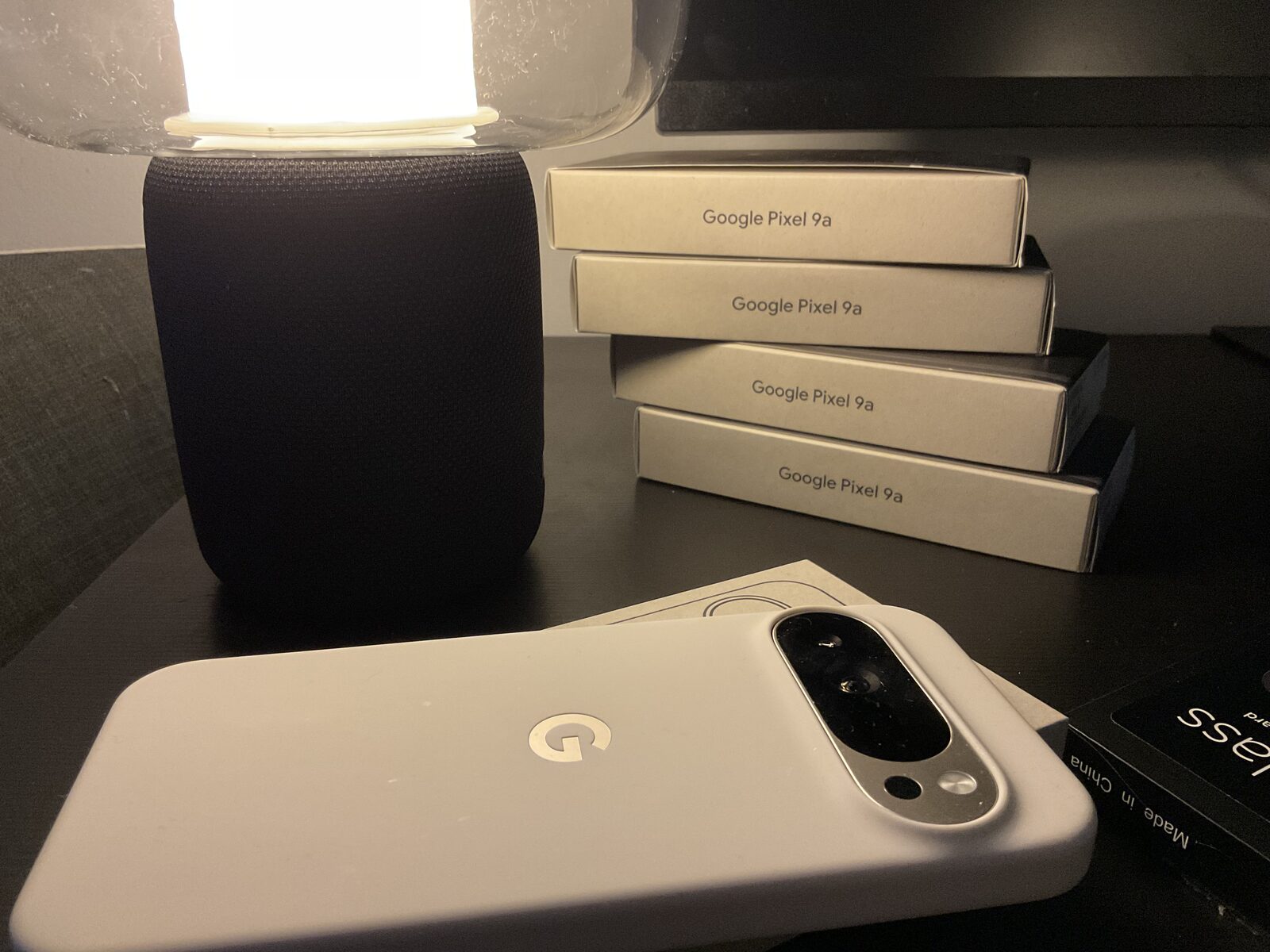
The recommended device for a journalist secure phone is a Pixel 10 Pro or Pixel 9A running GrapheneOS, prepared with encrypted messaging, Mullvad VPN, isolated profiles, and Phantom Protocol. The Pixel 9A is the more discreet choice — it is a standard-looking mid-range phone that does not attract attention — while the Pixel 10 Pro offers the Titan M2 security chip and a longer supported lifecycle.
For journalists who need a travel-only device, a second Pixel 9A configured as a clean travel device is an effective and relatively inexpensive solution. We configure travel devices specifically for reporting trips on request.
Secure phones for journalists — FAQ
What phone is best for a journalist concerned about source protection?
A Google Pixel running GrapheneOS, prepared with Signal and Threema for communications, Mullvad VPN with kill-switch, isolated user profiles, and Phantom Protocol for physical device protection. The Pixel 10 Pro is the flagship choice; the Pixel 9A is more discreet and suitable as a dedicated source-contact device. The preparation matters as much as the hardware.
Does Signal protect my sources in Australia?
Signal substantially improves source protection. Its end-to-end encryption protects message content, and its minimal metadata retention means there is very little information available even if someone obtains Signal's records. However, Signal does not protect carrier metadata — the fact that your SIM was in contact with a particular tower at a particular time, which can correlate with a source's movements. And it cannot protect a source whose own device and practices are insecure.
Can police compel me to unlock my phone in Australia?
Australian police can compel production of device passcodes in some circumstances under the Crimes Act and related legislation. The specifics depend on the legal basis for the request and the jurisdiction. A device that auto-reboots to before-first-unlock state ensures that if compulsion occurs, the window of vulnerability is minimised. For legal advice about your specific situation, consult a qualified lawyer. See also our device seizure preparation guide and phone search powers guide.
What is the most private way for a source to contact me?
Publish a Threema ID as your secure contact method. Threema requires no phone number to register, so a source can contact you without you knowing their number and without them knowing yours. The contact does not appear in any phone record. This is the standard recommendation from press freedom organisations for initial anonymous source contact.
Should I use a separate phone for source contact?
Many journalists who do sensitive work use a two-phone approach: a standard phone for everyday work and a hardened device for source contact and sensitive communications. This prevents source contact metadata from appearing alongside everyday phone activity, and reduces the value of either device alone. GrapheneOS profiles provide a similar separation on a single device for lower-risk situations.
Can I take a secure phone to international reporting trips?
Yes. A secure phone is appropriate — and recommended — for international reporting, particularly in countries with surveillance infrastructure or authoritarian governments. The specific preparation matters: consider whether a clean travel device (one with no source contact history) is more appropriate than your primary device for high-risk destinations. Power the device down before border crossings. Understand the rules in your destination country — they vary significantly.
Will my newsroom tools still work on GrapheneOS?
Most do. Email, calendar, conferencing tools, and the majority of publishing tools run via a sandboxed Google Play profile isolated from the rest of the device. Some newsroom security tools (ProtonMail, Keybase, secure drop clients) run natively on GrapheneOS without needing sandboxed Google Play at all. If a specific tool is essential, tell us before purchase and we will confirm compatibility.
What about SecureDrop for anonymous tips?
SecureDrop is a Tor-based platform for anonymous document submission that sits separate from phone usage — it is typically accessed via the Tor Browser on a dedicated computer, not a phone. Phones are generally not the right tool for SecureDrop. However, a GrapheneOS phone with the Tor Browser or Orbot can provide a degree of anonymity for web-based secure contact pages where Tor access is available.
Source protection starts with the right device.
Prepared for the profession — Signal, Threema, Mullvad VPN, and Phantom Protocol. Honest about what it does. Dispatched from Australia.
Browse Secure Devices → Book a ConsultationNote. This guide is general information for working journalists and does not constitute legal advice. Protections for journalists and sources under Australian law are complex and fact-specific. For your specific circumstances, consult a qualified lawyer and your organisation's legal resources. Nothing on this page should be taken as legal advice about your obligations or your sources' protections.