Border crossing phone preparation — calm, lawful, and done in advance.
A border is the one point in a journey where your device is most likely to leave your hands, under rules that differ by country. This guide explains what device inspections involve and how to prepare your phone sensibly and lawfully — not how to obstruct anyone.
Travel-ready before departure.
The safe version of a travel phone is built before the trip: minimal data, isolated profiles, VPN ready, and a clean handover if the device is inspected or lost.
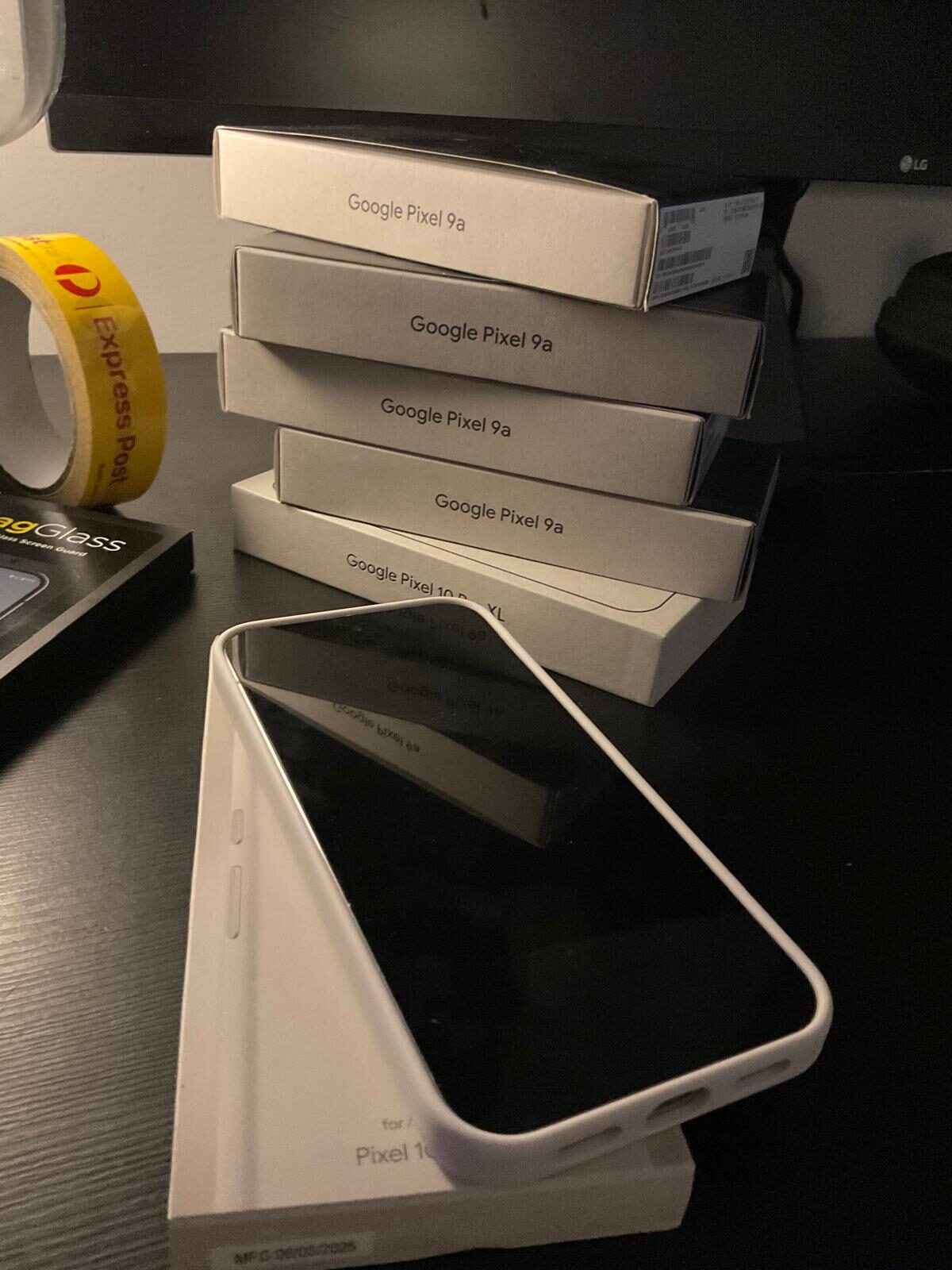

You cannot control what happens at a border, but you can control what is on the device when you reach one. Carry the minimum, power the device down so it is fully encrypted, and understand your options before you arrive. This is lawful preparedness — the same discipline a business applies to any sensitive information.
What a device inspection actually involves
Most countries assert some authority to inspect electronic devices at the border, and the specifics vary widely. In Australia, the Australian Border Force has examination powers over goods — which can include electronic devices — and in practice a traveller may be asked to make a device available, with the possibility that a device is detained for examination. Other countries have their own, sometimes broader, powers. For the Australian legal detail, see Are Encrypted Phones Legal in Australia?
The practical takeaway is not to panic and not to plan around obstruction. It is to recognise that a border is a foreseeable point of exposure and to prepare for it the way you would prepare for any situation where information leaves your direct control.

Before you reach the border
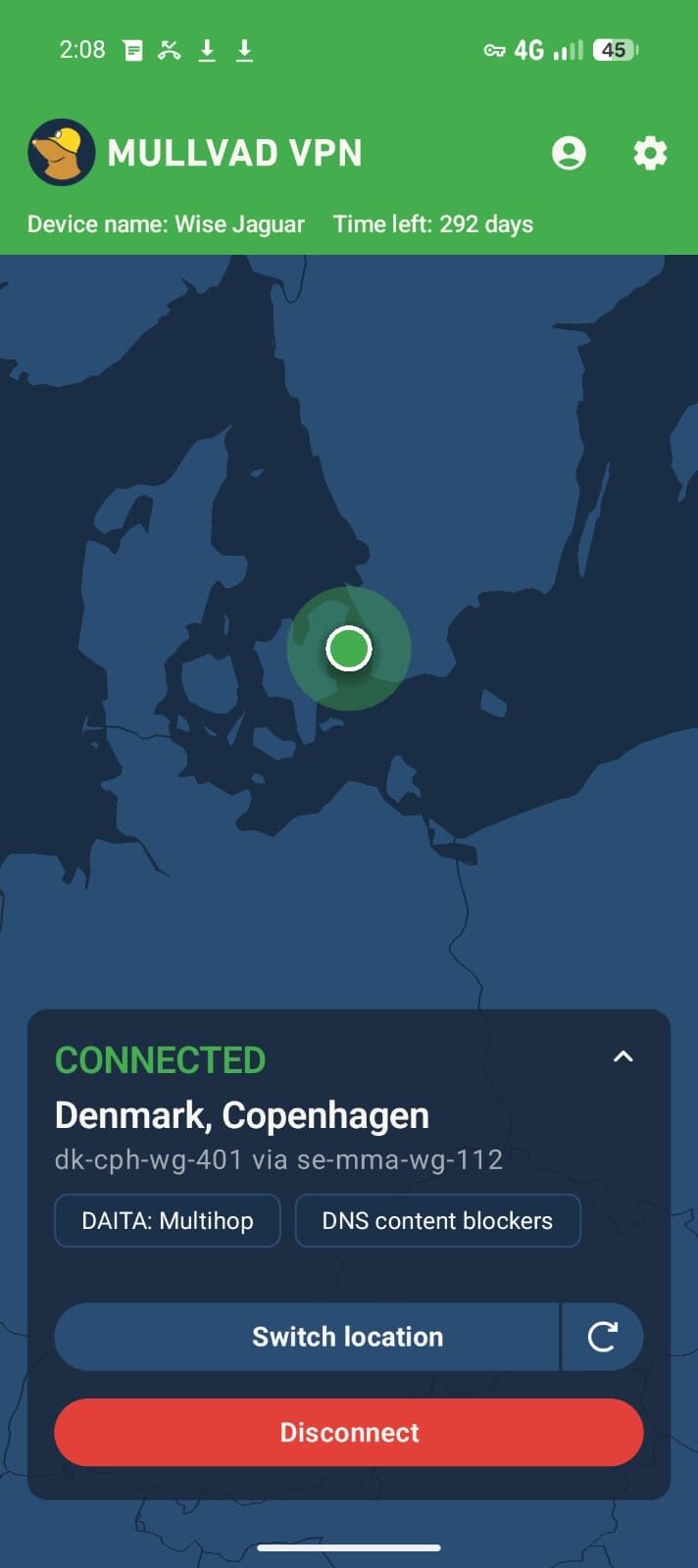
- Carry less. The single most effective measure is to minimise what is on the device. A travel profile or a clean travel device that holds only trip-essential data limits what any inspection could ever reach.
- Back up first, at home. Ensure anything important already exists in your secure backup before you travel, so that minimising the device costs you nothing.
- Power the device down. A powered-off phone sits in the before-first-unlock (BFU) state — encryption keys are not loaded into memory, which is materially harder to extract from than a phone that is merely locked. Reaching a border with the device off is the strongest ordinary posture.
- Use a short auto-reboot interval. If the device is on and idle, auto-reboot returns it to the BFU state automatically after your configured period.
- Understand your profiles. Know which profile holds what, so that anything you do present is the routine, public-facing profile — boarding passes, maps, itineraries.
- Know your duress settings in advance. Understand exactly what your Phantom Protocol options do before you travel. These are lawful preparedness features; how and whether to use any of them in a given situation is a personal and legal judgement, not something to improvise under pressure.
At the border
Stay calm, be courteous, and do not lie to officials — that is its own offence in most jurisdictions and is never part of sound preparation. If asked to make the device available, you make a decision based on your circumstances and the local law. Compliance, refusal, and the consequences of each differ by country, and a refusal can mean detention of the device or other outcomes. This is precisely why the preparation happens beforehand: by the time you reach the checkpoint, the device already carries only what you are comfortable with it carrying.
If you operate in a genuinely high-exposure context, get advice specific to your route and circumstances from a qualified lawyer before you travel. Nothing on this page is legal advice.
How a prepared device helps
Before-first-unlock by default
Our devices ship with auto-reboot enabled, so an idle phone returns itself to the fully-encrypted BFU state — and powering down before a checkpoint puts it there immediately.
True profile separation
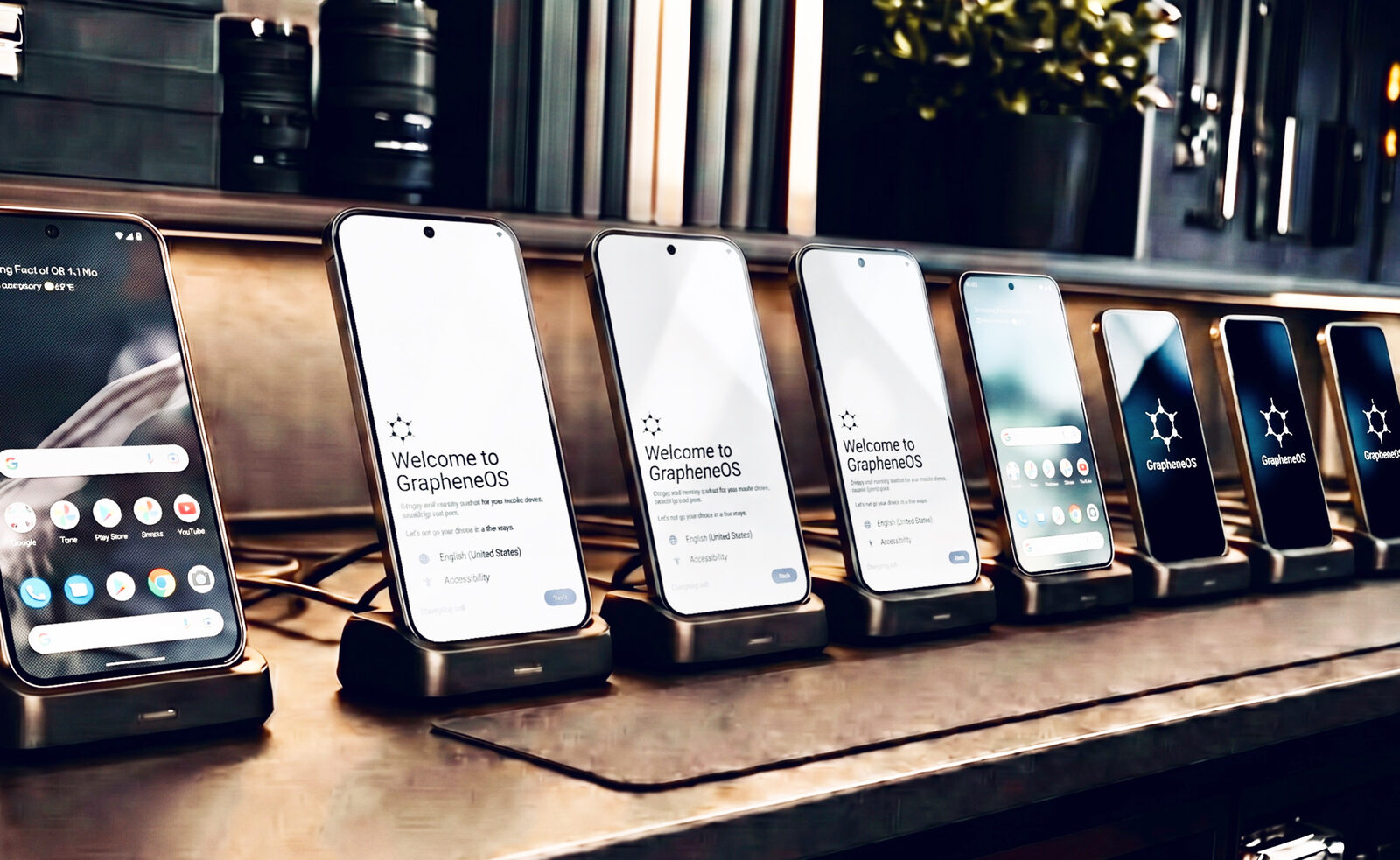
GrapheneOS profiles isolate data completely, so a travel profile genuinely contains only what the trip needs — not a filtered view of your whole life.
Owner-controlled, no cloud
There is no vendor cloud holding a copy of your data and no remote admin. What is not on the device is not reachable through the device.
Restored in an hour
If a device was out of your control and you want certainty, a fresh GrapheneOS install returns it to a known-good state quickly.
After crossing
Re-establish your normal posture deliberately. If the device left your sight during inspection, consider it potentially compromised and weigh a re-flash before returning sensitive data to it. Rotate credentials that were entered on the trip. Restore from your secure backup only once you are satisfied the device is in a known-good state. The goal throughout is continuity of control — you decide what goes back on, and when.
Border crossing phone preparation — FAQ
Can border officers search my phone?
Many countries, including Australia, assert authority to inspect electronic devices at the border, though the specifics vary widely by jurisdiction. In Australia, the Australian Border Force has examination powers over goods that can include devices. The practical response is preparation — carrying minimal data and arriving with the device powered down — not obstruction.
Can I be forced to unlock my phone at the border?
It depends entirely on the country and the circumstances. In some jurisdictions refusal can lead to the device being detained or other consequences; in others the powers are narrower. Because the answer is jurisdiction-specific, the sound approach is to prepare the device in advance and, for high-exposure travel, to get advice from a qualified lawyer for your route. This page is not legal advice.
Should I power my phone off before a border crossing?
Generally yes. A powered-off phone is in the before-first-unlock state, where encryption keys are not in memory and the data is much harder to extract than on a merely-locked device. Powering down before reaching a checkpoint is a simple, lawful, and effective measure.
What is the before-first-unlock (BFU) state?
BFU is the state a device is in after a reboot but before the first passcode entry. In this state the disk-encryption keys have not been derived into memory, so the device is significantly more resistant to data extraction. Powering down, or a short auto-reboot interval, keeps the phone in this stronger state.
Is it legal to minimise or wipe my own phone before travelling?
Managing the data on a device you own — backing it up, removing what you do not need to carry, or resetting it before a trip — is ordinary lawful device management. What matters is not destroying evidence relevant to a specific legal process and not deceiving officials. For your circumstances, seek qualified legal advice; this is general information only.
Do you help prepare a device for international travel?
Yes. As part of a consultation we set up a travel posture with you — a clean travel profile or device, auto-reboot interval, encrypted comms, connectivity, and an understanding of your duress options — matched to your route and the jurisdictions involved.
Prepared long before the checkpoint.
We configure a lawful travel and border posture with you before departure — so the device only ever carries what you are comfortable carrying.
Executive Secure Phones → Book a ConsultationImportant. This guide provides general, lawful preparedness information for travellers. It is not legal advice, does not encourage obstructing or deceiving any official, and does not address destroying material relevant to a legal process. Powers over devices at borders differ by country and change over time. For your specific route and circumstances, consult a qualified lawyer.