Executive Travel Security
Executives, founders and senior staff carry more than a phone when they travel. They carry board material, deal terms, supplier pricing, legal correspondence, employee data and the keys to every account that runs the business. A modern smartphone is the single richest target a traveller exposes — and most of the risk is avoidable with preparation rather than paranoia. This guide explains what actually goes wrong on the road, and how a properly prepared device removes most of the exposure before you board.

What you are actually protecting against
The threat for a travelling executive is rarely a movie-style hack. It is mundane, repeatable and opportunistic:
- Hostile or shared networks. Hotel Wi-Fi, conference networks, airport lounges and serviced apartments are operated by people you do not know, in jurisdictions you do not control.
- Device inspection at borders. In many countries, officials can ask you to unlock a device for inspection. A phone full of live corporate accounts is a poor thing to hand over.
- Loss and theft. A phone left in a taxi or lifted from a bag is a breach if it is not properly encrypted and segmented.
- Coercion and shoulder-surfing. Being asked, pressured or simply watched while you type a passcode.
- Ambient data collection. Stock Android and iOS phones continuously report location, contacts and behaviour to the platform vendor and dozens of embedded SDKs — before any attacker is involved.
Notice that none of these require a sophisticated adversary. They require only that your device is configured the way most devices ship: one profile, every account logged in, full sync to a cloud you do not control.
The principle: compartmentalise, then minimise
The single most effective change is to stop carrying everything in one place. A prepared travel phone separates your life into isolated user profiles, each cryptographically walled off from the others. A border inspection of your "travel" profile reveals a clean, low-value working environment. Your sensitive material lives in a separate profile that is not loaded, not logged in, and not visible.
This is built into GrapheneOS as multiple user profiles — not a third-party add-on, but an operating-system feature with proper isolation. Combine it with the discipline of minimisation: only the accounts and data you genuinely need for the trip travel with you. Everything else stays home.
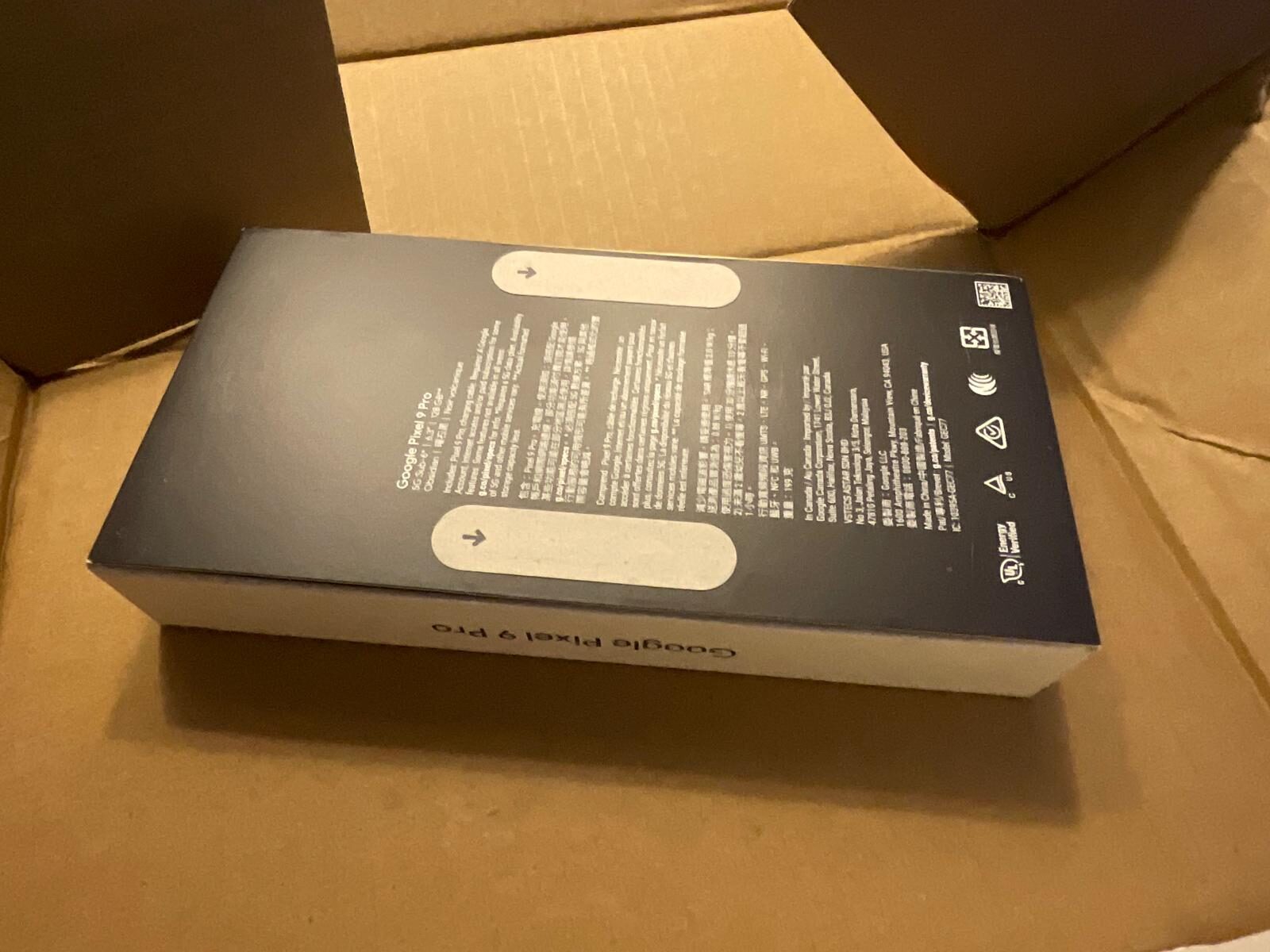
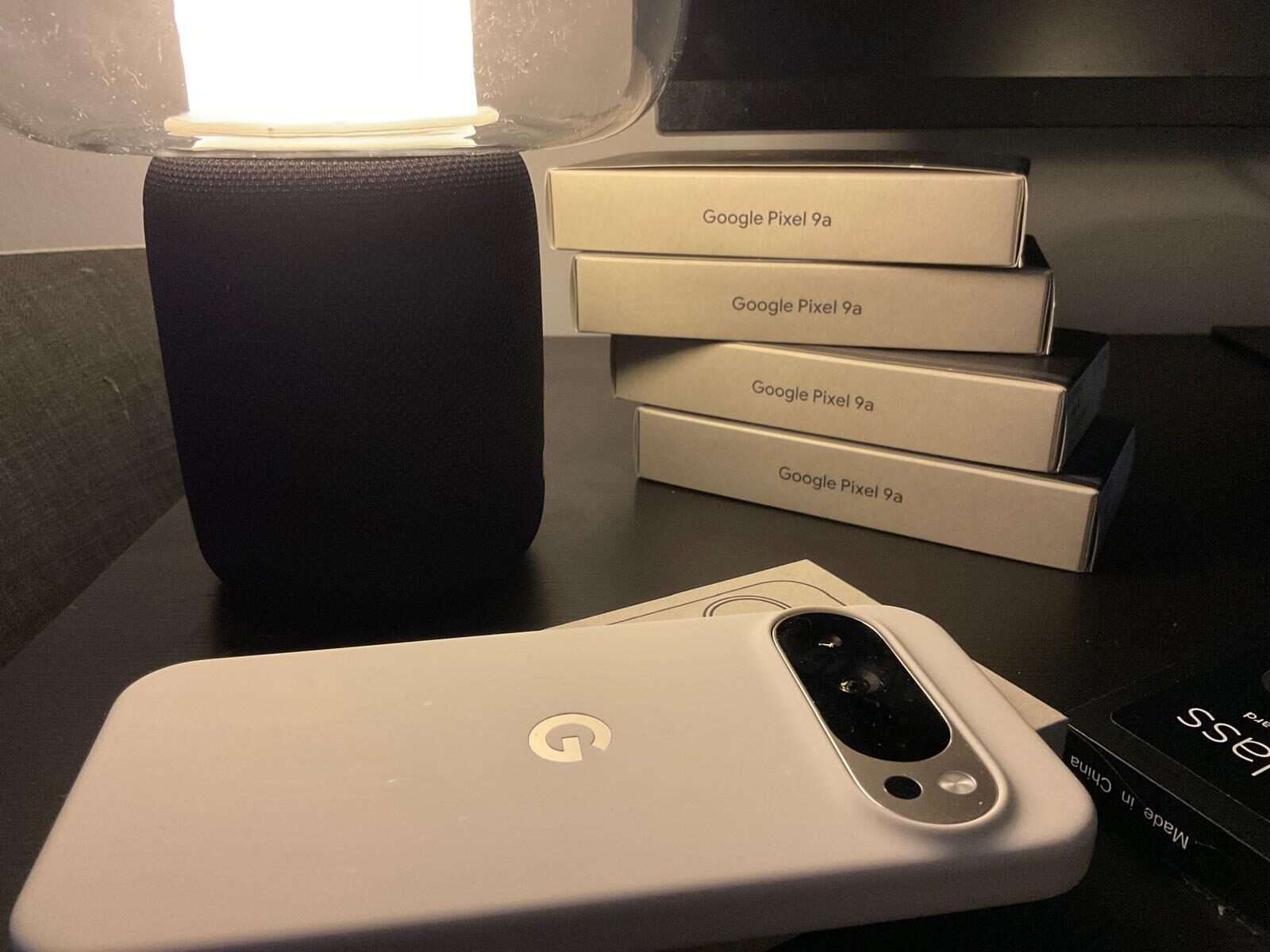
If your primary phone holds too much to compartmentalise comfortably — live corporate accounts, client files, years of message history — the alternative is a dedicated travel device: a second phone carrying only what the trip requires, with your primary device left at home or shipped separately. For a short high-risk trip this is often simpler than building a clean profile on the device you use every day.
Before you travel: the preparation checklist
Run this sequence before any sensitive trip. On a Privacy Devices phone most of it is already done; on any device it is the right order of operations.
- Create a dedicated travel profile. Set up a separate GrapheneOS user profile containing only the apps and accounts the trip requires — maps, a calendar, one communication channel, boarding passes. Leave your primary profile signed out and unloaded.
- Move sensitive material out of reach. Anything you would not want inspected or lost should not be on the travelling profile at all. Store it in your home profile or off-device entirely.
- Install and enforce a VPN with a kill switch. Configure an always-on VPN so no traffic touches a hostile network unprotected. Our VPN setup guide covers always-on and "block connections without VPN" step by step.
- Switch communication to a metadata-resistant app. Replace SMS and consumer chat with an encrypted messenger that does not leak your contact graph. See the encrypted messaging guide.
- Use a clean eSIM for the destination. A travel data plan that is not tied to your primary identity keeps your home number out of foreign carrier logs and gives you connectivity on arrival.
- Configure protective responses. Set up a duress PIN, automatic lockdown timers and, where appropriate, remote-erase behaviour so the device can fail safely if it leaves your control.
- Reduce the at-rest window. Enable auto-reboot so a lost or seized device returns to its strongest encrypted state quickly, and power the phone fully off before any border crossing.
- Back up and record recovery details. Back up anything critical to encrypted storage before you leave, and write down — not on the device — your Threema ID and VPN account reference so communications can be restored quickly on a replacement device if this one is lost, seized or stolen.
If you would rather not run that sequence yourself, it is exactly what we configure on a prepared device before dispatch.
At the border
Border procedures vary by country and we do not give legal advice — know the rules of where you are going. The operational principles, however, are consistent:
- Power off before the checkpoint. A fully powered-down device is in its strongest encrypted state. Biometric prompts are unavailable until the passcode is entered.
- Present a clean profile. If you do unlock, the travel profile should contain nothing of consequence. There is nothing performative about this — it is simply not carrying sensitive data across a border.
- Disable biometrics in higher-risk settings. A passcode is something you provide deliberately; a fingerprint or face can be applied to an unwilling person.
- Do not lie to officials. The goal is to carry less, not to deceive. A compartmentalised device means there is genuinely little to inspect.
Our executive travel phone briefing and the printable travel checklist go deeper on pre-departure planning for senior staff.
On the ground
- Keep the VPN on, always. Hotel and venue networks should never see your unencrypted traffic. The kill switch ensures nothing leaks if the tunnel drops.
- Treat charging stations as data ports. Use your own charger and a wall socket, never a public USB port or a borrowed cable — "juice jacking" data theft from public USB ports is a real, if uncommon, risk.
- Lock deliberately. Use lockdown mode to require the passcode and suspend biometrics whenever you set the phone down in a meeting or leave it in a room.
- Watch your surroundings when you unlock. Most "hacks" of executives are someone reading a passcode over a shoulder in a lounge.
- Stay off shared and "business centre" computers for anything tied to a real account.
- Keep the device on your person, not in a bag pocket or laid on a table. Street theft of phones is routine in many transit hubs and tourist areas; a stolen but locked, auto-reboot-enabled device is of little value to a thief, but prevention beats recovery.
For teams and fleets
If you are equipping a board, a deal team or a travelling delegation, consistency matters more than any single device. A standard build — same profiles, same VPN policy, same messaging app, same protective settings — means every person is protected the same way and support is simple. We handle this through enterprise fleet deployment and bespoke configuration; the GrapheneOS for business page explains the rollout model.
What this does not do
Honesty is part of the product. A prepared phone dramatically reduces exposure, but it is not a magic shield:
- It does not make you anonymous if you log into your real accounts and use your real name.
- It does not protect data you choose to carry into a hostile inspection — that is what compartmentalisation is for.
- It does not replace good judgement about what you discuss, where, and on which channel.
The value is in removing the avoidable risk — the ambient tracking, the unprotected networks, the single phone holding everything — so the only exposure left is the small, deliberate set you actually chose.
Conclusion
Executive travel security is preparation, not heroics. Compartmentalise your device, minimise what travels, enforce an always-on VPN, switch to encrypted messaging, and set the device to fail safely. Done in advance, it turns a phone from your single largest liability into a controlled, low-value working tool that protects the business behind it. The hard part is doing it consistently — which is precisely why we ship it that way.
Ready to order
Travel with a phone that is already prepared.
Each device ships with isolated profiles, an enforced VPN, encrypted messaging and protective lockdown settings configured before dispatch — built for people who carry the business with them.
Equipping more than one traveller? We standardise builds across a team so everyone is protected identically.
Browse secure devices · GrapheneOS for executives · Politicians & officials guide · GrapheneOS for business · ask us on WhatsApp.
Frequently asked questions
Is this different from general travel security advice?
The operational principles (VPN, clean profiles, powered-down border crossings) are the same for any traveller. This guide is written for the specific stakes of executive and business travel: board material, deal terms, and enterprise fleet consistency across a travelling team.
Do we need to buy new devices for a travelling team, or can we configure existing phones?
Existing GrapheneOS devices can be configured with the same profile, VPN, and lockdown policy described here. For teams standardising across many devices, our enterprise fleet deployment applies one consistent build rather than configuring each phone individually.
What happens if a device is lost or seized while travelling?
If auto-reboot and lockdown are configured beforehand, a lost or seized device returns to its strongest encrypted state on its own. Recovery details (messaging ID, VPN account reference) noted separately — not on the device — let you restore communications on a replacement quickly.