Executive travel security — prepared before you board.
Travel is when an executive's phone is most exposed: unfamiliar networks, time outside your direct control, and jurisdictions with different legal frameworks. This guide covers the complete travel security protocol — what to do before departure, in transit, at the destination, and on return — prepared for how Australian executives actually travel.
Travel-ready before departure.
The safe version of a travel phone is built before the trip: minimal data, isolated profiles, VPN ready, and a clean handover if the device is inspected or lost.
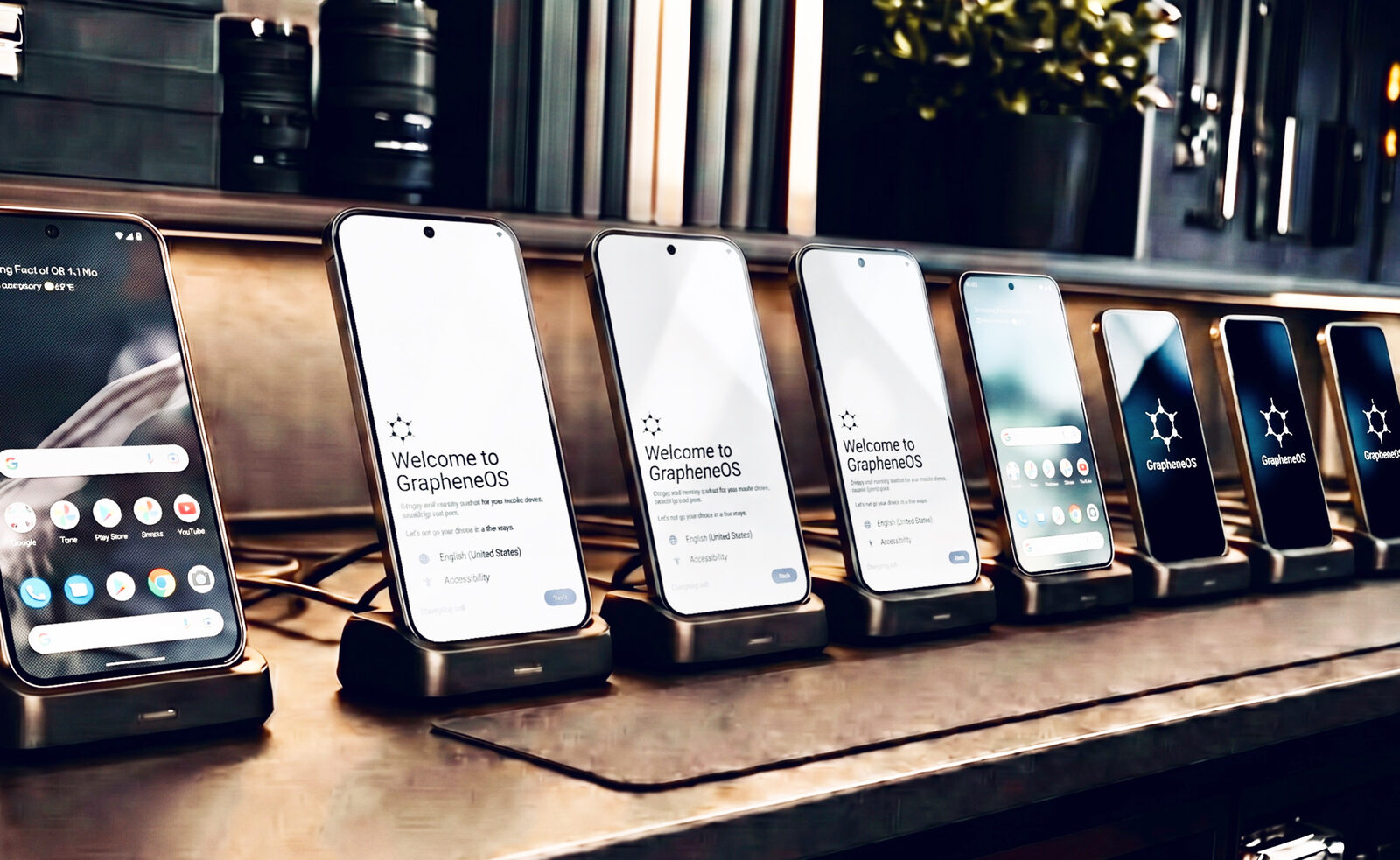
Travel security is decided before departure, not at the airport. The objective is simple: carry the least sensitive data that still lets you work, on a device that protects what remains, and know in advance exactly how the device behaves if it leaves your hands. Preparation is the product.
Why travel changes the executive threat model
At home, your phone spends its day on networks you mostly trust, rarely leaves your sight, and operates under one familiar legal framework. Travel removes all three assumptions simultaneously. You connect to hotel and airport Wi-Fi you cannot verify. The device spends time in security trays, hotel safes, and conference settings where other people are present. And you move through jurisdictions whose rules on device inspection differ from Australia's — sometimes dramatically.
For an executive carrying deal terms, board communications, legal strategy, or client information, this matters. The same professional who would not discuss a sensitive negotiation in a hotel bar should not carry an unprepared phone through a conference environment where the network is shared with competitors. A properly hardened device closes most of the gap automatically; the rest is a pre-travel routine that takes under an hour.
Travel risk by destination type
Not all travel carries the same risk profile. Understanding the category of destination helps calibrate the preparation:
| Destination category | Examples | Key risks | Recommended posture |
|---|---|---|---|
| Five Eyes countries | USA, UK, Canada, NZ | Legal compulsion, border inspection | Standard hardened device; know legal rights |
| EU / Western Europe | Germany, France, Netherlands | EU data regulation, corporate espionage at conferences | Standard hardened device; VPN always on |
| Major Asia-Pacific business hubs | Singapore, Japan, South Korea | Network monitoring, conference Wi-Fi | Hardened device; dedicated travel profile |
| High-risk — state surveillance | China, Russia, UAE, some Middle East | State network interception, hotel room access, coercive inspection | Clean travel device; minimal data; VPN essential |
| High-risk — political instability | Various — assess per trip | Physical device seizure, targeted malware | Clean travel device; power off at borders |
For high-risk destinations, a clean travel device — one that carries only what the trip requires and has no source network or sensitive history — is the recommended approach regardless of how strong the primary device's security is.
Before you depart — the pre-travel checklist
For the printable version of this checklist, see our dedicated executive travel security checklist. The detail behind each item:
1. Decide what travels — data minimisation
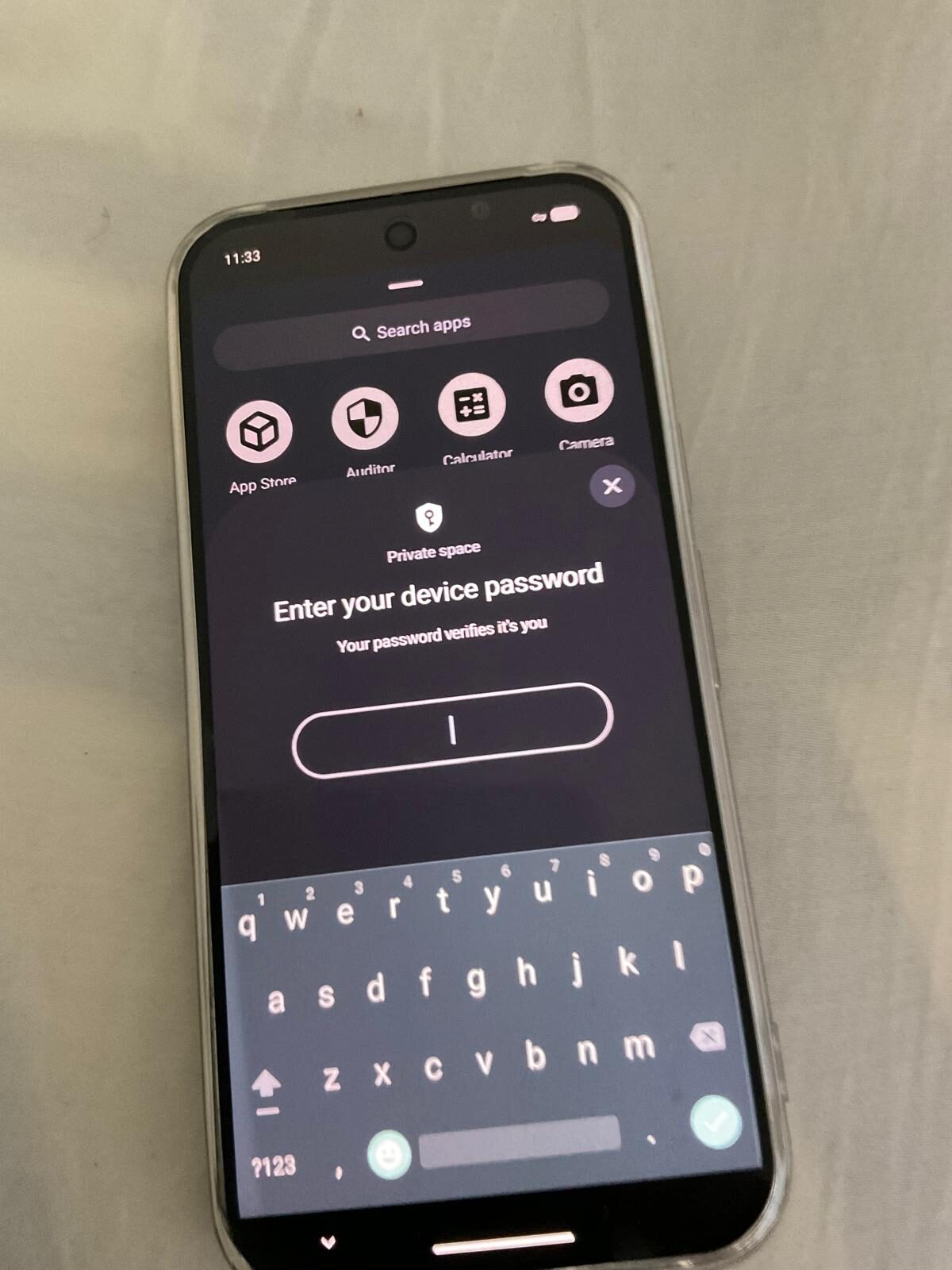
The strongest control is to carry less. Move non-essential material off the travel device. If you use GrapheneOS user profiles, consider creating a dedicated travel profile that holds only the contacts, apps, and files needed for the specific trip. Everything else — deal files not relevant to this trip, historical communications, sensitive personnel files — stays behind on an encrypted drive or in a cloud account you do not access during the trip.
2. Confirm encrypted communications are ready before departure
Signal and Threema should be set up, with contacts verified, before you leave Australia. Configuring new communication tools over an unfamiliar network at the destination is a security risk — you do not know whether the network is monitoring your setup process. Confirm safety numbers (Signal fingerprints) with key contacts while still on a trusted network.
3. Enable and test always-on VPN
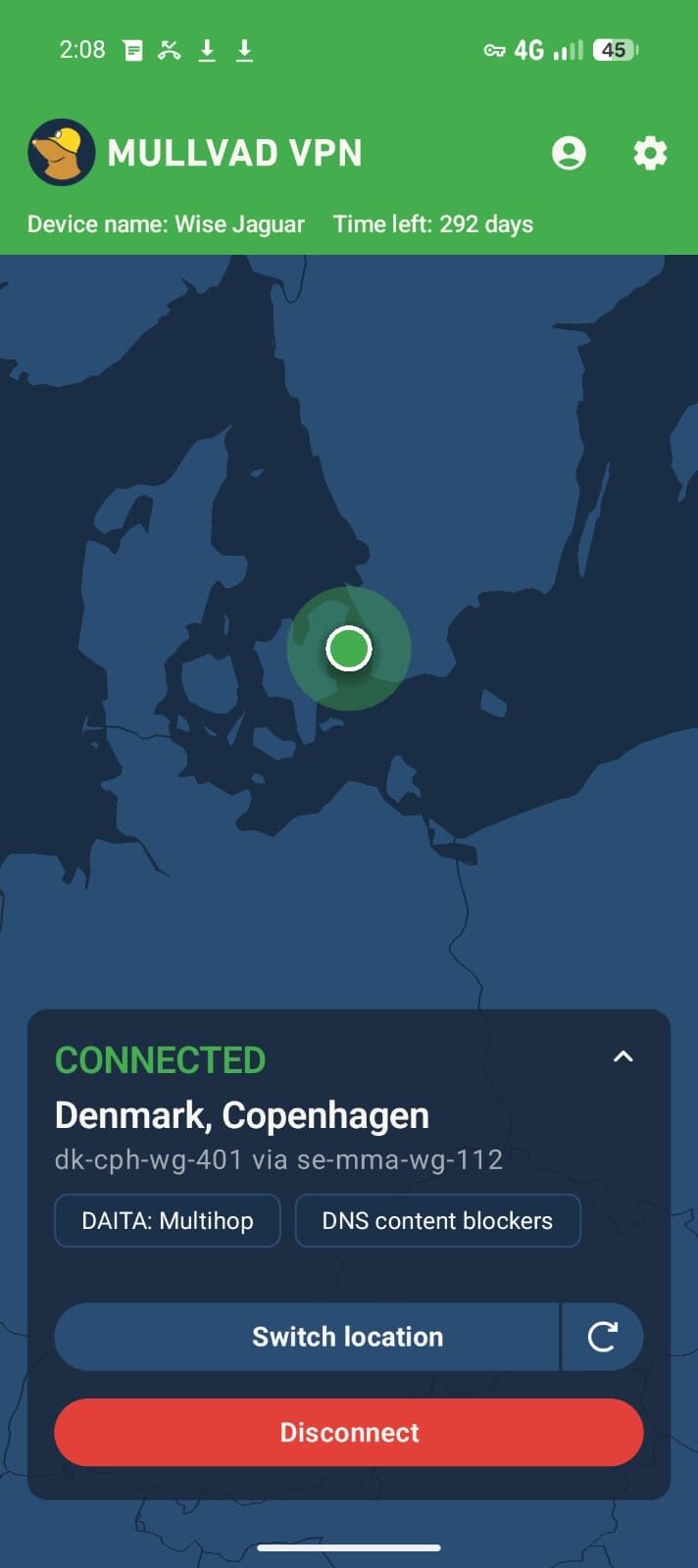
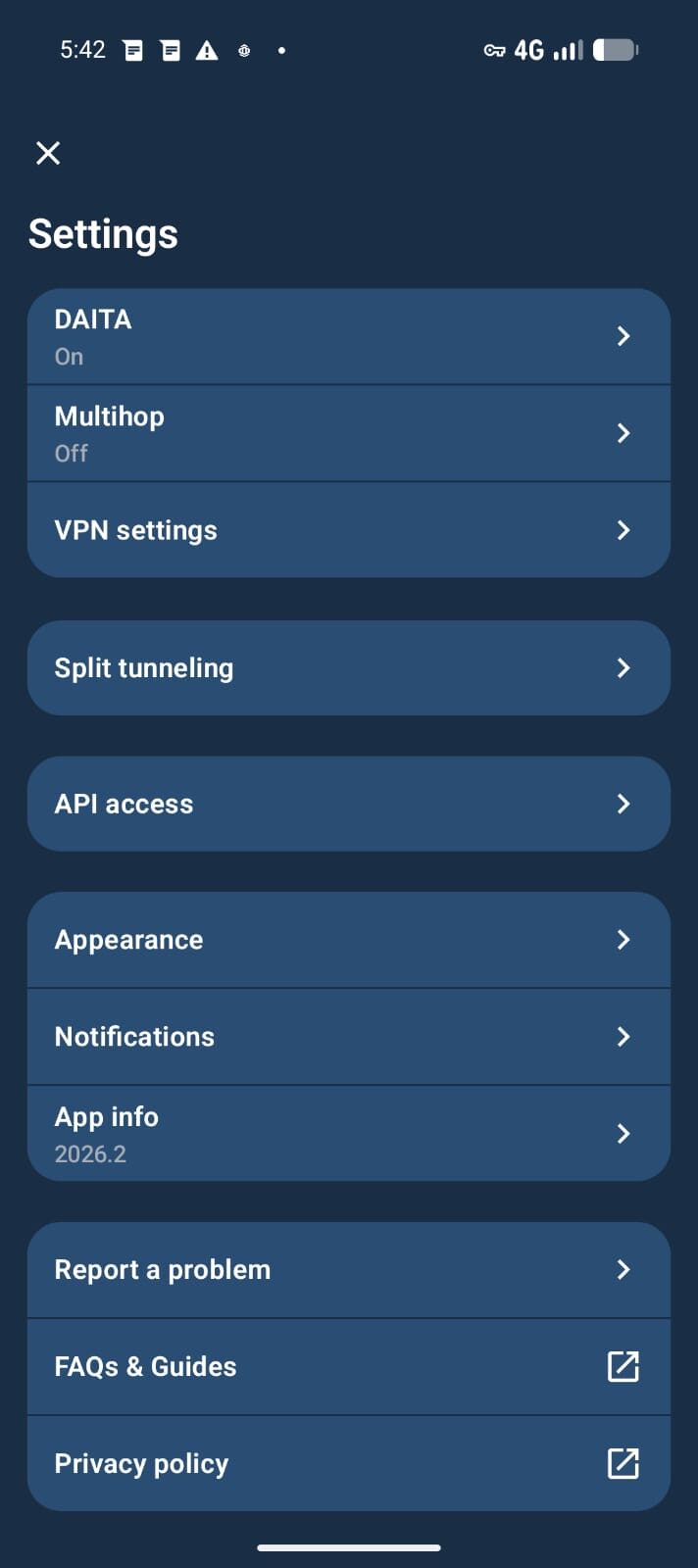
Mullvad VPN with the kill-switch on ensures that all traffic leaves the device inside an encrypted tunnel regardless of which network you connect to. Test this before departure: connect to a mobile hotspot with VPN active, then disable the hotspot and confirm no traffic gets through (the kill-switch should block all connections). If the kill-switch works at home, it will work at a hotel.
4. Set auto-reboot to a short interval
GrapheneOS can be configured to automatically reboot after a set period of inactivity, returning the device to its before-first-unlock (BFU) encrypted state. On travel, set this shorter than your home default — 30 to 60 minutes of inactivity is reasonable for most trips. This means a device left in a hotel room, security tray, or conference bag is in the strongest encryption posture without any deliberate action required.
5. Confirm Phantom Protocol settings
Before you travel, review your Phantom Protocol configuration: the duress PIN, what it triggers, which profiles it wipes, and how to activate remote wipe via your trusted contact. Know these by heart. A border crossing or a coercive situation is not the time to be consulting a setup guide.
6. Provision travel connectivity
A global eSIM provides a data connection that is not linked to your home number or primary identity. It works in over 100 countries, avoids expensive carrier roaming rates, and prevents local carriers from associating your device's traffic with your Australian mobile number. Pair it with Mullvad VPN so traffic over the eSIM is also encrypted.
7. Carry your own charging equipment
USB charging ports at airports, hotels, and conference venues can be compromised — a malicious charger can both deliver power and extract data from an unlocked device (a technique known as "juice jacking"). Carry your own charger and a USB data-blocker for any situation where you need to use a third-party charging point. Power banks avoid the issue entirely.
8. Know your legal rights in the destination
Rights at border crossings vary significantly by country. In Australia, the Australian Border Force can request device access. In the USA, border agents have broad practical authority over device searches at entry points. In many authoritarian countries, compliance is compelled. Know in advance what the rules are in your destination and transit countries — and understand that this knowledge is part of the preparation, not a decision you make at the border.
While you're there — in-country protocols
Treat every network as hostile
Hotel, lounge, conference, and venue Wi-Fi are convenient and unverifiable. The always-on VPN handles this automatically — but keep it on, and be cautious about any prompt that asks you to disable it. Captive portals (hotel login pages) often require brief VPN disablement; minimise this window and reconnect immediately.
Never leave the device unattended while powered on
A phone left in a hotel room, on a conference table, or in a bag accessible to others is a phone out of your control. Where the device must be left unattended, power it down so it is in the before-first-unlock state — encryption keys not in memory, data inaccessible without your passcode. A locked (but not powered down) device is far weaker than a powered-down one.
Be deliberate about where you unlock
Shoulder-surfing — an observer watching you enter your passcode — is low-tech but effective. Be aware of cameras in hotel lobbies, conference areas, and public spaces. Cover the screen when entering your PIN. Be cautious in any environment where you do not control who is nearby.
Compartmentalise sensitive work to the right profile
Do sensitive business work in your secure owner profile only. Use a secondary profile for anything you would be comfortable showing at a checkpoint: boarding passes, maps, expense apps. Keep sensitive work out of the profile that runs Google Play apps, social media, and other internet-connected tools.
Decline suspicious accessories
At conferences and hotels, be cautious of gifts, charging cables, or accessories from unknown sources. A malicious USB cable can contain a chip that injects commands to a connected device. Use your own accessories. If you must accept a cable from an event, use it for power only with a data-blocker interposed.
Use VoIP for sensitive calls over Wi-Fi
If you need to make sensitive calls from a country with high carrier interception risk, Signal's encrypted voice calls over VPN provide a meaningfully more private channel than a standard cellular call — even on an international roaming number. Conference calls on Zoom or Teams over VPN are similarly protected at the network layer.
Crossing a border — the specific protocol
Borders are the point in travel where device control is most likely to leave your hands, and where the legal framework differs most clearly from Australian norms. The border crossing phone preparation guide covers this in detail, including specific rights under Australian law for inbound and outbound travel. For high-scrutiny destinations see our secure phone for China travel and US border phone search preparation guides. The operational summary:
- Power the device down before you reach the inspection point — not locked, powered off. This ensures the device is in BFU state: encryption keys not in memory, the strongest protection available.
- Know what data is on the device before you travel. Arriving at a border with data you do not want inspected creates a situation; arriving with a device that does not contain that data removes the problem entirely.
- For high-risk countries, consider whether a clean travel device — which has never held sensitive information — is more appropriate than your primary device. A factory-reset device can be re-provisioned with only trip-essential data before departure.
- For total signal isolation during high-scrutiny transit, carry a Faraday bag — the powered-down device sits shielded from network, Bluetooth and RFID contact until you choose to bring it back online.
- Understand the Phantom Protocol options in advance. The duress PIN is available if needed; know what it triggers before you travel, not at the border.
- Consult your legal team for trips to jurisdictions where coercive device inspection is likely. The obligations and protections vary by country and by the nature of the travel. Nothing in this guide is legal advice for your specific situation.
For the Australian legal context on border inspections, see phone search powers in Australia and whether encrypted phones are legal in Australia.
High-sensitivity destinations — specific protocols
Mainland China
China presents a distinct risk environment for business travellers. The Great Firewall blocks most encrypted communication tools (Signal, WhatsApp, many VPN providers). State network monitoring is pervasive. Hotel rooms have been documented as surveillance environments. For senior executives travelling to China for sensitive business, the recommended posture is a clean travel device that carries nothing sensitive, uses a VPN provider that works in China (Mullvad is generally reliable with obfuscation enabled), and is physically controlled at all times. Assume hotel room Wi-Fi is monitored.
Singapore and Hong Kong
Both are generally lower-risk than mainland China but are not without monitoring capability. The legal environment is different from Australia's — legal compulsion at borders is possible, and corporate espionage at conference venues is documented. A hardened primary device with a dedicated travel profile is appropriate. Always-on VPN is essential.
Europe (EU) and UK
Generally a lower risk environment for individual device security, though corporate espionage at trade events and conferences is real. EU data protection law actually provides additional protections for individuals in some respects. Standard hardened device setup is appropriate, VPN always on, and the same physical security habits.
USA
Border crossings into the USA deserve specific attention. US Customs and Border Protection has broad practical authority to search devices at ports of entry, and this extends to all travellers regardless of citizenship. Courts have upheld extensive CBP device search authority. Arriving with minimal data on the travel device, or in BFU state, significantly limits what is accessible. For executive travel with sensitive M&A or litigation information, legal advice specific to US border crossing is recommended.
Returning to Australia — the post-trip protocol
Return is not the end of the security posture — it is a transition point. On return:
- Re-establish normal posture deliberately. If you used a travel profile or travel device, review it before merging anything back to your primary environment. Do not assume that because the trip went smoothly, the device is clean.
- Rotate credentials used on the trip. Any passwords entered on hotel or conference Wi-Fi — even through a VPN — should be rotated after a trip to a high-risk destination. VPN protects your traffic; it does not protect you from shoulder-surfing or keyloggers on a device you did not control.
- Consider a re-flash if anything felt off. If the device left your sight for a significant period, was surrendered to customs officials who retained it for more than a brief inspection, or if you noticed unusual behaviour (unexpected battery drain, unfamiliar apps, prompts you did not initiate), treat the device as potentially compromised. A fresh GrapheneOS installation restores a known-good state in under an hour. We can assist remotely.
- Log what you did. A brief record of which networks you connected to, which accounts you accessed, and any unusual events during the trip provides useful context if an incident is suspected later.
Executive travel security — FAQ
What phone should an executive use for international travel?
A hardened Google Pixel running GrapheneOS with always-on VPN (Mullvad with kill-switch), encrypted messaging (Signal and Threema), a global eSIM for data connectivity, and Phantom Protocol for duress and remote wipe. For high-risk destinations, a separate clean travel device — containing only trip-essential data, never connected to your sensitive home network — is the strongest posture.
Is it safe to use hotel Wi-Fi with a VPN?
Yes. An always-on VPN with a kill-switch encrypts all traffic leaving the device regardless of the network it connects to. Hotel Wi-Fi is the network transport — with VPN active, the hotel network operator cannot see the content of your traffic. Be cautious of any prompt asking you to disable the VPN, including captive portal login pages. Minimise the time VPN is disabled to the absolute minimum.
Can customs take my phone and search it when I travel?
Yes, in many jurisdictions including Australia. The scope and legal basis vary by country. In Australia, the Australian Border Force has powers to search devices. In the USA, CBP has broad border search authority. A device that is powered down (BFU state) is significantly harder to search than a locked-but-on device. For sensitive trips, carrying a clean travel device with minimal data is the strongest protection. See our border crossing guide and phone search powers guide.
What is the before-first-unlock state and why does it matter?
Before-first-unlock (BFU) is the state a device is in after a reboot but before the first passcode entry. In this state, the encryption keys are not in memory — the data on the device is protected by filesystem-based encryption without the keys available. Forensic tools that can extract data from a locked-but-on phone cannot do so in BFU state. Powering the device down at border crossings and before leaving it unattended ensures it is in the strongest protection state.
Should I use my regular phone or a separate travel phone?
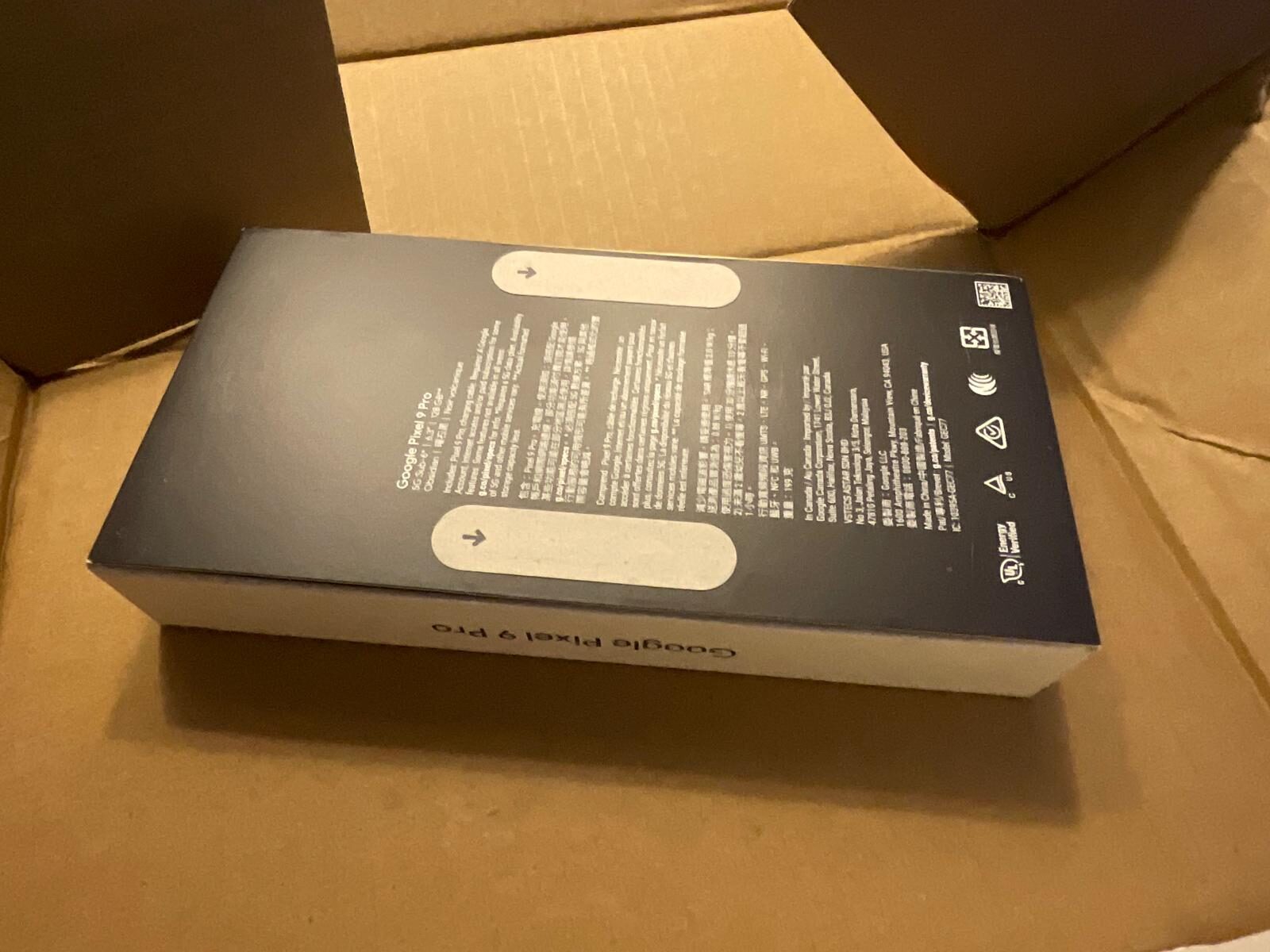
For most business travel, a hardened primary phone with a dedicated travel profile (containing only trip-essential data) is sufficient. For high-risk destinations — countries with state surveillance infrastructure, active corporate espionage, or coercive border inspection — a separate clean travel device that carries no sensitive history is the recommended approach. The cost of a second Pixel 9A prepared as a clean travel device is modest compared to the risk it mitigates.
What do I do if my phone is confiscated at a border?
If the device is powered down, it is in BFU state and the data is protected by filesystem-based encryption — physical access alone is insufficient to read the contents. If you are compelled to provide the passcode, the Phantom Protocol duress PIN triggers a silent wipe of sensitive profiles. For your legal position in a specific country or situation, consult a qualified lawyer before you travel — not at the border. This guide is general information, not legal advice.
Can you configure a device specifically for a travel trip?
Yes. As part of a consultation we configure a travel posture matched to the trip: profiles, auto-reboot interval, duress behaviour, eSIM connectivity, and — for high-risk destinations — a clean travel device with only the applications and data the trip requires. Contact us before departure for travel-specific preparation.
Prepared before departure. Operational throughout.
We configure a travel posture matched to the trip — device, profiles, connectivity, and duress behaviour. Talk to us before your next high-stakes journey.
Executive Secure Phones → Plan a Trip SetupNote. This guide provides general operational information for lawful business travel. Rules on device inspection and encryption differ by country and change over time. Nothing here is legal advice for your specific situation or destination. For high-risk trips or complex legal questions, consult a qualified lawyer before departure.