The executive travel security checklist.
A scannable, do-this checklist for carrying a phone through executive travel. For the reasoning behind each step, read the full Executive Travel Phone Security guide — this page is the actionable version you run before, during, and after a trip.
Travel-ready before departure.
The safe version of a travel phone is built before the trip: minimal data, isolated profiles, VPN ready, and a clean handover if the device is inspected or lost.
Every item below is preparation done in advance. By the time you reach the airport, the decisions are already made and the device already carries only what the trip needs. Used lawfully, this is simply good professional discipline.
1 · Before departure
- Decide what travels — move non-essential data off the device.
- Set up (or confirm) a dedicated travel profile, or a clean travel device for high-stakes trips.
- Confirm your secure backup is current, so minimising the device costs you nothing.
- Check encrypted messaging (Signal / Threema) and contacts are configured.
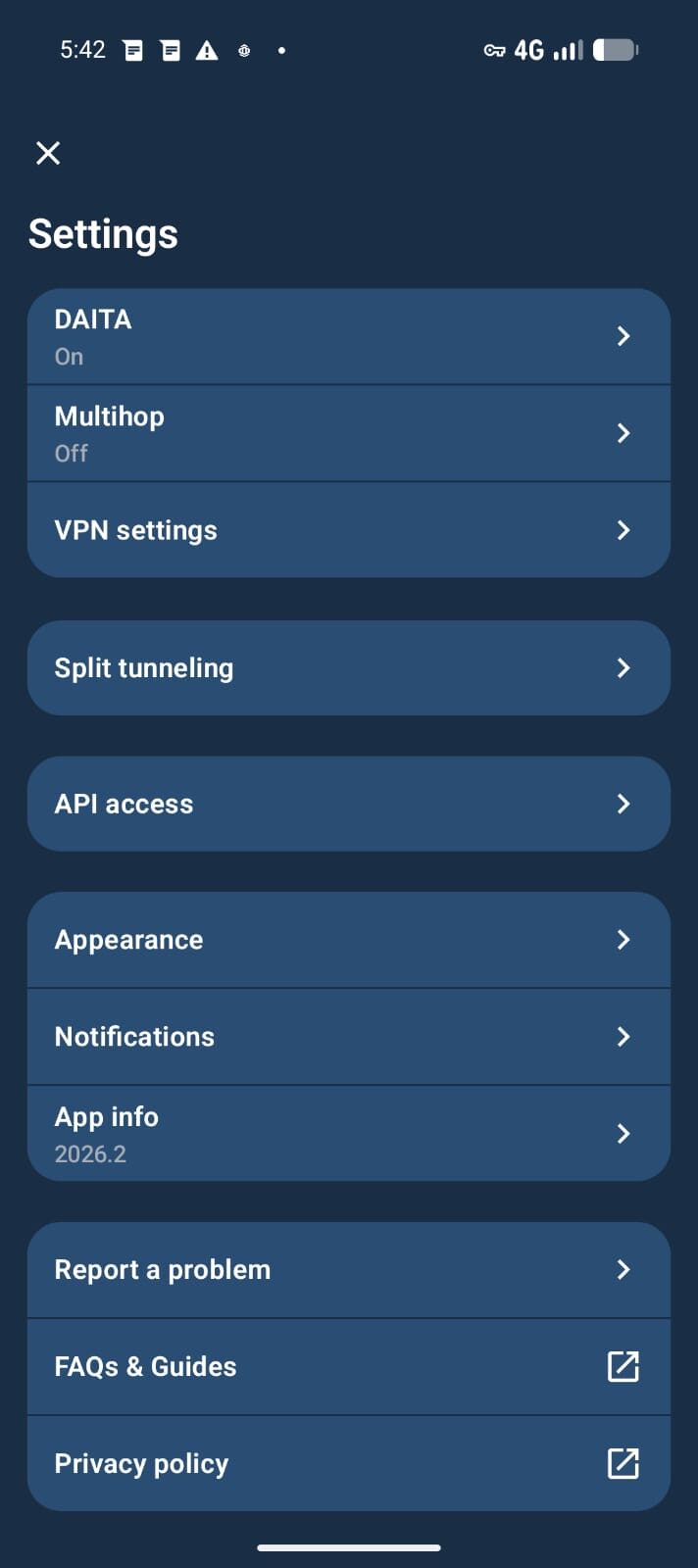
- Enable always-on VPN with the kill-switch on.
- Provision and test your travel eSIM.
- Shorten the auto-reboot interval.
- Review your Phantom Protocol settings so you know exactly what they do.
- Note local laws for your destinations — see phone search powers for the Australian baseline and get advice for other jurisdictions.

2 · In transit & on arrival
- Keep the VPN on; treat every network (airport, lounge, hotel) as untrusted.
- Use your own charger and a data-blocker; avoid unknown cables and public USB ports.
- Do sensitive work only in the travel profile.
- Be deliberate about where and when you unlock the device.
3 · At a border
- Power the device fully down before the checkpoint (before-first-unlock state).
- Carry only the routine, public-facing profile's content.
- Stay calm and courteous; do not deceive officials.
- Know your options in advance — full detail in Border Crossing Phone Preparation.
4 · While you're there
- Keep the device with you; where it must be left, power it down rather than just locking it.
- Mind physical surroundings — shoulder-surfing and hotel-room cameras are low-tech but real.
- Keep the public profile for boarding passes, maps, and itineraries.
5 · On return
- Review the travel profile or device before merging anything back.
- Rotate any credentials entered on untrusted networks.
- If the device left your sight for too long, consider a fresh GrapheneOS install — a known-good state in under an hour.
- Restore from your secure backup once you are satisfied the device is clean.
Checklist notes — the reasoning behind key steps
Why "carry less" comes first
The most durable protection is reducing what can be exposed, not just hardening how it is stored. An M&A document that does not travel with you cannot be extracted from a hotel-room device. A contact list that is not on the travel profile cannot be exfiltrated at a border. Before any technical measure, the question is: what does this trip actually need?
On a GrapheneOS device with multiple profiles, this is straightforward: configure the travel profile to carry only what the trip requires, and leave your full life in the primary profile — which does not travel, or travels powered off.
Always-on VPN with a kill-switch — not just "a VPN"
The always-on VPN configured at the GrapheneOS OS level is different from an in-app VPN. The OS-level setting means no traffic leaves the device unless the VPN tunnel is active — on reboot, on app crash, on network change. "Turn on the VPN app" is not the same posture. On every device we ship, Mullvad is configured at the OS level with the block-connections kill-switch enabled. Verify it is still set before departure, not on arrival.
Before-first-unlock vs screen lock
There is a meaningful difference between a locked screen and a powered-down device. A locked device has its encryption keys in memory — a sophisticated forensic tool can sometimes extract data from a locked phone. A device that has been fully powered down (before-first-unlock state) requires the passcode before encryption keys are derived at all. Power down before you hand the device over at a checkpoint, before you leave it in a hotel safe, and before it goes anywhere out of your direct control. Set the auto-reboot short — 18 hours or less — so an idle device returns to this state automatically.
Data-blockers and charging cables
USB ports — in hotel rooms, airport lounges, and conference venues — can carry data as well as power. A USB data-blocker (a small adaptor that physically blocks the data pins) turns any USB-A or USB-C port into a charge-only port. They cost a few dollars and eliminate an entire category of physical access attack. Carry one; always use your own cable with it.
Travel eSIM vs home number
A privacy eSIM separates your data traffic from the carrier identity associated with your Australian phone number. For travel to countries where mobile carrier records are less confidently private, a global data eSIM means your internet traffic is associated with a foreign-registered SIM identifier rather than your primary Australian identity. Combined with an always-on VPN, the traffic itself is also encrypted. Purchase and activate the eSIM before departure — do not try to set up new connectivity at the airport on an untrusted network.
High-stakes trips vs routine travel
Routine domestic business travel warrants a travel profile and always-on VPN. High-stakes travel — M&A, negotiations in jurisdictions with active state actors, litigation-sensitive work, or trips involving contested IP — warrants a separate clean travel device, a consultation to configure the travel posture in advance, and explicit duress preparation. The checklist above applies to both; the rigour of each step scales with the trip's stakes. If you are unsure which category a trip falls into, that is a sign it is the latter. See our setup and deployment services for pre-trip consultation.
Executive travel checklist — FAQ
Is this checklist a replacement for the full travel guide?
No — it is the companion. This page is the actionable list you run before, during, and after a trip; the full Executive Travel Phone Security guide explains why each step matters and the threat model behind it. Use them together.
What is the single most important step?
Carrying less. The strongest control is to ensure the device only holds what the trip needs, so that anything which could ever be exposed is minimal. Powering down before a border is a close second.
Can you prepare a device to this checklist for me?
Yes. As part of a consultation we configure the travel posture with you — profiles, VPN, eSIM, auto-reboot interval, and duress behaviour — matched to your trip and the jurisdictions involved.
Does following this make me untraceable?
No, and that is not the goal. The checklist reduces the data your device exposes and prepares you for the points where it leaves your control. It is lawful professional discipline, not a way to become anonymous.
How do I confirm the always-on VPN is actually set at the OS level?
Settings → Network & internet → VPN → tap the settings gear next to your VPN profile. Confirm "Always-on VPN" and "Block connections without VPN" are both enabled. If the VPN app is not listed, it is not configured at OS level — open the VPN app first and follow the prompt to enable always-on. On a Privacy Devices device, this is configured before dispatch.
What is the difference between a travel profile and a travel device?
A travel profile is a secondary user profile on your existing device — completely isolated from your primary profile, carrying only trip-essential apps and data. A travel device is a separate piece of hardware prepared clean for the trip. A travel profile is sufficient for most business travel. A dedicated travel device is the stronger posture for high-stakes trips where the device might leave your control or enter jurisdictions with aggressive inspection practices.
Run it once, travel prepared.
We can configure a device to this exact posture before your next trip — or walk your team through it.
Book a Consultation → Executive Secure PhonesNote. General operational guidance for lawful business travel. Rules on device inspection differ by country and change over time; this is not legal advice. For a specific trip or jurisdiction, consult a qualified lawyer.