The business executive's secure phone guide — GrapheneOS explained for decision-makers.
If you carry board-level information on your phone, the operating system that runs beneath your apps is the most important security decision you are not making consciously. This guide explains what GrapheneOS is, why it is the right operating system for principals and founders, and how it works in practice alongside the apps and workflows that executives actually use.
Travel-ready before departure.
The safe version of a travel phone is built before the trip: minimal data, isolated profiles, VPN ready, and a clean handover if the device is inspected or lost.
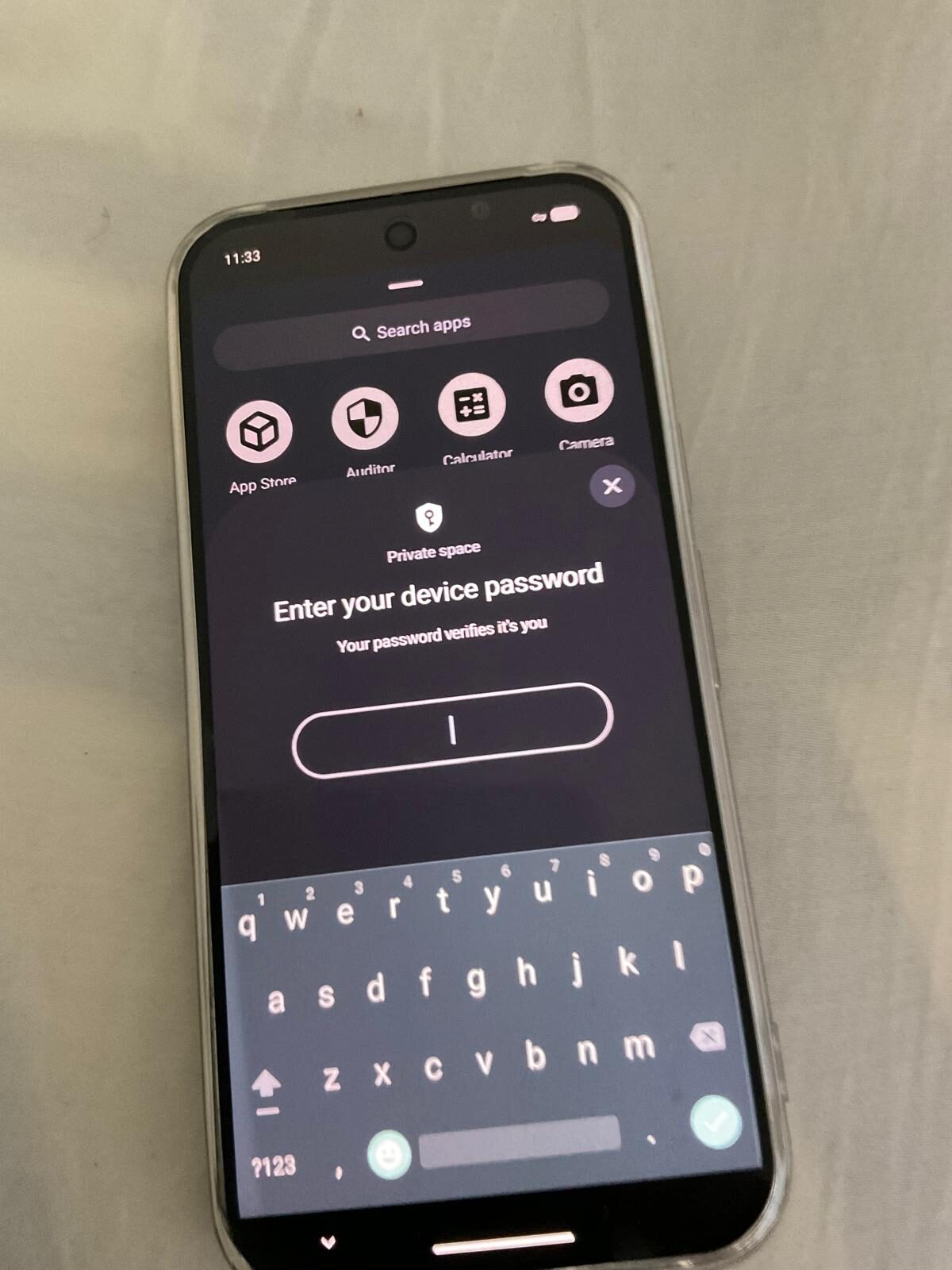
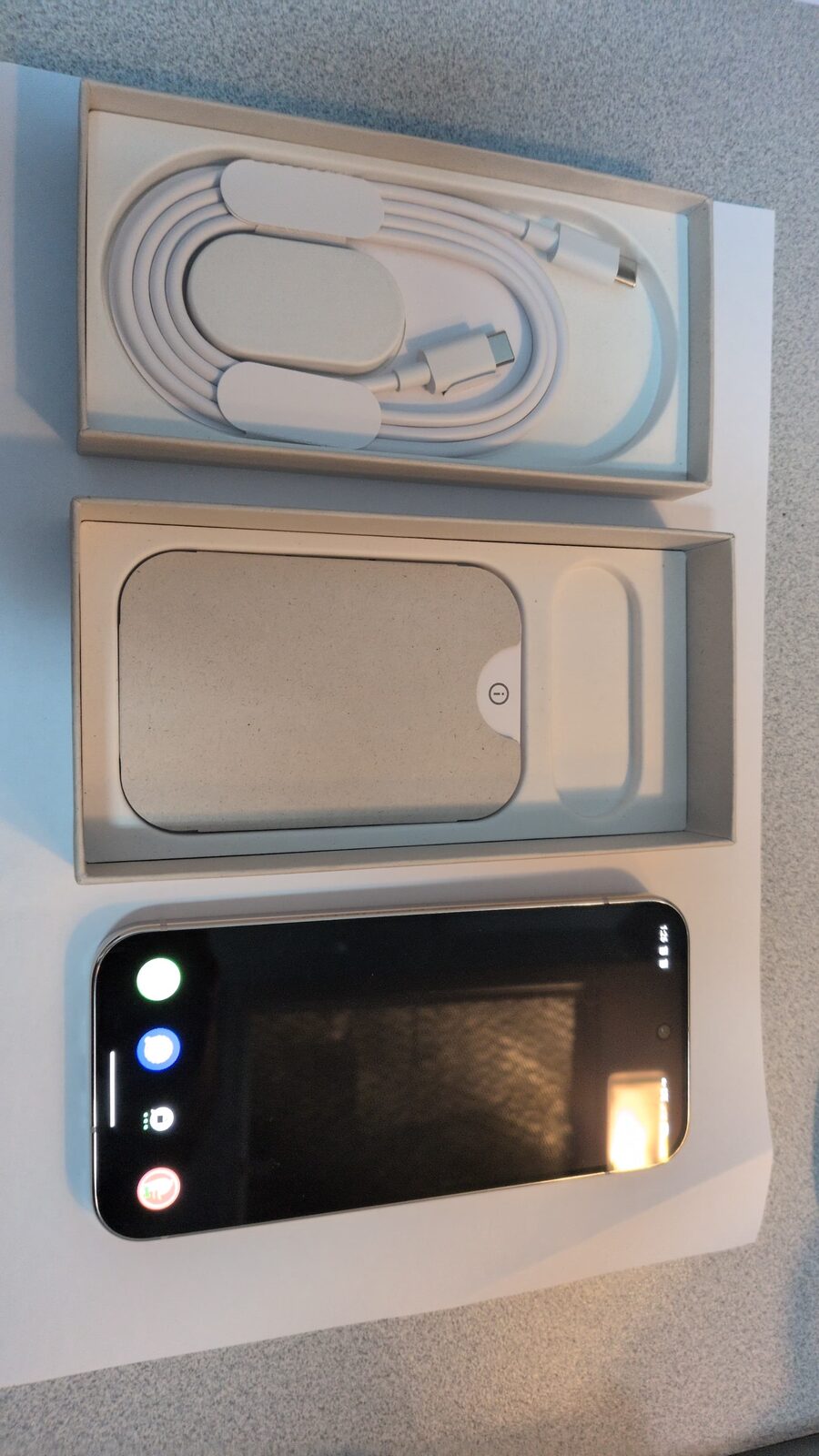
A stock iPhone or Android phone was designed for hundreds of millions of general consumers. It works by connecting your data to vendor cloud services — because that is what most people want. An executive is not a general consumer. The information on your phone is more valuable, the implications of a compromise are more serious, and the cloud-dependency model that suits a family photo library does not suit a term sheet or board deliberation. GrapheneOS removes that dependency and puts control back where it belongs: with you.
Why executives are a different threat model
The information that flows through a business leader's phone is disproportionately valuable. Pre-announcement deal terms, board deliberations, legal strategy, banking relationships, acquisition targets, and the personal details of key personnel — this is material that other people would pay to access, and some would steal it. The phone is often the least-considered point of exposure because it does not look like a security asset. It looks like a communication device.
The attack surface is broad and, for most executives, entirely unmanaged:
- Cloud account compromise. An Apple ID or Google account breach gives an attacker everything: messages, notes, photos, call history, location data, and the ability to push commands to the device. This is the most common high-value vector.
- Corporate network exposure. MDM-managed corporate devices are administered by an IT team — which means the IT team (and whoever compromises the IT team) has administrative access to the device in your pocket.
- Third-party apps. The average smartphone has dozens of apps, each with its own privacy policy, data collection practices, and potential vulnerabilities. Many collect location, contacts, and device identifiers as a matter of course.
- Physical device access. At conferences, during travel, in hotel rooms — a device that leaves your sight for even a short period can have malware installed, data extracted, or credentials captured.
- Business travel. Hotel networks, airport Wi-Fi, foreign SIM cards, and conference venue infrastructure represent a substantially elevated interception risk compared to a managed office network.
- Targeted spearphishing. Sophisticated attacks on individual executives are real, well-documented, and often enter via the phone — a text from what appears to be a colleague, a document link, or a malicious app delivered via a convincing pretext.
What GrapheneOS actually is
GrapheneOS is an open-source, privacy-focused operating system for Google Pixel phones. It starts from the Android codebase, removes all Google services and telemetry, and adds substantial security improvements: a hardened memory allocator, exploit mitigations, verified boot relocked to GrapheneOS's own keys, and per-application permission controls that go far beyond what stock Android provides.
The result is a phone that runs all the apps an executive needs — because it can optionally run sandboxed Google Play in an isolated container — while removing the background data flows that make stock Android and iOS a persistent telemetry device. The operating system does not send anything to Google or Apple. It does not maintain a cloud account that holds your keys. It does not have an advertising identifier. It is, at the base level, a clean platform that does what you explicitly allow it to do.
Understanding GrapheneOS as a decision-maker means understanding four properties:
Verifiable, not merely trusted
GrapheneOS is fully open source. Its source code can be independently audited, and independent security researchers do audit it. You are not taking a vendor's word for what the device does — the behaviour is checkable. For a fiduciary who needs to be able to account for how sensitive information is handled, "independently verifiable" is a stronger position than "the vendor assures us."
No vendor cloud, no vendor keys
There is no required Google account. There is no iCloud equivalent silently backing up your data to a server that a government agency can subpoena. What is on the device stays under your control. If a backup is needed, it is local or end-to-end encrypted with keys that you hold.
Granular per-app control
Every app on GrapheneOS can have its network access, location, contacts, microphone, camera, and sensor access controlled individually and persistently — not just "allow once" but genuinely revoked at the OS level. A sandboxed Google Play container runs any required apps in isolation from the rest of the device, preventing those apps from seeing your primary data.
Owner-only, no console in the middle
There is no mobile device management profile. No IT administrator can push commands to the device. No corporate IT team holds the keys. For a principal — a founder, board member, or managing director — this is the appropriate arrangement. The device answers to its owner, not to an administrator.
The apps that executives actually use — will they work?
This is the practical question that decides the discussion for most executives, and the honest answer is: yes, for virtually everything. Here is how the key app categories behave:
| App category | Works on GrapheneOS? | How |
|---|---|---|
| Australian banking apps | Yes | CommBank, ANZ, Westpac, NAB, Macquarie, HSBC — all confirmed via sandboxed Google Play |
| Microsoft 365 / Teams | Yes | Full functionality via sandboxed Google Play |
| Google Workspace / Gmail | Yes | Via sandboxed Google Play or web browser |
| Zoom / Webex / Meet | Yes | Via sandboxed Google Play |
| LinkedIn / Outlook | Yes | Via sandboxed Google Play |
| Authenticator apps (Microsoft, Google, Duo) | Yes | Via sandboxed Google Play |
| Signal | Yes — natively | No Google Play required; best-in-class private messaging |
| Threema | Yes — natively | No phone number required; anonymous business messaging |
| Yes — with caveats | Via sandboxed Google Play; metadata privacy concerns remain — see Signal comparison | |
| iMessage | No | Apple-only ecosystem; Signal provides a stronger alternative |
The rare app that genuinely refuses to run on a non-stock OS is the exception. We confirm any business-critical app with you before purchase and, if needed, can configure a sandboxed profile specifically for that app so it is isolated from everything else on the device.
Communications security for executives
The communications layer — what executives use to coordinate, negotiate, and deliberate — is the highest-value target on the device. Getting this right means choosing tools that protect both content and context.
What to use for sensitive business communications
Signal is the standard recommendation for executive communications that should remain confidential. Its end-to-end encryption protects message content; its minimal metadata collection means there is very little context data available even if someone requests Signal's records; and its open-source codebase has been independently audited. For the comparison with WhatsApp, see our Signal vs WhatsApp guide.
For communications where even linking your phone number to the conversation is undesirable — discussions with counsel, sensitive M&A contacts, or pre-announcement negotiations — Threema provides messaging with no phone number required. We pre-configure both on prepared executive devices, and we supply a Threema licence as part of the device preparation.
What not to use for sensitive business communications
WhatsApp is owned by Meta and retains substantial metadata that flows into the Meta advertising ecosystem. It is appropriate for everyday social coordination, but not for board discussions, pre-announcement deal terms, or legal strategy. Standard SMS is unencrypted and available to carriers and law enforcement without a warrant in some circumstances. Email, absent specific encryption tools, is similarly exposed.
For a detailed comparison of messaging options for Australian businesses, see our private messaging apps guide.
The two-profile executive setup
Most executives who use a GrapheneOS device adopt a two-profile approach on a single phone:
- Owner profile — the primary profile, containing Signal, Threema, and sensitive working tools. Minimal apps, no unnecessary internet access, short auto-lock. This is where board discussions, legal matters, and deal communications live.
- Work profile — sandboxed Google Play container with corporate apps, banking, conferencing, and everything that requires Google Play services. Isolated from the owner profile — a compromise here cannot reach the owner profile's data.
Some executives add a third profile for travel, keeping a minimal "clean" profile that carries only what a particular trip requires. We configure multi-profile setups as standard during device preparation, matched to how the individual actually works.
Network protection and travel
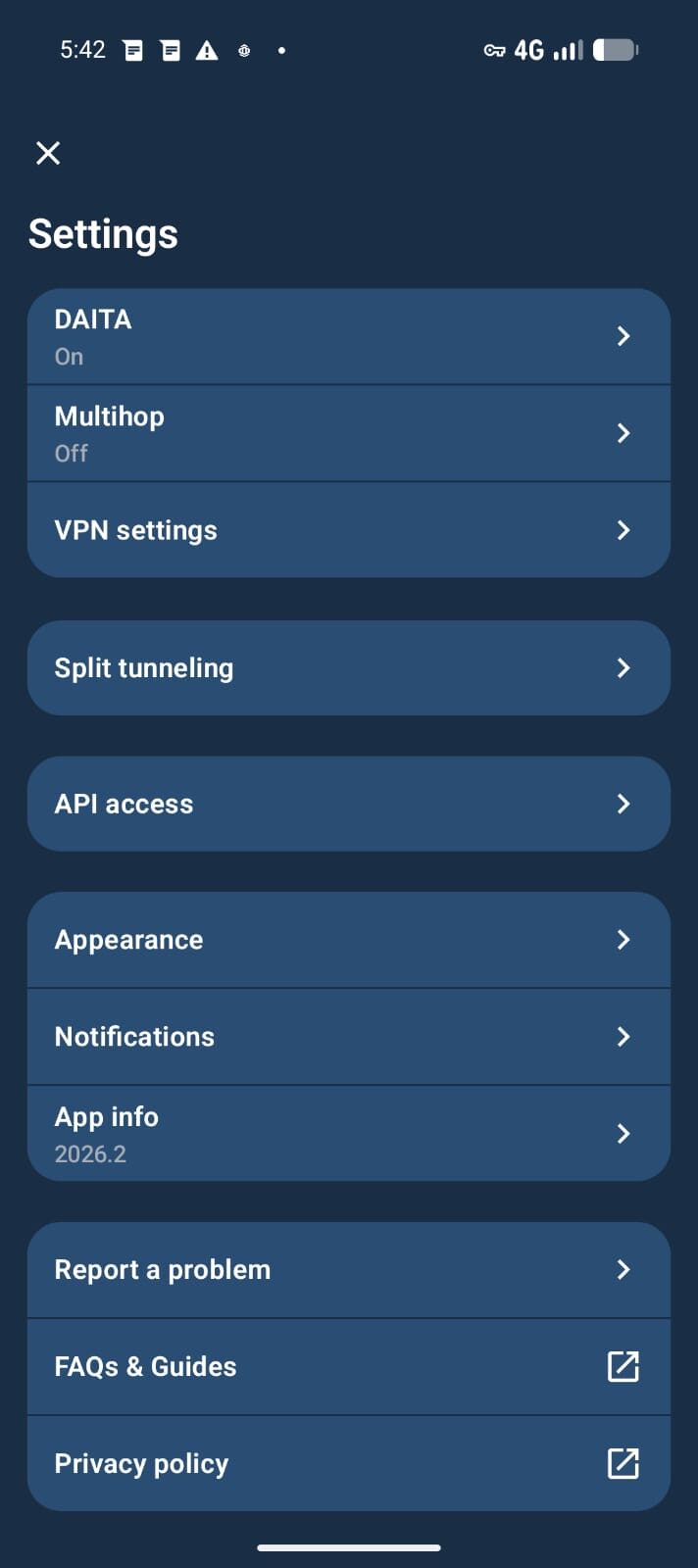
Mullvad VPN with an always-on kill-switch is configured on every Privacy Devices prepared executive phone. This ensures that all traffic — from every app, on every profile — leaves the device inside an encrypted tunnel. No unprotected traffic is ever sent, regardless of which network the phone is connected to. This is essential for hotel Wi-Fi, airport lounges, conference venues, and client offices where the network operator is not known or trusted.
A global eSIM provides a data connection that is not linked to the executive's primary identity or phone number. For international travel — particularly to jurisdictions with active intelligence collection programs — using a data-only eSIM over VPN separates the device's network activity from the executive's personal identity.
For the full travel protocol, see our executive travel phone security guide and the pre-travel security checklist.
Phantom Protocol — the duress layer
The Phantom Protocol is an owner-controlled duress and remote-wipe layer configured on all our executive devices. It provides:
- Duress PIN. A secondary passcode that, when entered, silently wipes sensitive profiles and returns the device to a clean state without any visible indication that a wipe has occurred.
- Decoy profile. A configured-to-look-normal secondary profile that the device enters when the duress PIN is used — the person examining the device sees a functional but empty phone.
- Auto-reboot interval. The device automatically reboots after a set period of inactivity, returning to before-first-unlock encrypted state. A device left in a meeting room, hotel safe, or car is in the strongest encryption posture without any action required.
- Remote wipe. A trusted contact (a colleague, partner, or legal counsel) can trigger a remote wipe via an out-of-band channel if the device is lost, confiscated, or stolen.
These are lawful preparedness features. For the legal context, see our guide on whether encrypted phones are legal in Australia.
GrapheneOS vs MDM vs stock — the comparison for leaders
| Property | Stock iPhone / Android | MDM-managed device | GrapheneOS (prepared) |
|---|---|---|---|
| Who controls the device | Vendor cloud account | IT team / MDM console | Owner only |
| Background telemetry | Extensive (vendor) | Vendor + management agent | Removed |
| Independently verifiable | No | No | Open source |
| Verified boot | Vendor keys only | Vendor keys only | GrapheneOS keys |
| Cloud backup — keys held by whom? | Apple / Google | Apple / Google + MDM | Owner or none |
| Encrypted comms pre-configured | No | Sometimes | Yes (Signal, Threema) |
| Always-on VPN + private eSIM | No | VPN sometimes | Yes |
| Per-app granular permissions | Limited | Limited | Full control |
| Duress / remote wipe — owner controlled | No | Admin controlled | Owner controlled |
| Concierge preparation and support | Self-serve | IT team | Privacy Devices |
GrapheneOS for executives — FAQ
Why is GrapheneOS better than an iPhone for an executive?
An iPhone is a well-engineered consumer device that ties you to Apple's cloud infrastructure, uses Apple's encryption keys for your backups, and cannot be independently audited. GrapheneOS is open-source, removes cloud dependency, allows independent verification of its behaviour, and puts administrative control entirely with the owner. For an executive whose information is a genuine target, the ability to verify what the device does and to own all the keys is a material advantage.
Will my Australian banking apps work on GrapheneOS?
Yes. CommBank, ANZ, Westpac, NAB, Macquarie, HSBC, and other major Australian banking apps work via a sandboxed Google Play profile that is isolated from the rest of the device. We confirm specific apps before purchase. The banking apps cannot see the data in your primary profile.
What is the difference between GrapheneOS for executives and a corporate MDM phone?
A corporate MDM phone is managed by an IT administrator who can push policies, remote-wipe, and in some cases read data from the device. For a CEO, CFO, or board member, this means an IT team has administrative control over the device in their pocket — which is often an inappropriate arrangement. A GrapheneOS executive device has no MDM profile. Control sits entirely with the owner. If your organisation needs managed devices for staff, that is a separate engagement.
What messaging app should executives use for confidential communications?
Signal for most sensitive business communications — encrypted content, minimal metadata, no advertising business model, independently audited. Threema where even the contact's ability to identify you by phone number is undesirable. Both are pre-configured on Privacy Devices executive phones. WhatsApp is appropriate for everyday social coordination but not for board discussions, deal negotiations, or legal matters.
How long does the device take to set up and how is it delivered?
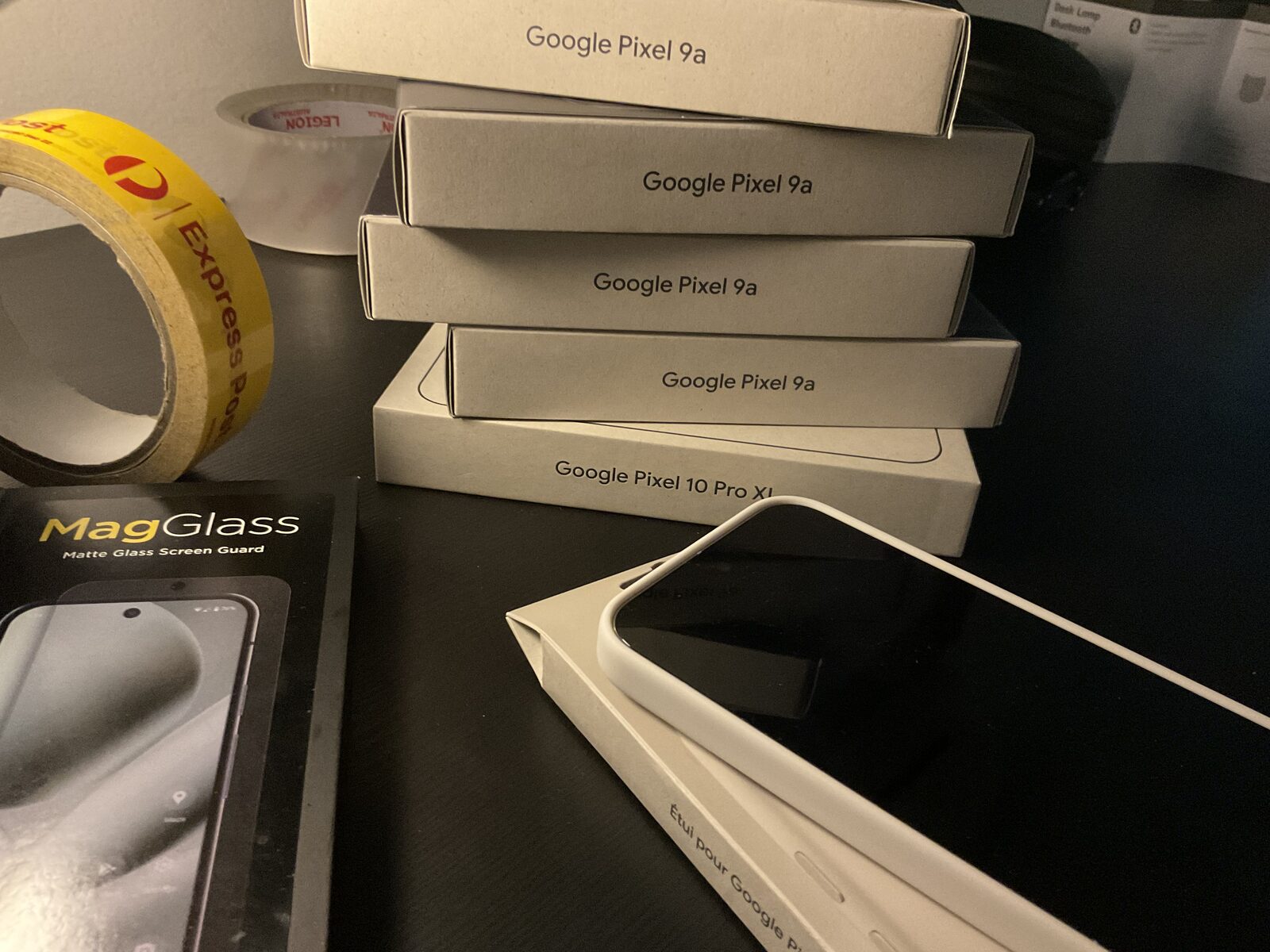
We typically prepare a device within 3-5 business days and dispatch it same or next day within Australia. The preparation includes GrapheneOS installation, profile configuration, encrypted messaging and VPN setup, Phantom Protocol arming, eSIM provisioning, and a white-glove migration from your existing phone. A direct support line is included.
Can I use my existing SIM card in a Privacy Devices phone?
Yes. The device accepts a standard Nano SIM and supports dual SIM via eSIM. You can use your existing number for calls and SMS while running data over the private eSIM with VPN. Many executives keep their existing number for reachability while using Signal or Threema for sensitive communications.
What device do you recommend for business executives in Australia?
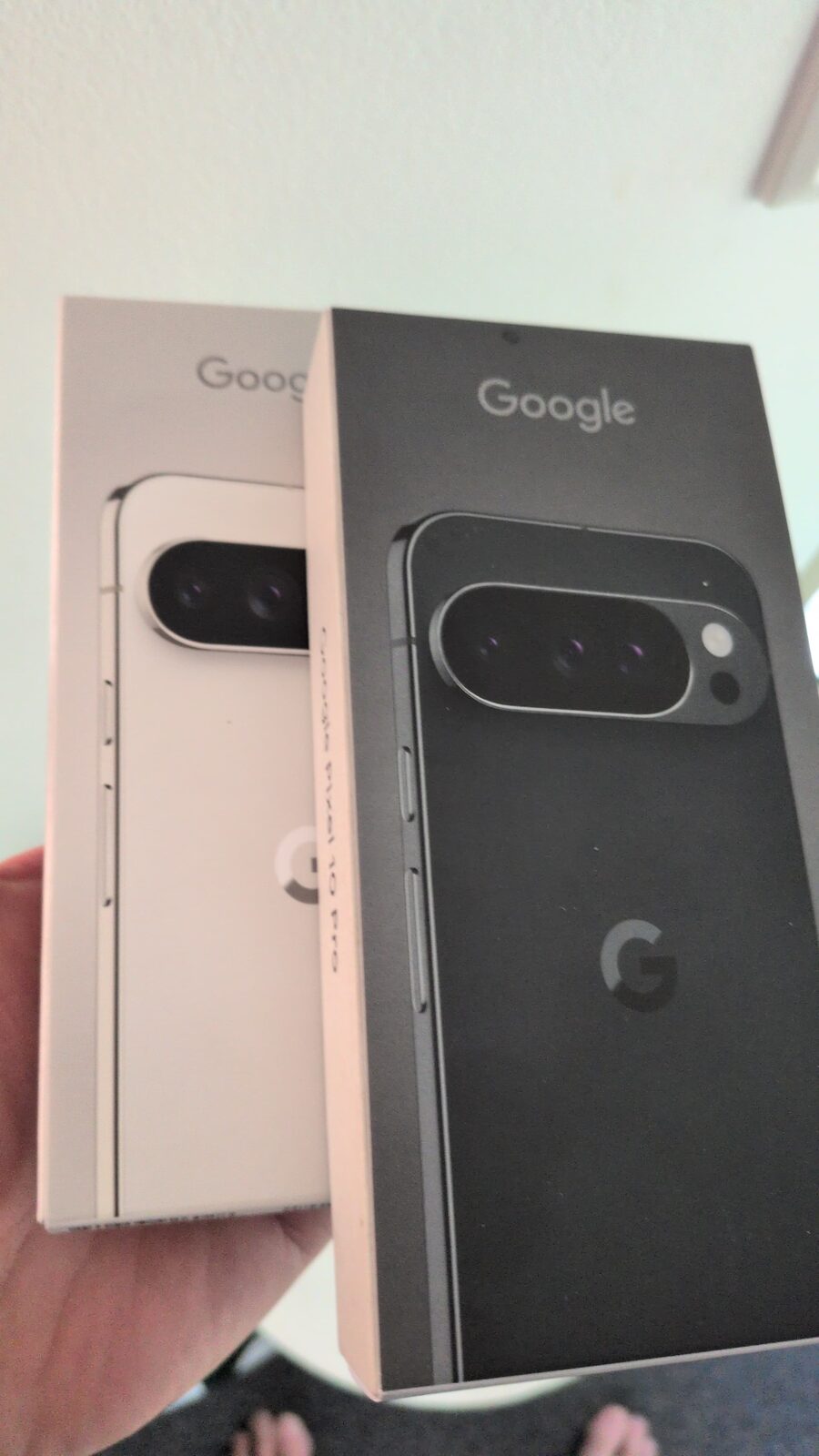
The Pixel 10 Pro is the default recommendation for its combination of a professional form factor, Titan M2 secure element, and long support lifecycle. The Pixel 10 Fold Pro suits executives who prefer a larger working surface for document review. The Pixel 10 Pro XL offers maximum battery life for heavy travel. All are prepared with our full executive configuration.
What does "prepared from day one" mean?
It means the device arrives configured and ready to use. GrapheneOS installed and verified boot relocked. Profiles configured. Signal and Threema set up. Mullvad VPN paid and active. Global eSIM provisioned and tested. Phantom Protocol armed to your specifications. Migration from your existing phone completed. You do not need to configure anything — you open the box and it works, from day one.
A device that answers to you alone.
Prepared for principals, not fleets. White-glove configuration, discreet dispatch, direct support from Australia.
Executive Secure Phones → Book a Confidential Briefing