Secure Phones for Journalists & Activists
Journalists, researchers, organisers and activists face a specific problem: the people they need to protect are not themselves, but their sources, contacts and colleagues. A leaked contact list or a recovered message can put someone else at serious risk. This guide is honest about what a hardened phone can and cannot do for that work — and how to set one up so the metadata you generate does the least possible harm.
The threat is your metadata, not just your messages
Most people assume the danger is someone reading the content of a message. For source protection, the more durable danger is metadata: who you contacted, when, how often, and from where. Content can be encrypted end-to-end. The pattern of contact frequently cannot — and a pattern is often enough to identify a source without ever reading a word.
That reframes the whole exercise. The objective is not only "nobody can read this," but "nobody can build a map of who I talk to." A phone configured for that goal looks quite different from a phone configured merely to avoid ads.
Why a stock phone is the wrong starting point
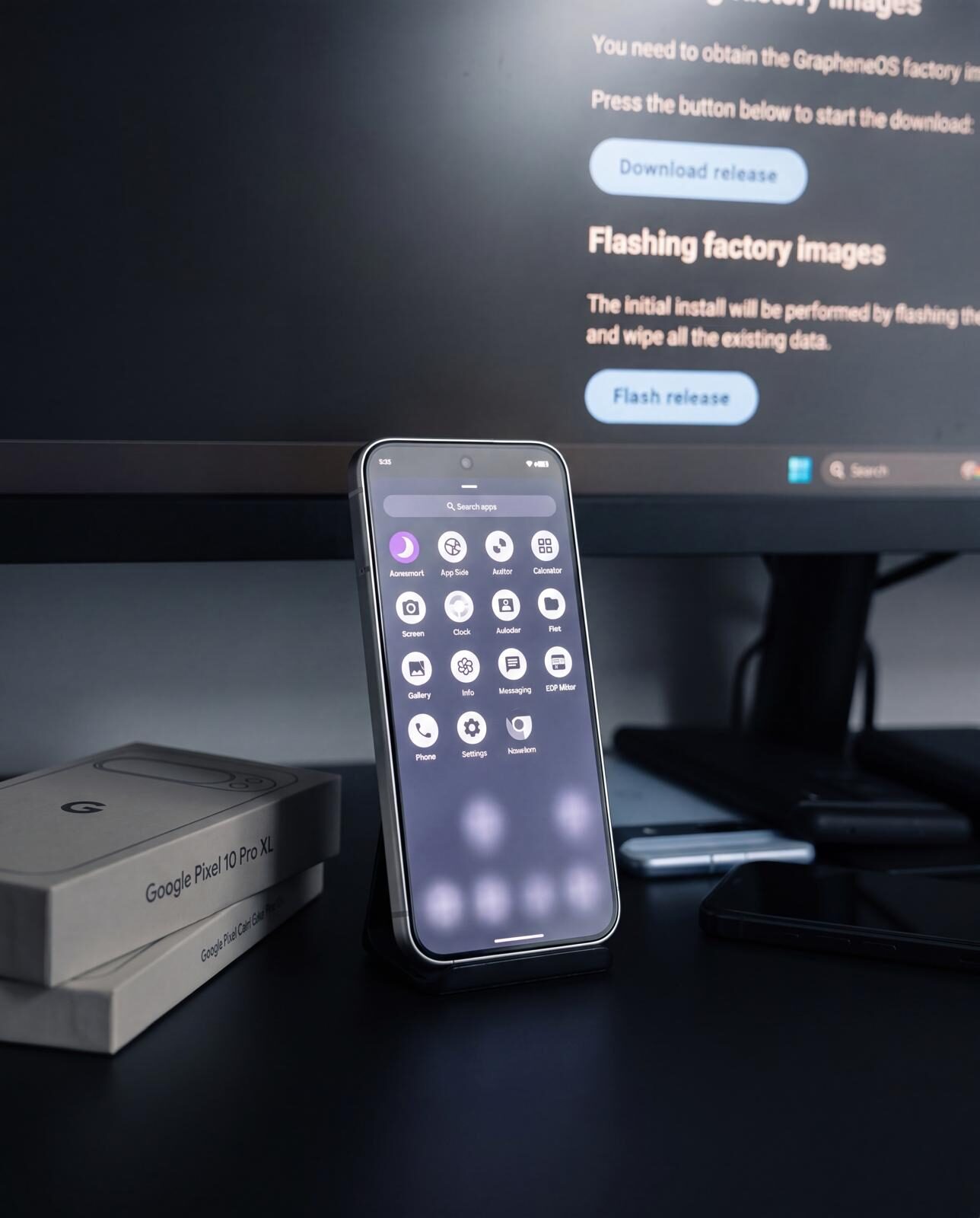
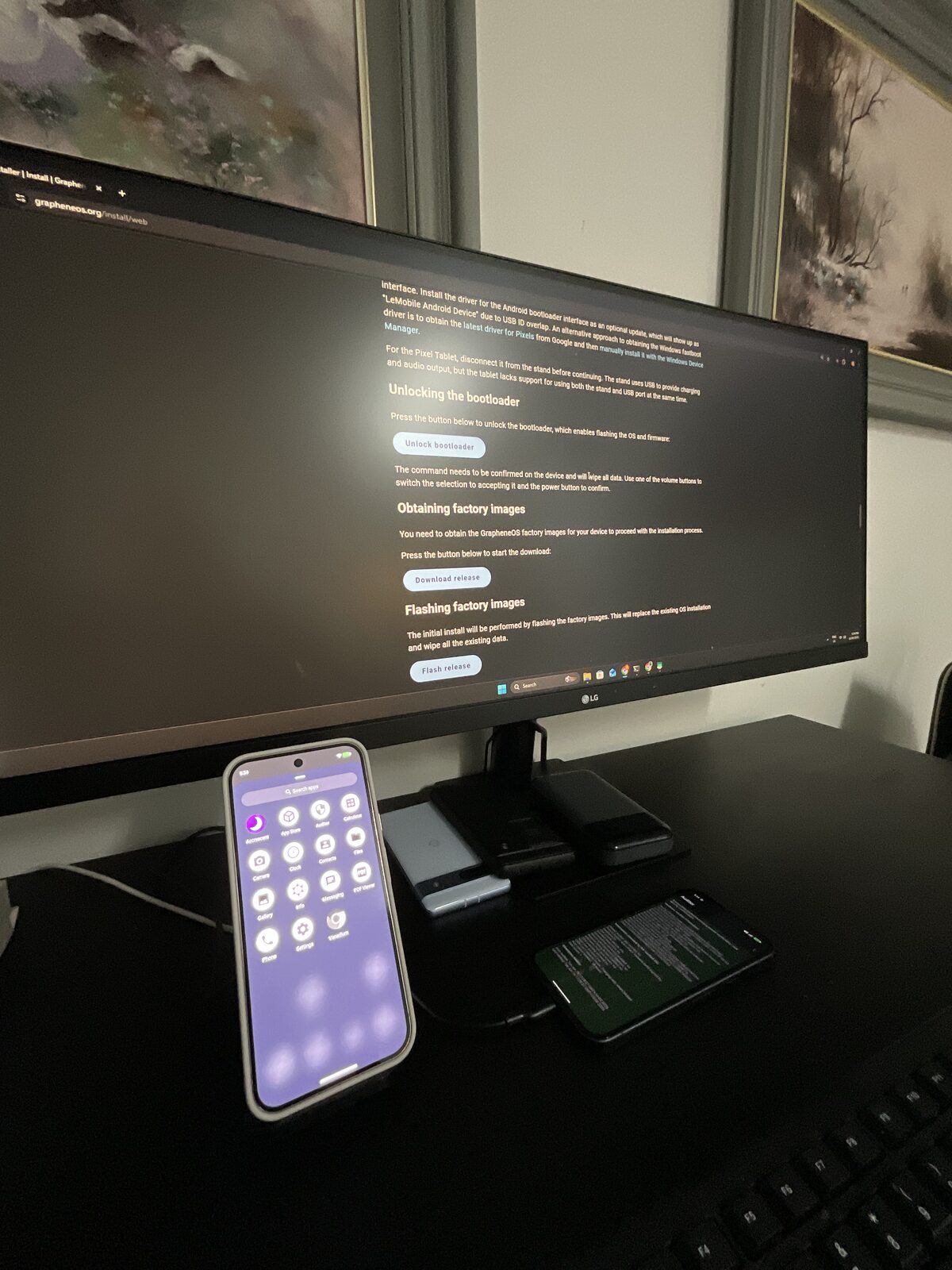
A standard Android or iPhone is built to synchronise. Contacts, photos, call logs, location history and message backups flow continuously to a platform vendor's servers, where they are subject to legal process in that vendor's jurisdiction. For most people that is a privacy nuisance. For source protection it is a structural failure — the data leaves your control by design. The first job is to stop the leakage at the operating-system level, which is what a de-Googled GrapheneOS device does.
How to set up a phone for source-protective work
This is the order that matters. On a Privacy Devices phone these are configured before dispatch; on any device, this is the sequence to follow.
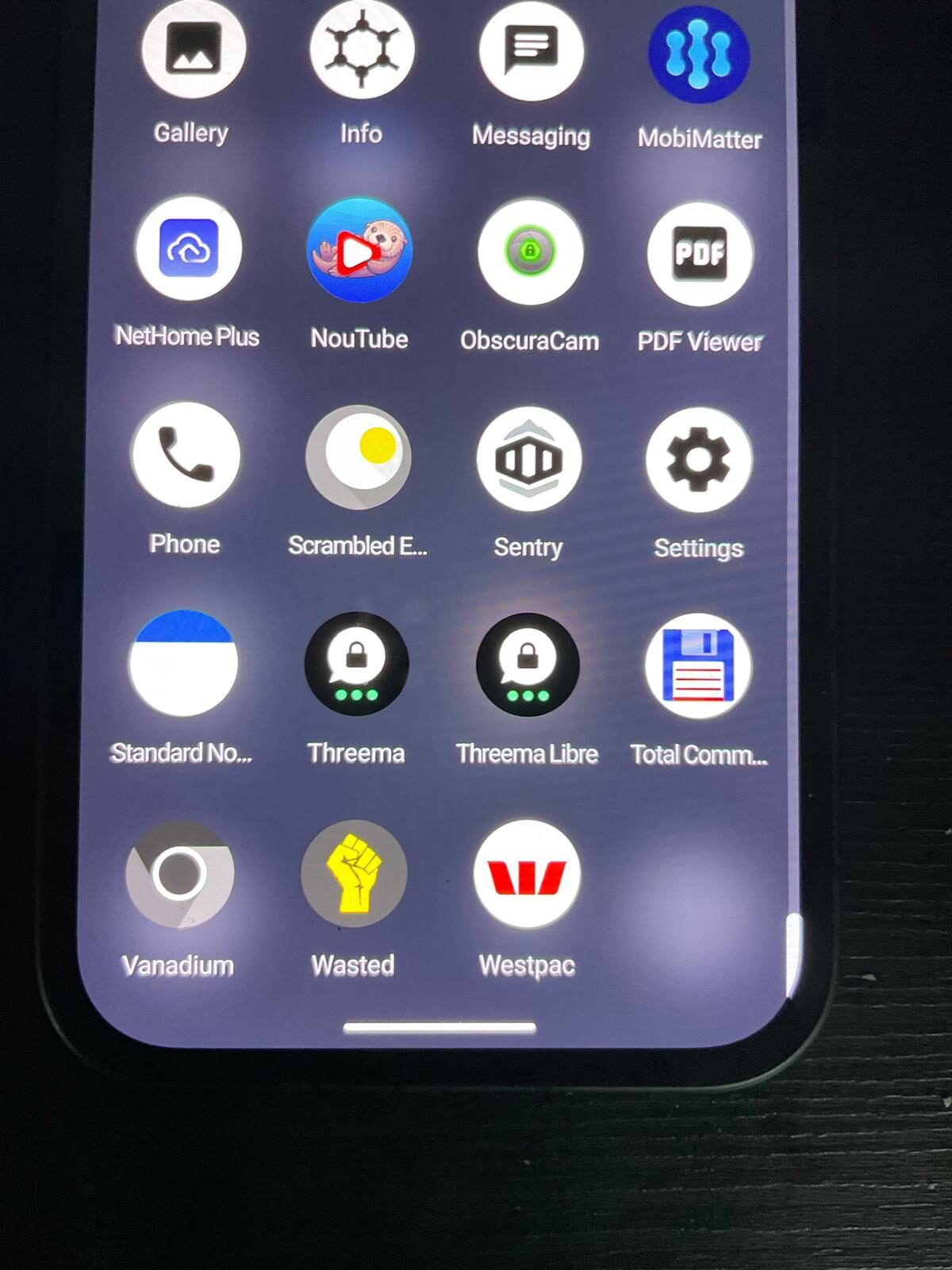
- Start from a de-Googled base. Use a GrapheneOS device so there is no Google account harvesting contacts, location and backups in the background. This removes the largest, quietest source of metadata first.
- Separate identities with profiles. Keep source communication in a dedicated user profile that holds nothing else — no personal accounts, no work email, no photo library. Isolation limits what any single point of compromise can reveal.
- Use a messenger that does not require your phone number. Choose an app that lets you register without tying the account to your real identity, so your contact graph is not exposed by the registration itself. The encrypted messaging guide compares the options in detail; private messaging apps for Australia adds the legal and metadata context specific to the AU threat landscape.
- Enforce an always-on VPN. Hide your IP and location from networks and from the services you connect to, with a kill switch so nothing leaks when the tunnel drops. See VPN setup.
- Set the device to fail safely. Configure a duress PIN, short auto-lock, lockdown mode and remote-erase behaviour so a seized or lost device protects your contacts rather than exposing them.
- Keep a clean, low-value profile for inspection. If a device is searched, what is visible should be unremarkable. Sensitive work stays in a profile that is not loaded.
Operational discipline matters more than hardware
The phone is a tool; the practice is what protects people. A few principles that hold regardless of device:
- Agree on channels in advance. Decide with a source which app you will use and never fall back to SMS, email or a consumer chat app "just this once."
- Minimise what you store. Delete what you no longer need. Data you do not hold cannot be recovered from you.
- Disarm biometrics in risky moments. A passcode is given deliberately; a face or fingerprint can be applied to you. Use lockdown mode when crossing borders or attending volatile events.
- Assume the network is hostile. At protests, conferences and in some countries, the local network may be monitored. Keep the VPN on and prefer mobile data you control over open Wi-Fi.
- Compartmentalise your life. Do not mix your personal identity with your source-protective identity on the same profile.
An honest account of the limits
We will not pretend a phone solves this problem. It does not:
- It cannot protect a source who is careless on their end. Security is a property of the whole conversation, not one device.
- It cannot defeat a targeted, well-resourced adversary indefinitely — it raises the cost and reduces incidental exposure, which for most situations is what actually keeps people safe.
- It cannot make you anonymous if you log into accounts in your real name or post identifying detail.
- It is not a substitute for legal advice about your rights and obligations where you work.
What it does, reliably, is stop the ambient bleed of metadata that a stock phone produces automatically, and give you deliberate control over what is exposed and when. For most journalists and activists, that is the difference that matters.
Conclusion
If your work can put other people at risk, your phone should be configured to minimise your metadata, isolate your contacts, and fail safely if it is lost or seized. Start from a de-Googled base, separate your identities into profiles, use a number-free encrypted messenger behind an always-on VPN, and practise the discipline that makes the technology meaningful. We build devices for exactly this use — honestly scoped, with no claims we cannot stand behind.
Ready to order
A phone built to protect the people you talk to.
De-Googled GrapheneOS, isolated profiles, number-free encrypted messaging and an enforced VPN — configured and verified before dispatch, with realistic guidance on what it does and does not do.
Want the longer briefing written specifically for newsroom and field work? It is honest about the trade-offs.
Read the journalist briefing · Politicians & officials guide · Private messaging apps comparison · browse secure devices · ask us on WhatsApp.