Short answer: WhatsApp’s message content is genuinely end-to-end encrypted using the Signal Protocol, so on that specific point it is safe from casual interception. But “safe” depends on what you’re protecting against. WhatsApp (owned by Meta) still collects and can see a large amount of metadata — who you talk to, when, how often, your device and IP details — and by default your chat backups on Google Drive or iCloud are not end-to-end encrypted unless you turn that on yourself. If your threat model is “don’t let a stranger read my messages,” WhatsApp is reasonable. If it’s “minimise what a large advertising company can infer about my life,” it has real gaps.
What’s actually encrypted — and what isn’t
WhatsApp uses the Signal Protocol for end-to-end encryption of one-to-one and group chats, meaning the protocol is designed so that WhatsApp and Meta cannot read message content in transit. This part of WhatsApp’s security design is well regarded by independent cryptographers — it’s the same protocol underpinning Signal itself.
What end-to-end encryption does not cover:
- Metadata. WhatsApp’s own privacy policy confirms it collects device information, your last-connected IP address, phone number, profile information, and usage/interaction data. Independent privacy reviews (including Mozilla Foundation’s “*Privacy Not Included” assessment of WhatsApp) note this metadata can reveal who you associate with, when, and how often — even though it can’t reveal what you said.
- Cloud backups, by default. Chat backups stored on Google Drive (Android) or iCloud (iPhone) are not end-to-end encrypted unless you manually enable WhatsApp’s optional “end-to-end encrypted backup” feature, which Meta introduced in 2021. Left on the default setting, a backup sitting in your Google or Apple account is a copy of your chat history that isn’t protected by the same encryption as the live chat.
- Data shared with Meta. WhatsApp shares certain account and usage data with other Meta companies (Facebook, Instagram) for purposes including business integrations, security, and ads-adjacent measurement, per WhatsApp’s privacy policy. This link between WhatsApp and Meta’s wider advertising business goes back to WhatsApp’s 2016 policy update, which first enabled data-sharing with Facebook for account information and analytics.
The regulatory record
This isn’t just theoretical. In September 2021, Ireland’s Data Protection Commission fined WhatsApp Ireland Limited €225 million for breaching the EU’s GDPR transparency requirements (Articles 12, 13 and 14) — specifically, failing to properly disclose to users and non-users how their data was processed and shared, including with other Meta companies. That’s a genuine regulatory finding, not a rumour: it followed a formal investigation opened in 2018.
Practical WhatsApp settings checklist
If you’re going to keep using WhatsApp, these settings materially reduce what it exposes:
- Turn on end-to-end encrypted backups. Settings → Chats → Chat backup → End-to-end encrypted backup. Set a password or 64-digit key and store it somewhere safe — WhatsApp cannot recover it for you if you lose it, which is exactly the point.
- Set “Who can see my info” to your contacts only (or nobody) for last seen, profile photo, about, and status — Settings → Privacy.
- Turn off read receipts if you don’t want senders to know when you’ve opened a message — Settings → Privacy → Read receipts.
- Review “Advanced” chat privacy and disable adding you to groups by anyone, and restrict who can call you.
- Use disappearing messages / “view once” for anything sensitive — it limits how long copies persist on other people’s devices, though screenshots remain possible.
- Enable two-step verification (a PIN) under Settings → Account → Two-step verification, to stop someone porting your number into a new WhatsApp install.
- Check linked devices periodically (Settings → Linked devices) and remove anything you don’t recognise.
None of these settings change what metadata WhatsApp/Meta collects server-side — they only reduce what’s visible to other users and what’s exposed if a device or backup is compromised.
If your threat model goes beyond “casual snooping”
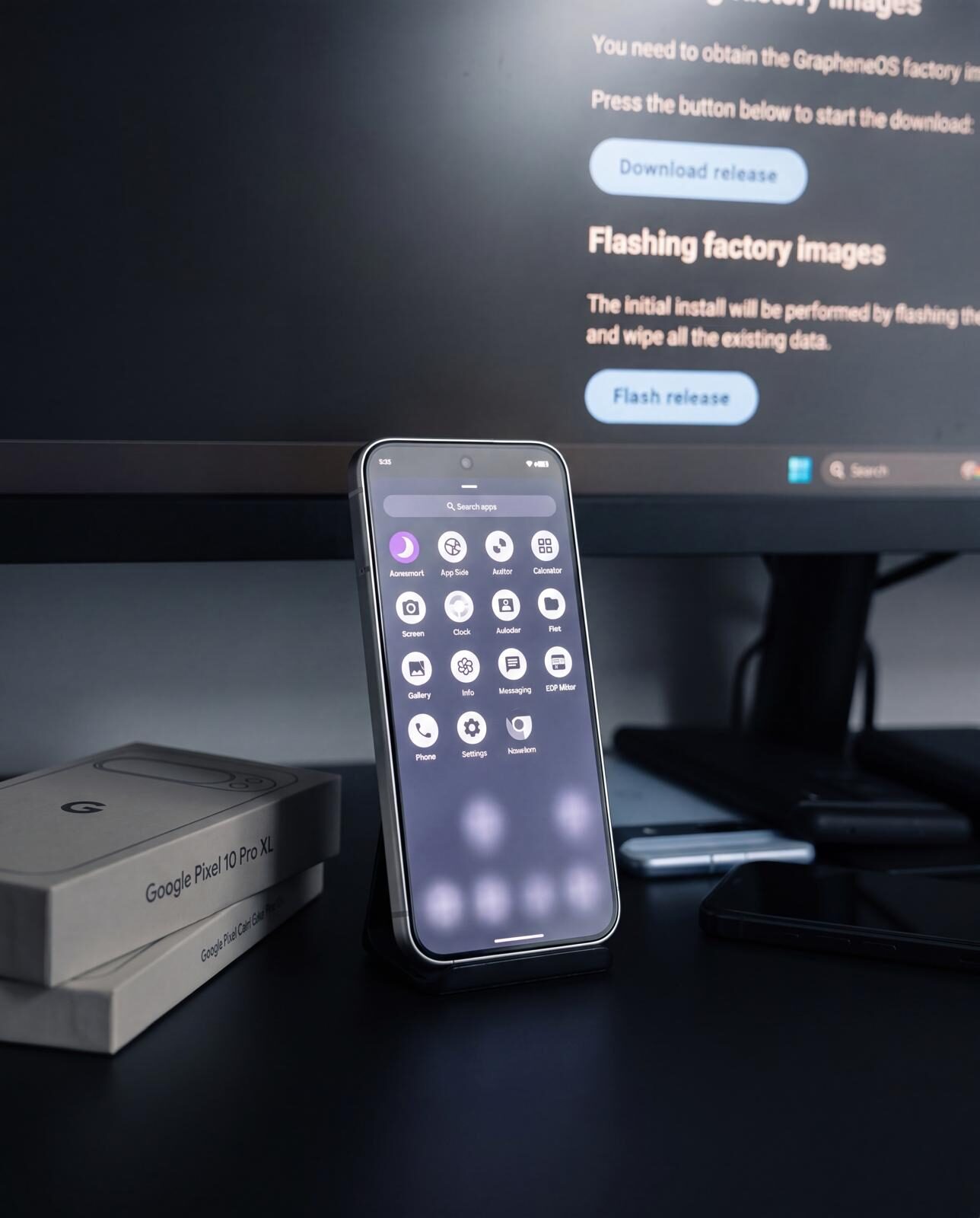
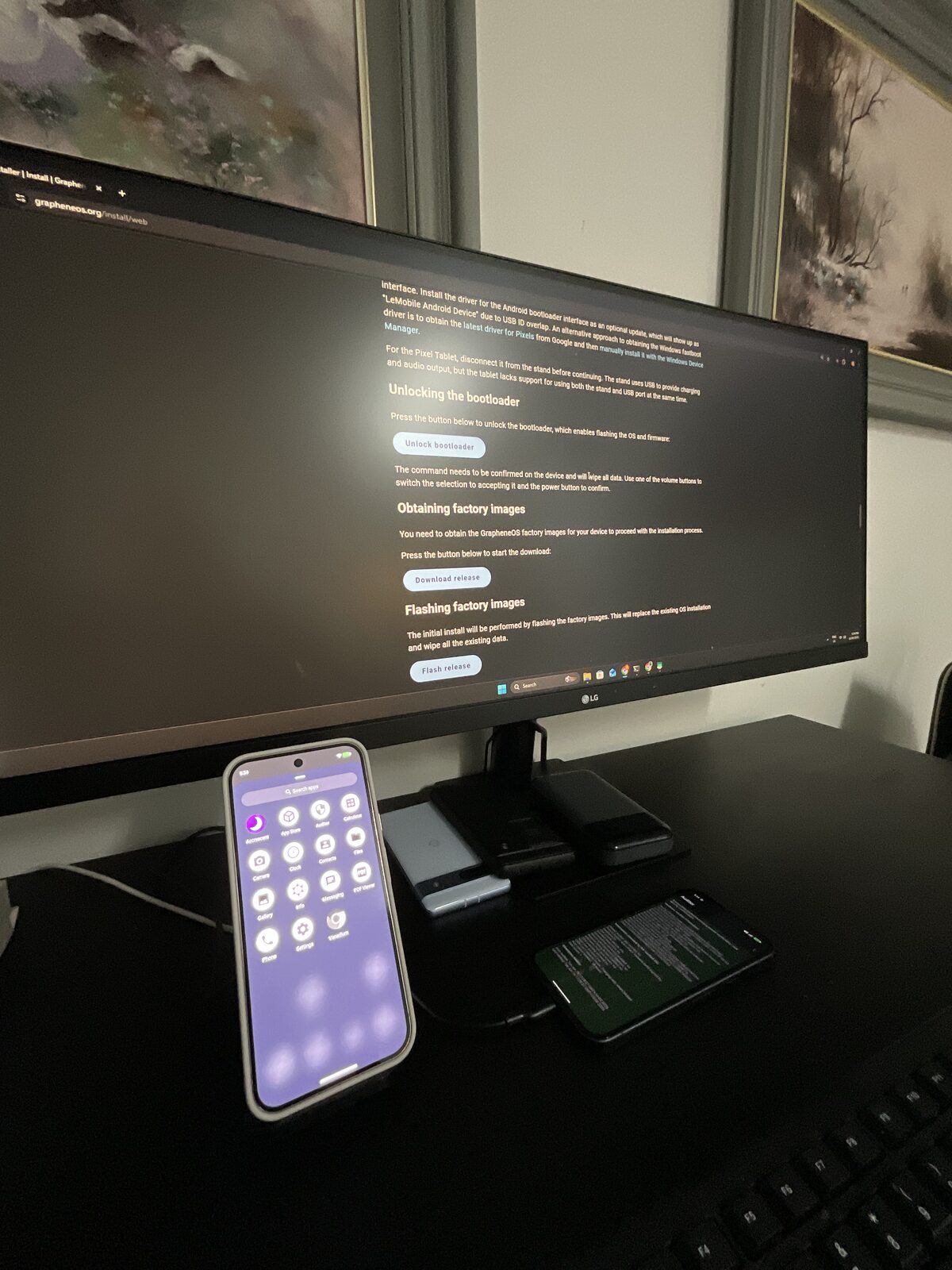
For journalists, activists, executives handling sensitive deals, or anyone with a genuine reason to minimise metadata exposure (not just message content), the practical alternative most security researchers point to is Signal — built by a non-profit foundation with no advertising business model, and designed from the ground up to minimise metadata retention as well as encrypt content. Running Signal on a hardened, de-Googled OS like GrapheneOS closes further gaps WhatsApp doesn’t address at all — sandboxed app permissions, no default Google telemetry, and a smaller overall attack surface on the device itself.
FAQ
Can Meta read my WhatsApp messages?
No — message content is end-to-end encrypted using the Signal Protocol, and Meta has stated it cannot access message content in transit. Meta can, however, see metadata: who you’re messaging, when, and other account/usage information, per WhatsApp’s own privacy policy.
Are WhatsApp backups encrypted?
Not by default. Cloud backups on Google Drive or iCloud are unencrypted at rest unless you manually enable WhatsApp’s end-to-end encrypted backup option in Settings → Chats → Chat backup.
Is WhatsApp GDPR-compliant?
Ireland’s Data Protection Commission found in September 2021 that WhatsApp Ireland Limited had breached GDPR transparency obligations and fined it €225 million. WhatsApp has since updated its privacy disclosures; whether current practice fully satisfies regulators in every jurisdiction is an ongoing area of scrutiny, not a settled question.
Is Signal actually more private than WhatsApp?
Both use the same underlying Signal Protocol for message encryption. The practical difference is business model and metadata minimisation: Signal is run by a non-profit with no advertising revenue and is designed to retain as little metadata as technically possible, while WhatsApp is owned by Meta, an advertising company, and retains more account/usage metadata as documented in its own privacy policy.
Should I delete WhatsApp?
That depends on your threat model and who you need to reach — network effects are real. A reasonable middle path is to keep WhatsApp for casual contact while moving genuinely sensitive conversations to Signal, and applying the settings checklist above to reduce what WhatsApp itself exposes.
Sources: WhatsApp’s own Privacy Policy; WhatsApp’s End-to-End Encrypted Backups announcement; Ireland’s Data Protection Commission decision notice (2 September 2021); Mozilla Foundation’s *Privacy Not Included review of WhatsApp.