VPN vs eSIM — the difference, when you need each, and why both matter.
Two separate problems, two separate tools. A VPN encrypts your traffic. An eSIM separates your data identity from your carrier account. Neither one does what the other does — and on a hardened GrapheneOS phone, they work best together.
Provisioned, not promised.
VPN, eSIM and private payment only matter when they are installed, keyed and tested on the device before dispatch.
A VPN hides what you do on a network. An eSIM hides which device and identity is on the network. They solve different problems at different layers — and on GrapheneOS, both are straightforward to configure and run together.
What a VPN actually does
A VPN (Virtual Private Network) creates an encrypted tunnel between your device and a server operated by the VPN provider. All traffic from your phone travels inside that tunnel, so the local network — hotel Wi-Fi, a mobile carrier, an airport hotspot — sees only encrypted data going to the VPN server. It cannot see which websites or services you are connecting to.
The VPN server then connects onward on your behalf, so the destination site sees the VPN server's IP address, not your phone's real IP. This reduces IP-level tracking and means your home carrier cannot build a browsing history from your traffic metadata.
What a VPN does not do
A VPN does not hide the fact that a device is on a cellular network — your carrier still sees a device on its towers. It does not remove the SIM or eSIM identity your carrier has on file. And it does not prevent an app with granted permissions from collecting data and sending it to a third party — that is an OS-level control (which GrapheneOS provides via per-app network toggles), not a VPN concern.
What an eSIM actually does
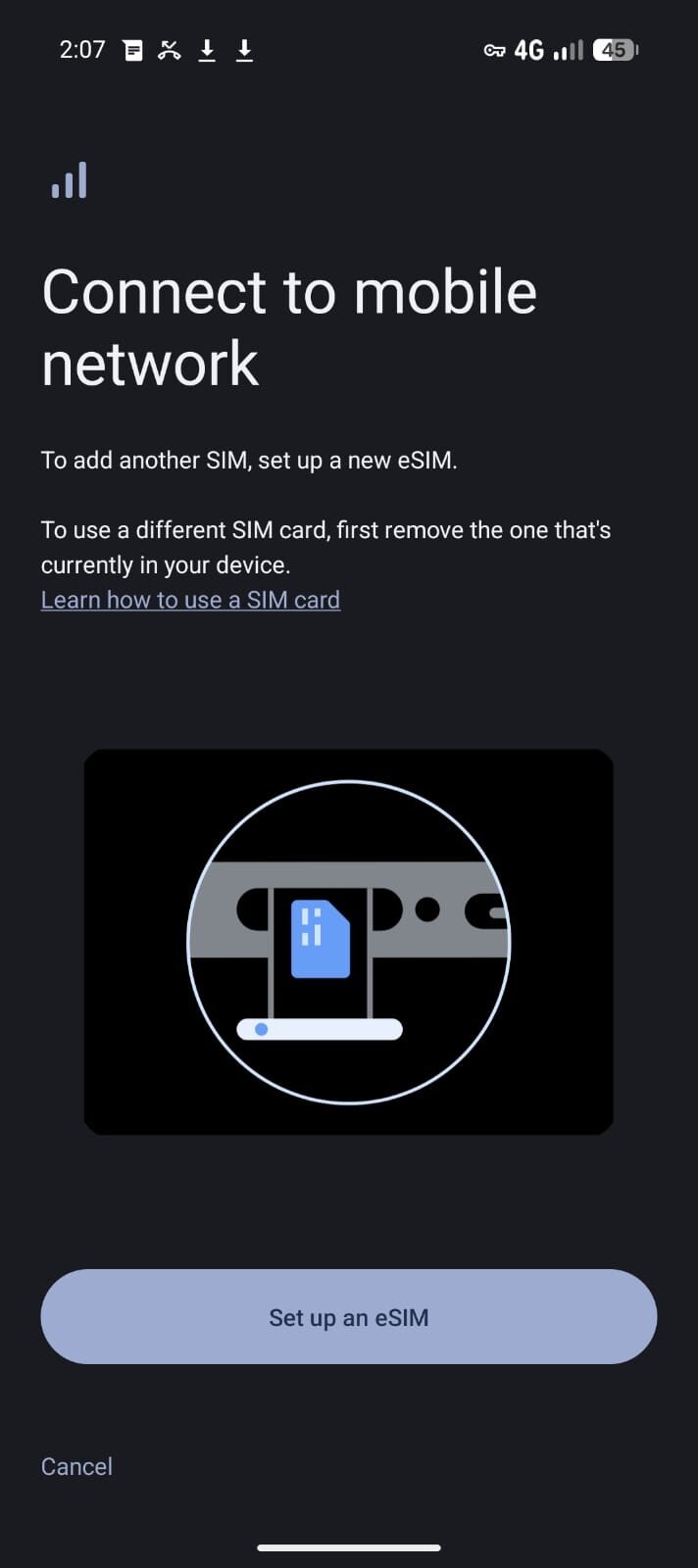
An eSIM (embedded SIM) is a digital SIM profile provisioned over the internet, rather than a physical card from a carrier shop. The functional benefit for privacy is not the "embedded" part — it is that data-only eSIMs, particularly global roaming eSIMs, can be activated without providing name, address, or Australian carrier account details.
A global eSIM gives you a data connection via a wholesale roaming network. The eSIM provider does not know who you are beyond an email address (and even that can be a throwaway). Your carrier account — the one tied to your phone number, identity documents, and billing details — stays on a separate profile, or off the device entirely during sensitive use.
What an eSIM does not do
An eSIM is not a VPN. The data that flows over it is unencrypted at the network layer unless you also run a VPN on top. A data-only eSIM without a VPN is still plaintext traffic on a foreign roaming carrier's network. The eSIM solves the identity problem; the VPN solves the traffic-visibility problem.
Side-by-side
| Property | VPN (Mullvad) | Global eSIM |
|---|---|---|
| Encrypts your traffic on the network | Yes | No |
| Hides your IP from destinations | Yes | No |
| Separates your data identity from your carrier account | No | Yes |
| Requires an identity-linked carrier account | No | No (data-only global eSIM) |
| Works over any active data connection | Yes | Yes (is the connection) |
| Runs without Google Play on GrapheneOS | Yes (Mullvad) | Yes |
| Kill-switch if connection drops | Yes (Mullvad) | N/A |
| Prevents traffic-metadata collection by carrier | Yes | Reduces (different carrier, minimal account link) |
When a VPN alone is enough
If your primary concern is traffic visibility on untrusted networks — hotel Wi-Fi, conference networks, café Wi-Fi — and you are already on a carrier account you are comfortable with, a VPN is the right tool and you do not necessarily need to change your SIM setup.
Running Mullvad VPN on GrapheneOS with always-on and the kill-switch enabled means every byte that leaves your phone travels inside an encrypted tunnel, regardless of which network you are on. The local network operator cannot read your traffic or your browsing destinations. This handles the most common exposure point for business travellers and anyone on untrusted networks.
When an eSIM matters
If your primary carrier account is identity-linked — which in Australia it is, by law — and you want a data path that is not connected to that identity, an eSIM is the tool. This is relevant when:
- You travel internationally and do not want to expose your home carrier account to the local network.
- You want to separate device data from your phone-number identity on a day-to-day basis.
- You want connectivity that does not require a local physical SIM registration.
- You are provisioning a device that carries a data identity separate from its voice identity.
A global data-only eSIM — like the one we include with every Privacy Devices Pixel — activates without linking to your Australian phone account, and routes through a wholesale international network rather than a domestic carrier.
Why serious setups use both together on GrapheneOS
The two tools address two different layers of the same problem:
eSIM (identity layer)
Your data traffic runs over a connection not linked to your name or carrier account. No Australian carrier profile in the path. Device data identity is separated from your phone number identity.
VPN on top (traffic layer)
The traffic that travels over the eSIM is encrypted inside a Mullvad tunnel. The eSIM provider and roaming carrier see only VPN traffic. The destination sees only Mullvad's IP. No layer has the full picture.
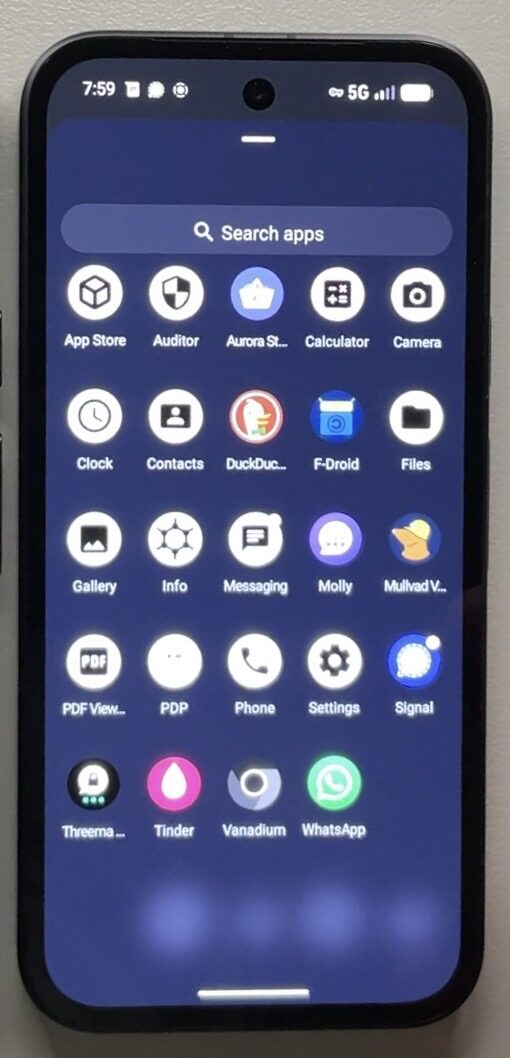
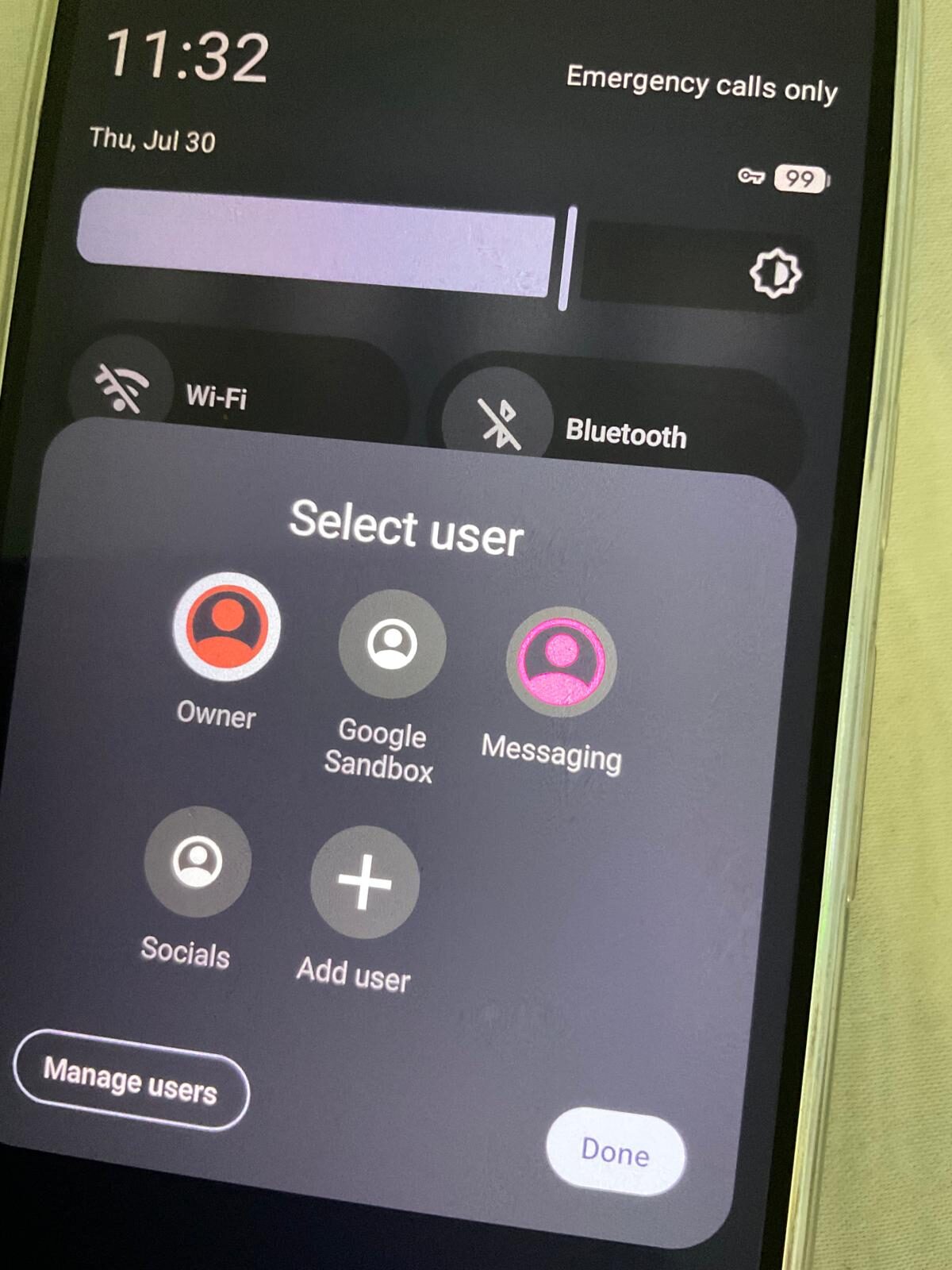
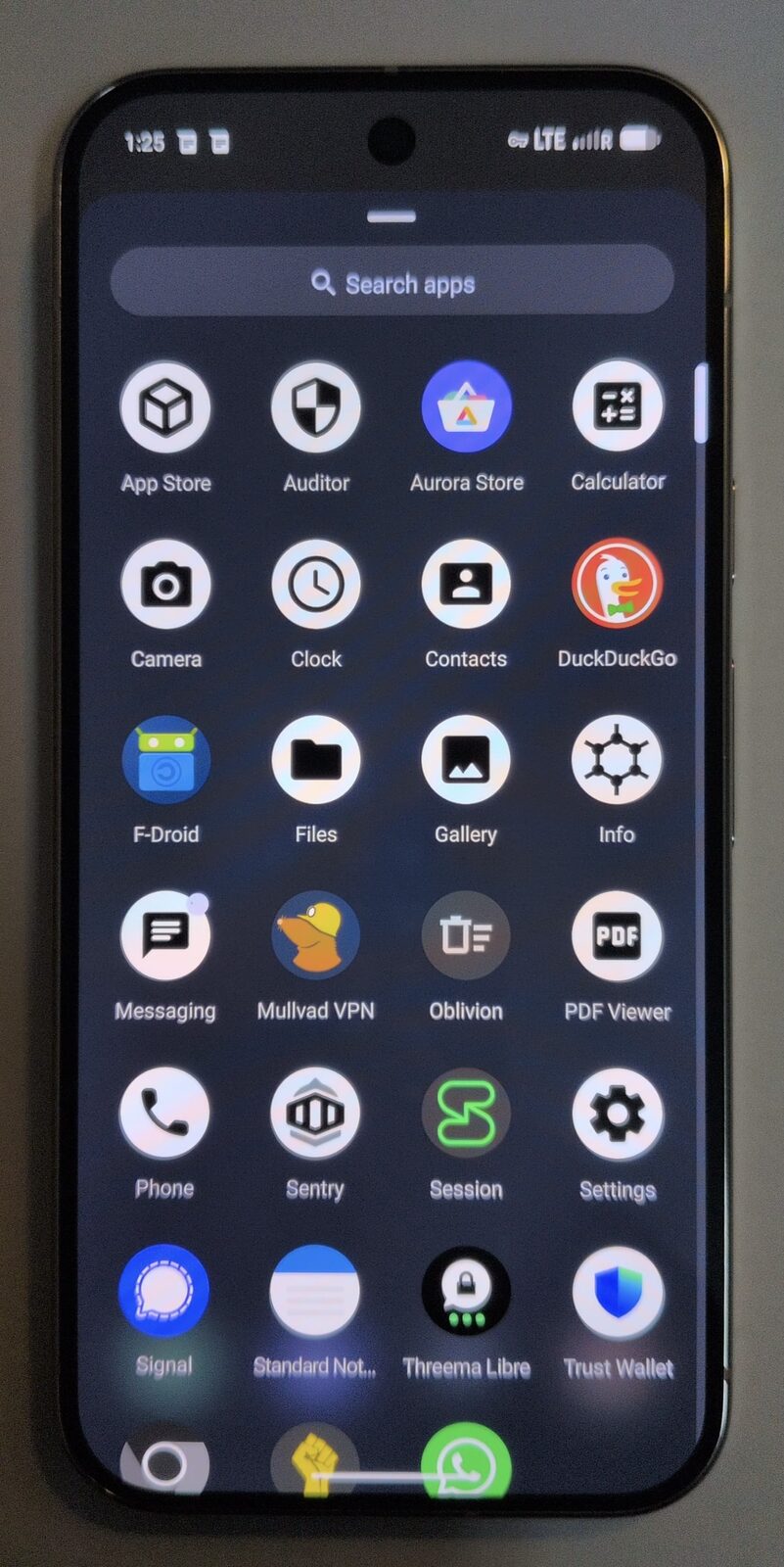
On GrapheneOS, Mullvad's native Android client (available without Google Play) supports always-on VPN and a kill-switch that prevents any traffic from leaving the device outside the tunnel. Combined with GrapheneOS's per-app network toggles — which let you block individual apps from accessing the network at all — this is a comprehensive connectivity posture that stock Android cannot match.
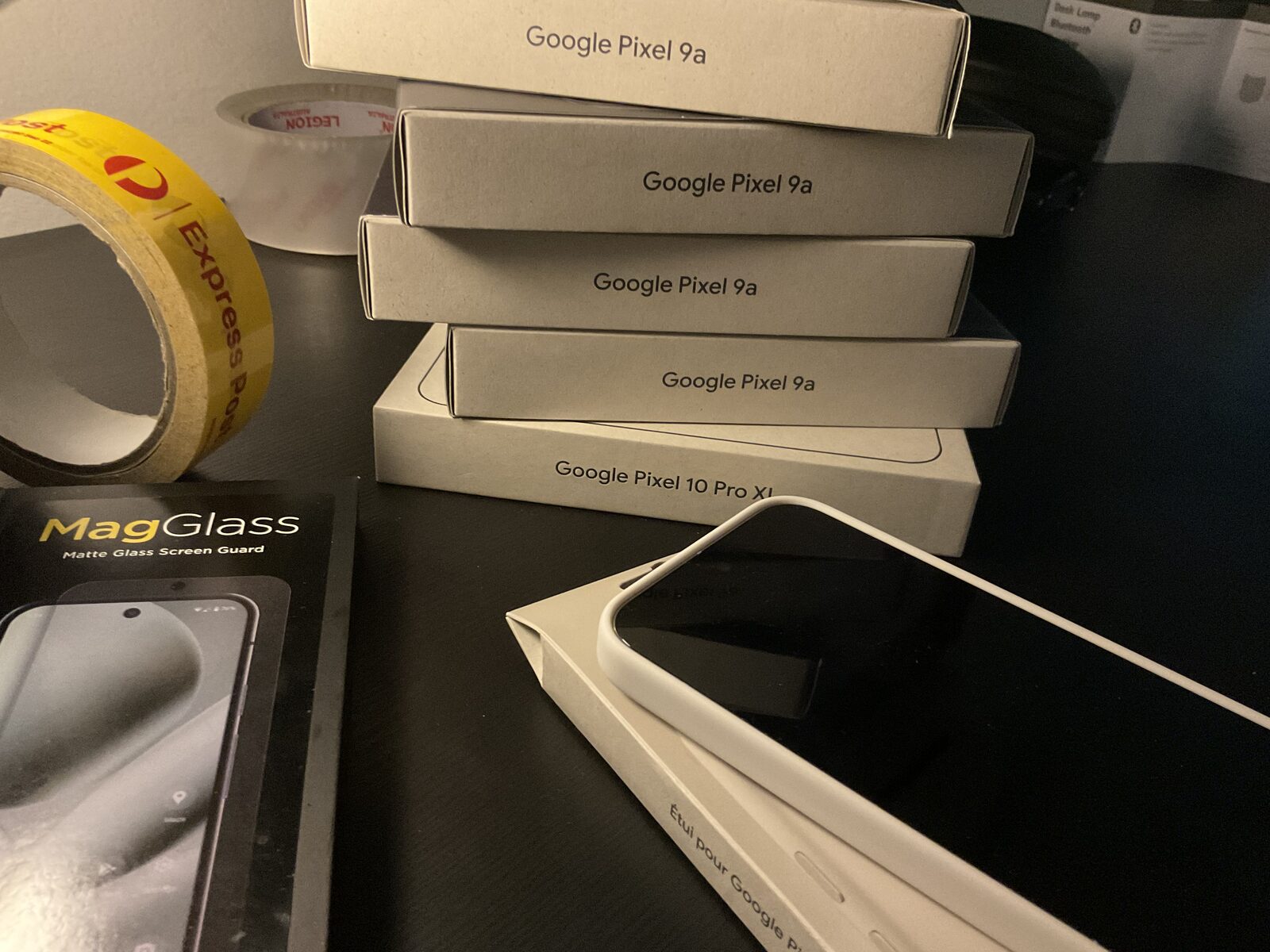
Every Privacy Devices Pixel ships with Mullvad VPN pre-keyed and the global eSIM provisioned. You start from a working, combined setup rather than configuring it yourself.
Choosing a VPN for GrapheneOS
Not every VPN is appropriate for a GrapheneOS setup. The considerations:
- No Google Play dependency. Mullvad's Android app runs natively without Sandboxed Google Play. Most other VPN clients require Google Play Services for push notifications and update delivery. On GrapheneOS without Google services, they either fail silently or require a separate Play profile — which defeats some of the purpose.
- No-account model. Mullvad identifies subscriptions by account number only — no email, no name, no payment card tied to identity if you pay with cash or Monero. NordVPN and Surfshark require email accounts. For maximum identity separation, Mullvad is the correct choice.
- Kill-switch support. GrapheneOS's built-in always-on VPN and kill-switch work at the OS level, so any VPN that integrates with Android's VPN API gets this for free. But the VPN provider's own client behaviour matters too — Mullvad's client is transparent about when it fails.
We stock Mullvad VPN (12 months), NordVPN (12 months), and Surfshark (12 months) — all pre-configured on every device, or available standalone if you already have a device you want to update.
VPN vs eSIM Australia — FAQ
Do I need both a VPN and an eSIM on GrapheneOS?
They solve different problems. A VPN encrypts your traffic so the network cannot see what you are doing. An eSIM separates your data connection from your identity-linked carrier account. For a serious privacy setup, you want both: the eSIM removes the carrier identity link, the VPN encrypts the traffic that runs over it. Either alone leaves a gap the other closes.
Which VPN should I use on GrapheneOS?
Mullvad is the correct choice for a privacy-focused GrapheneOS setup: no account required (account number only), no email or payment identity required, no Google Play dependency, and a native Android client that supports always-on VPN and kill-switch. NordVPN and Surfshark are solid alternatives with more server options but require email registration.
Does a VPN replace the need for an eSIM?
No. A VPN encrypts your traffic but it still travels over your existing SIM or eSIM connection. Your carrier still sees a device on the network and can still link that to your account. An eSIM gives you a data connection not tied to your name or carrier account — the VPN then encrypts what travels over it. You need both layers for full coverage.
Does an eSIM replace the need for a VPN?
No. An eSIM gives you a different data identity, but the traffic that flows over it is not encrypted by default. Anyone with visibility into the eSIM network — the roaming carrier, network observers — can still see your unencrypted traffic. A VPN encrypts that traffic inside a tunnel so even the eSIM carrier only sees encrypted data going to one endpoint.
Does Privacy Devices include both a VPN and a global eSIM with every device?
Yes. Every Privacy Devices Pixel ships with Mullvad VPN pre-keyed (12 months, always-on with kill-switch configured) and a global data-only eSIM provisioned and tested. Both are ready to use out of the box. You can also purchase them separately from our software and connectivity shop.
Can I add a VPN or eSIM to a device I already own?
Yes. Mullvad VPN and the global eSIM are available as standalone purchases from our software shop — they are not exclusive to new device purchases. If you already have a GrapheneOS device and want to add either, we also offer remote and in-person setup assistance.
Both included, ready from day one.
Every device ships with Mullvad VPN pre-keyed and a global eSIM provisioned. Or buy either standalone from the software shop.
Shop VPN & eSIM → Browse DevicesNote. General information for lawful personal and business use. Effectiveness of any privacy tool depends on correct configuration and your specific threat model. Nothing here is legal advice.