Moving from iPhone
Switching from iPhone to GrapheneOS is not a data migration — it is a controlled transition from one ecosystem to another. The goal is not to replicate your iPhone on a new device. The goal is to move what you actually need, leave behind what you do not, and avoid the one critical mistake that causes people to miss text messages for weeks.
Why it matters
Apple's ecosystem is designed to be sticky. iMessage, FaceTime, iCloud syncing, and Apple ID integration create dependencies that do not simply disappear when you remove the SIM card. If you do not properly decouple from Apple's services before switching, you will experience real problems — most commonly, text messages from iPhone users silently failing to arrive because Apple's servers still think your number is an iMessage address.
A clean transition also gives you something valuable: the chance to start fresh. Most people carry years of accumulated apps, contacts, and files on their phones without ever questioning what they actually use. Moving to a new platform is the natural moment to filter, reduce, and start with only what matters.
The full migration
Do not rush this process. Complete each step in order. Having both devices available simultaneously for a few days makes everything smoother.
- Turn off iMessage on your iPhone. Go to Settings > Apps > Messages and toggle iMessage OFF. This is the single most important step in the entire migration. If you skip it, other iPhone users' messages to you will continue attempting iMessage delivery instead of falling back to SMS, and those messages may never arrive on your new device.
- Turn off FaceTime on your iPhone. Go to Settings > Apps > FaceTime and toggle it OFF. FaceTime uses the same registration system as iMessage, and leaving it active can cause similar routing issues.
- If your iPhone is no longer available, deregister online. Go to selfsolve.apple.com/deregister-imessage in any browser. Enter your phone number, receive a confirmation code via SMS on your new device, and complete the deregistration. This is Apple's official tool for exactly this situation.
- Export your contacts. Go to iCloud.com in a browser, open Contacts, select all, and export as vCard (VCF file). Alternatively, use the Contacts app on your iPhone to share all contacts as a VCF. Save this file somewhere accessible — a computer, a USB drive, or email it to yourself.
- Export your photos. The most private method is a direct USB transfer to a computer. You can also download your photos from iCloud.com, or use AirDrop to transfer to a Mac first. Avoid using third-party transfer apps that route your photos through unknown servers.
- Identify which apps you actually need. Open your iPhone and look at your app library honestly. Most people use fewer than fifteen apps regularly. Make a list of the ones you genuinely need — not the ones you might use someday. Common essentials: messaging, banking, navigation, email, camera. Everything else is optional until proven otherwise.
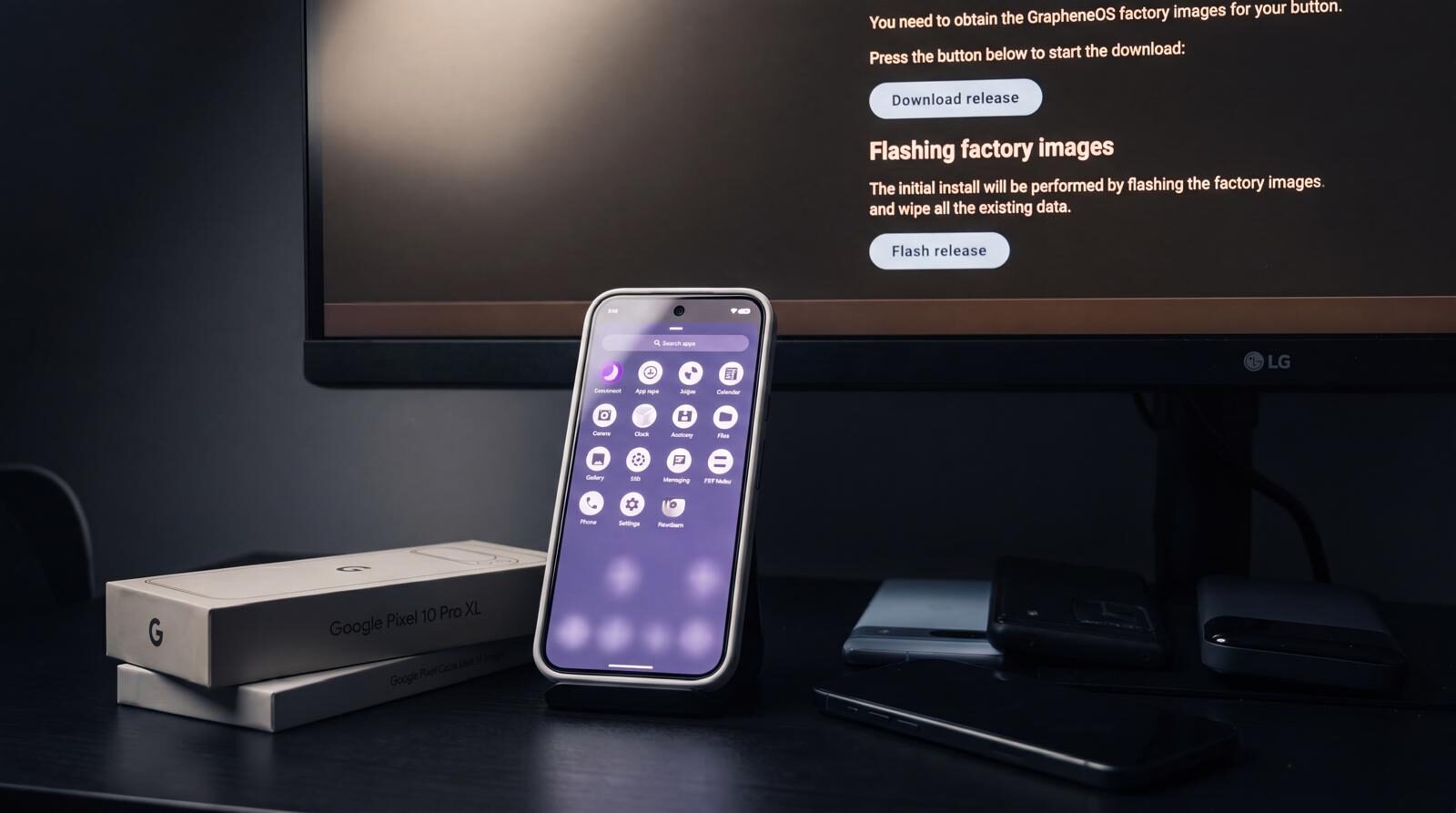
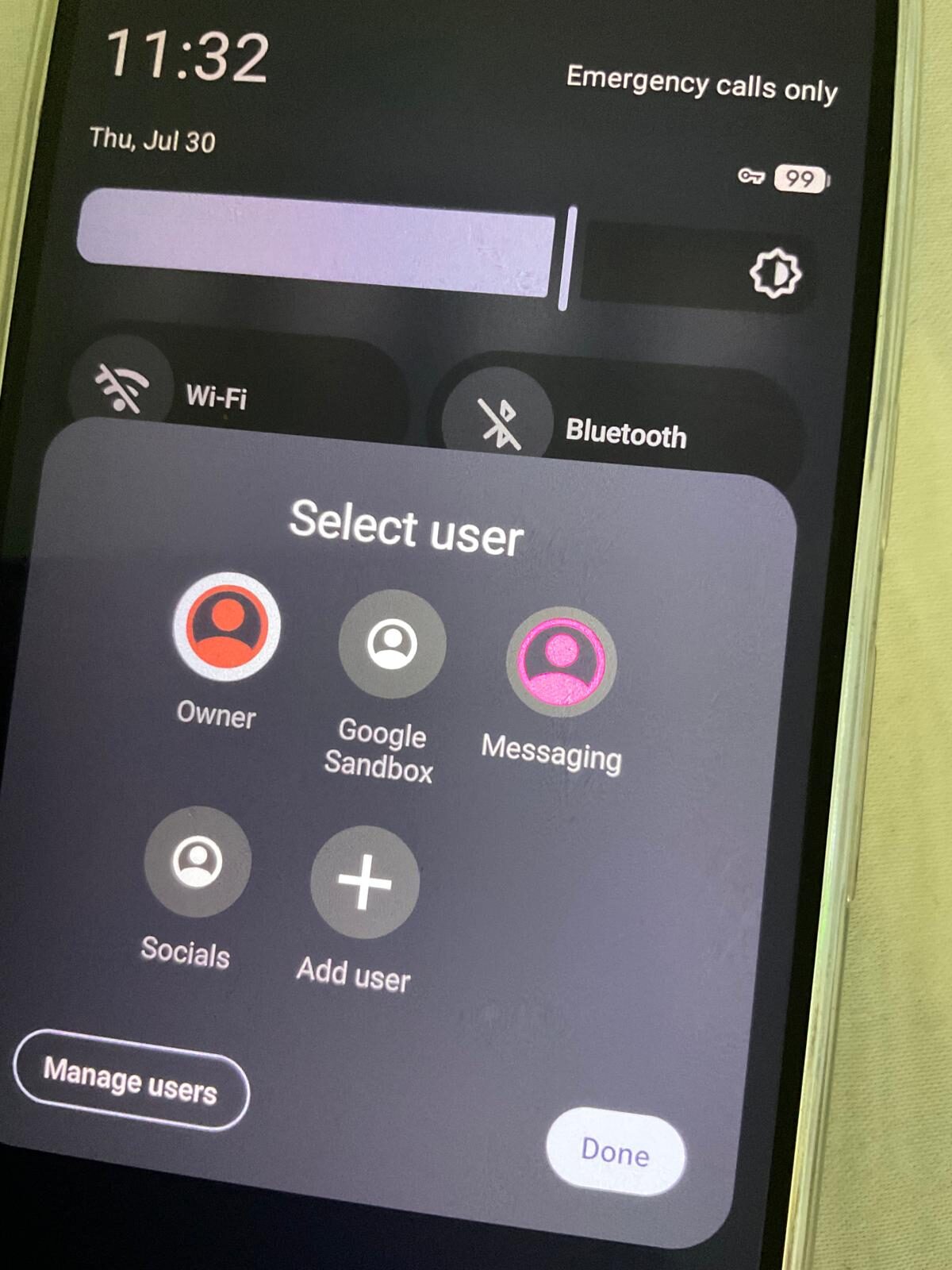
- Set up your GrapheneOS device first. Before transferring anything, configure your new device with clean profiles. Decide your profile structure — a main profile, perhaps a banking profile with sandboxed Google Play, and any other separation that fits your needs. Get the device working and connected to your network before importing any data.
- Import contacts to the appropriate profile. Transfer your VCF file to your GrapheneOS device via USB. Open the file, and the Contacts app will offer to import. Consider which profile needs which contacts — you may not need all contacts in every profile.
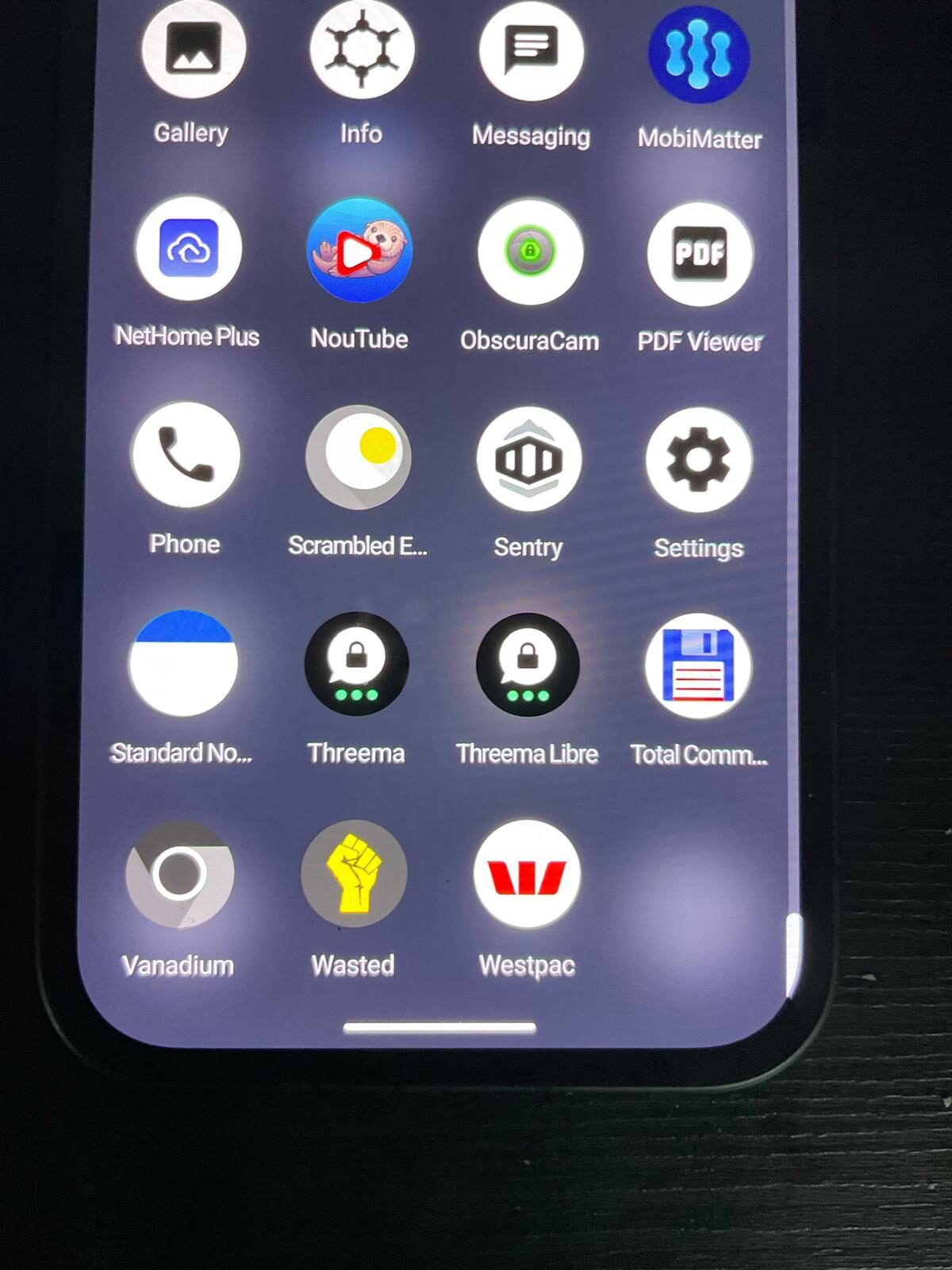
- Install only essential apps. Refer to your list from step six. Install apps one at a time, configure permissions deliberately, and resist the urge to recreate your iPhone's home screen. Fewer apps means fewer attack surfaces and fewer permission decisions to manage.
- Verify calls, SMS, and mobile data work before decommissioning your iPhone. Make test calls, send and receive SMS messages (not just internet-based messaging), and confirm mobile data works. Do this before you power off your iPhone or return it.
Best practices
- Keep your iPhone powered on for at least 48 hours after turning off iMessage. Even after toggling it off, Apple's servers take time to propagate the deregistration across their network. Keeping the iPhone on and connected ensures this process completes.
- Ask frequent iPhone contacts to delete your old conversation thread and start a new one. Even after deregistration, some iPhones cache your number as an iMessage contact. Deleting the old thread forces the sender's phone to re-evaluate your number and correctly detect it as SMS.
- Transfer data via USB whenever possible. Direct cable transfers between devices or through a computer are faster, more reliable, and more private than cloud-based methods. No third-party server sees your data.
- Do not try to clone your iPhone experience. A GrapheneOS device is a different tool with different strengths. Trying to make it look and behave exactly like an iPhone will frustrate you and undermine the privacy advantages you switched for. Embrace the clean start.
- Back up your iPhone before starting. If something goes wrong during the transition, having a full backup means you can restore the iPhone and try again without losing anything.
Common mistakes
- Not deregistering iMessage. This is by far the most common and most consequential mistake. It causes silent message delivery failures that are difficult to diagnose because the sender sees their message as delivered (blue bubble) while you never receive it. See our dedicated iMessage Deregistration guide for the full process.
- Trying to replicate the exact iPhone setup. People install dozens of apps on day one, trying to match their iPhone screen for screen. This defeats the purpose of a fresh start and overwhelms you with permission decisions before you understand the new system.
- Importing everything without filtering. You do not need ten years of photos, 2,000 contacts you have never messaged, and app data from services you stopped using years ago. Transfer what you need. Leave the rest in your backup.
- Forgetting to verify SMS works. Testing with iMessage users specifically is important. Send a text to an iPhone user and confirm they see it as a green bubble (SMS), not a blue bubble (iMessage). If it is still blue on their end, deregistration has not fully propagated.
- Rushing the process. A careful two-day transition is better than a rushed two-hour one that leaves you missing messages and scrambling to fix issues. Give yourself time.
Reality check
The transition from iPhone to GrapheneOS requires deliberate effort. Apple does not make it easy to leave, and some friction is by design. iMessage deregistration is the biggest technical hurdle, but it is solvable with the steps above. The rest is mostly patience and discipline — resisting the urge to recreate your old setup and instead building something more intentional.
Some things will feel different. Android's notification model, file management, and app ecosystem are not identical to iOS. Give yourself a week to adjust before forming opinions. Most people who commit to the transition find the additional control and transparency worth the short adjustment period.
Moving from iPhone is a process, not an event. Deregister iMessage first, export what you need, set up your new device with intention, and verify everything works before letting go of the old one. The goal is not to carry your iPhone habits to a new device — it is to build a phone setup that reflects what you actually need, with privacy as the default rather than the afterthought.
Ready to make the switch from iPhone to a privacy-first device?