Banking App Compatibility
Most people assume switching to a privacy-focused phone means giving up banking apps entirely. That is not the case. Many banking and finance apps work on GrapheneOS, though the experience varies by app and requires some understanding of how app compatibility actually works on a hardened device.

This guide covers what to expect, how to test, and how to structure your device for the best balance of privacy and functionality — with specific notes for Australian banking apps.
Why it matters
Banking apps are non-negotiable for most people. If you cannot check a balance, approve a transfer, or use a payment app, the device fails a basic usability test regardless of how private it is. Understanding the compatibility landscape before you switch — and knowing how to troubleshoot when something does not work — removes the single biggest barrier to adopting a privacy-respecting device.
The key variable is attestation. Banking apps want to verify that they are running on a trusted, unmodified device. GrapheneOS passes standard Android hardware attestation checks, which means apps relying on the basic Play Integrity verdict generally work. However, apps that require strong integrity or device-level verdicts may fail because GrapheneOS is not Google-certified in the way those checks expect. This is not a flaw in GrapheneOS — it is a deliberate trade-off between privacy and compliance with Google's certification program.
Step-by-step: testing a banking app
Follow this sequence for any banking or finance app. Do not skip steps — each one narrows down the cause if something fails.
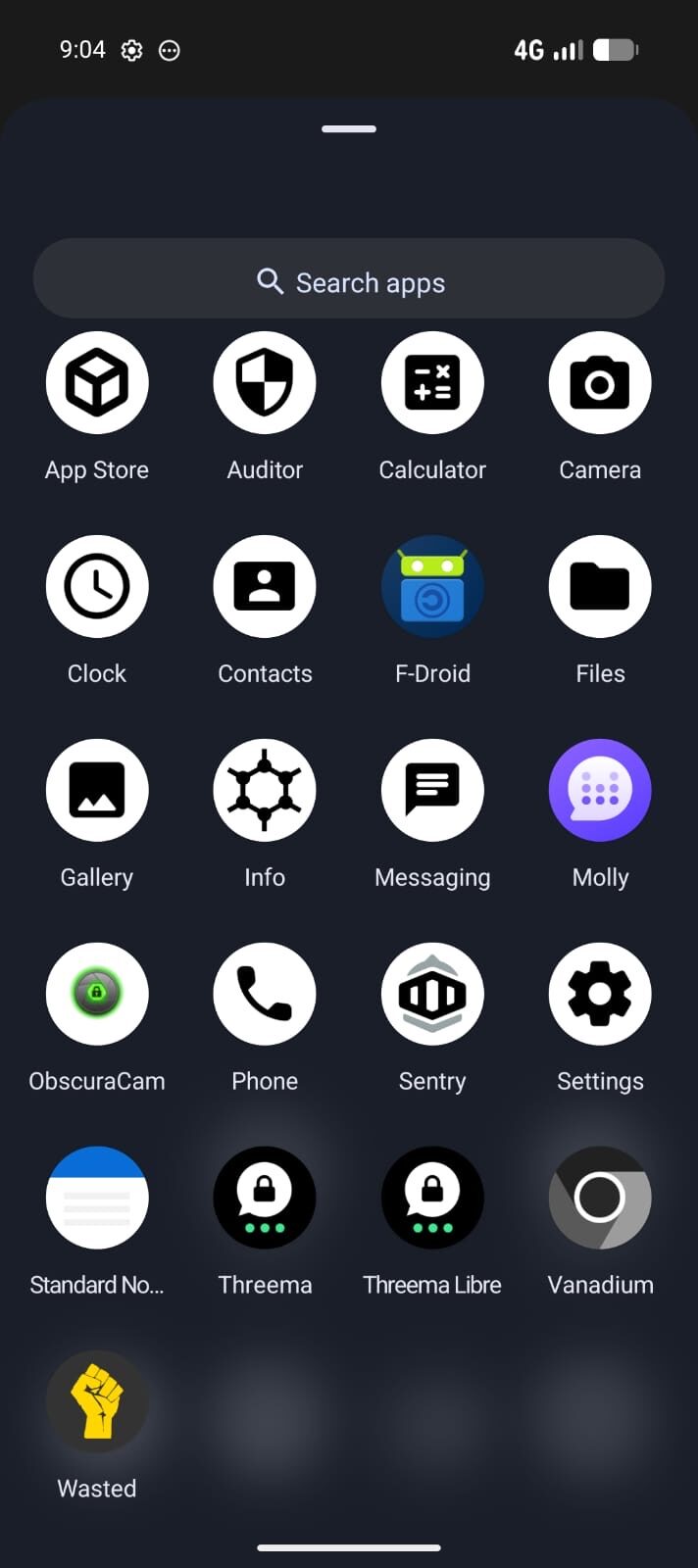
- Try the app without Google Play first. Install the app from the Aurora Store or directly via APK. Many apps function without any Google services at all. Open the app, attempt to log in, and test core features like balance checks, transfers, and notifications.
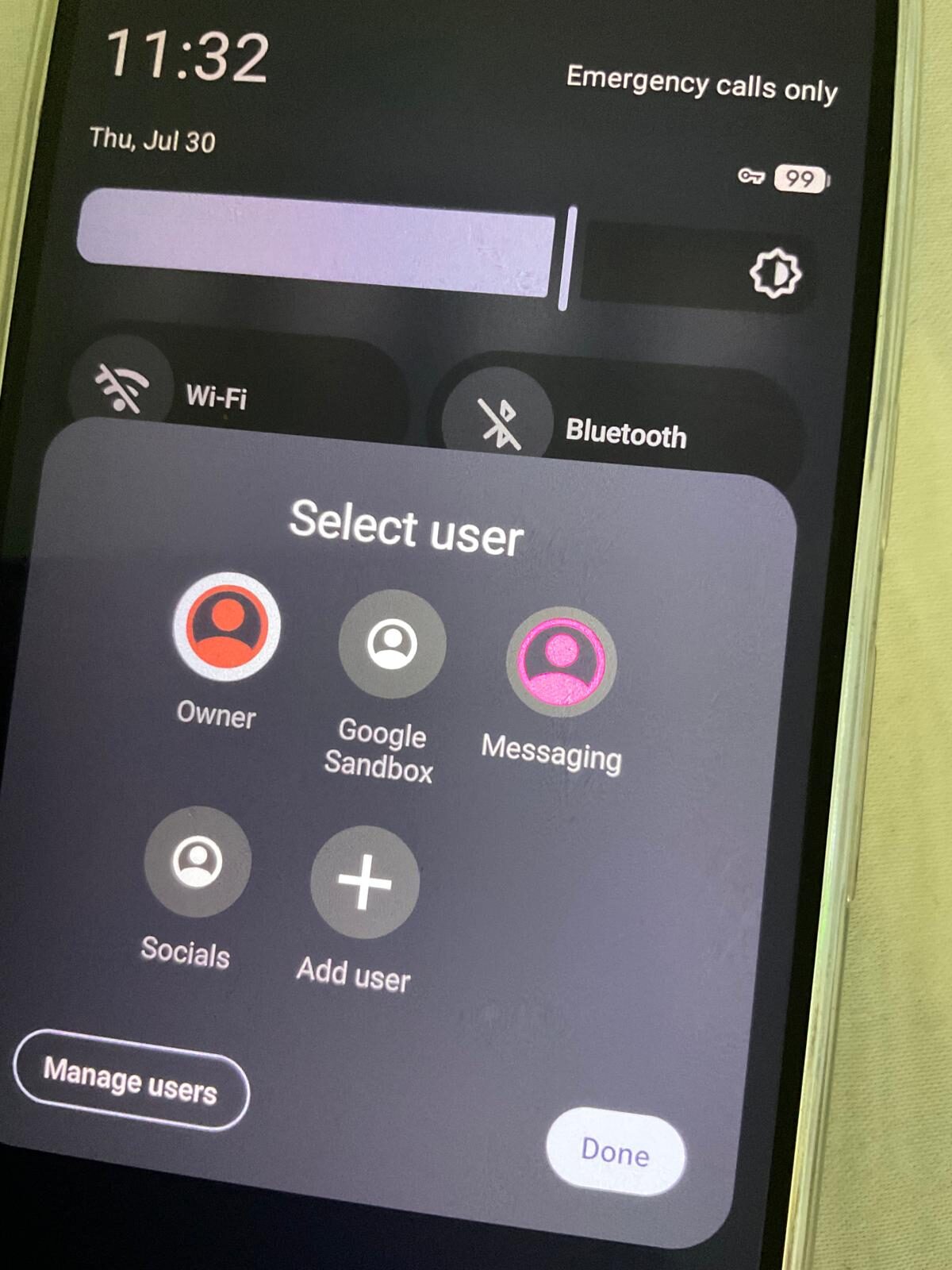
- If the app fails or shows errors, install sandboxed Google Play Services in the same profile. Go to Apps > Google Play Services and install it within the profile where your banking app lives. Sandboxed Google Play provides the APIs many apps expect without giving Google system-level access.
- If the app still fails, check whether it requires specific Google Play Services features. Some apps depend on Google Play Integrity checks or Firebase Cloud Messaging for push notifications. Sandboxed Play Services handles most of these, but not all.
- Try clearing app cache and data, then log in again. Go to Settings > Apps > [banking app] > Storage > Clear Cache, then Clear Data. Some apps cache incorrect attestation results from the first launch attempt.
- Check GrapheneOS community reports. The GrapheneOS community maintains extensive compatibility reports. Search the GrapheneOS discussion forum or relevant community channels for your specific app name. Other users have likely tested it and documented the results.
- If the app still does not work, consider the web version. Most banks have fully functional web banking that works in any browser without attestation requirements.
Australian banking app notes
For Australian users, the following reflects general community experience. These are observations, not guarantees — app behaviour changes with every vendor update.
- CommBank, NAB, Westpac, and ANZ apps have generally worked for many users when sandboxed Google Play Services are installed in the same profile. Core features including balance checking, transfers, and PayID typically function.
- MyGov and Medicare apps have worked for many users with sandboxed Google Play, though these apps update frequently and compatibility can shift without warning.
- Afterpay, Zip, and similar finance apps vary. Some work natively, others require sandboxed Play Services.
No specific app can be guaranteed to work permanently. Banks update their apps regularly, and a single update can change attestation requirements overnight. What works today may require troubleshooting tomorrow, and what fails today may be fixed in the next release.
Best practices
- Dedicate a separate profile for banking. Install sandboxed Google Play Services only in that profile, and keep your main profile Google-free. This contains Google's reach to a single, purpose-limited environment while maintaining full banking functionality.
- Keep banking apps updated. Older versions may trigger additional security checks or fail attestation that current versions handle correctly.
- Test after every major app update. If an update breaks something, check community reports before assuming the app is permanently incompatible.
- Use your bank's web interface as a fallback. Browser-based banking avoids attestation checks entirely and works reliably on GrapheneOS.
Common mistakes
- Installing Google Play Services in every profile. You only need it where apps actually require it. Adding it everywhere undermines the purpose of profile separation.
- Assuming one app's behaviour predicts another. Each app implements its own attestation and compatibility checks independently. CommBank working tells you nothing about whether a crypto exchange app will work.
- Not checking community reports before troubleshooting. Someone has almost certainly tested your app already. Five minutes of research can save an hour of trial and error.
- Giving up after the first failure. Many apps that fail on the first attempt work after installing sandboxed Play Services or clearing cached data. Follow the full troubleshooting sequence.
- Assuming compatibility is permanent. An app that works today may break with the next update. Maintain awareness of changes and keep a fallback plan.
Reality check
GrapheneOS provides stronger app compatibility than most people expect, but it is not identical to a stock Google Android device. Some apps will not work, and some will work inconsistently. The banking and finance category is one of the most attestation-sensitive, which means it is also the most variable.
The practical reality for most Australian users is that everyday banking works with sandboxed Google Play in a dedicated profile. Edge cases exist, and high-security finance apps with aggressive attestation may refuse to run. This is a known trade-off of choosing a device that prioritises your privacy over a vendor's device verification preferences.
If a specific app is truly essential to your daily life, test it during your transition period while you still have access to your old device. Do not decommission your previous phone until you have confirmed that every critical app functions on your new setup.
Conclusion
Banking on GrapheneOS is a solved problem for most users, not a barrier. The key is structured testing, a dedicated banking profile with sandboxed Google Play, and realistic expectations about edge cases. Start with the assumption that your apps will work, follow the troubleshooting steps when they do not, and keep the GrapheneOS community as your reference for app-specific reports. The result is a device where your banking works and your bank does not get to dictate the rest of your phone's behaviour.
Every Privacy Devices phone is tested for banking app compatibility and ships ready for everyday use.