A DV-safe phone in Australia for survivors who need a clean break.
A DV-safe phone Australia survivors can rely on is one with no shared account, no family plan, no location-sharing dependency, and a duress PIN that wipes silently if accessed without consent. Privacy Devices configures every DV-safe phone Australia order with all of these protections before dispatch.
Protection starts at handover.
For high-exposure work, the device has to arrive with profiles, communication tools and recovery controls already set up — not left as homework after purchase.
What sets a genuinely private device apart
No shared accounts
GrapheneOS requires no Google account. No shared Apple ID. No family plan app. No cloud service someone else can access.
Duress PIN
Entering a secondary PIN triggers silent device wipe. No visible alarm. No confirmation. Clears itself without alerting anyone nearby.
Remote wipe
A trusted contact can trigger remote wipe if the device is taken. No login required from the device itself.
What makes a phone unsafe in a DV situation
Shared Google or Apple accounts allow real-time location tracking, message access, and app monitoring without the target's knowledge. Carrier family plans expose call and message logs to the account holder. Find My features are frequently used for location monitoring.
A safe device removes all of these entry points. GrapheneOS has no Google account requirement. No iCloud, no Find My, no shared family plan. Location services are off by default and require explicit permission per app.
Discreet ordering and delivery
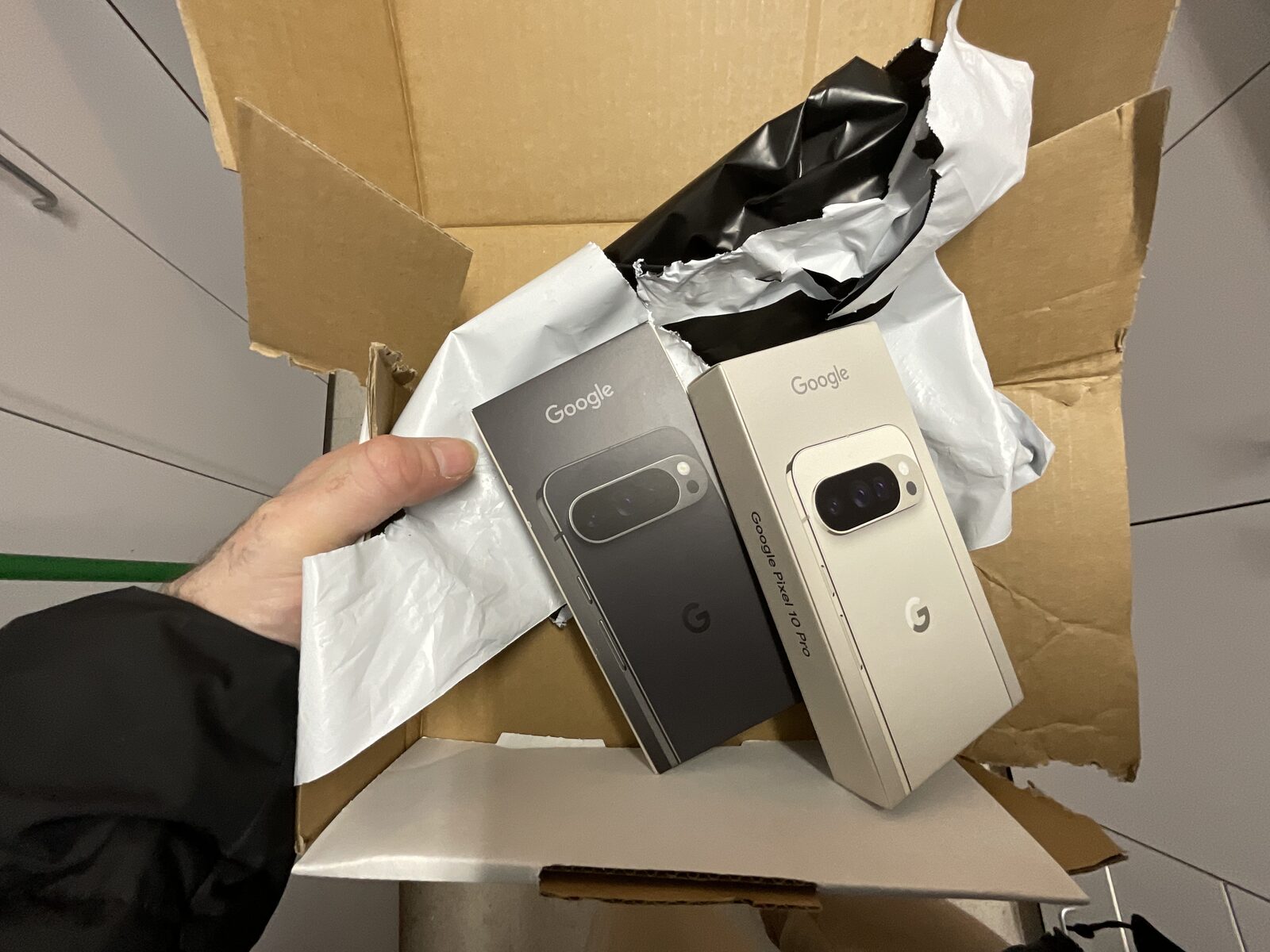
We offer anonymous payment via crypto, delivery to a PO box or parcel locker, and plain packaging with no Privacy Devices branding externally. Contact us before ordering to discuss your situation.
If you are in immediate danger, please contact 1800RESPECT (1800 737 732) or the police.
How phones get used as surveillance tools in DV situations
The phone is one of the most common surveillance vectors in domestic violence cases, and one of the least visible. Survivors often don't realise how many monitoring entry points exist on a stock phone until they leave and the perpetrator continues to know things they shouldn't. The mechanisms below are the patterns most documented in Australian DV support work.
Shared Google or Apple account
The most common pattern. The perpetrator either set up the account on the device originally, knows the password through coercion, or both. Through that account they can read iCloud or Google Drive backups (which contain message history, photos, and contacts), see location history (Google Maps Timeline, Apple Significant Locations), and see device-find data in real time. The survivor changes the password; the perpetrator triggers account recovery; the recovery email or phone number is one they have access to. The cycle repeats.
Family or shared plan with the carrier
Australian telcos (Telstra, Optus, Vodafone, Aussie Broadband) all offer family or multi-line plans where the account holder can see call logs, message volumes, data usage, and sometimes content metadata for every line on the plan. If the perpetrator is the account holder, they have a near-complete picture of the survivor's communications without the survivor knowing.
Stalkerware apps
Commercial spyware marketed as "parental monitoring" or "employee tracking" is widely available, easy to install on stock Android or iOS in minutes of physical access, and difficult to detect. Cocospy, mSpy, FlexiSpy, Hoverwatch, and several others have been flagged by Australian eSafety reporting as actively used in DV cases. They report location, messages, photos, and call logs to a perpetrator-controlled web dashboard.
Find-my features and AirTags
Apple Find My and Google Find My Device are intended as anti-theft features but are frequently weaponised. AirTag tracking specifically — slipping a $45 device into a survivor's bag or car — is a documented tactic. Apple has added unwanted-tracker alerts but the alerts trigger only after several hours, by which point the perpetrator has location data.
App-level monitoring
WhatsApp Web, Facebook Messenger active sessions, and many other apps allow concurrent logged-in sessions from multiple devices. A perpetrator who briefly used the survivor's phone may have an active web session on their own laptop that continues delivering messages.
Cloud backups
Even if the survivor takes ownership of the account and changes the password, the perpetrator may have downloaded backups containing message history, photos, and contacts before the account changed hands. That data is now permanent in their possession.
The Privacy Devices DV-safe protocol
A genuine break is achieved by replacing the device with a known-clean alternative — not by trying to clean the existing device. Forensic recovery from a previously-monitored stock phone is unreliable; even after a factory reset, monitoring software can persist in places the user cannot inspect.
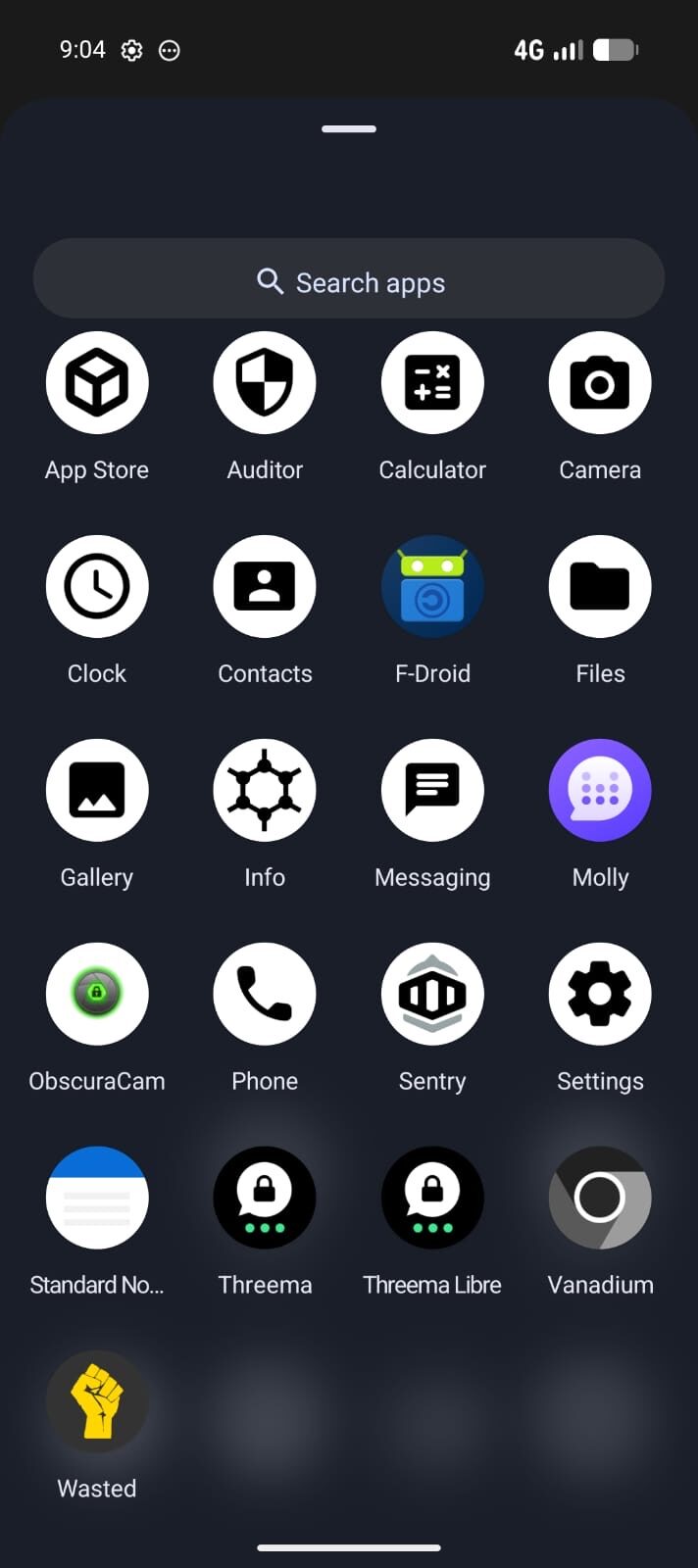
Our DV-safe configuration starts with a fresh Pixel running GrapheneOS and adds:
- No account inheritance. The device boots with no Google or Apple account at any point. There is no recovery flow that the perpetrator could re-trigger.
- New eSIM. A 12-month global eSIM activated under no specific name. Pair with a fresh AU number from a non-shared carrier (Boost, Belong, Aldi Mobile) if a domestic number is required.
- Threema as primary messaging. No phone number tied to the messaging identity. Conversations cannot be reconstructed from a previously-shared phone-number-based account.
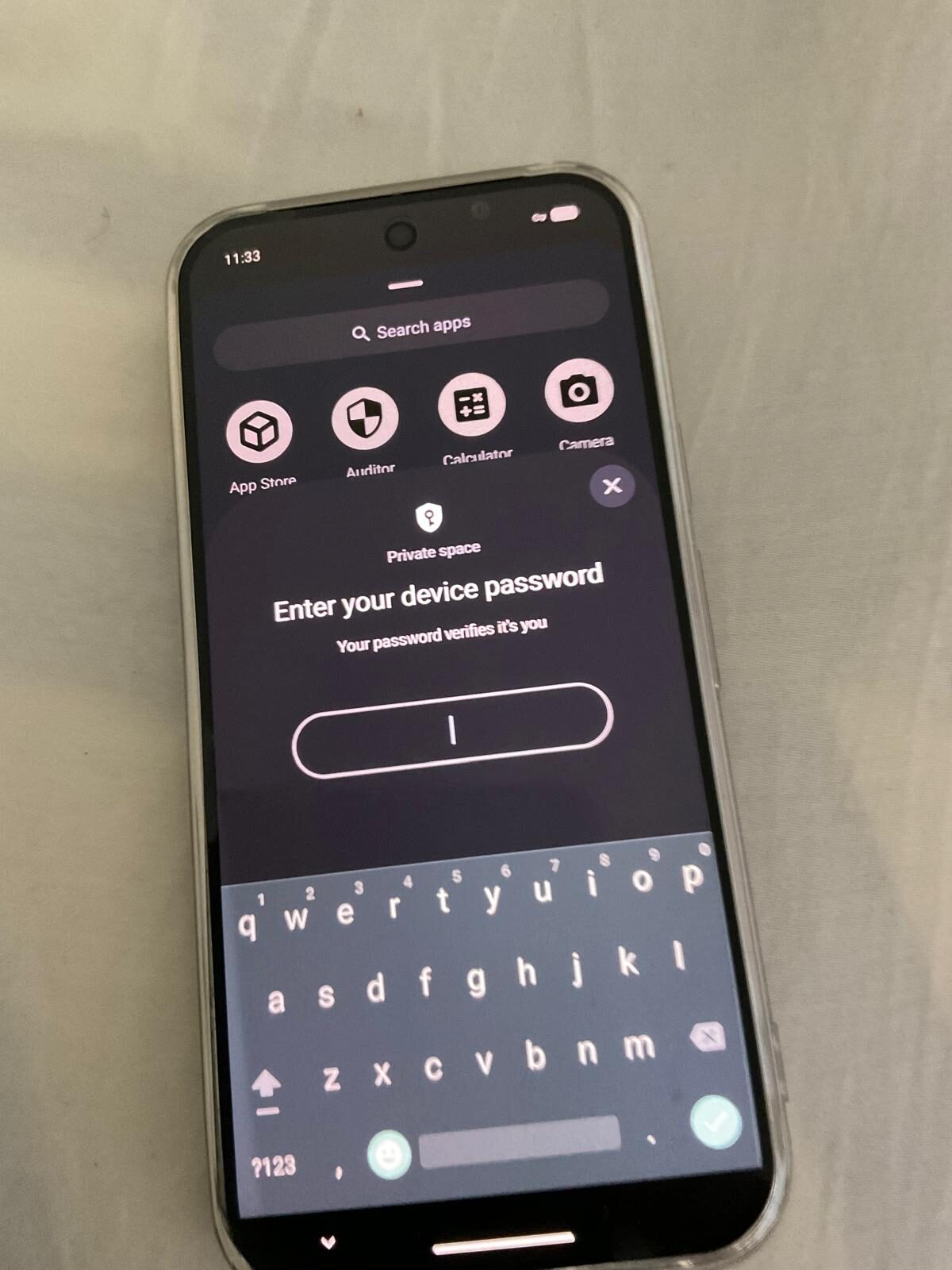
- Phantom Protocol duress configuration. A duress PIN that silently wipes if the perpetrator obtains physical access. Auto-reboot returns the device to before-first-unlock state on a configurable timer. Decoy profile shows plausible content if a perpetrator forces unlock.
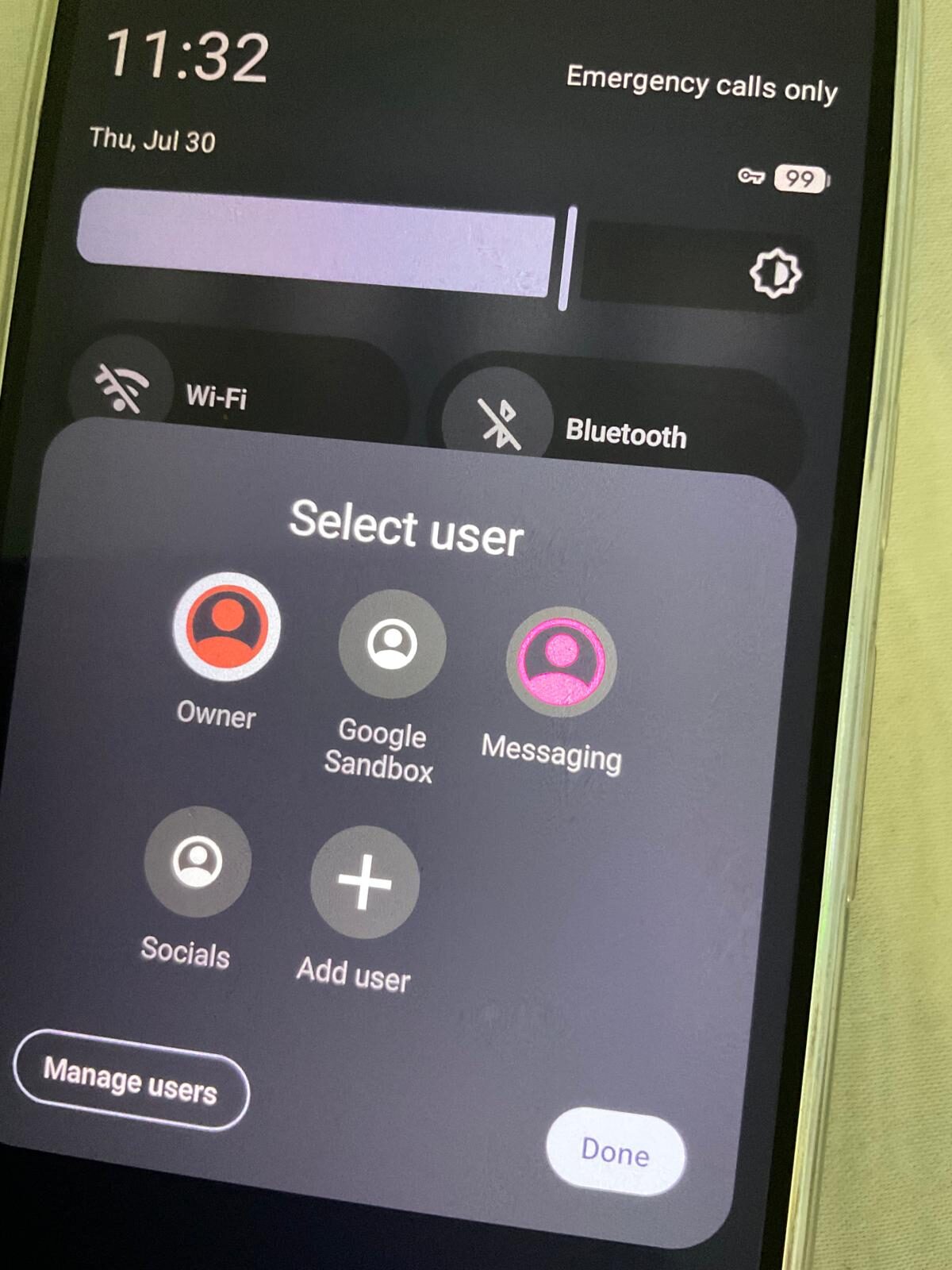
- Account-by-account isolation. Banking, government, and essential apps each in separate user profiles. Compromise of one does not compromise all.
- Discreet delivery. PO box, parcel locker, support-worker pickup, or in-person handover at a venue of your choosing. Plain unbranded packaging.
- Support-worker remote-wipe option. A nominated trusted contact (often a DV support worker) can trigger remote wipe via pre-shared signal if the device is taken or compromised.
Working with DV support services
We work with Australian DV support services on a confidential basis. Support workers can refer clients directly; we co-ordinate on payment, delivery, and configuration without direct contact between us and the survivor where that is safer for the survivor. Our standard practice:
- Initial consultation with the support worker, not the survivor — discusses threat picture, perpetrator capability, what the survivor needs the device to do.
- Configuration tailored to the specific case (decoy profile content, duress trigger, remote-wipe trusted contact).
- Delivery via the support service or to a venue the survivor uses.
- Setup briefing delivered via the support worker; we do not collect survivor's identity unless necessary for delivery.
- Twelve months of support routed through the support worker, so the survivor's contact details remain inside the support relationship.
Support services in Australia we have worked with on DV-safe device deployment include refuges, legal-aid offices, and 1800RESPECT-affiliated agencies. Contact us for service-level pricing or pro-bono allocations.
What to do before you switch
If you are reading this and planning a switch, the operational order matters. Acting on the device before the surrounding accounts and circumstances are ready can tip the perpetrator off and escalate the situation.
- 1. Talk to a support service first — 1800RESPECT (1800 737 732), Lifeline (13 11 14), or your state's DV service. They can advise on safety planning around the switch itself.
- 2. Don't change anything on the existing phone. Don't delete apps. Don't change passwords. Don't install anti-spyware. Sudden behaviour changes are themselves a signal that something is happening.
- 3. Set up the new device on a network the perpetrator does not have access to. Not your home Wi-Fi. A library, an office, a friend's place.
- 4. Don't transfer contacts en masse. Take only the contacts you actually want on the new device. Each transferred contact is a potential leak point.
- 5. Don't carry both phones in places where the perpetrator might see them. The new phone is a hidden tool until you've left the situation. After that, it can become your primary.
A device alone does not make you safe. It is one piece of a safety plan that includes legal advice, support services, and (if needed) refuge accommodation. We provide the device piece. The rest is human work, done with people qualified to do it.
Frequently asked questions
Can my partner track this phone?
No. GrapheneOS has no Google account, no iCloud, no Find My, and no carrier-level location sharing. With Mullvad VPN active, your network location is also masked.
What if they physically take the phone?
Entering the duress PIN silently wipes the device. All data is cleared with no visible indication.
Can I access banking apps?
Yes. Australian banking apps work on GrapheneOS. We test compatibility before dispatch.
Do you offer discreet delivery?
Yes. Plain packaging, no branding. We ship to PO boxes and parcel lockers. Contact us first to arrange.
Is there a warranty?
Yes. 14-day money-back guarantee and 12-month hardware warranty on all devices.
Don't stress. Duress.
Prepared to reduce avoidable exposure. Configured and tested within 1–2 business days before tracked dispatch. Crypto accepted.
View All Devices → Talk to Us