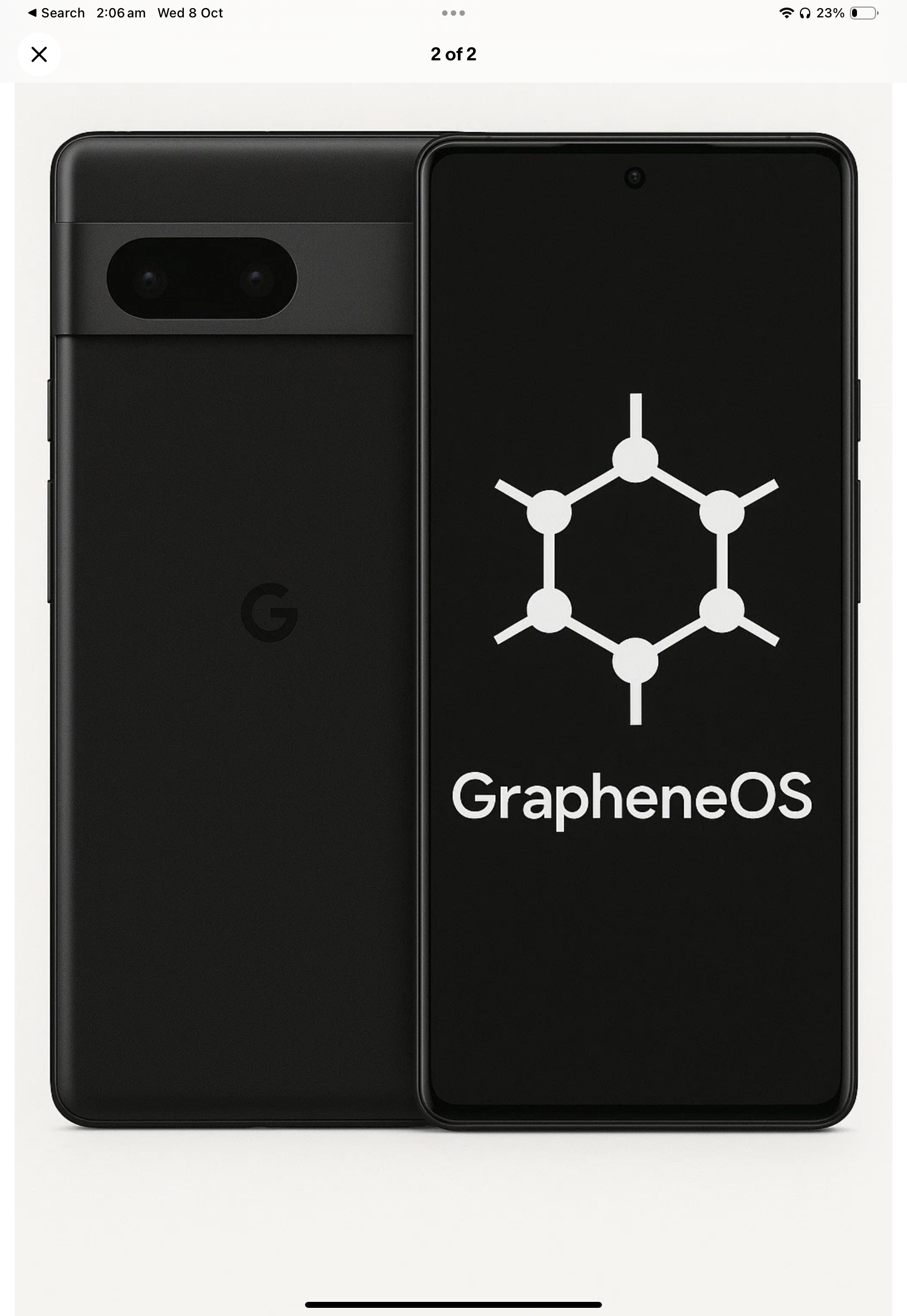
Why metadata minimisation is your first line of defence in hostile digital environments
Metadata is the silent trail your adversaries follow when your content is encrypted. In hostile digital environments, it reveals your contacts, locations, and patterns even when you think your data is safe. Metadata minimisation cuts that trail, shrinking your exposure and blocking the paths that lead straight to you. This blog explains how Privacy Devices’ hardened mobile systems use metadata reduction to defend your privacy under pressure, from loss to coercion. For further insights, you can explore this article.
Understanding Metadata Exposure
In the digital world, your data can tell a story you didn’t intend to share. Even when encrypted, data leaves traces that can reveal more than you think.
Patterns and Contacts Revealed
When you use your phone, it quietly logs who you talk to and when. Even without reading your messages, someone tracking this can understand your routine. They might know who you trust and who you avoid. Imagine your boss knowing you spoke to a competitor. Or an adversary finding out you contacted a whistleblower. These patterns can expose your secrets without needing to crack a single password.
Think of this: A journalist working on a sensitive story might accidentally reveal their source’s identity just by having regular calls or messages. The exposure isn’t about the messages themselves, but about who, when, and how often they communicate. By seeing this, an outsider could deduce connections and intentions. Understanding metadata helps you realise where your vulnerabilities lie.
Locations Uncovered Despite Encryption
Your phone knows where you are, always. Even when your messages are hidden, your location isn’t. This becomes a risk when you’re in a high-stakes situation. Someone tracking your phone can discover your habits, knowing where you work, live, and relax. This can be dangerous, especially if you’re being watched by those with malicious intent.
Consider an executive travelling to a confidential meeting. If their phone’s location data is accessible, their journey could be tracked. This not only risks the meeting’s confidentiality but also personal safety. Understanding how your location can be exposed, even with encryption, is crucial to maintaining your privacy.
Minimising Metadata in Hostile Environments
Protecting yourself starts with understanding how your data can be used against you. Reducing metadata helps you stay one step ahead in environments that are hostile to privacy.
Privacy by Design Strategies
Designing for privacy means thinking about it from the start. Our devices focus on limiting what data is collected. If the data isn’t there, it can’t be exposed.
-
Limit Data Collection: Only collect what’s necessary. If you don’t need it, don’t have it.
-
Built-in Protections: Features designed to protect data automatically, without needing user intervention.
-
User Empowerment: Give users control over their own data. Let them decide what to share and when.
By adopting these strategies, you make sure your devices respect your privacy. For more detailed insights on this approach, you can refer to this research paper.
Compartmentalisation and VPN Lockdown
Compartmentalising data is about keeping it in separate, secure spaces. This way, if one part is exposed, the rest stays safe. VPNs add another layer of security, masking your activity and location.
-
Separate Spaces: Keep work and personal data apart. This limits exposure if one gets compromised.
-
VPN Use: A VPN hides your online actions, making it harder for outsiders to track you. This is crucial when using public networks.
By compartmentalising and using a VPN, you create barriers between your private data and prying eyes. Mullvad VPN is a recommended choice, offering robust privacy features without logging your activity.
Securing Mobile Systems in Australia
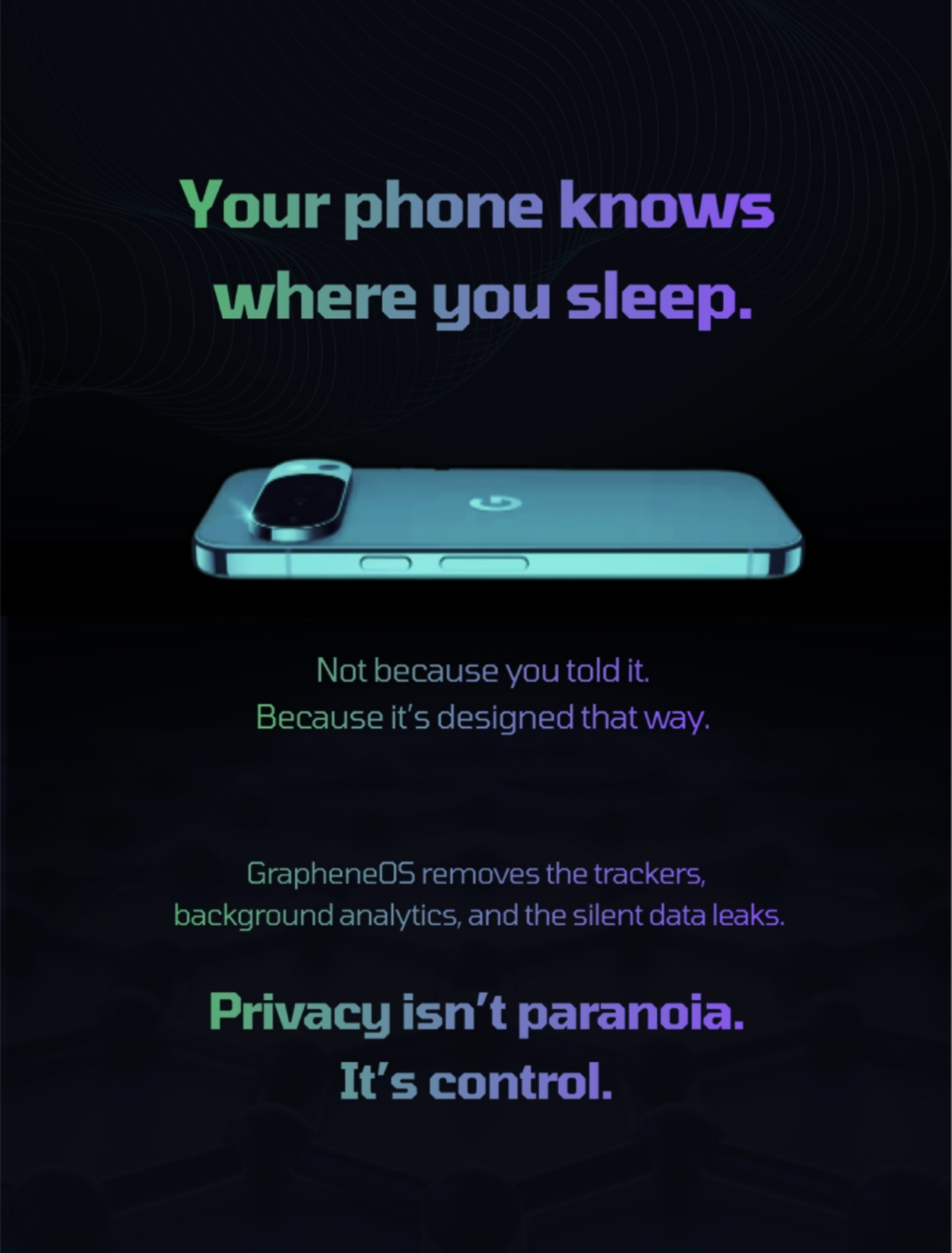
In Australia, protecting your data isn’t just about having the right tools. It’s about using them effectively to defend against threats.
Duress PIN and Panic Actions
Duress PINs and panic actions are your safety net. If you’re ever in a situation where you’re forced to unlock your phone, these features protect your data.
-
Duress PIN: Enter a special PIN to unlock a limited, safe version of your phone.
-
Panic Actions: Quickly activate a feature that locks down your phone or erases sensitive data.
These tools are essential for anyone who might face coercion. They ensure that even if your phone is compromised, your data isn’t. For more insight into these security strategies, you can see this study.
Open Source Security with GrapheneOS
GrapheneOS offers open-source security, providing transparency and reliability for those serious about privacy. It builds on AOSP security, enhancing your device’s defences.
-
Transparency: Open source means anyone can inspect the code, ensuring no hidden vulnerabilities.
-
Enhanced Security: Built to secure against the latest threats, protecting both your data and your device.
By choosing a privacy phone with GrapheneOS, you benefit from a system designed to defend against the most persistent threats. This proactive approach ensures your digital safety remains uncompromised. For an engaging take, check out this short video.
In a world where your data is constantly under siege, understanding and reducing metadata is critical. Protecting your privacy requires vigilance and the right tools. With devices designed for these challenges, you can operate securely, even in the most hostile environments.
Privacydevices.net
