
Under Duress: Why Standard Smartphones Fail Privacy‑Critical Users — and What To Do About It
Standard smartphones collapse under pressure. When your device falls into the wrong hands or faces legal demands, biometric locks and cloud backups become vulnerabilities. You need a privacy phone Australia that resists coercion and defends your data. This post explains why typical phones fail under duress and outlines clear steps to protect yourself with a GrapheneOS device, duress PIN, metadata minimisation, and more. For more details, check out this article.
Why Standard Smartphones Fail

Every device comes with its own set of vulnerabilities. But when pressure mounts, standard smartphones often crumble, leaving your data exposed.
Biometric Coercion and Legal Compulsion
Biometric locks seem secure. Fingerprints and facial recognition offer convenience. But when someone forces you to unlock your phone, convenience turns into a trap. Imagine being at the border or in a situation where you’re compelled to unlock your phone. Legal authorities might demand access, and if your phone relies on biometrics, you might have no choice. When legal forces or coercion come into play, a coercion‑resistant smartphone is necessary. Devices with long passphrases and duress PINs offer security that biometrics can’t match.
Cloud Sync and Backup Leakage
Cloud services promise seamless access to your data anywhere, anytime. But these conveniences come with risks. When you back up your data to the cloud, you depend on third parties to keep it safe. What happens when those parties face pressure? Your private information could be exposed with a simple legal request. By using a privacy phone Australia, you can safeguard against these vulnerabilities. A device with local storage control minimises exposure to external threats.
Metadata Exhaust and SIM Tracking
Every call, text, and data session leaves a trail of metadata. This metadata, while seemingly harmless, can reveal patterns about your life. SIM cards are another weak link. They can be tracked, revealing your location and movement history. This information, in the wrong hands, poses a significant risk. With GrapheneOS devices and metadata minimisation tools, you control your data and keep your privacy intact.
Steps for Privacy-Critical Users
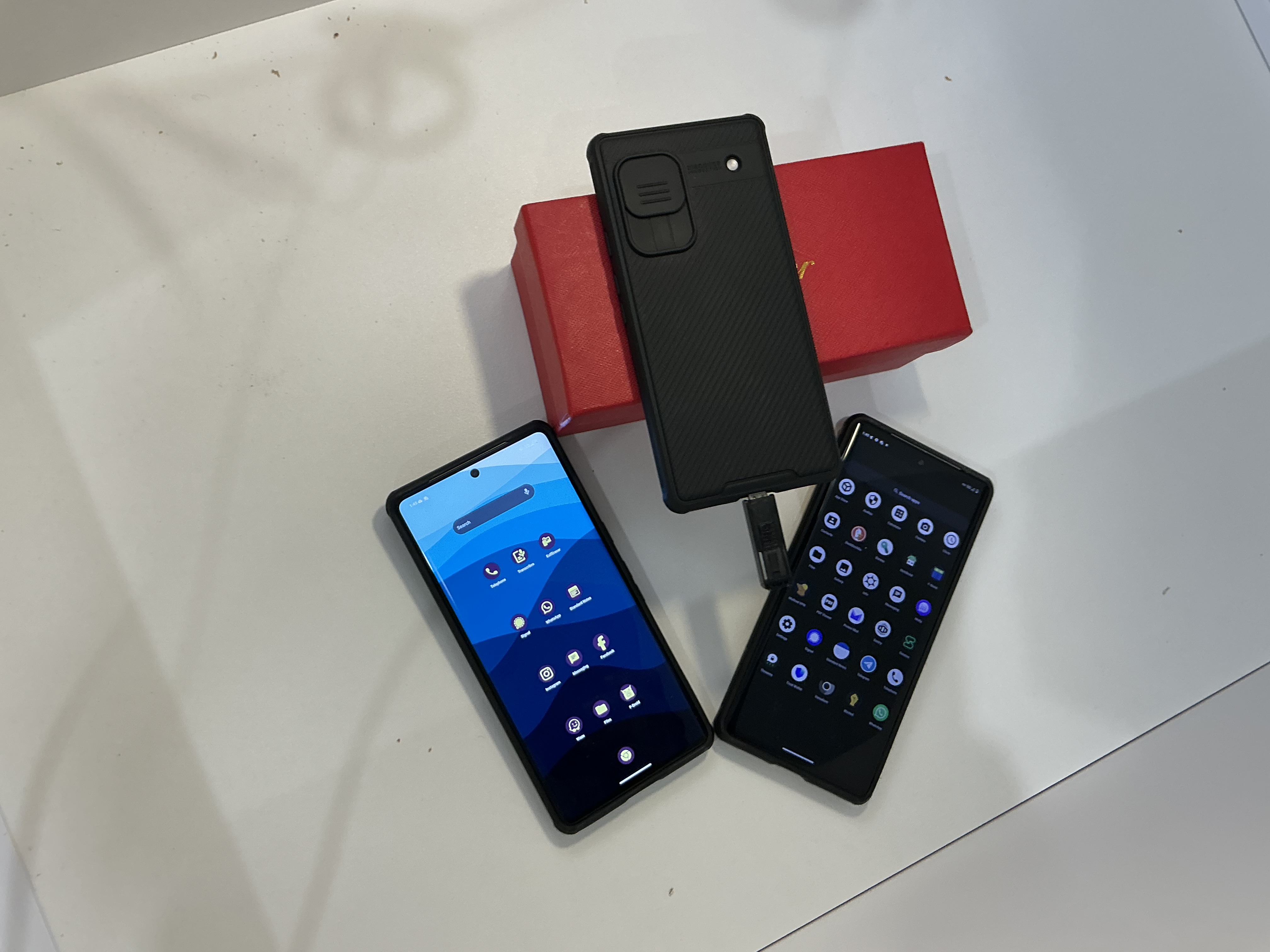
To protect your data, you need more than just basic settings. Implement strategic steps to safeguard your information against threats.
Adopt a Hardened Mobile System
Not all phones are created equal. Standard phones lack the robust security features needed in high-stakes scenarios. By moving to an AOSP hardened system, you can raise your phone’s defenses. GrapheneOS is a powerful choice for those who demand the best in privacy. It provides a fortified environment, reducing risks from baseband telemetry and other vulnerabilities. This is your first step to ensuring your data stays yours alone.
Enforce Long Passphrase, Disable Biometrics
Your first line of defense should be a strong passphrase. Unlike biometrics, passphrases can’t be forcibly taken from you. Disable biometric features to eliminate easy access points. This step reduces the risk of coercion. Secure mobile systems rely on passphrases to maintain integrity. By choosing a long passphrase, you ensure that only you can access your data. It’s a small step with major impact.
Enable Duress PIN and Panic Actions
When you’re under pressure, a duress PIN can be your lifeline. This feature allows you to trigger a panic wipe or other protective measures. It ensures that even if you’re forced to unlock your phone, your data remains safe. Panic actions are essential for anyone facing real-world threats. They provide a fail-safe to protect your most sensitive information. Enable these features to prepare for unexpected situations.
Implementing a Comprehensive Security Plan

A well-rounded security plan is essential. By implementing diverse strategies, you enhance your mobile security from every angle.
Profile-Based Compartmentalisation
Create separate profiles for different activities. This compartmentalisation ensures that if one profile is compromised, others remain secure. It reduces the risk of total data exposure. By isolating activities, you limit the potential damage of any breach. It’s a proactive step in maintaining privacy. Use profile‑based compartmentalisation to keep your data neatly secured.
Metadata Minimisation and Mullvad VPN
Minimising metadata reduces the digital traces you leave behind. Using tools like Mullvad VPN can hide your IP, securing your online activities. VPNs cloak your digital footprint, making it difficult for anyone to track your movements online. They offer an extra layer of defense, particularly when combined with metadata minimisation strategies. By adopting these practices, you further shield your sensitive information.
Faraday Bag Protocols and USB Restrictions
Physical barriers are as crucial as digital ones. A Faraday bag protocol can block signals, preventing unauthorised access. USB restrictions stop unwanted data transfers. These simple tools play a vital role in overall device security. By enforcing these protocols, you create a comprehensive defense against both digital and physical threats.
In a world where device security is paramount, taking these steps is crucial. With a privacy phone Australia, you can protect your data and maintain peace of mind in any scenario.
